 fframes-kit
Animated components for Rust videos
Titles, transitions, charts, formulas and explainer figures for fframes. Components follow Remotion's model of time and take Manim's names for animations.
cargo add fframes-kit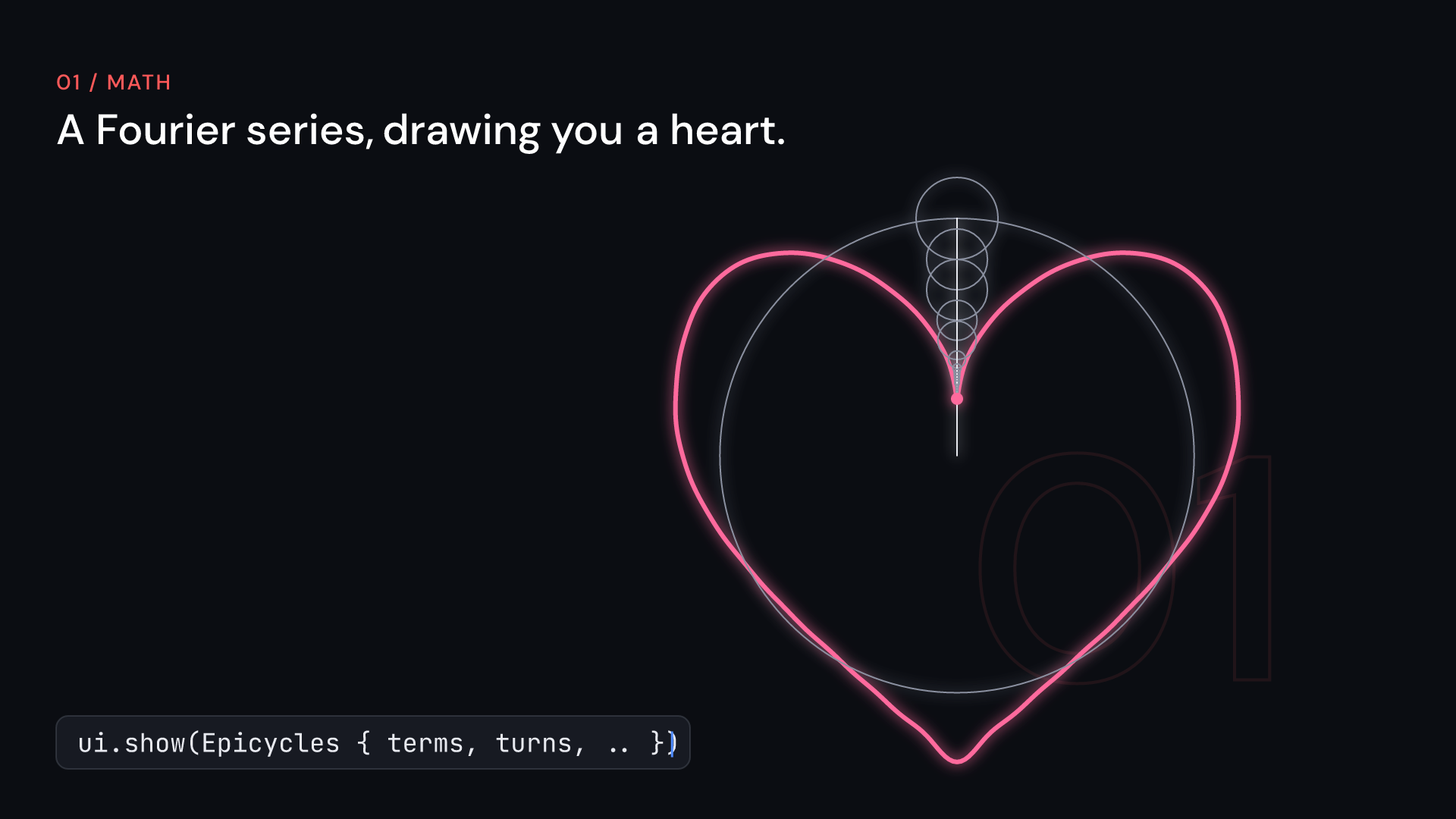
- 333 components
- 7 subject kits
- 490 gallery scenes
- 174 doctested examples
Write it in Rust
Components are structs, scenes are svgr! markup, and fframes renders them on the CPU or with Skia.
Give it to a coding agent
An Agent Skill, llms.txt and a components.json with every field, so an agent writes scenes from the same docs.
Edit props in fframes Studio
With the studio feature, components take their editable props from a PropsSource, which Studio edits.
From code to clip
A component is a struct of props. Containers give it time, the theme gives it a look, and a kit gives it the names of its field.
Time comes from containers
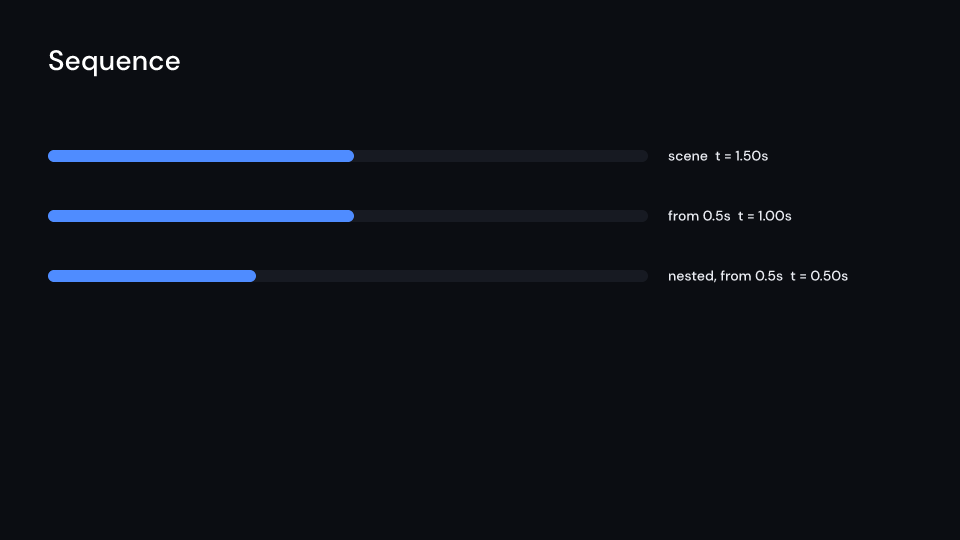
Sequence, Series, Loop and Freeze place children in time like Remotion's containers. FadeIn and FadeOut are components too.
src/intro.rs
ui.show(Sequence {
    from: 0.5,
    duration: Some(2.0),
    children: children(|ui| card(ui)),
})
One typed theme
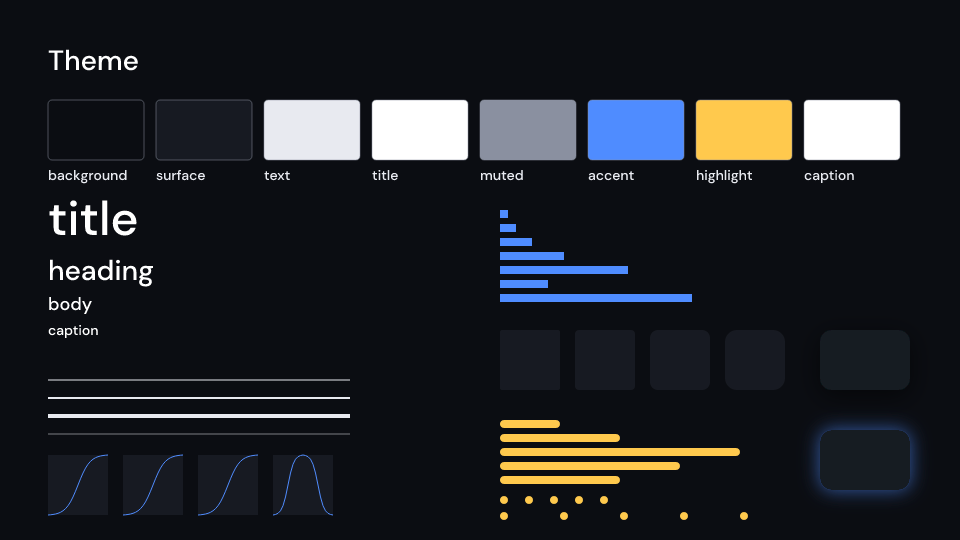
Colors, type, spacing, radius, stroke, shadow and motion live in one Theme. Change a token and every component follows.
src/theme.rs
let theme = Theme {
    colors: Colors {
        accent: Color::hex("#ff5500"),
        ..Colors::default()
    },
    ..Theme::default()
};
Markup with component tags
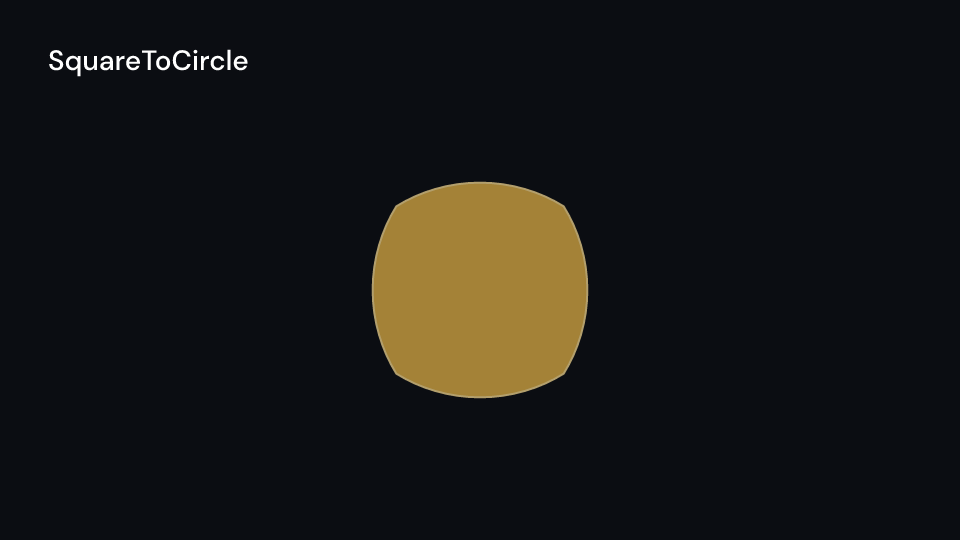
ui! is svgr! markup that also takes component tags, so nested scenes read like the picture they draw.
src/shapes.rs
ui!(
    <Sequence from={0.5} duration={Some(2.0)}>
        <Circle cx={960.0} cy={540.0}
                radius={120.0} enter={create} />
    </Sequence>
)
Subject kits
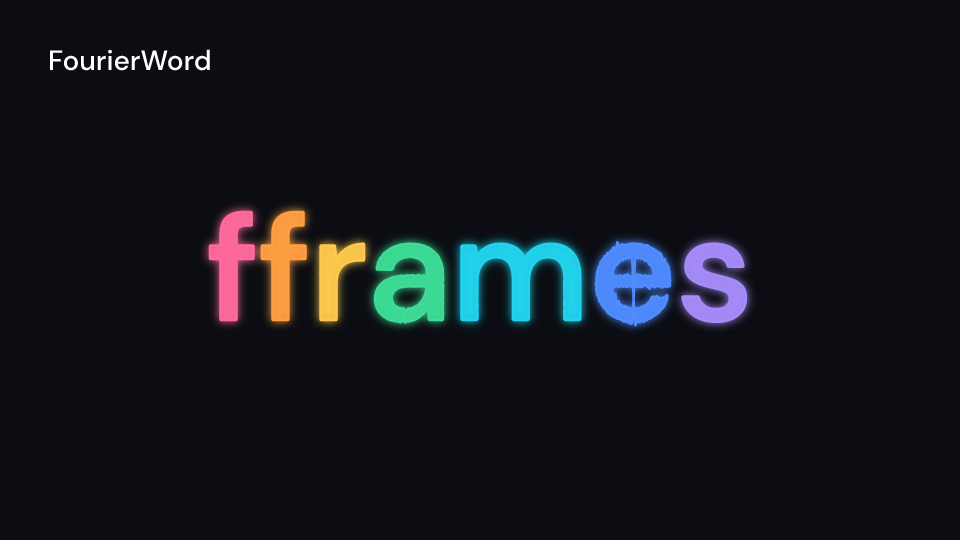
Seven kits bring the names of math, physics, chemistry, computer science, machine learning, biology and 3D.
src/fourier.rs
ui.show(Epicycles {
    terms,
    turns: turns.into(),
    ..ui.defaults()
})
How components work
Six rules hold for every component in the kit, so learning one teaches the rest.
A component is a struct of props
ui.show renders it at the current time and returns an Svgr that goes anywhere in svgr! markup.
let title = ui.show(LowerThird {
    name: "Ada".into(),
    ..ui.defaults()
});
Time comes from the parent
A component has no start time. Its parent places it, and inside, time starts at 0. Sequences nest and their offsets add up.
// card starts at 1s and lasts 3s;
// inside it, time starts at 0
ui.show(Sequence {
    from: 1.0,
    duration: Some(3.0),
    children: children(card),
})
Defaults come from the theme
Set the props you care about and finish with ..ui.defaults(). The theme fills in the rest, so one change restyles every scene.
let fade = FadeIn {
    shift: (0.0, -40.0),
    delay: 0.2,
    ..ui.defaults()
};
The same frame gives the same pixels
Each frame renders on its own, on many threads. Noise is hashed, and SVG ids come from a key or an index, never from a counter.
assert_eq!(
    motion::noise(7, 1.25),
    motion::noise(7, 1.25),
);
Animations carry Manim's names
Create, Write, GrowArrow, Indicate, and rate functions such as Smooth and ThereAndBack.
ui.show(SurroundingRectangle {
    around,
    enter: Some(Create::default().into()),
    ..ui.defaults()
})
Every example compiles
Every code block in the references is compiled as a doctest: 174 examples, checked on every test run.
$ just test
Seven subject kits
Each kit is a cargo feature. Enable the ones a video needs. Each clip is the kit's showpiece scene.
Math
math· 28 scenes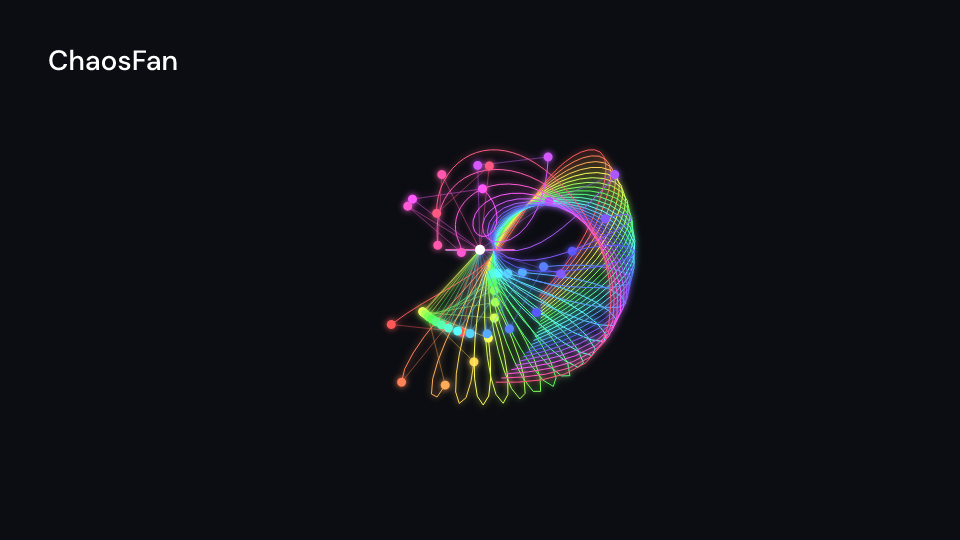
Physics
physics· 27 scenes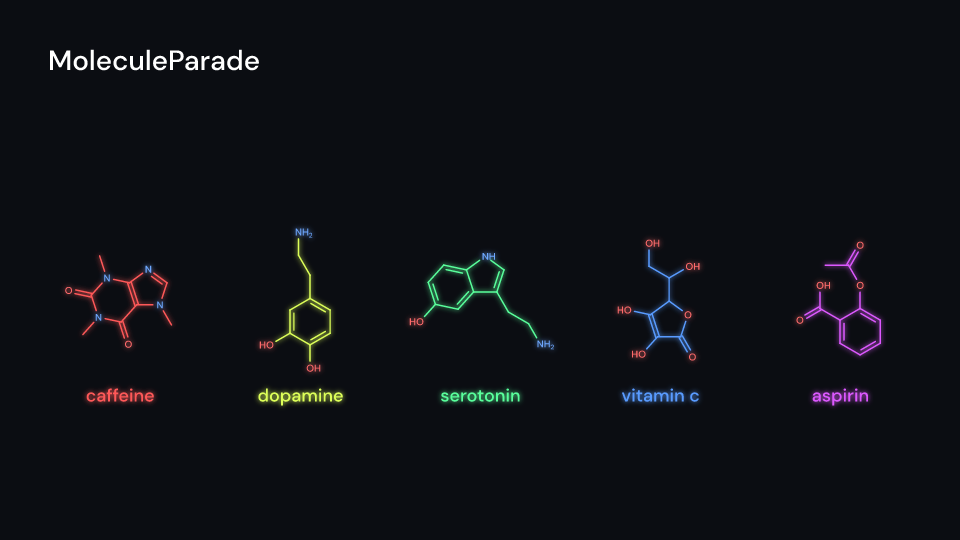
Chemistry
chemistry· 22 scenes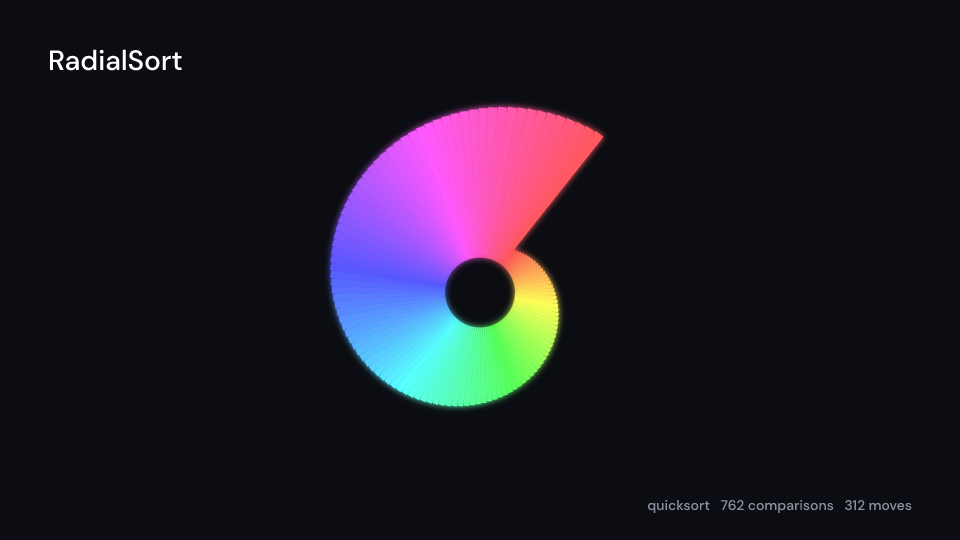
Computer science
cs· 23 scenes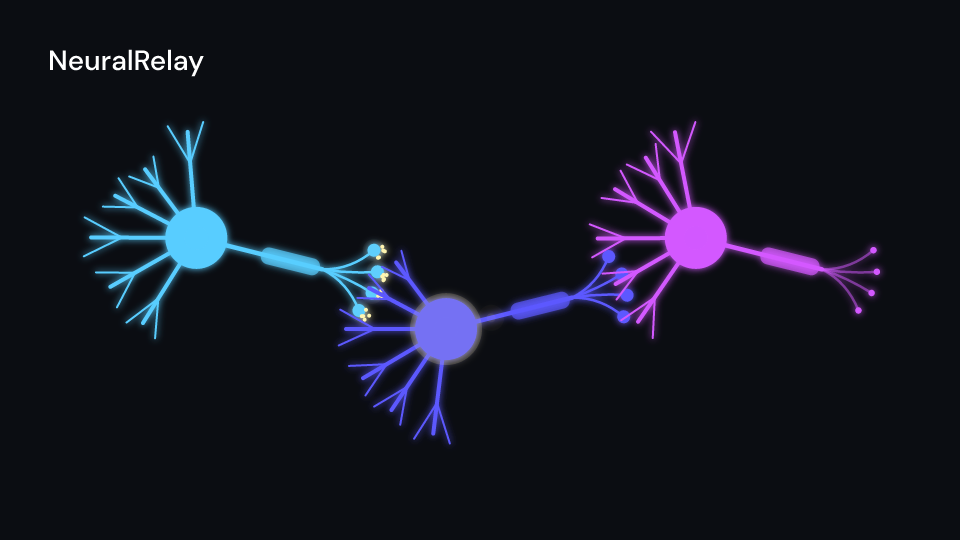
Machine learning
ml· 14 scenes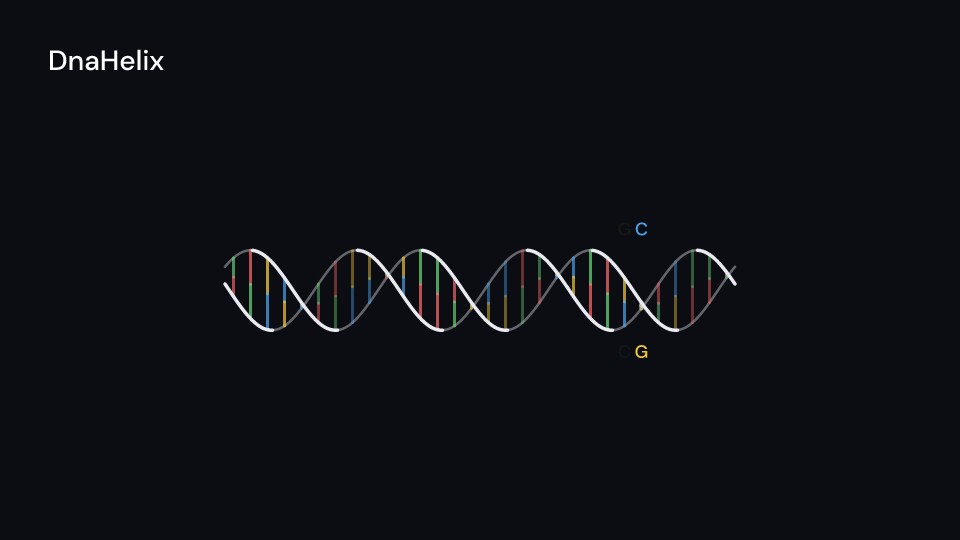
Biology
biology· 19 scenes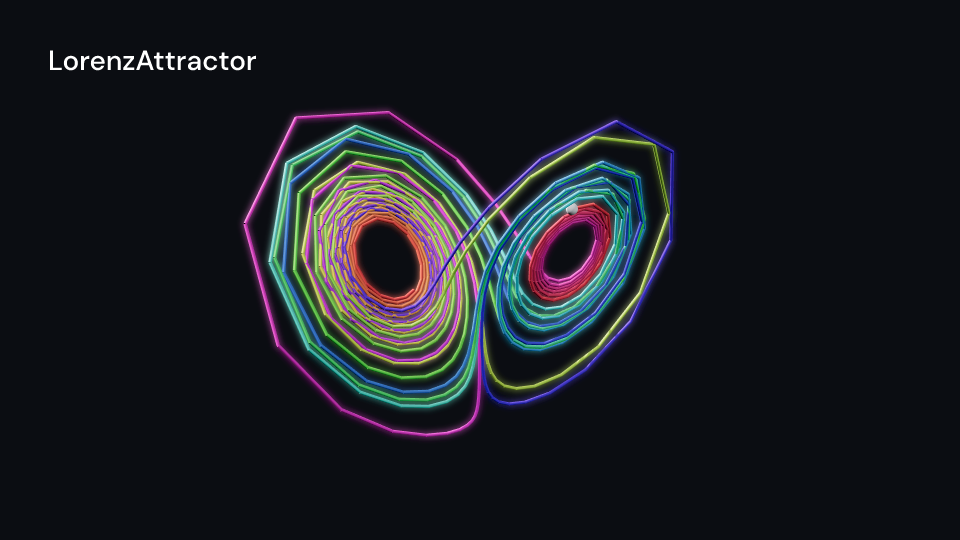
3D
3d· 12 scenes- All components
The core: time, text, layout, motion, media
Formulas without a TeX install
MathTex typesets with Typst, built in. The result is plain vector paths, so a formula scales, animates and recolors like any other shape.
MathTex in the docsTransitions and effects
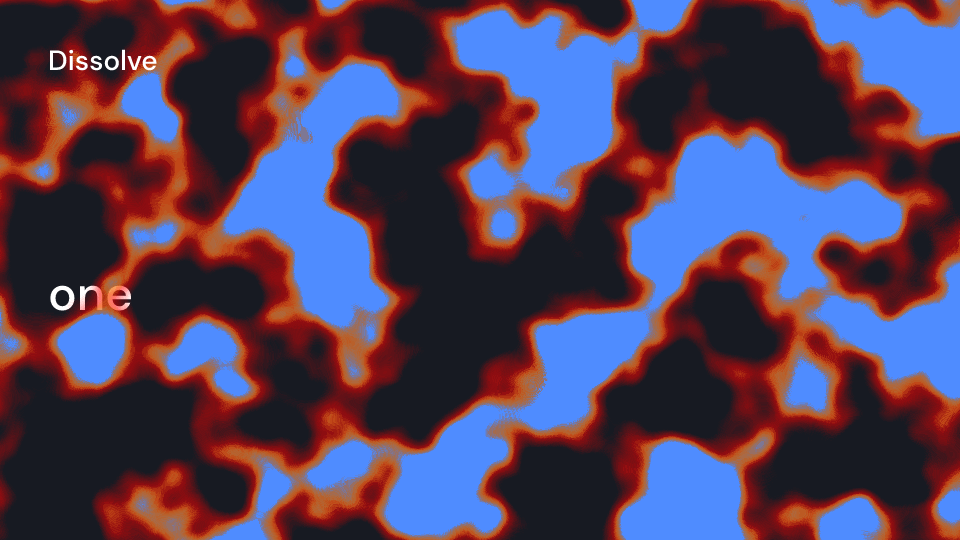
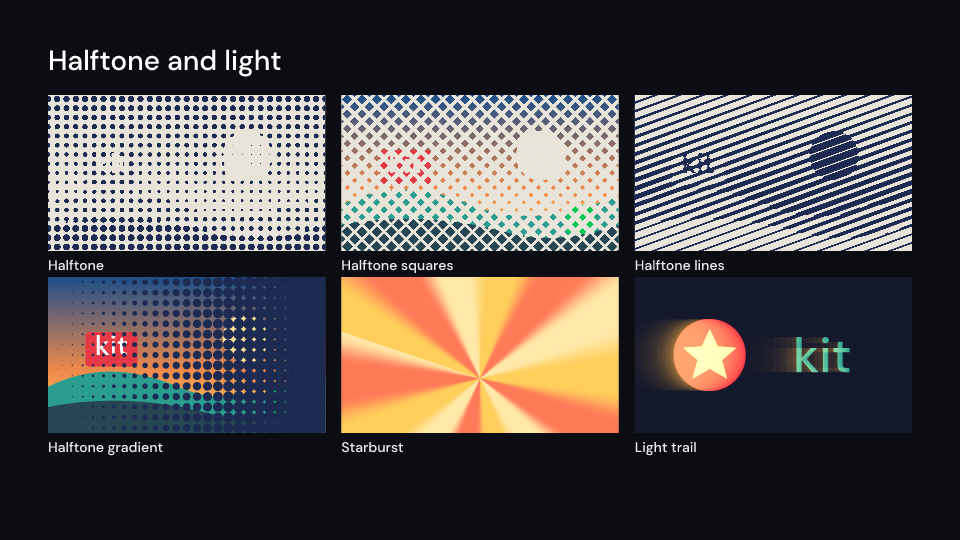
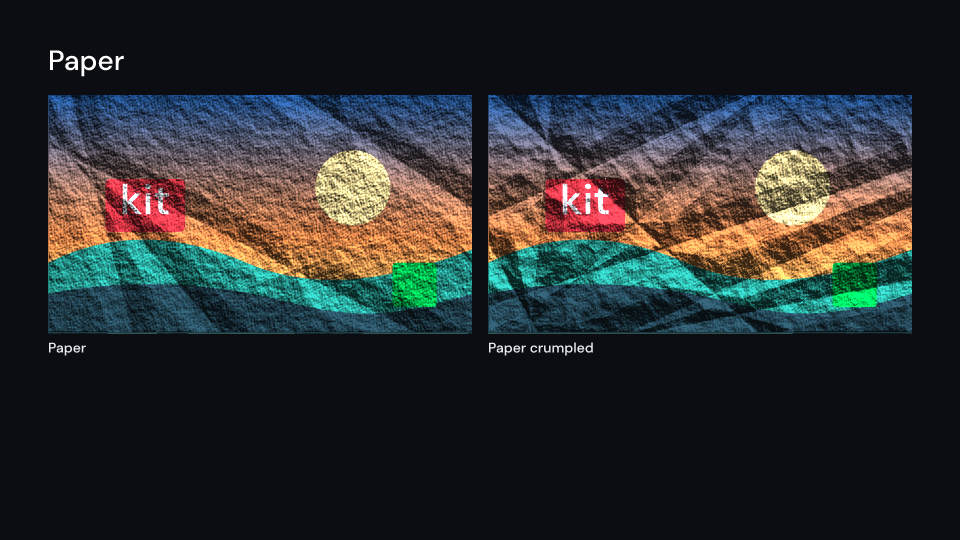
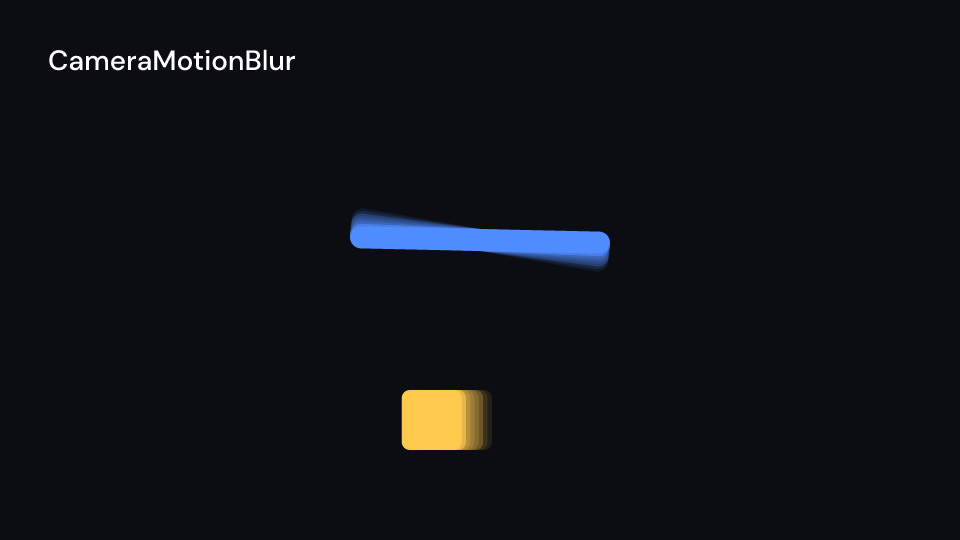
Wipes, zooms, burns, halftones and light leaks between any two scenes. Hover or focus one to play it.





Install
In a project made by cargo fframes new. The kit needs fframes 1.3 from crates.io. Leave out --features for the core components only; every kit is a feature of its own.
For a coding agent
npx skills add khanhthanhdev/fframes-kitQuestions
What is fframes-kit?
A component library for fframes, the Rust framework that renders videos from SVG scenes. A component is a struct of props; ui.show(..) draws it at the current time and returns an Svgr that goes anywhere in svgr! markup. Time comes from containers such as Sequence, and animations carry Manim's names.
Do I need LaTeX installed?
Not for MathTex: it typesets with a built-in Typst. TeX is needed only for Tex,ChemEq, the chemistry kit's reactions, TikZ and templates with a preamble of your own. TheLaTeX setup page covers both.
Which cargo features are there?
latex, math, physics, chemistry, cs,biology, ml, 3d, lottie, gif,skia and studio. The default has none; a component that needs a feature names it on its docs page.
Which renderers does it work with?
Components return svgr! trees for the fframes renderers: the CPU backend, Skia on the CPU and Skia on the GPU (--renderer cpu|skia-cpu|gpu). ShaderNoise runs a GPU shader: it needs the skia feature and a Skia renderer, and the CPU backend draws nothing in its place.
Can my coding agent use it?
Yes. Every docs page has a Markdown version (its URL with .md for the trailing slash), and the site serves llms.txt, llms-full.txt (the whole documentation as one file) andcomponents.json with every component and its fields. The Agent Skill installs with npx skills add khanhthanhdev/fframes-kit. SeeUse with AI agents.
What does it cost?
Nothing. fframes-kit is MIT licensed.