
Transitions
TransitionSeries is Remotion’s <TransitionSeries>: sequences one after another, with a
transition between two of them. A transition overlaps its two sequences by its duration,
so both show during it and the series is shorter than its sequences by the sum of the
transitions. The entering sequence is drawn on top.
Gallery scenes: TransitionSeries, TransitionProgress, BeforeOverlap, SceneOverlap.
TransitionSeries 2.2 s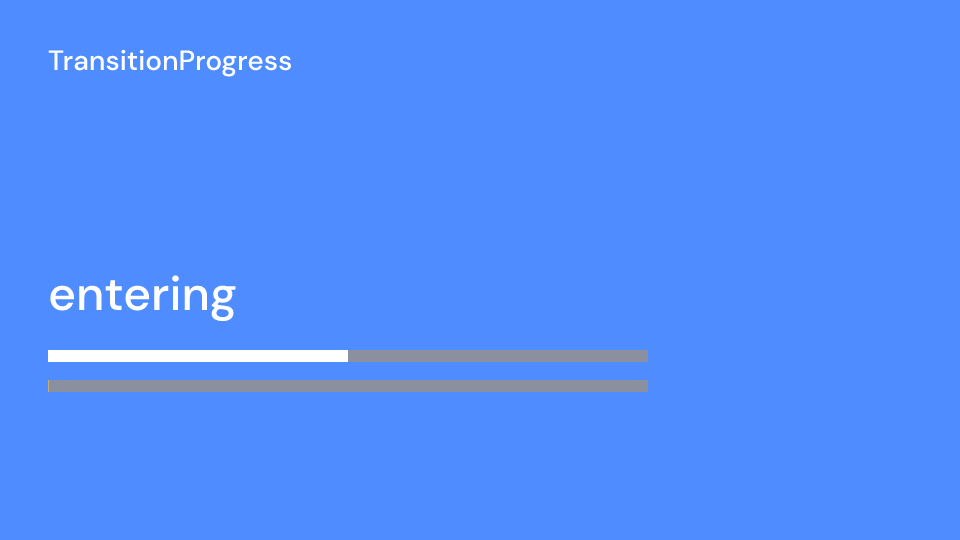
TransitionProgress 2.2 s
BeforeOverlap 1.5 s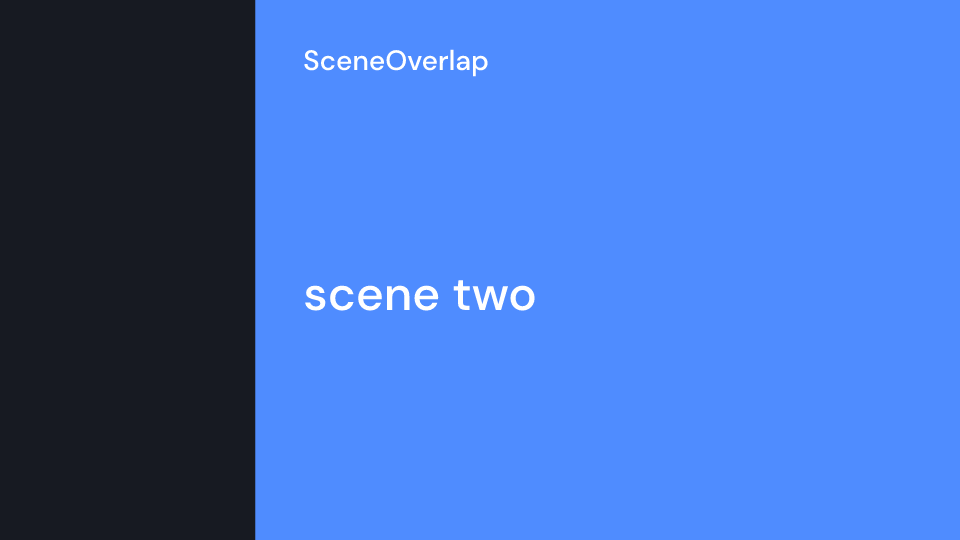
SceneOverlap 2 s| Item or component | Props | What it does |
|---|---|---|
TransitionSeries |
key: Option<&str>, items |
the series; key keeps clip ids apart when two series share a frame |
TransitionSeries::sequence(seconds, children) |
a sequence; inside, time starts at 0 and ui.duration is its length |
|
TransitionSeries::transition(timing, presentation) |
a transition between the sequences on either side | |
Fade |
should_fade_out_exiting_scene (false) |
the entering sequence fades in over the exiting one (Remotion fade()) |
Slide |
direction (FromLeft), size (1920 x 1080) |
the entering sequence pushes the exiting one out (slide()) |
Wipe |
direction (FromLeft), size |
an edge moves across and uncovers the entering sequence (wipe()) |
Flip |
direction (FromLeft), size |
the exiting sequence turns half a turn and the entering one is on its back (flip()); drawn flat as a scale, so direction only picks the axis and there is no perspective |
ClockWipe |
size |
a hand sweeps clockwise from twelve o’clock and uncovers the entering sequence (clockWipe()) |
Iris |
size |
the entering sequence shows through a circle that opens from the middle (iris()) |
CircleWipe |
center (0.5, 0.5, a share of size), color (colors.title), size |
a disc of color grows from center over the exiting sequence, then the entering one opens from the same point |
SlantWipe |
color (colors.background), edge (colors.highlight), back (colors.accent), skew (320), size |
a slanted panel with a stripe in front and behind sweeps across, covers everything at the middle and leaves the entering sequence behind it |
NoTransition |
a hard cut at the middle of the overlap (none()); the series keeps the overlap, so the sequences can animate it themselves with ui.transition_progress() |
|
PushCut |
cut_progress (5/11), outgoing_scale (1.04), incoming_start_scale (1.04), incoming_end_scale (1.07), origin (0.5, 0.5), flash_color (#f5f2ed), flash_opacity (0.2), flash_frames (2), size |
a hard editorial cut with a punch-in on both sides and a short flash at the edit (pushCut()); use a linear timing |
ZoomInOut |
scale (1.5), size |
the exiting sequence zooms in and cross-fades into the entering one, which zooms back out (zoomInOut()); scale is the kit’s, Remotion has no options |
DreamyZoom |
rotation (6°), scale (1.2), flash_color (white), blur (12), size |
both sides zoom, turn and blur through a flash at the middle (dreamyZoom()) |
LinearBlur |
intensity (0.1, a share of the width), axes (1, 1), size |
the entering sequence fades in while both blur, most at the middle (linearBlur()); axes weighs the blur along x and y, a slanted direction is not available |
BlurSlide |
direction (FromLeft), blur (0.5, a share of the size), size |
both sides pan like a fast camera move with a motion blur along it (blurSlide()) |
CrossZoom |
strength (0.4), size |
both sides zoom about a centre that moves across and blur, cross-fading at the middle (crossZoom()); an approximation: the blur is even, not along rays |
Dissolve |
line_width (0.1), spread_color (#ff0000), hot_color (#e6e633), pow (5), intensity (1), seed, frequency (0.004), size |
the exiting sequence burns away with a glowing edge (dissolve()); the burn follows seeded feTurbulence noise, not the luminance of the pixels as in Remotion |
FilmBurn |
seed (2.31), blur (6), size |
a burning film overlay flares over a blurred cross-fade (filmBurn()); an approximation of the GL original from a radial gradient and noise |
SwapCards |
reflection (0.4), perspective (0.2), depth (3), floor (colors.background), size |
the two sequences trade places like cards on a floor, with reflections (swap()); a 2D approximation of the 3D original. Manim’s Swap is another thing |
Timing::Linear |
duration, easing: RateFunc |
Remotion’s linearTiming; the theme default is motion.duration.slow with motion.easing.standard |
Timing::Spring |
mass, stiffness, damping, duration: Option<f32> |
springTiming: lasts until the spring settles, or is squeezed into duration |
SceneFade |
fade_in, fade_out, rate_func, children |
fades at both edges of the enclosing sequence or scene; SceneFade::new(ui, children) takes the theme’s motion.duration.fast |
Gallery scenes: Fade, Slide, Wipe, Flip, ClockWipe, Iris, CircleWipe,
SlantWipe, NoTransition, PushCut, ZoomInOut, DreamyZoom, LinearBlur,
BlurSlide, CrossZoom, Dissolve, FilmBurn, SwapCards, SceneFade.
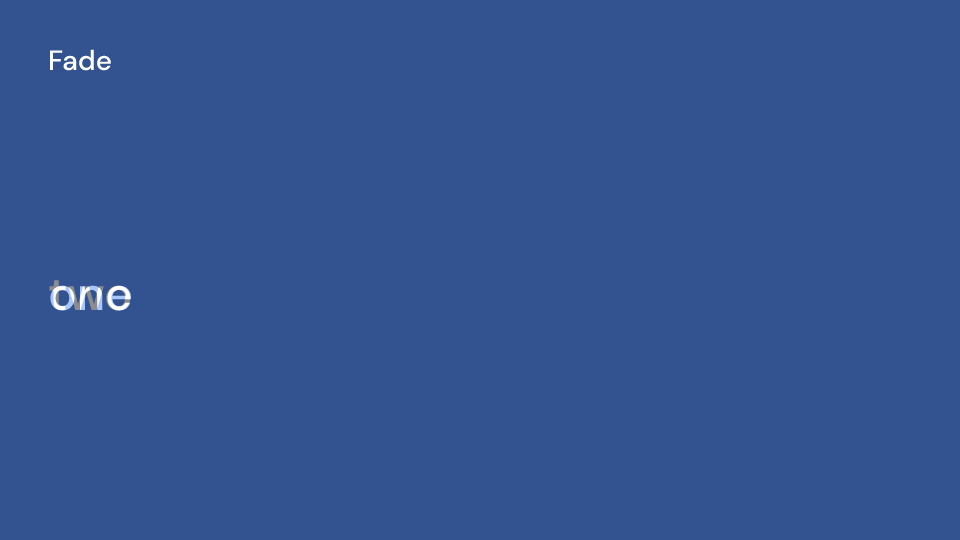
Fade 2.2 s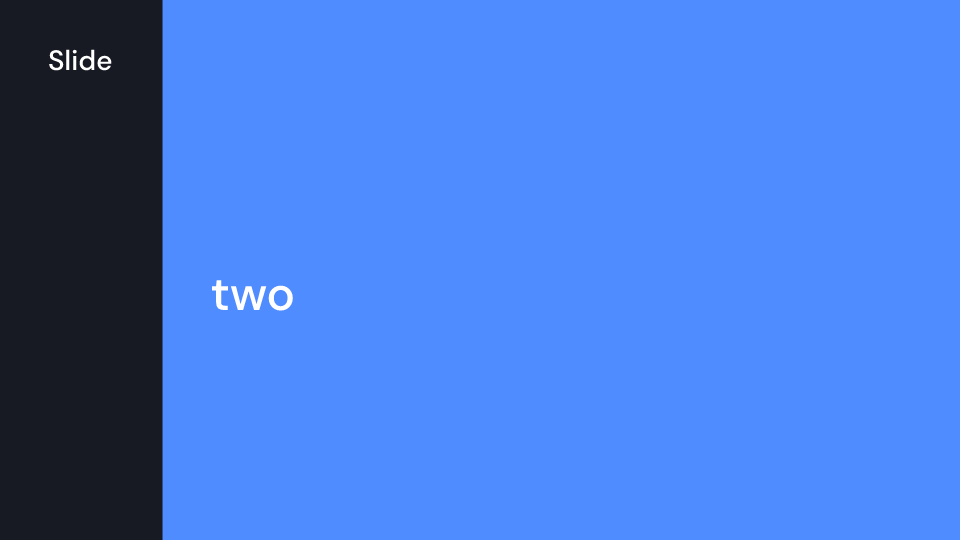
Slide 2.2 s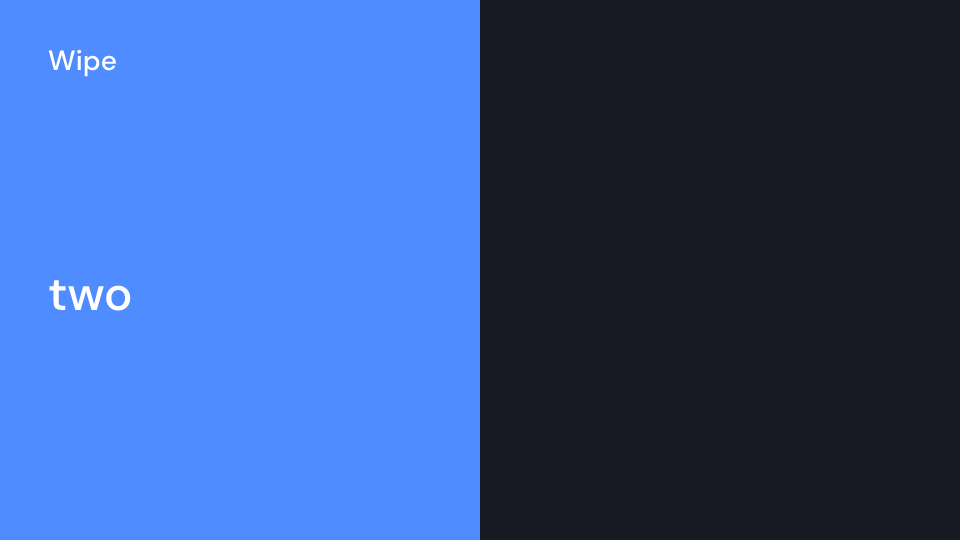
Wipe 2.2 s
Flip 2.2 s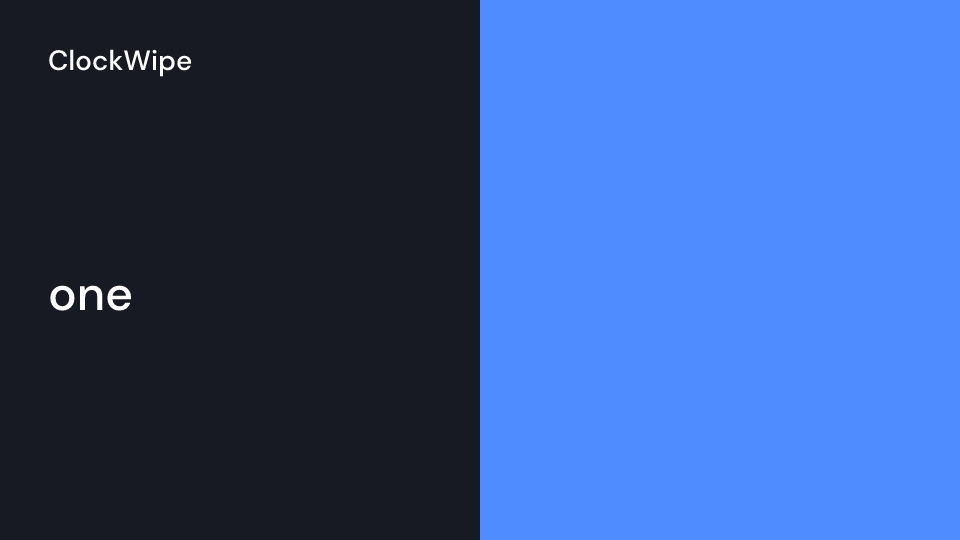
ClockWipe 2.2 s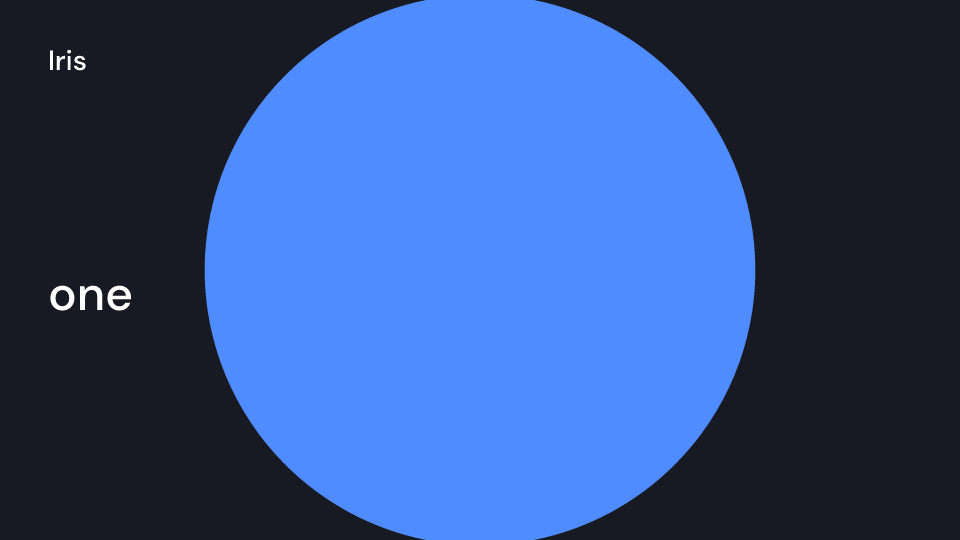
Iris 2.2 s
CircleWipe 2.2 s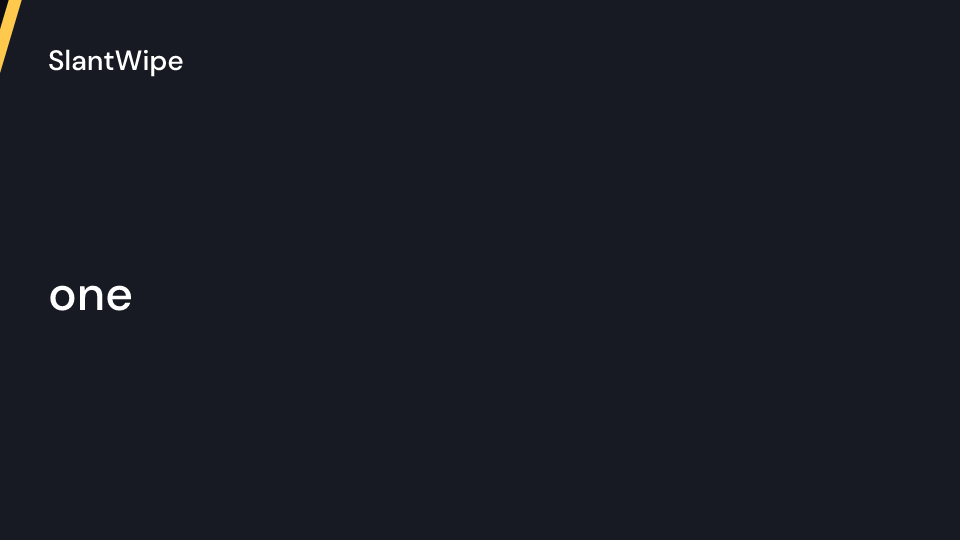
SlantWipe 2.2 s
NoTransition 2.2 s
PushCut 2.2 s
ZoomInOut 2.2 s
DreamyZoom 2.2 s
LinearBlur 2.2 s
BlurSlide 2.2 s
CrossZoom 2.2 s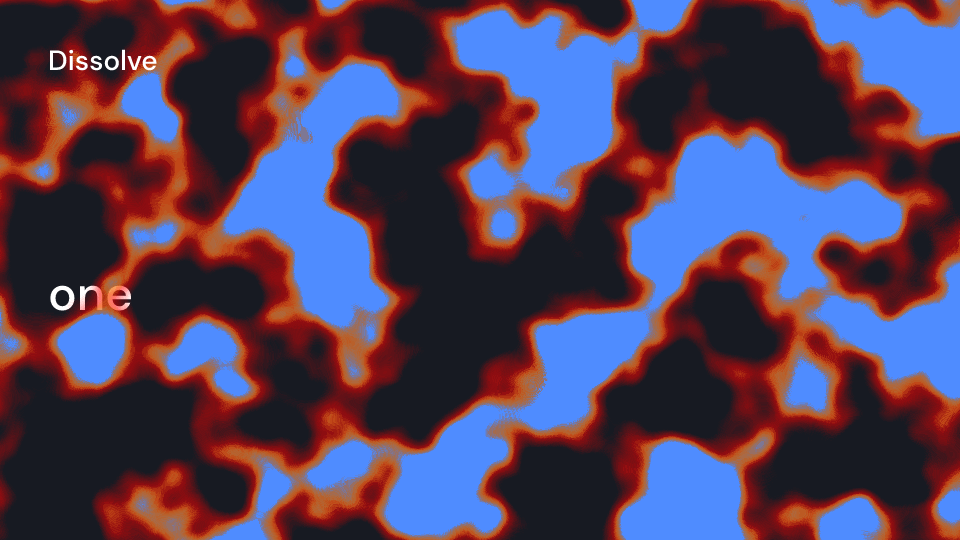
Dissolve 2.2 s
FilmBurn 2.2 s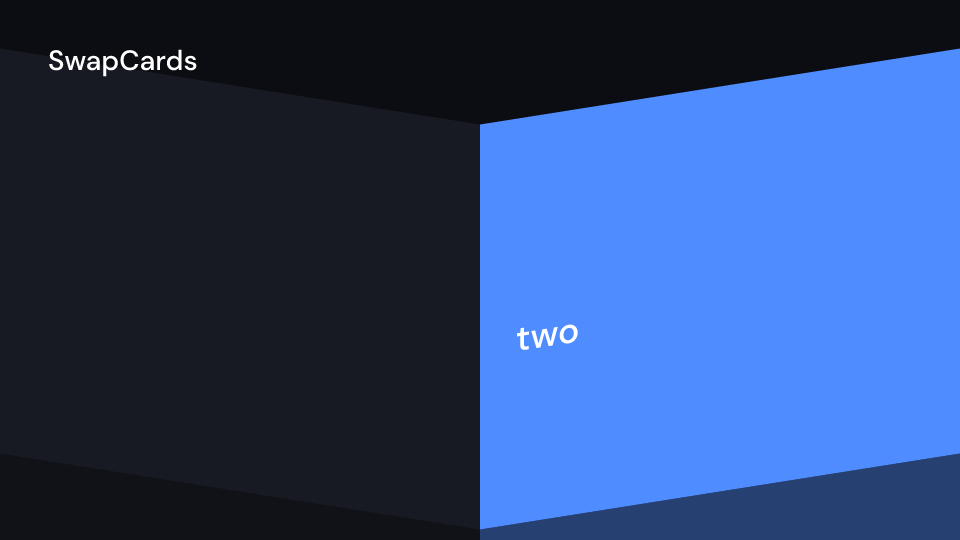
SwapCards 2.2 s
SceneFade 2 sdirection is FromLeft, FromRight, FromTop or FromBottom. size is the canvas in
view-box units. Change it when the view box is not 1920 x 1080. A transition that is longer
than a sequence next to it is shortened to that sequence. A transition that is first, last
or next to another transition is skipped. inspect warns about both.
use fframes_kit::prelude::*;
fn panel<'a>(ui: &mut Ui<'a, '_, '_>, background: Color) -> Svgr<'a> {    ui.show(Fill { background: Some(background), children: children(|_| Svgr::empty()) })}
fn fading_scene<'a>(ui: &mut Ui<'a, '_, '_>) -> Svgr<'a> {    ui.show(SceneFade::new(ui, children(|ui| ui.show(Circle { ..ui.defaults() }))))}
/// Two 1.5 s panels with a 0.8 s wipe: 2.2 s in all.fn wipe<'a>(ui: &mut Ui<'a, '_, '_>) -> Svgr<'a> {    let c = ui.theme.colors;    let timing: Timing = ui.defaults();    ui.show(TransitionSeries {        key: None,        items: vec![            TransitionSeries::sequence(1.5, children(move |ui| panel(ui, c.surface))),            TransitionSeries::transition(timing, Wipe { direction: Direction::FromRight, ..Wipe::default() }),            TransitionSeries::sequence(1.5, children(move |ui| panel(ui, c.accent))),        ],    })}
The blurring presentations (DreamyZoom, LinearBlur, BlurSlide, CrossZoom,
FilmBurn) run an feGaussianBlur over each side during the transition, up to about 60 ms
more a frame than a fade on the CPU backend at 1080p. They blur only what is on the canvas (size), so the
CPU and Skia backends draw the same, and they keep the alpha of the blurred side, so the
canvas does not darken at its edges. They expect sequences that cover the canvas, as a
Fill does: a translucent sequence turns opaque where the blur leaves it a quarter opaque.
Not yet available, because they need pixel shaders: crosswarp, ripple, bookFlip,
cube and custom-html-in-canvas.
Inside a sequence, ui.transition_progress() is Remotion’s useTransitionProgress():
entering runs from 0 to 1 while the sequence comes in and is 1 otherwise, exiting runs
from 0 to 1 while it goes away and is 0 otherwise, and in_series is false outside a
series (1 and 0 then). ui.transition_seconds(side) is the length of a running transition.
The kit cannot change fn audio, so it gives the times to fade a sequence’s sound with
instead: audio_fades(&lengths, fps) (or series.audio_fades(fps)) returns, per sequence,
where it starts and ends and how long its fades are, in seconds from the series start.
fade.apply(track) sets them on an AudioTrack.
use fframes::{AudioMap, AudioTimestamp::Second, AudioTrack};use fframes_kit::prelude::*;
const SERIES_START: f32 = 2.0;
fn audio() -> AudioMap<'static> {    let fades = audio_fades(        &[            SeriesLength::Sequence(4.0),            SeriesLength::Transition(Timing::default()),            SeriesLength::Sequence(4.0),        ],        30,    );    let track = |file, fade: &AudioFade| {        let range = Second(SERIES_START + fade.start)..Second(SERIES_START + fade.end);        fade.apply(AudioTrack::new(file, range))    };    AudioMap::from([track("one.wav", &fades[0]), track("two.wav", &fades[1])])}
/// A bar that fills while the sequence comes in.fn bar<'a>(ui: &mut Ui<'a, '_, '_>) -> Svgr<'a> {    let width = 1200.0 * ui.transition_progress().entering;    svgr!(<rect x="96" y="700" width={width.max(1.0)} height="24" fill="#fff" />)}
A presentation of your own implements Presentation. apply gets the progress, 0 when the
transition starts and 1 when it ends, for both sides. A spring may overshoot 1. side is
Side::Entering or Side::Exiting, and id is unique to the transition in the frame, for
clip paths, masks and gradients.
use fframes_kit::prelude::*;
/// The entering sequence grows from the center of the canvas.struct Zoom;
impl Presentation for Zoom {    fn apply<'a>(&self, progress: f32, side: Side, content: Svgr<'a>, _ui: &Ui<'a, '_, '_>, _id: &str) -> Svgr<'a> {        if side == Side::Exiting {            return content;        }        let s = motion::lerp(0.6, 1.0, progress);        let shift = Transform::translate(960.0 * (1.0 - s), 540.0 * (1.0 - s));        svgr!(            <g transform={shift} opacity={motion::clamp01(progress)}>                <g transform={Transform::scale(s)}>{content}</g>            </g>        )    }}
let spring = Timing::Spring { mass: 1.0, stiffness: 100.0, damping: 10.0, duration: None };assert!(spring.duration() > 0.3);assert_eq!(spring.progress(0.0, spring.duration()), 0.0);assert_eq!(spring.progress(spring.duration(), spring.duration()), 1.0);
Core scenes can transition without a series through their Overlap. In render_frame, wrap
the content with scene_transition(ui, &presentation, timing, side, key, content), using a
Ui made with Ui::for_scene. Side::Entering runs over the scene’s first
timing.duration() seconds, so give the scene Overlap::Previous of the same length.
Side::Exiting runs over the last seconds, and goes on the scene before it.
use fframes_kit::prelude::*;
#[derive(Debug)]struct Second {    theme: Theme,}
const SLIDE: Timing = Timing::Linear { duration: 0.5, easing: RateFunc::Smooth };
impl Scene for Second {    fn duration(&self) -> Duration<'_> {        Duration::Seconds(3.0)    }
    fn overlap(&self) -> Overlap {        Overlap::Previous(0.5) // starts under the end of the scene before    }
fn render_frame<'a>(&'a self, frame: Frame, ctx: &FFramesContext<'a, '_>) -> Svgr<'a> { let mut ui = Ui::for_scene(frame, ctx, &self.theme, self); let content = ui.show(Fill { background: Some(ui.theme.colors.accent), children: children(|_| Svgr::empty()) }); let slide = Slide { direction: Direction::FromRight, ..Slide::default() }; scene_transition(&ui, &slide, SLIDE, Side::Entering, Some("second"), content) }}Components are plain structs. Set the fields you need and fill the rest with ..ui.defaults(): the defaults below come from the current theme (theme. values are fields of Theme).
TransitionSeries
Section titled “TransitionSeries”Sequences one after another with transitions between them (Remotion’s <TransitionSeries>). A transition overlaps its two sequences by its duration, so the series is shorter than its sequences by the sum of the transitions. A transition longer than one of its sequences is shortened to it; a transition that is first, last, or next to another transition is skipped. inspect warns about both.
| Field | Type | Default | Description |
|---|---|---|---|
key |
Option<&str> |
— | Makes the ids of the transitions’ clip paths unique when two series share a frame. |
items |
Vec<TransitionItem> |
— | Sequences and the transitions between them, in play order. |
Methods:
fn sequence(seconds: f32, children: Children) -> TransitionItem: A sequence item.fn lengths(&self) -> Vec<SeriesLength>: The lengths of the items, foraudio_fades.fn audio_fades(&self, fps: usize) -> Vec<AudioFade>: Where each sequence plays and how long its audio fades atfps, seeaudio_fades.fn transition(timing: Timing, presentation: impl Presentation) -> TransitionItem: A transition item.
SceneFade
Section titled “SceneFade”Fades its children in at the start and out at the end of the enclosing Sequence or scene (ui.duration). Without a known end only the fade in runs. A 0 length skips that fade.
| Field | Type | Default | Description |
|---|---|---|---|
fade_in |
f32 |
theme.motion.duration.fast |
Seconds of the fade in. |
fade_out |
f32 |
theme.motion.duration.fast |
Seconds of the fade out, ending with ui.duration. |
rate_func |
RateFunc |
theme.motion.easing.standard |
Easing of the fades over their lengths. |
children |
Children |
no_children() |
What it fades; a closure taking the Ui. |
Methods:
fn new(ui: &Ui, children: Children) -> Self: Fades of the theme’smotion.duration.fastwith its standard easing.fn opacity(&self, t: f32, length: Option<f32>) -> f32: Opacity attseconds of a container that lastslengthseconds.