
Geometry animations
Animations are plain data. Put them into a shape’s enter, exit or emphasis with
.into(). Each has Manim’s fields: delay, run_time, rate_func, plus its own.
Gallery scene: SquareToCircle.
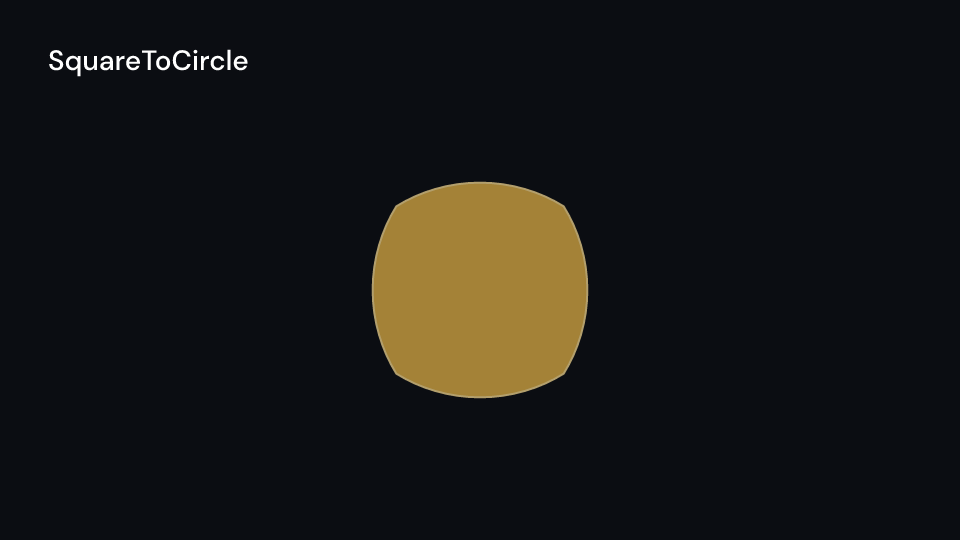
SquareToCircle 4 s| Animation | Slot | What it does |
|---|---|---|
FadeIn, FadeOut |
enter, exit | fade with an optional shift |
Create, Uncreate |
enter, exit | draws the outline from its start (and fades the fill in), or back |
DrawBorderThenFill |
enter | draws the outline, then fills (run_time 2) |
Write |
enter | DrawBorderThenFill per glyph of a TextPath, lag_ratio |
Unwrite { reverse } |
exit | Write backwards; with reverse (the default) the first glyph goes first |
ShowPartial { start, end } |
enter | the drawn part of the outline moves from one window to another |
ShowIncreasingSubsets, ShowSubmobjectsOneByOne |
enter | the parts appear one more at a time, or one at a time with the last staying |
SpiralIn { scale_factor, fade_in_fraction } |
enter | the parts fly in on a spiral around the center of the whole |
AddTextLetterByLetter, RemoveTextLetterByLetter |
enter, exit | glyphs appear, or vanish from the last, time_per_char each (or in run_time) |
GrowFromCenter, GrowFromPoint { point }, GrowArrow |
enter | grows from nothing about the center, a point, or the path’s start |
GrowFromEdge { edge: Anchor } |
enter | grows from a point of the bounding box (Anchor::Bottom is Manim’s DOWN) |
SpinInFromNothing { angle } |
enter | grows while turning into place |
Indicate { scale_factor, color } |
emphasis | scales up and tints, then back |
Circumscribe { color, buff } |
emphasis | a rectangle runs once around the shape |
Flash { point, num_lines, flash_radius, line_length } |
emphasis | lines shoot out once |
Wiggle { scale_value, rotation_angle, n_wiggles } |
emphasis | shakes the shape |
Blink { blinks, time_on, time_off, hide_at_end } |
emphasis | on, then off, blinks times (a step: no rate_func) |
FocusOn { point, color, opacity } |
emphasis | a frame-sized disc shrinks onto the point and vanishes |
Rotate { angle, about_point } |
emphasis | turns by angle (a half turn; positive is counterclockwise, as in Manim) and stays |
Rotating { angle, about_point, forever } |
emphasis | turns at an even speed, angle per run_time (a full turn in 5 s), once or forever |
FadeToColor { color } |
emphasis | fill and outline turn into color and stay |
ScaleInPlace { scale_factor } |
emphasis | scales about the center (twice) and stays |
ShrinkToCenter |
exit | shrinks to nothing about the center |
Gallery scenes: Create, Uncreate, DrawBorderThenFill, Write, GrowFromCenter,
GrowFromPoint, GrowArrow, SpinInFromNothing, Indicate, Circumscribe, Flash,
Wiggle, Unwrite, ShowPartial, ShowIncreasingSubsets, ShowSubmobjectsOneByOne,
SpiralIn, AddTextLetterByLetter, RemoveTextLetterByLetter, GrowFromEdge, Blink,
FocusOn, Rotate, Rotating, FadeToColor, ScaleInPlace, ShrinkToCenter.
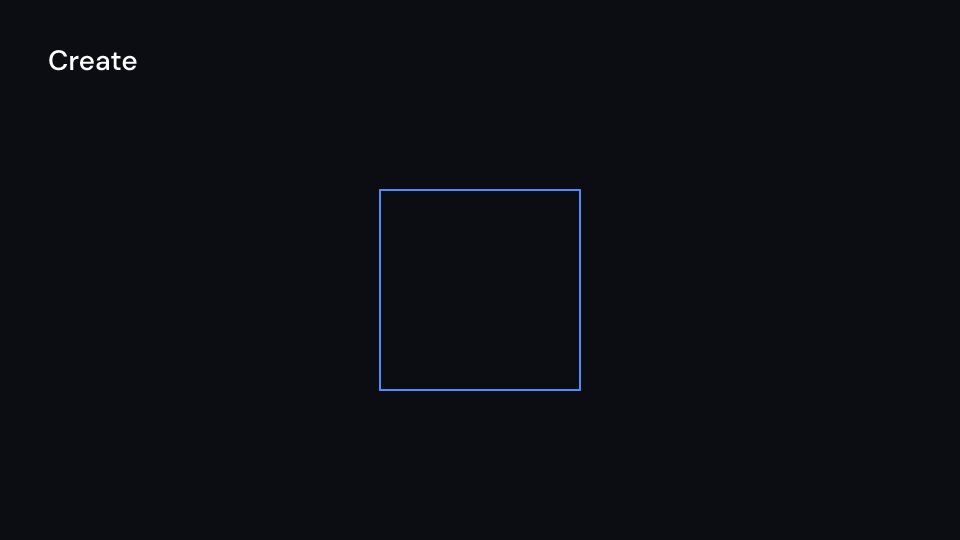
Create 2 s
Uncreate 2 s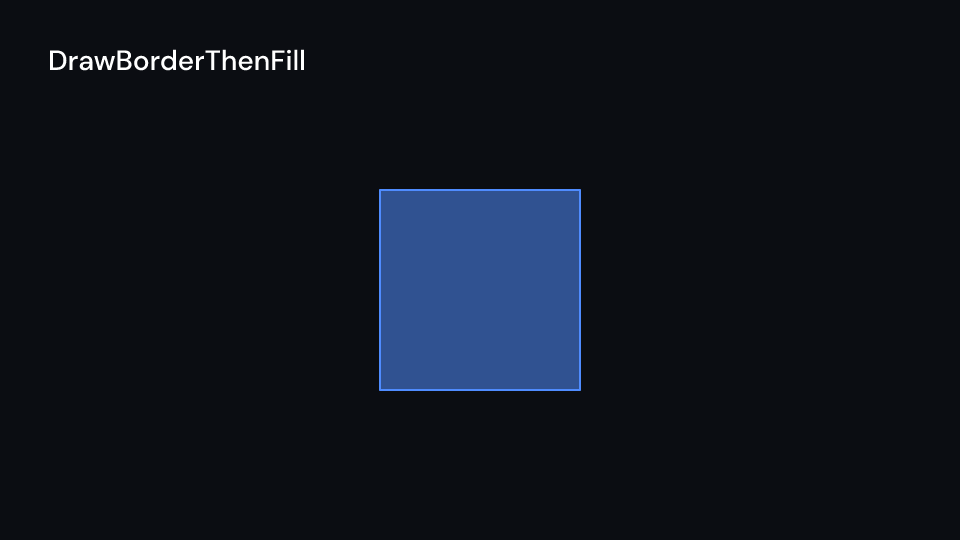
DrawBorderThenFill 2.5 s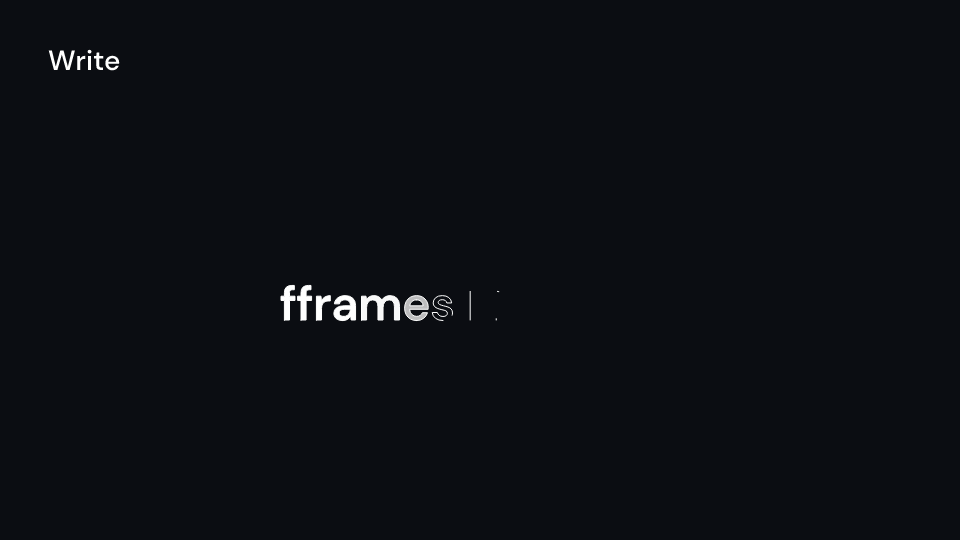
Write 2 s
GrowFromCenter 2 s
GrowFromPoint 2 s
GrowArrow 2 s
SpinInFromNothing 2 s
Indicate 2 s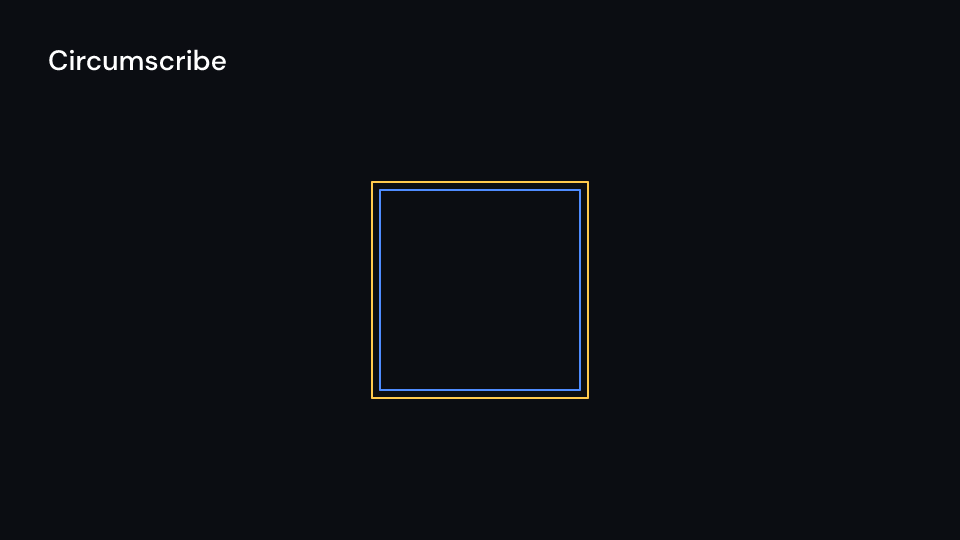
Circumscribe 2 s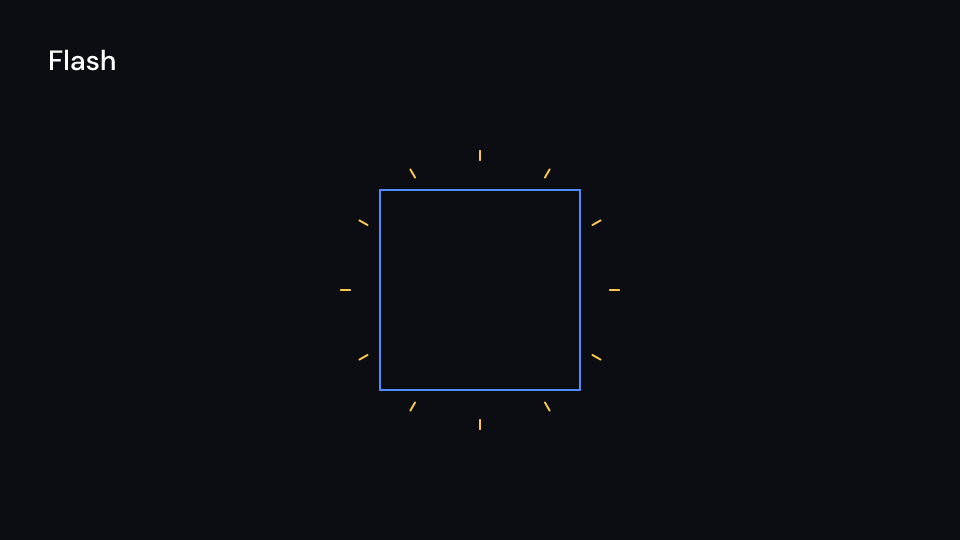
Flash 2 s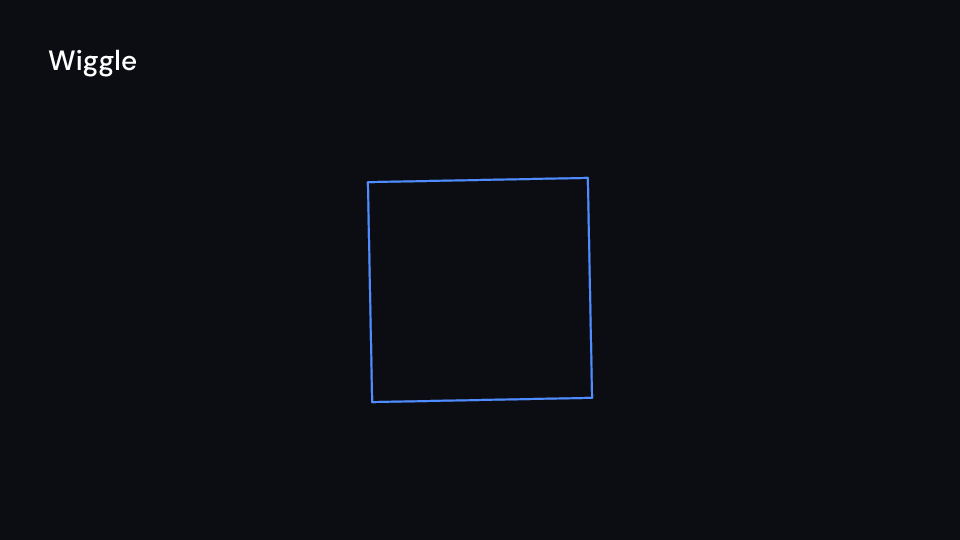
Wiggle 2.5 s
Unwrite 2 s
ShowPartial 2 s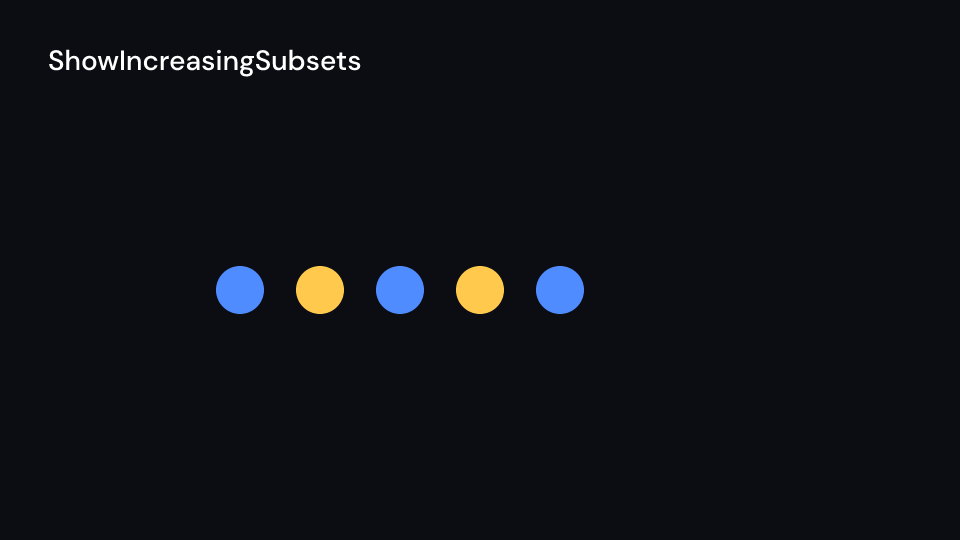
ShowIncreasingSubsets 2 s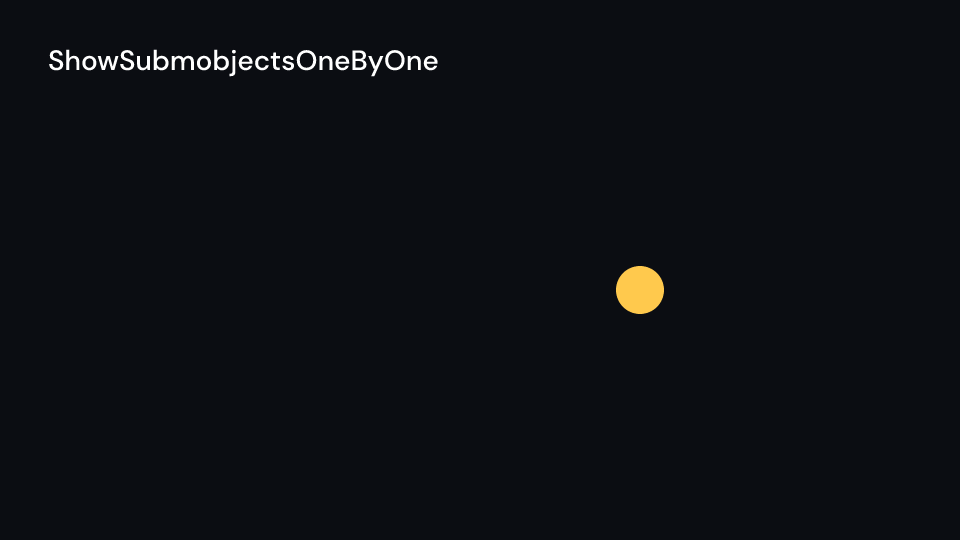
ShowSubmobjectsOneByOne 2 s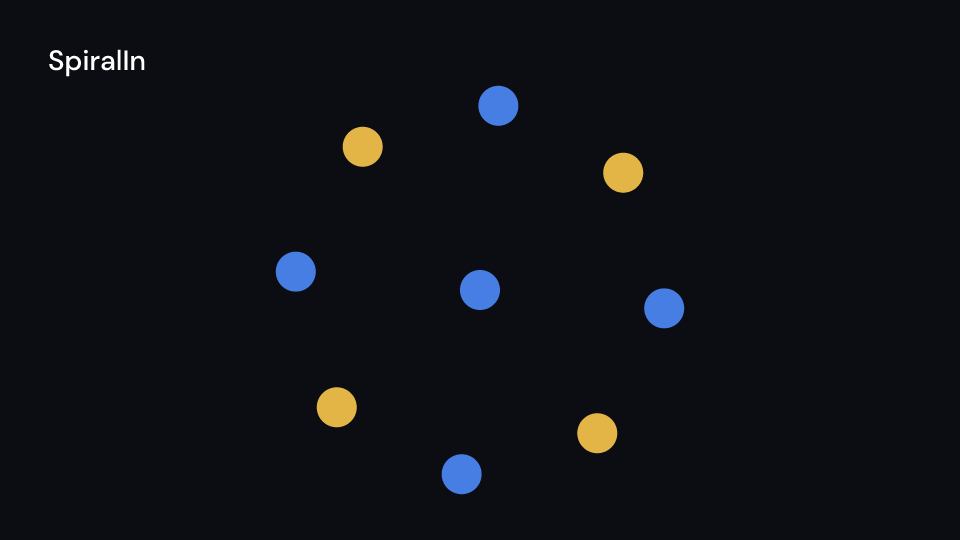
SpiralIn 2 s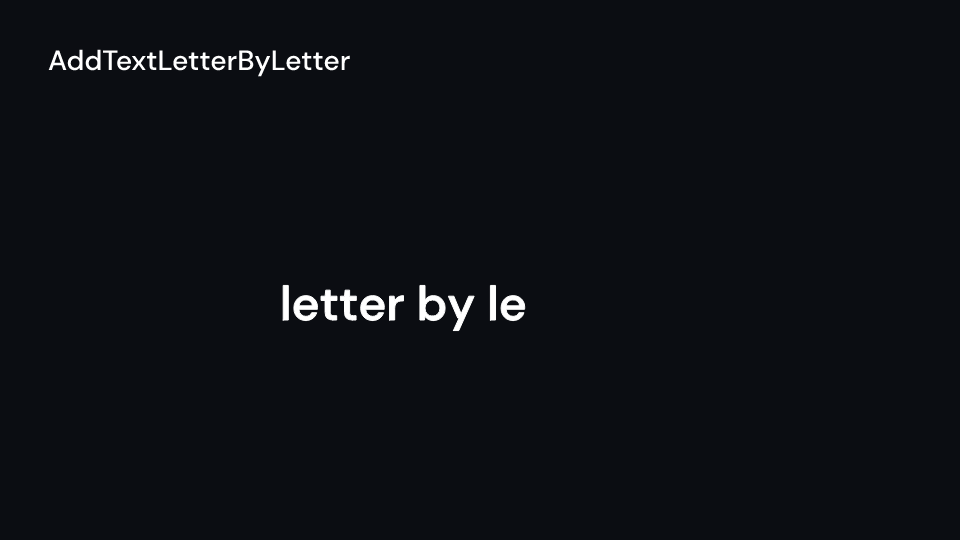
AddTextLetterByLetter 2 s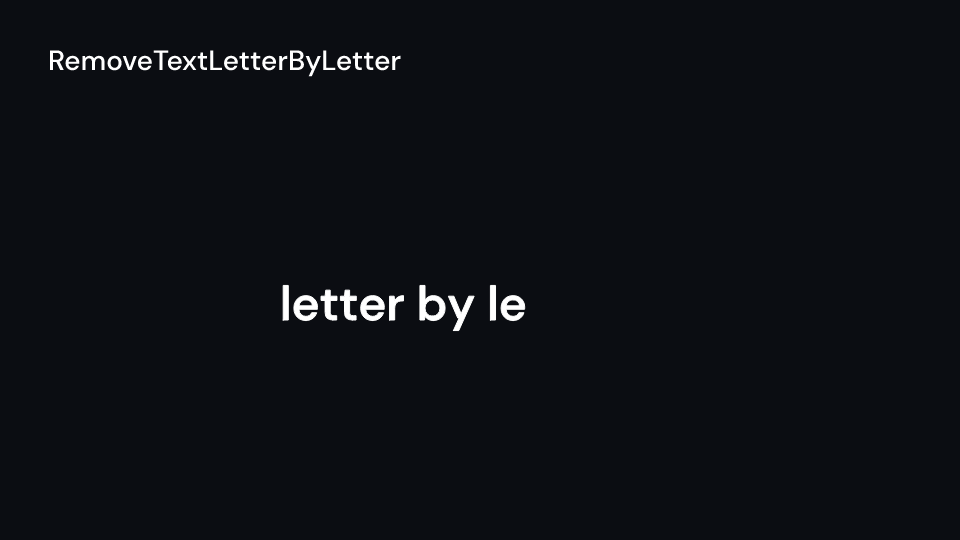
RemoveTextLetterByLetter 2 s
GrowFromEdge 2 s
Blink 2.5 s
FocusOn 2 s
Rotate 2 s
Rotating 3 s
FadeToColor 2 s
ScaleInPlace 2 s
ShrinkToCenter 2 sEnter and emphasis animations count from the start of the enclosing container plus delay;
exit animations end delay seconds before its end. They change only the transform, opacity
and drawn part of the outline, never the path. The parts are the glyphs of a TextPath, or
the shapes given to animate::draw_animated; a single shape is one part. For a <text>
line, AddTextLetterByLetter is a Typewriter { cursor: None, .. }, AddTextWordByWord a
TextReveal { by: RevealBy::Word, run_time: 0.0, shift: (0.0, 0.0), .. }, and Manim’s
TypeWithCursor and UntypeWithCursor are a Typewriter, with erase: Some(seconds)
for the second.
Gallery scenes: TextPath, TypeWithCursor.
TextPath 2 s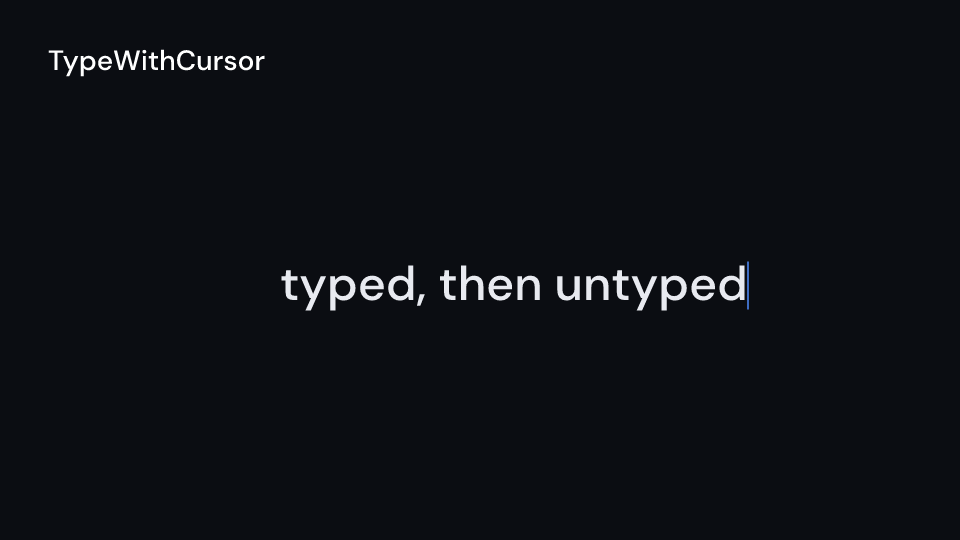
TypeWithCursor 3 s| Component | Props | What it does |
|---|---|---|
Morph (Manim Transform) |
from: Shape, to: Shape, delay, run_time, rate_func |
morphs path, paint and width; Morph::new(from, to) |
ReplacementTransform |
the same | Morph that draws to itself once done |
MoveAlongPath |
path: BezPath, delay, run_time, rate_func |
Enter: moves content from the path’s start to its end |
ShowPassingFlash |
shape, time_width, timing |
a piece of the outline runs along it once; ::new(shape) |
ShowPassingFlashWithThinningStrokeWidth |
shape, n_segments, time_width, timing |
the same with a wide head and a thinning tail |
Broadcast |
point, radius, color, n_mobs, lag_ratio, opacities, timing |
rings grow out of a point one after another and fade |
AnimatedBoundary |
shape, colors, max_stroke_width, cycle_rate, back_and_forth |
the outline redraws itself in one colour after another, forever; ::new(shape, colors) |
ApplyWave |
shape, direction, amplitude (px), ripples, time_width, timing |
a wave crosses the shape left to right and bends it; ::new(shape) |
Homotopy, SmoothedVectorizedHomotopy |
shape, homotopy: fn(x, y, t) -> (x, y), timing |
moves every point while t runs from 0 to 1, in ui.space units; the smoothed one redraws the handles |
ComplexHomotopy |
shape, homotopy: fn((re, im), t) -> (re, im), timing |
the same on complex numbers |
PhaseFlow |
shape, function: fn(x, y) -> (dx, dy), virtual_time, timing |
the points flow along a field for virtual_time |
TracedPath |
point: &dyn Fn(f32) -> (f32, f32), stroke, stroke_width, dissipating_time, delay |
the line a moving point has drawn so far |
TransformFromCopy |
from, to, timing |
morphs a copy while from stays |
ClockwiseTransform, CounterclockwiseTransform |
from, to, path_arc, timing |
morphs with every point on an arc (a half turn) |
CyclicReplace, Swap |
shapes (first, second), path_arc, timing |
each shape moves on an arc (a quarter turn) to the next one’s place |
FadeTransform, FadeTransformPieces |
from, to (lists for the pieces), stretch, timing |
from fades out moving onto to’s box while to fades in from from’s; pieces pair by index and the rest fade in place (Manim splits pieces until the counts match) |
TransformMatchingShapes |
from: Vec<Shape>, to: Vec<Shape>, timing |
pieces with the same shape_key (form, whatever the place and size) morph, the others fade; pieces of one key pair in order, where Manim morphs them as a group |
TransformAnimations |
from, from_anim: EnterAnim, to, to_anim, timing |
morphs while the look goes from the first animation’s to the second’s |
ApplyMatrix |
shape, matrix: [[f64; 2]; 2], about_point, timing (3 s) |
maps every point by the matrix in ui.space units, y up |
ApplyPointwiseFunction, ApplyPointwiseFunctionToCenter |
shape, function: fn(x, y) -> (x, y), timing (3 s) |
moves every point, or the whole shape by its center |
ApplyComplexFunction |
shape, function: fn((re, im)) -> (re, im), timing |
the same on complex numbers, on arcs as wide as the angle of function(1) |
ApplyFunction |
shape, function: fn(Shape) -> Shape, timing |
Morph into the shape the function returns |
LaggedStart |
lag_ratio, run_time, children |
child i starts i * lag_ratio * run_time seconds in |
AnimationGroup |
children |
every child at once |
Succession |
run_time, children |
each child run_time after the one before |
LaggedStart::map (Manim LaggedStartMap) |
items, f(ui, &item) |
a LaggedStart with one child per item, lag ratio 0.05 |
ChangeSpeed |
run_time, speed: Vec<(fraction, speed)>, children |
the children play slower or faster over run_time and still start and end on time |
ChangeDecimalToValue |
number: DecimalNumber, target, timing |
counts the number from its tracker’s value to target |
ChangingDecimal |
number, number_update_func: fn(alpha) -> value, timing |
shows the function of the progress |
Gallery scenes: Transform, ReplacementTransform, MoveAlongPath, LaggedStart,
AnimationGroup, Succession, ShowPassingFlash,
ShowPassingFlashWithThinningStrokeWidth, Broadcast, AnimatedBoundary, ApplyWave,
Homotopy, SmoothedVectorizedHomotopy, ComplexHomotopy, PhaseFlow, TracedPath,
TransformFromCopy, ClockwiseTransform, CounterclockwiseTransform, Swap,
CyclicReplace, FadeTransform, FadeTransformPieces, TransformMatchingShapes,
TransformAnimations, ApplyMatrix, ApplyPointwiseFunction, ApplyComplexFunction,
ApplyFunction, ApplyPointwiseFunctionToCenter, ChangeDecimalToValue,
ChangingDecimal, ChangeSpeed, LaggedStartMap.
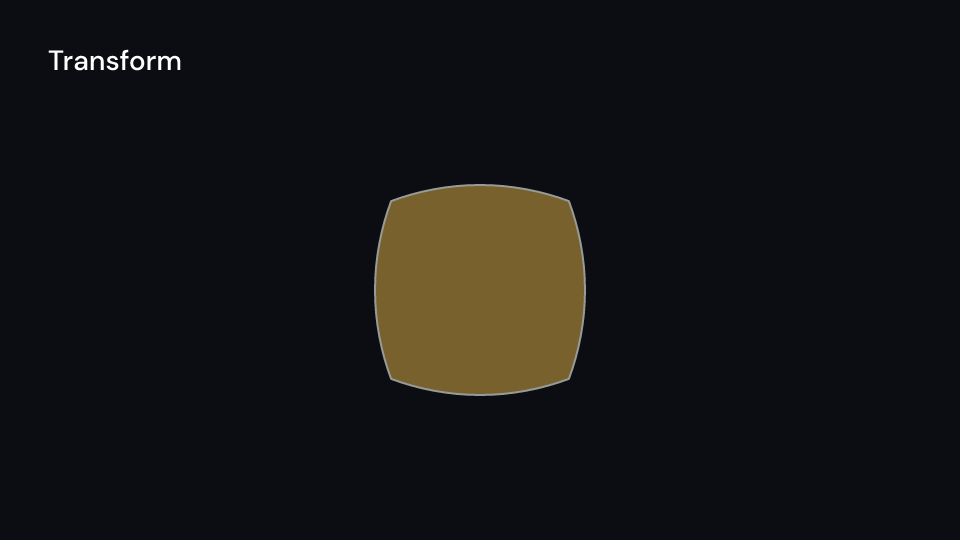
Transform 2 s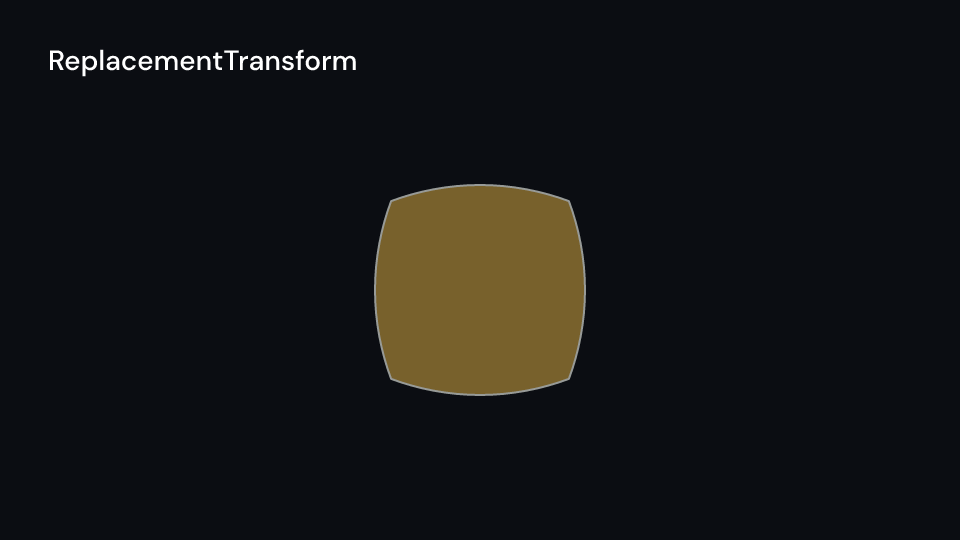
ReplacementTransform 2 s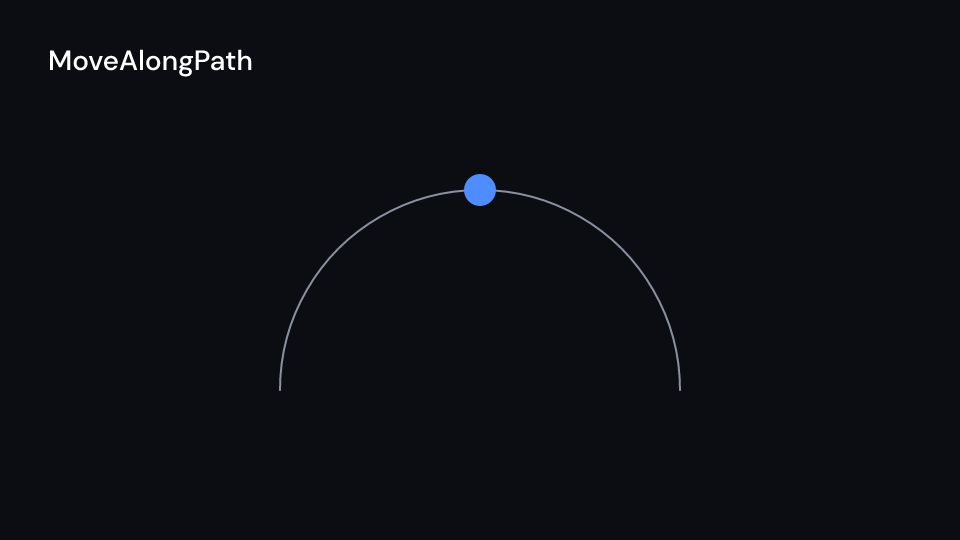
MoveAlongPath 2 s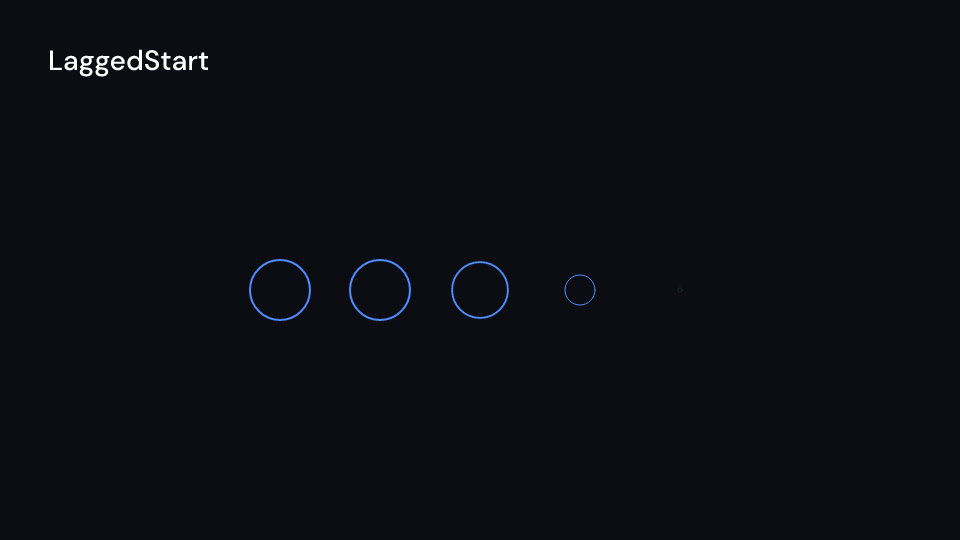
LaggedStart 2 s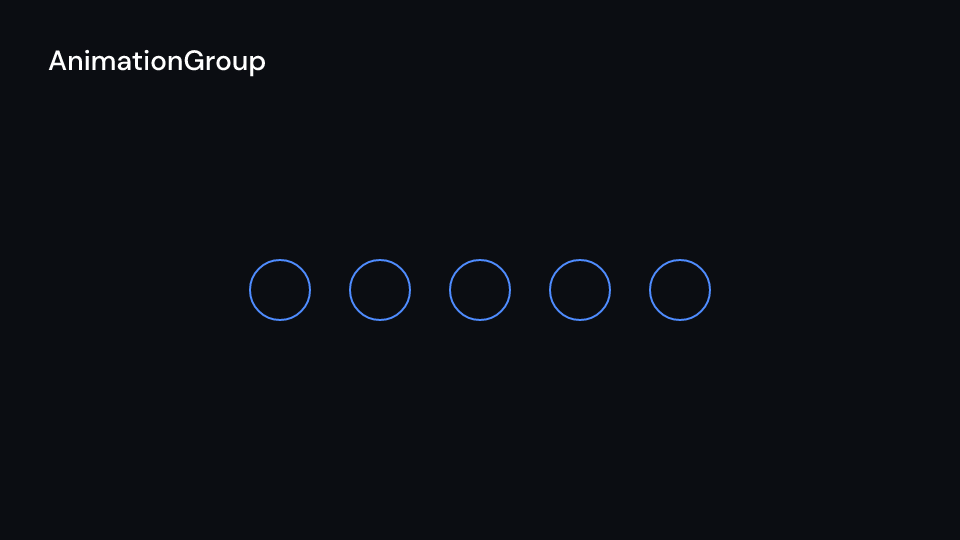
AnimationGroup 2 s
Succession 4 s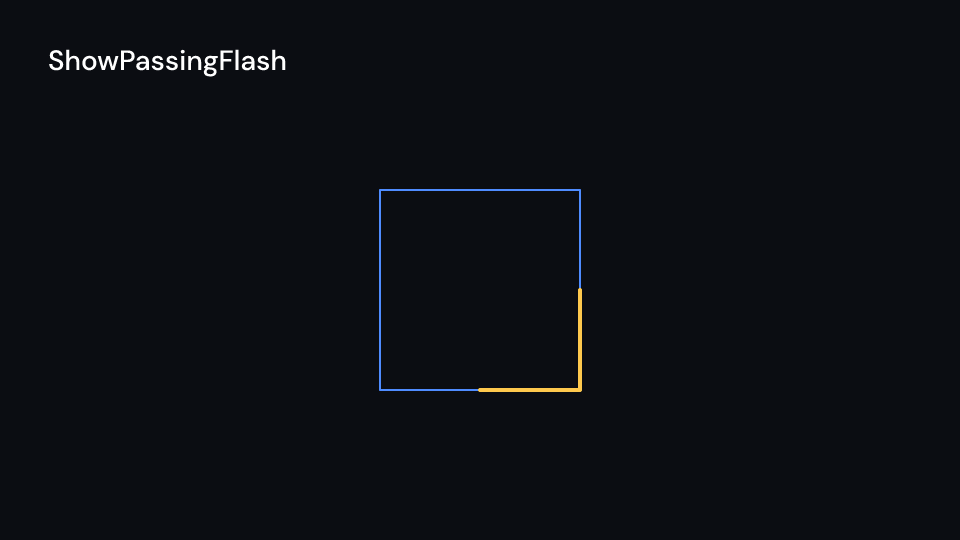
ShowPassingFlash 2 s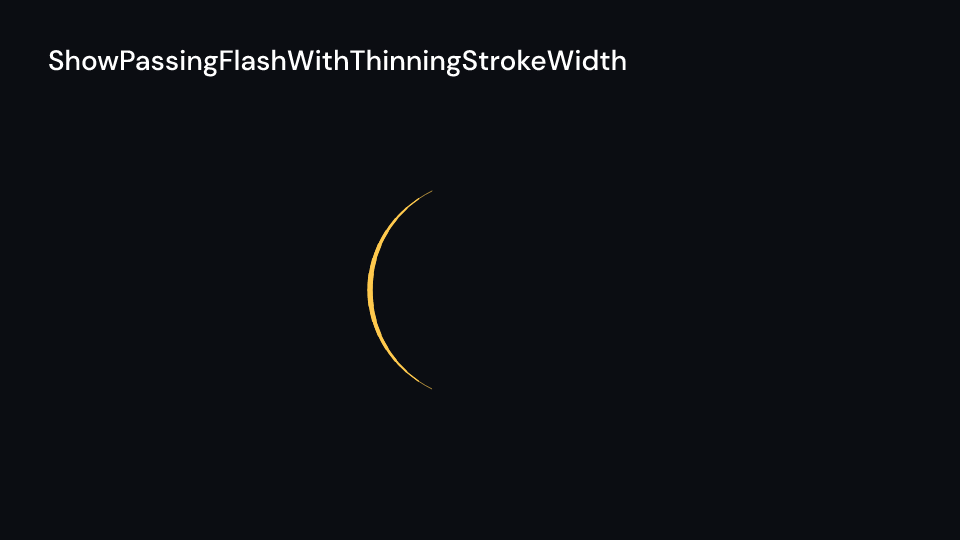
ShowPassingFlashWithThinningStrokeWidth 2 s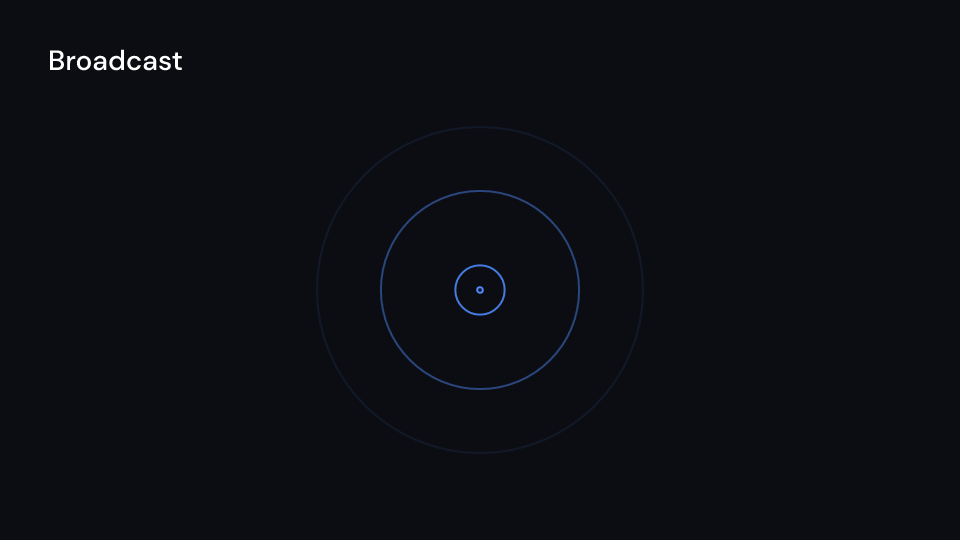
Broadcast 3 s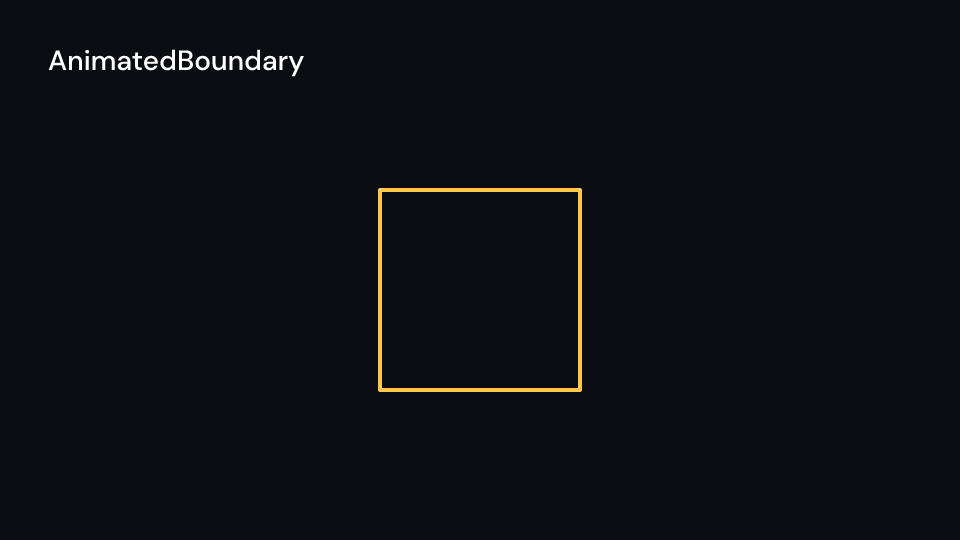
AnimatedBoundary 4 s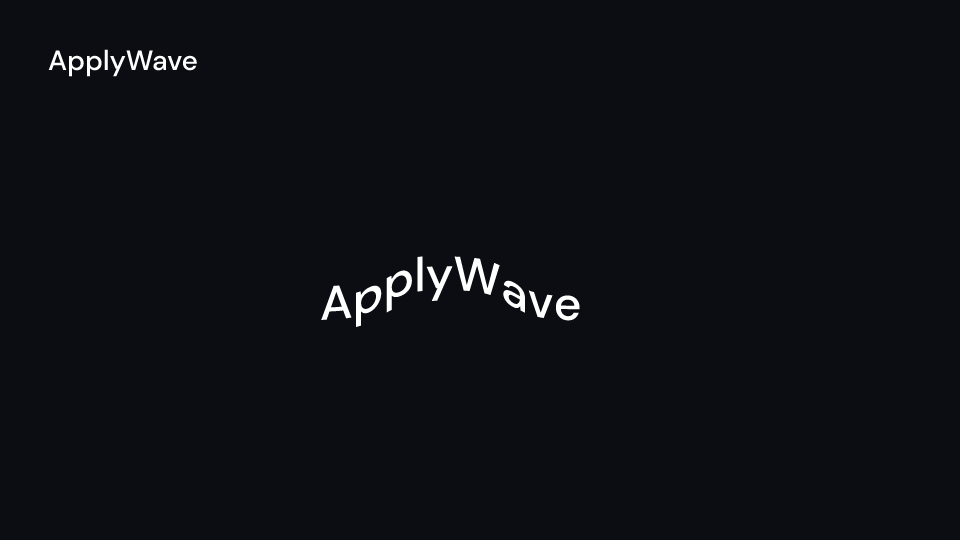
ApplyWave 2.5 s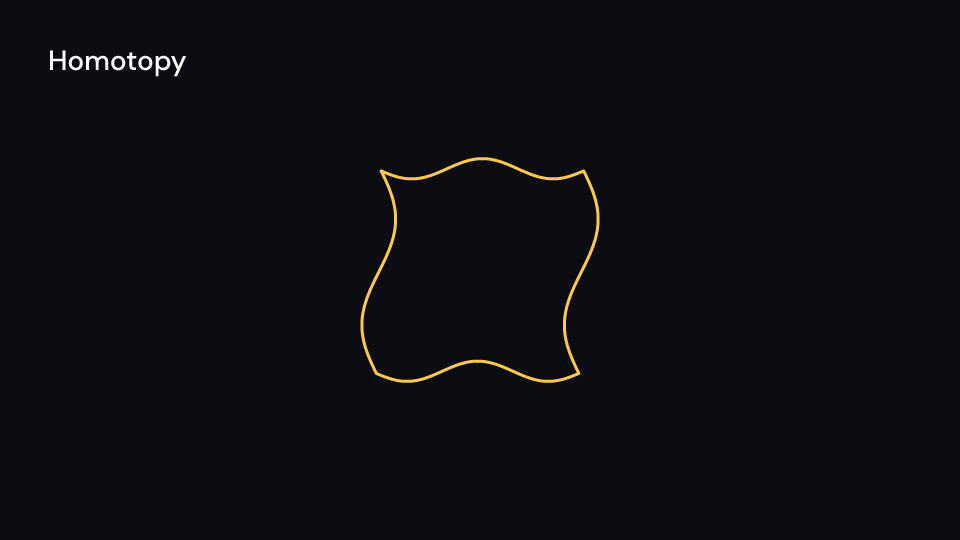
Homotopy 2 s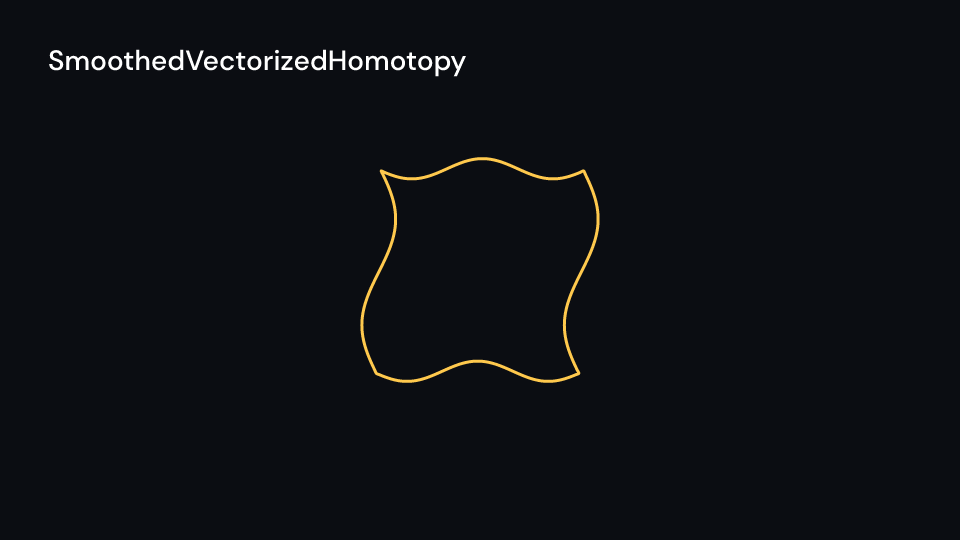
SmoothedVectorizedHomotopy 2 s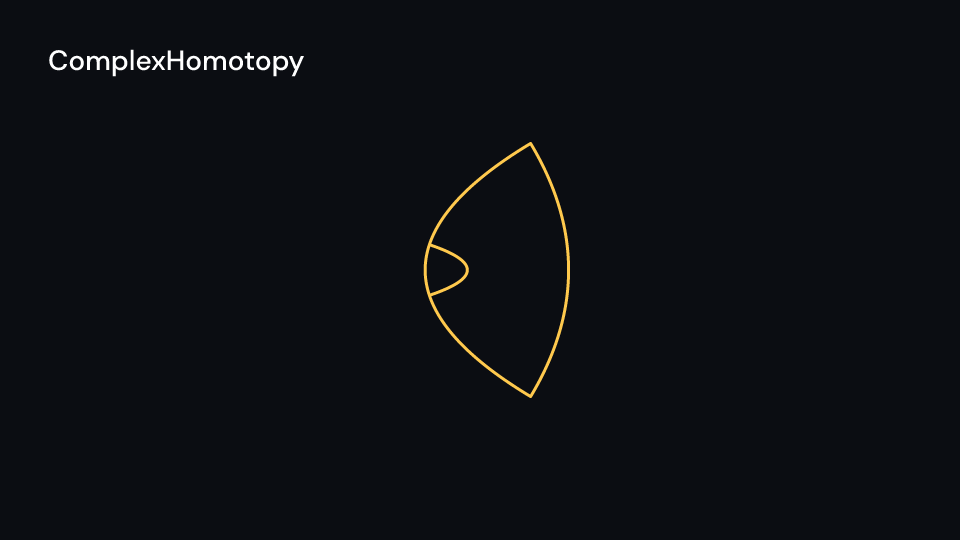
ComplexHomotopy 2 s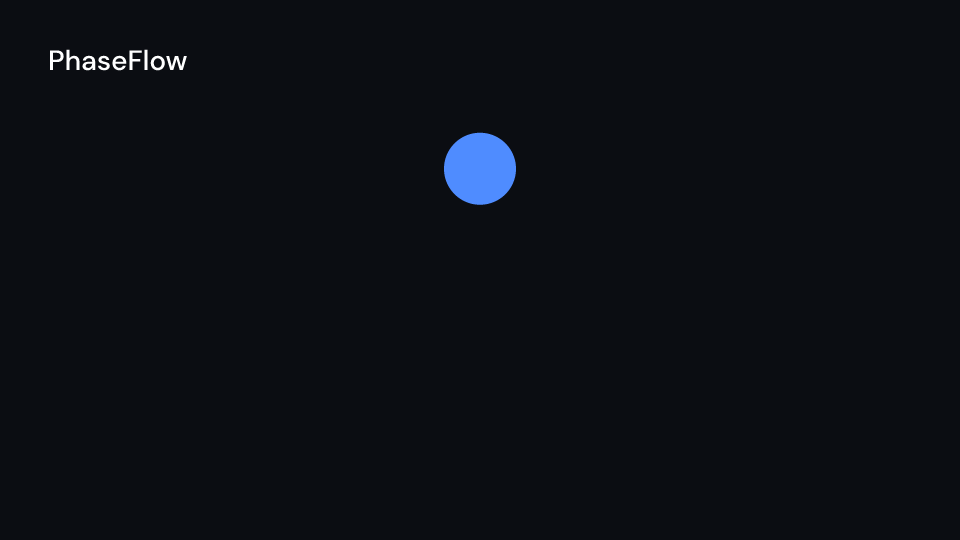
PhaseFlow 2 s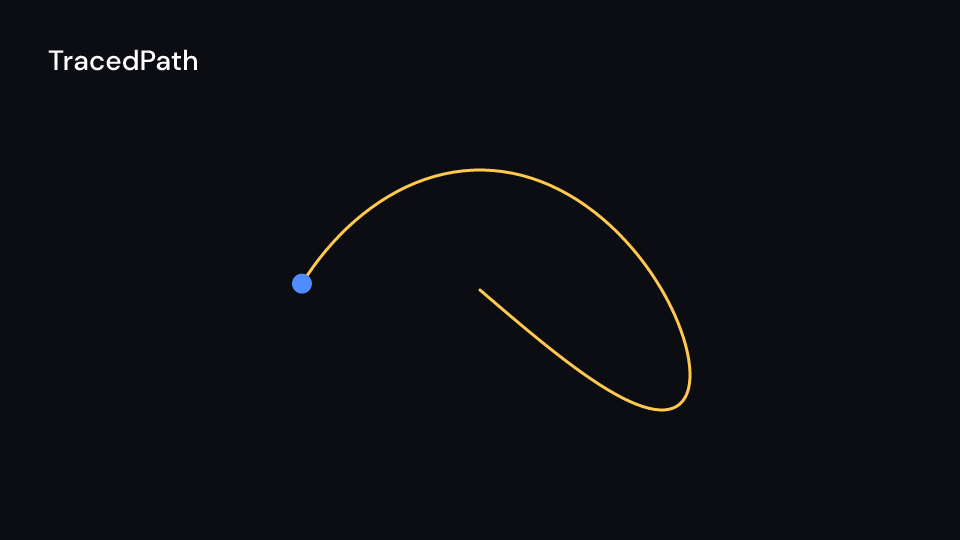
TracedPath 3 s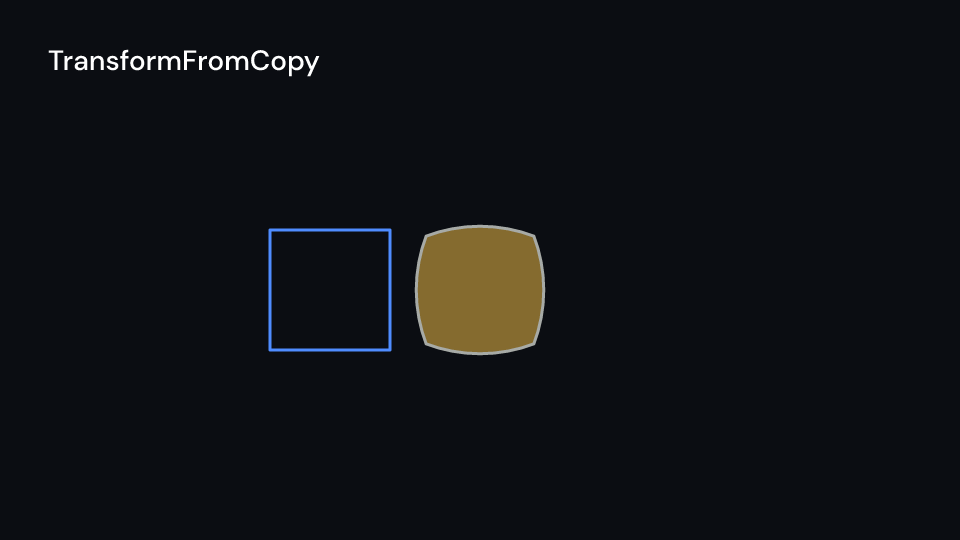
TransformFromCopy 2 s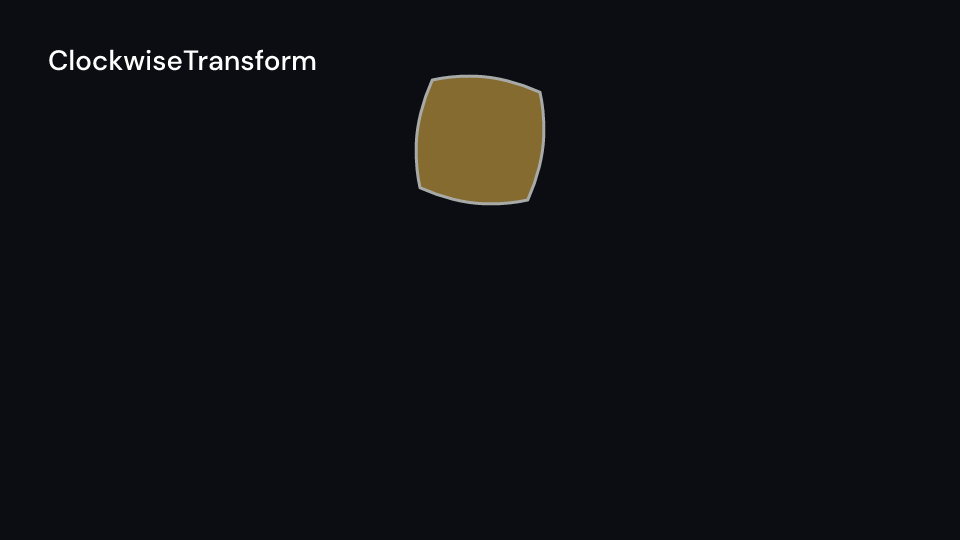
ClockwiseTransform 2 s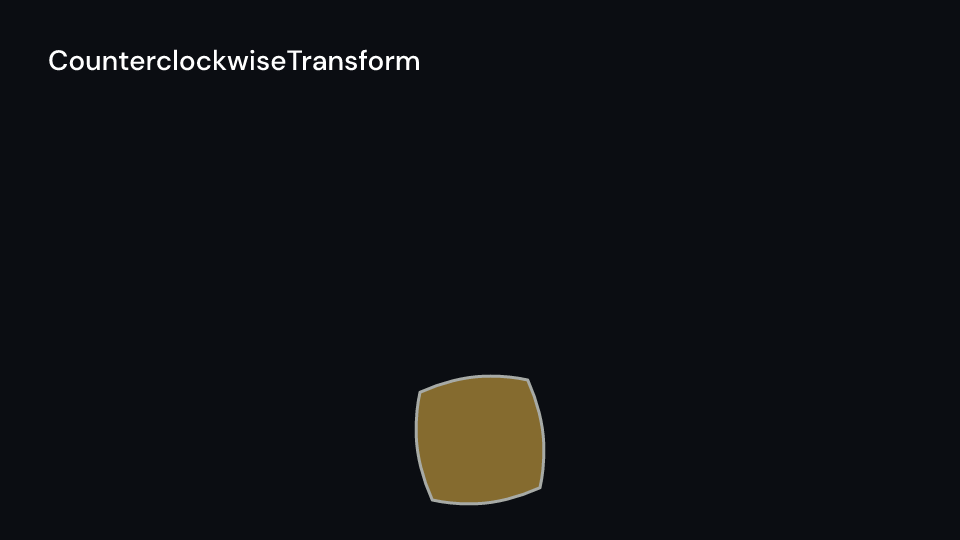
CounterclockwiseTransform 2 s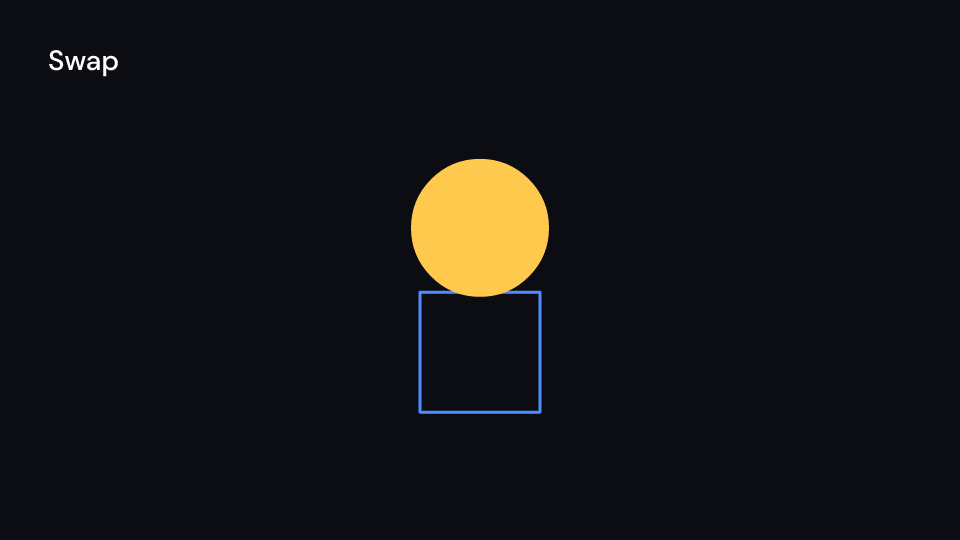
Swap 2 s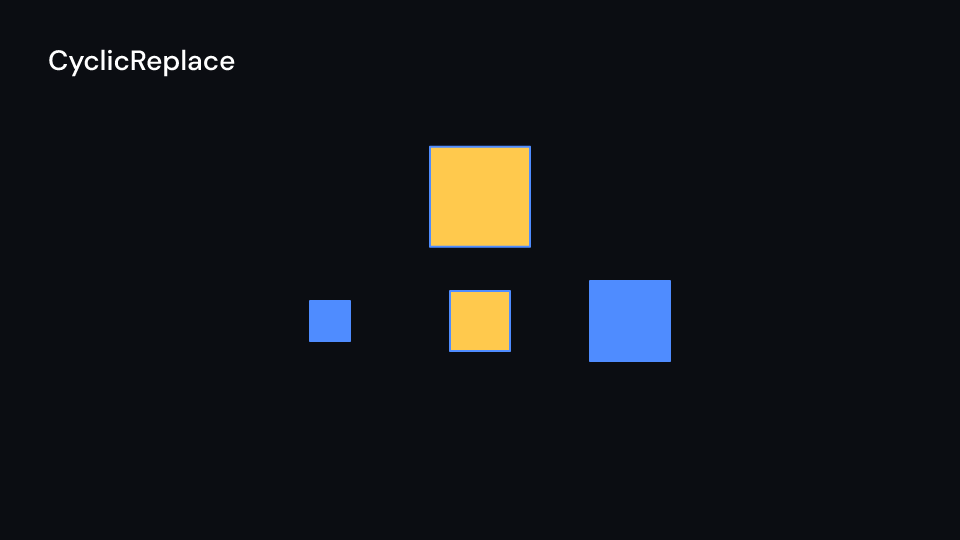
CyclicReplace 2 s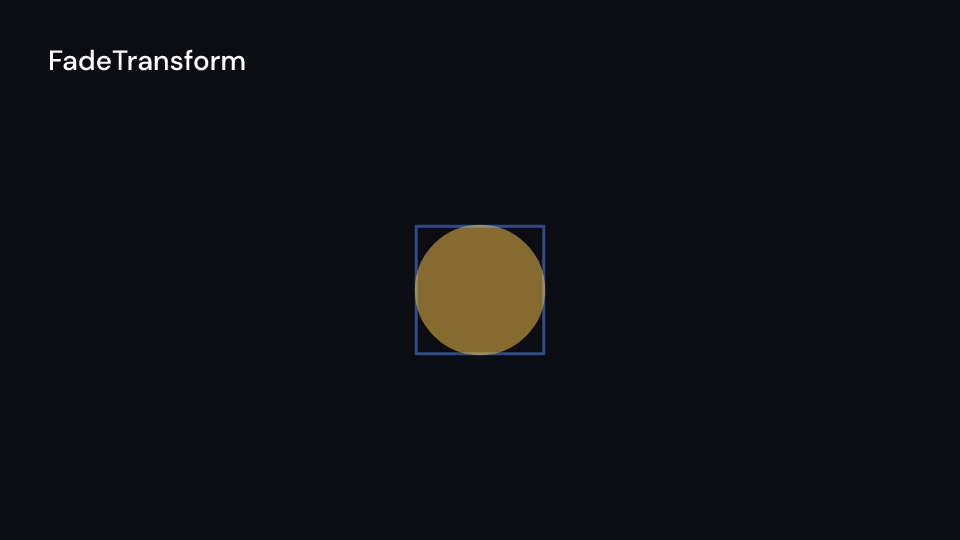
FadeTransform 2 s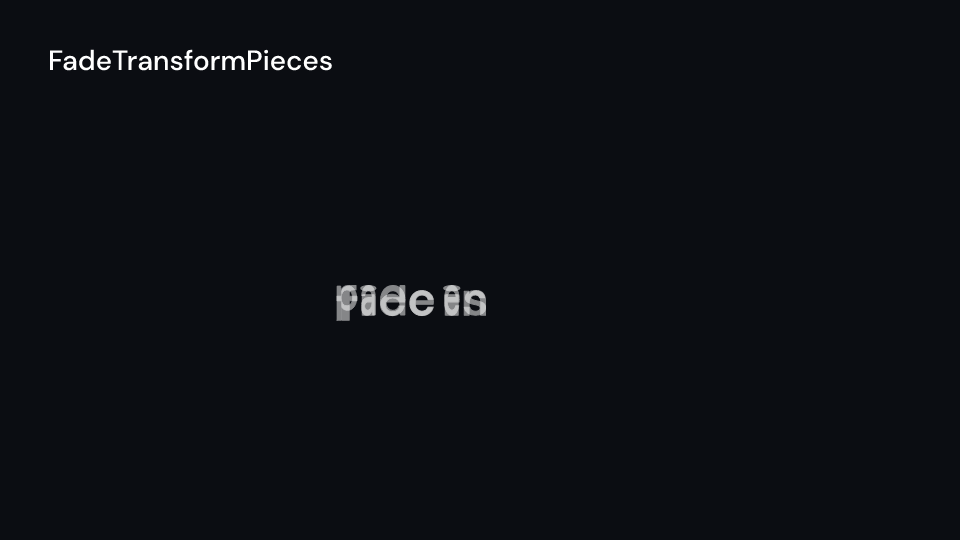
FadeTransformPieces 2 s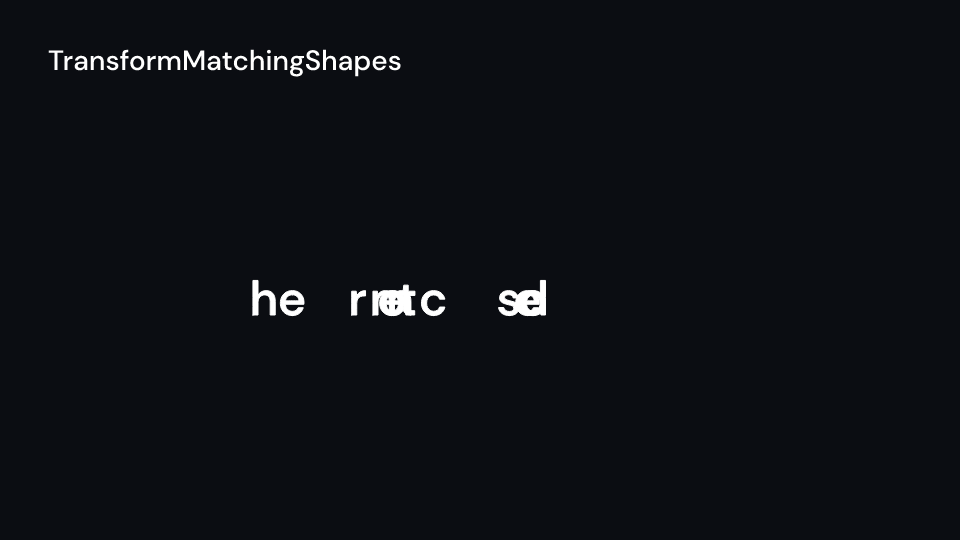
TransformMatchingShapes 2 s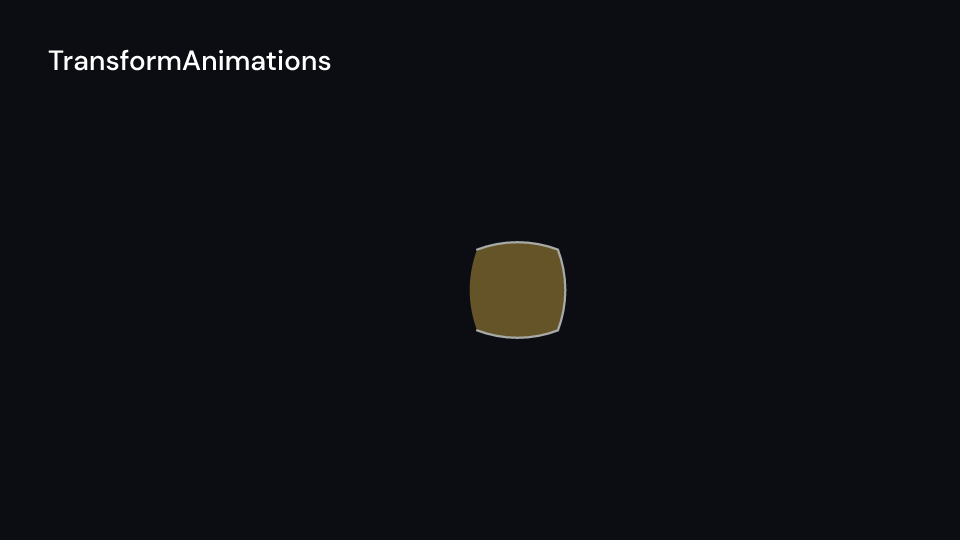
TransformAnimations 2 s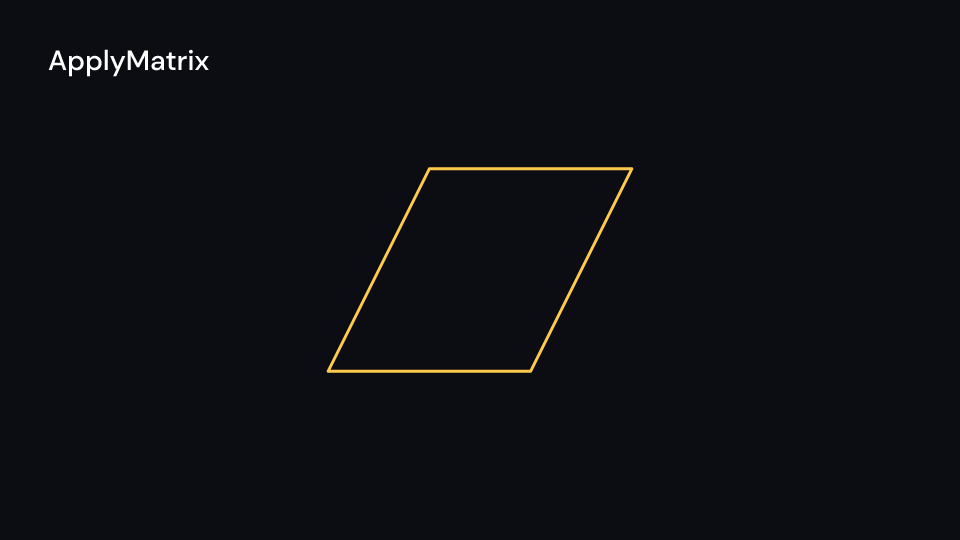
ApplyMatrix 2 s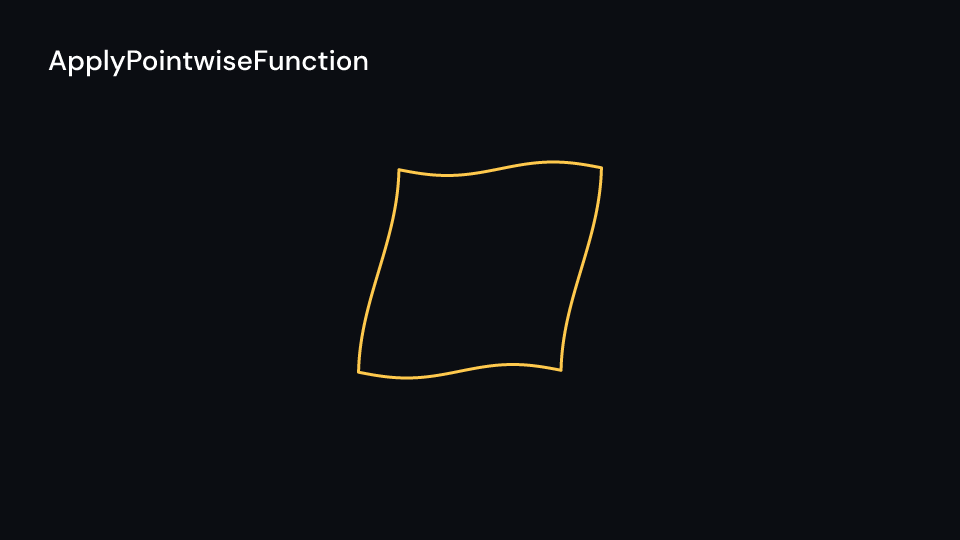
ApplyPointwiseFunction 2 s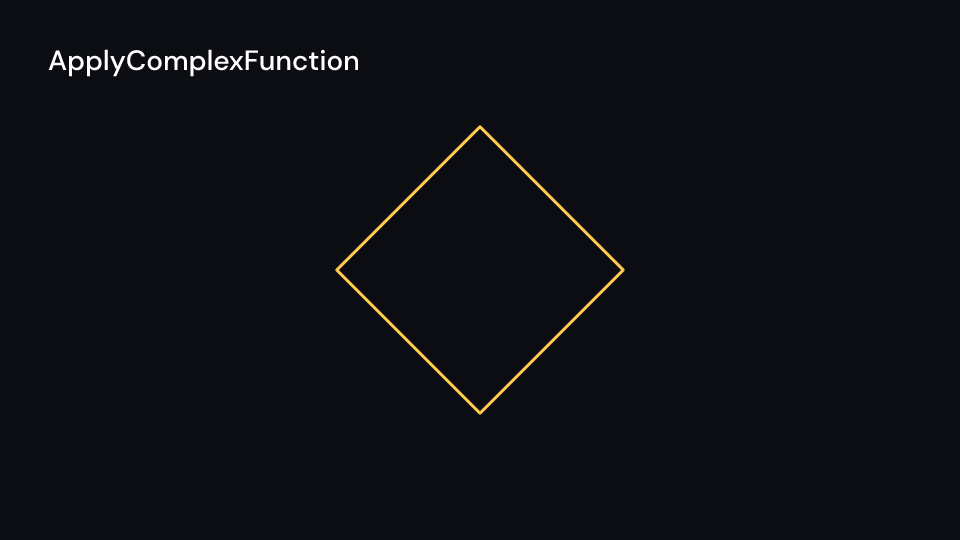
ApplyComplexFunction 2 s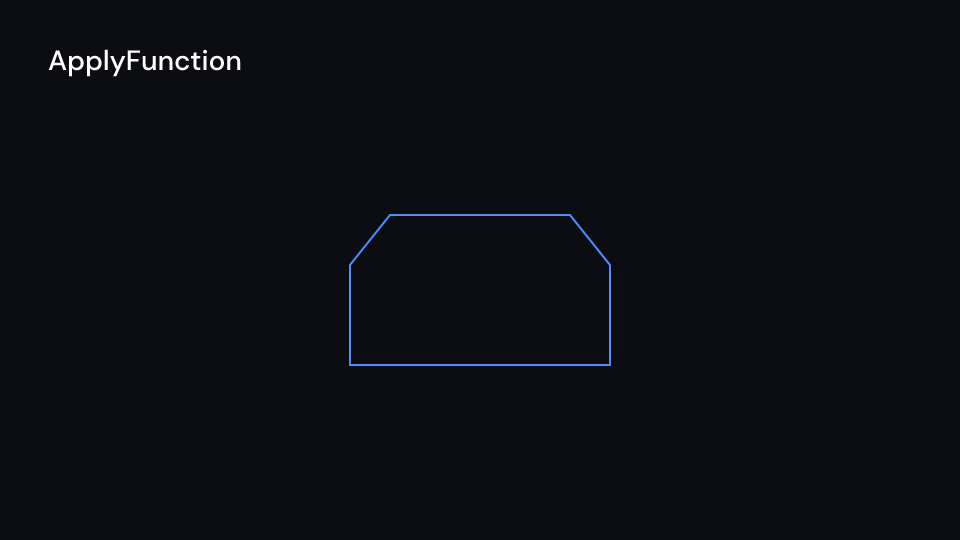
ApplyFunction 2 s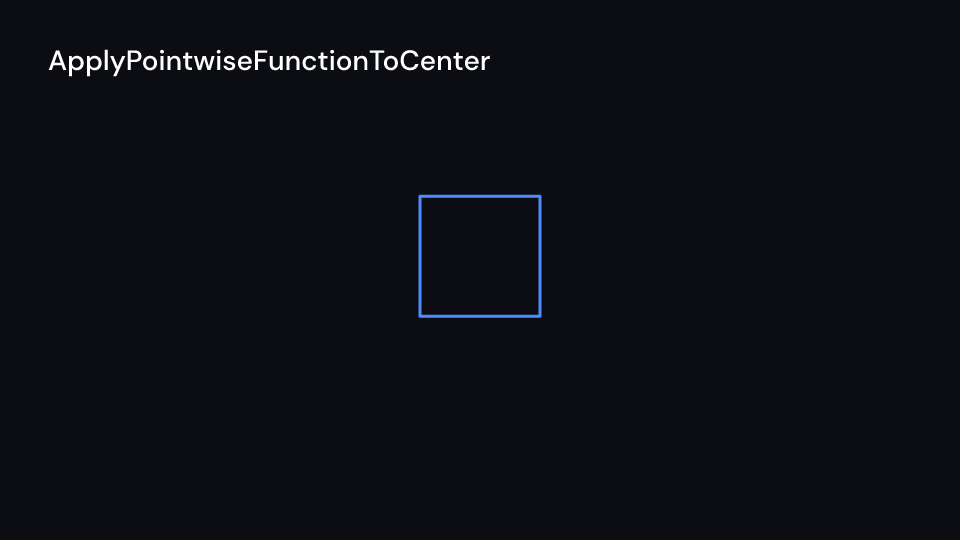
ApplyPointwiseFunctionToCenter 2 s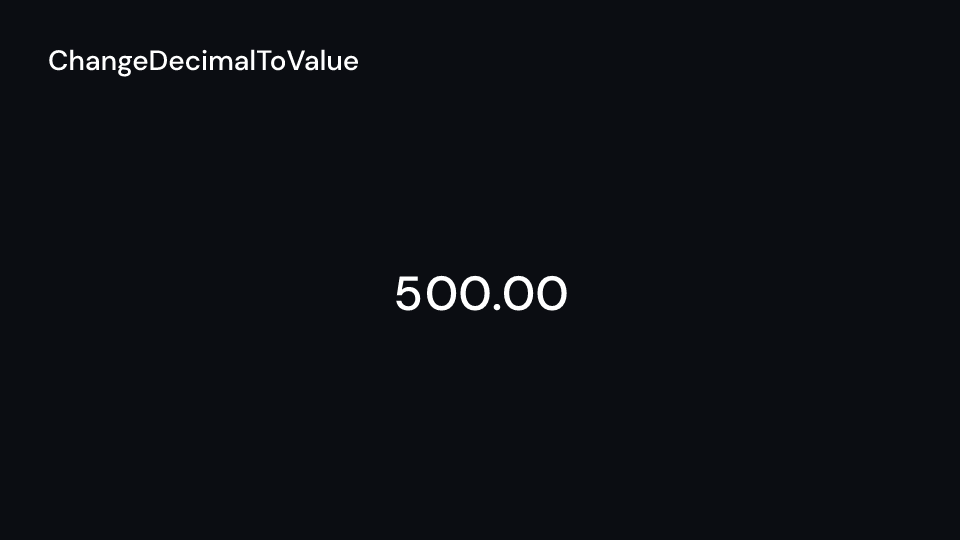
ChangeDecimalToValue 2 s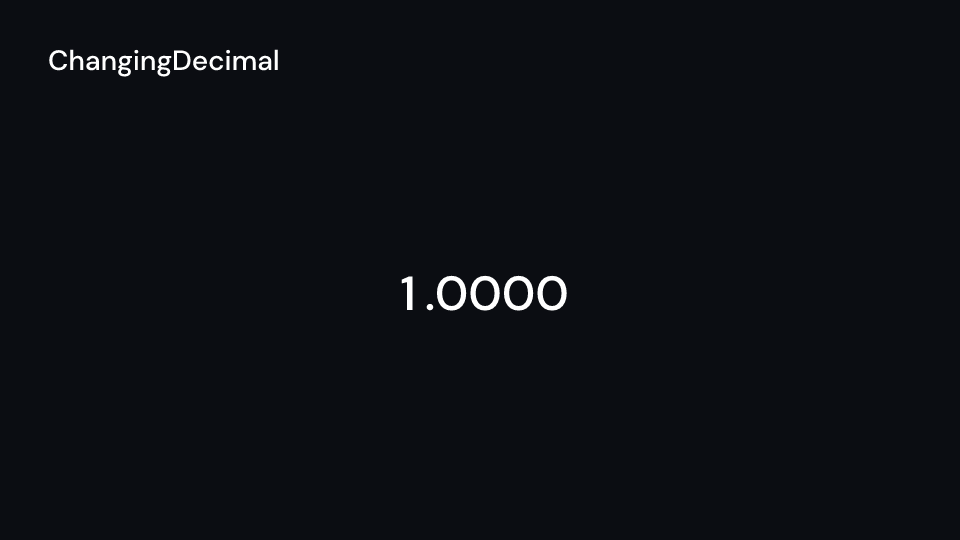
ChangingDecimal 2 s
ChangeSpeed 2.5 s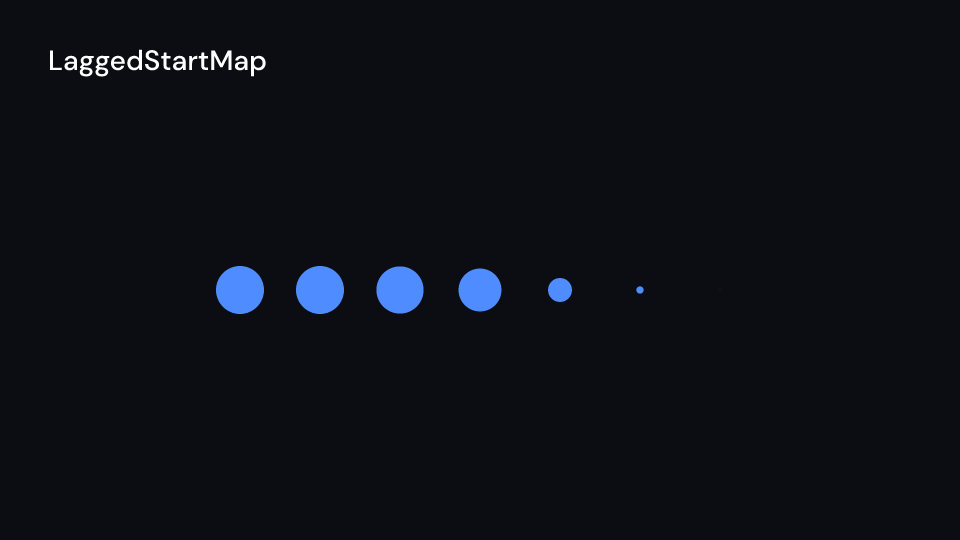
LaggedStartMap 2 sThe homotopies cut the path into about HOMOTOPY_SEGMENTS (256) pieces and map every point
each frame; PhaseFlow takes up to PHASE_FLOW_STEPS (120) Runge-Kutta steps per point.
TracedPath calls point again for every frame of the trail, at most MAX_TRACE_SAMPLES
(240) times, on a fixed grid of times so the drawn part does not shimmer; keep point
cheap, or give it a dissipating_time.
The prelude calls Manim’s Transform Morph, because Transform there is the SVG transform;
it is also fframes_kit::animate::Transform.
use fframes_kit::prelude::*;
/// Manim's SquareToCircle: create a square, morph it into a circle, fade it out.fn square_to_circle<'a>(ui: &mut Ui<'a, '_, '_>) -> Svgr<'a> {    let square = Square { cx: 960.0, cy: 540.0, side_length: 400.0, ..ui.defaults() };    let circle = Circle {        cx: 960.0,        cy: 540.0,        radius: 220.0,        fill: Some(ui.theme.colors.highlight),        ..ui.defaults()    };    let (from, to) = (square.shape(), circle.shape());    let create = ui.show(Sequence {        from: 0.0,        duration: Some(1.2),        children: children(move |ui| {            ui.show(Square { enter: Some(Create::default().into()), ..square.clone() })        }),    });    let morph = ui.show(Sequence {        from: 1.2,        duration: None,        children: children(move |ui| {            let morph = ui.show(Morph::new(from.clone(), to.clone()));            FadeOut { run_time: 0.8, ..ui.defaults() }.apply(ui, morph)        }),    });    svgr!(<g>{create}{morph}</g>)}
The gallery also compares morphs and point mappings. These functions return separate alternatives; show one at a time, or arrange them in a grid:
use fframes_kit::prelude::*;
fn morphs<'a>(ui: &mut Ui<'a, '_, '_>) -> Vec<Svgr<'a>> {    let a = Square { cx: 600.0, cy: 540.0, side_length: 240.0, ..ui.defaults() }.shape();    let b = Circle { cx: 1200.0, cy: 540.0, radius: 135.0, ..ui.defaults() }.shape();    vec![        ui.show(fframes_kit::animate::Transform::new(a.clone(), b.clone())),        ui.show(ReplacementTransform::new(a.clone(), b.clone())),        ui.show(TransformFromCopy::new(a.clone(), b.clone())),        ui.show(ClockwiseTransform::new(a.clone(), b.clone())),        ui.show(CounterclockwiseTransform::new(a.clone(), b.clone())),        ui.show(Swap::new(a.clone(), b.clone())),        ui.show(CyclicReplace::new(vec![a.clone(), b.clone()])),        ui.show(FadeTransform::new(a.clone(), b.clone())),        ui.show(FadeTransformPieces::new(vec![a.clone()], vec![b.clone()])),        ui.show(TransformMatchingShapes::new(vec![a.clone()], vec![b.clone()])),        ui.show(TransformAnimations::new(a, Create::default().into(), b, GrowFromCenter::default().into())),    ]}
fn mappings<'a>(ui: &mut Ui<'a, '_, '_>) -> Vec<Svgr<'a>> {    let shape = Square { cx: 960.0, cy: 540.0, side_length: 300.0, ..ui.defaults() }.shape();    let h = Homotopy::new(shape.clone(), |x, y, t| (x + 0.5 * t * y.sin(), y));    vec![        ui.show(Homotopy::new(shape.clone(), |x, y, t| (x + 0.5 * t * y.sin(), y))),        ui.show(SmoothedVectorizedHomotopy { homotopy: h }),        ui.show(ComplexHomotopy::new(shape.clone(), |(re, im), t| (re - t * im, im + t * re))),        ui.show(PhaseFlow::new(shape.clone(), |x, y| (-y, x))),        ui.show(ApplyMatrix::new(shape.clone(), [[1.0, 1.0], [0.0, 1.0]])),        ui.show(ApplyPointwiseFunction::new(shape.clone(), |x, y| (x + 0.3 * y.sin(), y))),        ui.show(ApplyPointwiseFunctionToCenter::new(shape.clone(), |x, y| (-x, y + 1.0))),        ui.show(ApplyComplexFunction::new(shape.clone(), |(re, im)| (-im, re))),        ui.show(ApplyFunction::new(shape.clone(), |s| Shape { path: paths::translate_path(&s.path, 200.0, 0.0), ..s })),        ui.show(ApplyWave { amplitude: 60.0, ..ApplyWave::new(shape) }),    ]}
fn highlights<'a>(ui: &mut Ui<'a, '_, '_>) -> Vec<Svgr<'a>> {    let shape = Square { cx: 960.0, cy: 540.0, side_length: 300.0, ..ui.defaults() }.shape();    let colors = vec![ui.theme.colors.accent, ui.theme.colors.highlight];    vec![        ui.show(ShowPassingFlash::new(shape.clone())),        ui.show(ShowPassingFlashWithThinningStrokeWidth::new(shape.clone())),        ui.show(AnimatedBoundary::new(shape, colors)),        ui.show(Broadcast { point: (960.0, 540.0), radius: 360.0, ..ui.defaults() }),    ]}
fn point(t: f32) -> (f32, f32) {    (960.0 + 420.0 * (1.4 * t).sin(), 540.0 + 240.0 * (2.1 * t).sin())}
fn trace<'a>(ui: &mut Ui<'a, '_, '_>) -> Svgr<'a> {    let trail = ui.show(TracedPath { point: &point, stroke_width: 6.0, ..ui.defaults() });    let (cx, cy) = point(ui.seconds());    let dot = ui.show(Dot { cx, cy, radius: 20.0, ..ui.defaults() });    svgr!(<g>{trail}{dot}</g>)}
fn outline_text<'a>(ui: &mut Ui<'a, '_, '_>) -> Svgr<'a> {    ui.show(TextPath { text: "Written", enter: Some(Write::default().into()), ..ui.defaults() })}
The timing groups all take a list of child closures. ChangeSpeed changes the local clock
seen by its child, and the decimal animations supply values to a DecimalNumber:
use fframes_kit::prelude::*;
fn dots<'a>() -> Vec<Children<'a>> {    (0..3).map(|i| children(move |ui| {        ui.show(Dot { cx: 600.0 + 200.0 * i as f32, cy: 540.0, radius: 60.0,            enter: Some(GrowFromCenter::default().into()), ..ui.defaults() })    })).collect()}
fn groups<'a>(ui: &mut Ui<'a, '_, '_>) -> Vec<Svgr<'a>> {    vec![        ui.show(LaggedStart { lag_ratio: 0.25, run_time: 0.8, children: dots() }),        ui.show(AnimationGroup { children: dots() }),        ui.show(Succession { run_time: 0.8, children: dots() }),        ui.show(ChangeSpeed { run_time: 2.0, speed: vec![(0.0, 0.2), (1.0, 2.0)],            children: children(|ui| ui.show(Dot { cx: 300.0 + 600.0 * (ui.seconds() / 2.0).clamp(0.0, 1.0), cy: 540.0, ..ui.defaults() })) }),    ]}
fn numbers<'a>(ui: &mut Ui<'a, '_, '_>) -> Vec<Svgr<'a>> {    let n = DecimalNumber { x: 960.0, y: 540.0, anchor: TextAnchor::Middle, ..ui.defaults() };    vec![        ui.show(ChangeDecimalToValue::new(n.clone(), 1000.0)),        ui.show(ChangingDecimal::new(n, |a| (a * std::f32::consts::PI).sin())),    ]}
Manim’s imperative animations
Section titled “Manim’s imperative animations”Manim changes a mobject in place and plays the change. In the kit a frame is a function of
its time, so there is no mobject to change: these names become the components above, or a
value computed in render from ui.seconds().
| Manim | fframes-kit |
|---|---|
self.wait(1) |
nothing to call: start what follows 1 second later (Sequence { from }) |
ApplyMethod(m.shift, RIGHT), m.animate.shift(RIGHT) |
Morph::new(shape.clone(), moved), moved the shape with the change made |
m.generate_target(), MoveToTarget(m) |
the same: the target is a second Shape |
m.save_state(), Restore(m) |
keep a clone of the shape, Morph::new(changed, saved) |
UpdateFromFunc(m, f), updaters |
compute the prop from ui.seconds() in render, which runs every frame |
UpdateFromAlphaFunc(m, f) |
the same with alpha = rate.apply(motion::progress(t, start, end), run_time) |
MaintainPositionRelativeTo(m, leader) |
place m at the leader’s position, computed from the same time, plus the offset |
use fframes_kit::prelude::*;
/// `ApplyMethod(square.shift, 2 * RIGHT)`, then `Restore(square)`: morph to a moved copy and/// back to the saved one. `self.wait(0.5)` is the half second between them.fn shift_and_restore<'a>(ui: &mut Ui<'a, '_, '_>) -> Svgr<'a> {    let saved = Square { cx: 660.0, cy: 540.0, side_length: 200.0, ..ui.defaults() }.shape();    let shifted = Shape { path: paths::translate_path(&saved.path, 270.0, 0.0), ..saved.clone() };    let (a, b) = (shifted.clone(), saved.clone());    let restore = children(move |ui| ui.show(Morph::new(a.clone(), b.clone())));    if ui.seconds() < 1.5 {        ui.show(Morph::new(saved, shifted))    } else {        ui.show(Sequence { from: 1.5, duration: None, children: restore })    }}
/// `UpdateFromFunc`, `UpdateFromAlphaFunc` and `MaintainPositionRelativeTo`: a dot crosses in 2 seconds from/// second 1, and a second dot follows it 80 pixels above.fn follow<'a>(ui: &mut Ui<'a, '_, '_>) -> Svgr<'a> { let alpha = RateFunc::Smooth.apply(motion::progress(ui.seconds(), 1.0, 3.0), 2.0); let x = motion::lerp(360.0, 1560.0, alpha); let leader = ui.show(Dot { cx: x, cy: 540.0, ..ui.defaults() }); let follower = ui.show(Dot { cx: x, cy: 460.0, ..ui.defaults() }); svgr!(<g>{leader}{follower}</g>)}Components are plain structs. Set the fields you need and fill the rest with ..ui.defaults(): the defaults below come from the current theme (theme. values are fields of Theme).
TextPath
Section titled “TextPath”Text drawn as glyph outlines, so Create, Write and DrawBorderThenFill can draw it (Manim’s Text as a VMobject). (x, y) is the start of the baseline.
| Field | Type | Default | Description |
|---|---|---|---|
text |
&str |
"" |
The text to draw. |
x |
f32 |
0.0 |
Start of the baseline in pixels of the canvas. |
y |
f32 |
0.0 |
Baseline in pixels of the canvas. |
style |
TextStyle |
theme.typography.title |
The font: a family from the video’s media, its size in pixels and weight. |
fill |
Option<Color> |
Some(theme.colors.title) |
Colour of the inside of the glyphs; None leaves it empty. |
stroke |
Option<Color> |
None |
Colour of the glyph outlines; None draws no outline. |
stroke_width |
f32 |
theme.stroke.thin |
Outline width in pixels. |
opacity |
f32 |
1.0 |
0 transparent to 1 opaque. |
enter |
Option<EnterAnim> |
None |
How it appears (Create, Write, DrawBorderThenFill, ..); None shows it from the start. |
exit |
Option<ExitAnim> |
None |
How it leaves at the end of its container; None stays. |
emphasis |
Option<Emphasis> |
None |
An emphasis animation (Indicate, Wiggle, ..) played while it is shown. |
Methods:
fn parts(&self, ctx: &FFramesContext) -> Option<Vec<Shape>>: One shape per glyph, orNonewhen the font has no file in the media.fn bounds(&self, ctx: &FFramesContext) -> Rect: The box of the inked glyphs, descenders included (what Manim measures around text), or the estimated box when the font has no file in the media.
Transform
Section titled “Transform”Morphs from into to: path, paint and width (Manim’s Transform). Before it starts it draws from, after it ends the morphed shape, which looks like to. The prelude calls it Morph, because Transform there is the SVG transform.
| Field | Type | Default | Description |
|---|---|---|---|
from |
Shape |
— | The shape it starts as; drawn until delay has passed. |
to |
Shape |
— | The shape it ends as. |
delay |
f32 |
— | Seconds after the container’s start before it begins. |
run_time |
f32 |
— | Seconds the animation takes. |
rate_func |
RateFunc |
— | Easing of the animation over its run time. |
It has no theme defaults: build it with Transform::new(..).
Methods:
fn new(from: Shape, to: Shape) -> Self: Fromfromtotoin Manim’s 1 second, smooth.
ReplacementTransform
Section titled “ReplacementTransform”Transform that draws to itself once the morph has finished (Manim’s ReplacementTransform).
| Field | Type | Default | Description |
|---|---|---|---|
from |
Shape |
— | The shape it starts as; drawn until delay has passed. |
to |
Shape |
— | The shape it ends as. |
delay |
f32 |
— | Seconds after the container’s start before it begins. |
run_time |
f32 |
— | Seconds the animation takes. |
rate_func |
RateFunc |
— | Easing of the animation over its run time. |
It has no theme defaults: build it with ReplacementTransform::new(..).
Methods:
fn new(from: Shape, to: Shape) -> Self: Fromfromtotoin Manim’s 1 second, smooth.
ShowPassingFlash
Section titled “ShowPassingFlash”A piece of the outline time_width long runs along it once; nothing is drawn before or after (Manim’s ShowPassingFlash). Draw the shape itself separately to keep it. A shape without an outline flashes in its fill colour.
| Field | Type | Default | Description |
|---|---|---|---|
shape |
Shape |
— | The shape; its outline is what the effect draws (its fill colour is used if it has no stroke), the shape itself is not drawn. |
time_width |
f32 |
— | Length of the flash as a fraction of the outline’s length. |
delay |
f32 |
— | Seconds after the container’s start before it begins. |
run_time |
f32 |
— | Seconds the animation takes. |
rate_func |
RateFunc |
— | Easing of the animation over its run time. |
It has no theme defaults: build it with ShowPassingFlash::new(..).
Methods:
fn new(shape: Shape) -> Self: Alongshapein Manim’s 1 second, smooth, a tenth of it long.
ShowPassingFlashWithThinningStrokeWidth
Section titled “ShowPassingFlashWithThinningStrokeWidth”n_segments passing flashes over each other: the head is wide, the tail thins out behind it (Manim’s ShowPassingFlashWithThinningStrokeWidth). The widest is the shape’s stroke width (at least 2).
| Field | Type | Default | Description |
|---|---|---|---|
shape |
Shape |
— | The shape; its outline is what the effect draws (its fill colour is used if it has no stroke), the shape itself is not drawn. |
n_segments |
usize |
— | How many flashes are layered; more make a smoother taper (at least 2). |
time_width |
f32 |
— | Length of the longest, thinnest flash as a fraction of the outline’s length. |
delay |
f32 |
— | Seconds after the container’s start before it begins. |
run_time |
f32 |
— | Seconds the animation takes. |
rate_func |
RateFunc |
— | Easing of the animation over its run time. |
It has no theme defaults: build it with ShowPassingFlashWithThinningStrokeWidth::new(..).
Methods:
fn new(shape: Shape) -> Self: Alongshapein Manim’s 1 second, smooth, 10 segments, a tenth of it long.fn segments(&self) -> Vec<(f32, f32)>:(stroke width, time width)of every flash that draws something: Manim’s widths from 0 to the widest against time widths fromtime_widthto 0, without the ends.
Broadcast
Section titled “Broadcast”Rings that grow out of point to radius one after another while they fade (Manim’s Broadcast). Each ring runs as a part of a LaggedStart of n_mobs.
| Field | Type | Default | Description |
|---|---|---|---|
point |
(f32, f32) |
(960.0, 540.0) |
Where the rings start, in pixels of the canvas. |
radius |
f32 |
270.0 |
The radius the rings grow to. |
color |
Color |
theme.colors.accent |
Colour of the rings. |
stroke_width |
f32 |
theme.stroke.regular |
Width of the rings in pixels. |
n_mobs |
usize |
5 |
How many rings are sent out, one after another (at least 1). |
initial_opacity |
f32 |
1.0 |
Opacity of a ring when it starts, 0 transparent to 1 opaque. |
final_opacity |
f32 |
0.0 |
Opacity of a ring when it has reached radius. |
initial_width |
f32 |
0.0 |
The width the rings start at. |
lag_ratio |
f32 |
0.2 |
Fraction of a ring’s time between the starts of two rings. |
delay |
f32 |
0.0 |
Seconds after the container’s start before it begins. |
run_time |
f32 |
3.0 |
Seconds the whole broadcast takes. |
rate_func |
RateFunc |
RateFunc::Smooth |
Easing of the animation over its run time. |
AnimatedBoundary
Section titled “AnimatedBoundary”An outline that keeps drawing itself in one colour after another, the previous colour fading out under it (Manim’s AnimatedBoundary). It never ends; put it in a Sequence to stop it.
| Field | Type | Default | Description |
|---|---|---|---|
shape |
Shape |
— | The shape whose outline is traced; the shape itself is not drawn. |
colors |
Vec<Color> |
— | The colours it draws in, one after another; empty draws nothing. |
max_stroke_width |
f32 |
— | Outline width in pixels of the colour being drawn; the previous colour thins from this to 0. |
cycle_rate |
f32 |
— | Colours per second. |
back_and_forth |
bool |
— | Every other colour draws from the end back. |
draw_rate_func |
RateFunc |
— | Easing of each colour’s drawing along the outline. |
fade_rate_func |
RateFunc |
— | Easing of the previous colour fading out. |
delay |
f32 |
— | Seconds after the container’s start before it begins. |
It has no theme defaults: build it with AnimatedBoundary::new(..).
Methods:
fn new(shape: Shape, colors: Vec<Color>) -> Self: Aroundshapeincolors, Manim’s defaults otherwise.
ApplyWave
Section titled “ApplyWave”A wave runs across the shape from left to right and bends it by amplitude pixels in direction (Manim’s ApplyWave). The shape is drawn as built before and after.
| Field | Type | Default | Description |
|---|---|---|---|
shape |
Shape |
— | The shape that is bent by the wave; drawn as built before and after. |
direction |
(f32, f32) |
— | Canvas units, y down: (0.0, -1.0) is Manim’s UP. |
amplitude |
f32 |
— | How far points are nudged at the crest, in pixels of the canvas. |
wave_func |
RateFunc |
— | Easing that shapes each ripple of the wave. |
time_width |
f32 |
— | The wave’s length as a fraction of the shape’s width. |
ripples |
usize |
— | Number of crests that pass across the shape (at least 1). |
delay |
f32 |
— | Seconds after the container’s start before it begins. |
run_time |
f32 |
— | Seconds the wave takes to cross the shape. |
rate_func |
RateFunc |
— | Easing of the animation over its run time. |
It has no theme defaults: build it with ApplyWave::new(..).
Methods:
fn new(shape: Shape) -> Self: Up by 27 pixels (Manim’s 0.2 units), one ripple in 2 seconds.fn path_at(&self, p: f32) -> BezPath: The path at progressp.
Homotopy
Section titled “Homotopy”Moves every point of the shape through homotopy(x, y, t) while t runs from 0 to 1 (Manim’s Homotopy). Points are in the units of ui.space, y up; before the start the shape is at t = 0, after the end at t = 1. The path is cut into about HOMOTOPY_SEGMENTS pieces first, so straight lines bend.
| Field | Type | Default | Description |
|---|---|---|---|
shape |
Shape |
— | The shape whose points move; drawn unchanged before delay. |
homotopy |
fn(f64, f64, f64) -> (f64, f64) |
— | Maps a point (x, y) in units of ui.space (y up) and the progress t from 0 to 1 to its new position. |
delay |
f32 |
— | Seconds after the container’s start before it begins. |
run_time |
f32 |
— | Seconds the animation takes. |
rate_func |
RateFunc |
— | Easing of the animation over its run time. |
It has no theme defaults: build it with Homotopy::new(..).
Methods:
fn new(shape: Shape, homotopy: fn(f64, f64, f64) -> (f64, f64)) -> Self: Manim’s 3 seconds, smooth.fn path_at(&self, space: Space, t: f32) -> BezPath: The path at progresst.
SmoothedVectorizedHomotopy
Section titled “SmoothedVectorizedHomotopy”Homotopy whose path gets smooth handles after every step (Manim’s SmoothedVectorizedHomotopy), for maps that would leave corners.
| Field | Type | Default | Description |
|---|---|---|---|
homotopy |
Homotopy |
— | The homotopy to play; its path is smoothed after every step. |
ComplexHomotopy
Section titled “ComplexHomotopy”Homotopy on complex numbers: homotopy((re, im), t) gives where the point re + i im is at t (Manim’s ComplexHomotopy), in the units of ui.space.
| Field | Type | Default | Description |
|---|---|---|---|
shape |
Shape |
— | The shape whose points move; drawn unchanged before delay. |
homotopy |
fn((f64, f64), f64) -> (f64, f64) |
— | Maps the point (re, im) in units of ui.space and the progress t from 0 to 1 to its new position. |
delay |
f32 |
— | Seconds after the container’s start before it begins. |
run_time |
f32 |
— | Seconds the animation takes. |
rate_func |
RateFunc |
— | Easing of the animation over its run time. |
It has no theme defaults: build it with ComplexHomotopy::new(..).
Methods:
fn new(shape: Shape, homotopy: fn((f64, f64), f64) -> (f64, f64)) -> Self: Manim’s 3 seconds, smooth.
PhaseFlow
Section titled “PhaseFlow”Lets every point of the shape flow along the field function(x, y) -> (dx, dy) for virtual_time time units by the end (Manim’s PhaseFlow), in the units of ui.space. The flow takes at most PHASE_FLOW_STEPS Runge-Kutta steps per point and frame.
| Field | Type | Default | Description |
|---|---|---|---|
shape |
Shape |
— | The shape whose points move; drawn unchanged before delay. |
function |
fn(f64, f64) -> (f64, f64) |
— | The vector field: gives the velocity (dx, dy) at (x, y), in units of ui.space per time unit. |
virtual_time |
f32 |
— | Time units of flow reached by the end of the run (1.0 is one unit of the field’s time). |
delay |
f32 |
— | Seconds after the container’s start before it begins. |
run_time |
f32 |
— | Seconds the animation takes. |
rate_func |
RateFunc |
— | Easing of the animation over its run time. |
It has no theme defaults: build it with PhaseFlow::new(..).
Methods:
fn new(shape: Shape, function: fn(f64, f64) -> (f64, f64)) -> Self: One time unit in 1 second, linear, like Manim.fn flow(&self, x: f64, y: f64, time: f64) -> (f64, f64): Where the point(x, y)has flowed aftertimetime units.
TracedPath
Section titled “TracedPath”The line a moving point has drawn so far (Manim’s TracedPath). point(t) is where the point is t local seconds in, in canvas units; the line runs through it at every frame from delay (or the last dissipating_time seconds) up to now. The trail is sampled again every frame, at most MAX_TRACE_SAMPLES times, on a fixed grid of times so the old part does not shimmer.
| Field | Type | Default | Description |
|---|---|---|---|
point |
&dyn Fn(f32) -> (f32, f32) |
&origin |
Where the point is t local seconds in, in pixels of the canvas. |
stroke |
Color |
theme.colors.highlight |
Colour of the line. |
stroke_width |
f32 |
theme.stroke.regular |
Width of the line in pixels. |
dissipating_time |
Option<f32> |
None |
Seconds of trail to keep; None keeps it all. |
delay |
f32 |
0.0 |
Local second where the trail starts. |
Methods:
fn times(&self, now: f32, fps: usize) -> Vec<f32>: The times sampled atnowwithfpsframes per second: the start, every frame on the grid since, andnow.
TransformFromCopy
Section titled “TransformFromCopy”A morph of from into to while from stays where it is (Manim’s TransformFromCopy).
| Field | Type | Default | Description |
|---|---|---|---|
from |
Shape |
— | The shape it starts as; drawn until delay has passed. |
to |
Shape |
— | The shape it ends as. |
delay |
f32 |
— | Seconds after the container’s start before it begins. |
run_time |
f32 |
— | Seconds the animation takes. |
rate_func |
RateFunc |
— | Easing of the animation over its run time. |
It has no theme defaults: build it with TransformFromCopy::new(..).
Methods:
fn new(from: Shape, to: Shape) -> Self: Fromfromtotoin Manim’s 1 second, smooth.
ClockwiseTransform
Section titled “ClockwiseTransform”A morph whose points travel clockwise on arcs of path_arc radians (Manim’s ClockwiseTransform, a half turn).
| Field | Type | Default | Description |
|---|---|---|---|
from |
Shape |
— | The shape it starts as; drawn until delay has passed. |
to |
Shape |
— | The shape it ends as. |
path_arc |
f32 |
— | Negative turns clockwise. |
delay |
f32 |
— | Seconds after the container’s start before it begins. |
run_time |
f32 |
— | Seconds the animation takes. |
rate_func |
RateFunc |
— | Easing of the animation over its run time. |
It has no theme defaults: build it with ClockwiseTransform::new(..).
Methods:
fn new(from: Shape, to: Shape) -> Self: Fromfromtotoon half turns in Manim’s 1 second, smooth.
CounterclockwiseTransform
Section titled “CounterclockwiseTransform”A morph whose points travel counterclockwise on arcs of path_arc radians (Manim’s CounterclockwiseTransform, a half turn).
| Field | Type | Default | Description |
|---|---|---|---|
from |
Shape |
— | The shape it starts as; drawn until delay has passed. |
to |
Shape |
— | The shape it ends as. |
path_arc |
f32 |
— | Positive turns counterclockwise. |
delay |
f32 |
— | Seconds after the container’s start before it begins. |
run_time |
f32 |
— | Seconds the animation takes. |
rate_func |
RateFunc |
— | Easing of the animation over its run time. |
It has no theme defaults: build it with CounterclockwiseTransform::new(..).
Methods:
fn new(from: Shape, to: Shape) -> Self: Fromfromtotoon half turns in Manim’s 1 second, smooth.
CyclicReplace
Section titled “CyclicReplace”Every shape moves on an arc to where the next one is, the last to the first (Manim’s CyclicReplace, arcs of a quarter turn). The shapes keep their own paths.
| Field | Type | Default | Description |
|---|---|---|---|
shapes |
Vec<Shape> |
— | The shapes; each moves to where the next one is, the last to the first. |
path_arc |
f32 |
— | Radians of the arc each shape travels on; positive turns counterclockwise, 0 is a straight line. |
delay |
f32 |
— | Seconds after the container’s start before it begins. |
run_time |
f32 |
— | Seconds the animation takes. |
rate_func |
RateFunc |
— | Easing of the animation over its run time. |
It has no theme defaults: build it with CyclicReplace::new(..).
Methods:
fn new(shapes: Vec<Shape>) -> Self: Manim’s quarter turns in 1 second, smooth.fn offset(&self, i: usize, p: f32) -> Vec2: How far shapeihas moved at progressp.
Two shapes trade places on arcs (Manim’s Swap, a CyclicReplace of two).
| Field | Type | Default | Description |
|---|---|---|---|
first |
Shape |
— | The shape that moves to where second is. |
second |
Shape |
— | The shape that moves to where first is. |
path_arc |
f32 |
— | Radians of the arc each shape travels on; positive turns counterclockwise, 0 is a straight line. |
delay |
f32 |
— | Seconds after the container’s start before it begins. |
run_time |
f32 |
— | Seconds the animation takes. |
rate_func |
RateFunc |
— | Easing of the animation over its run time. |
It has no theme defaults: build it with Swap::new(..).
Methods:
fn new(first: Shape, second: Shape) -> Self: Manim’s quarter turns in 1 second, smooth.
FadeTransform
Section titled “FadeTransform”from fades out while it moves onto to, and to fades in from where from was (Manim’s FadeTransform). With stretch each takes the other’s box exactly; without, its height.
| Field | Type | Default | Description |
|---|---|---|---|
from |
Shape |
— | The shape it starts as; drawn until delay has passed. |
to |
Shape |
— | The shape it ends as. |
stretch |
bool |
— | true stretches each shape to the other’s box exactly; false scales by the height only. |
delay |
f32 |
— | Seconds after the container’s start before it begins. |
run_time |
f32 |
— | Seconds the animation takes. |
rate_func |
RateFunc |
— | Easing of the animation over its run time. |
It has no theme defaults: build it with FadeTransform::new(..).
Methods:
fn new(from: Shape, to: Shape) -> Self: Stretched, in Manim’s 1 second, smooth.
FadeTransformPieces
Section titled “FadeTransformPieces”FadeTransform piece by piece (Manim’s FadeTransformPieces): piece i of from goes to piece i of to. Manim splits pieces until the counts match; here the pieces over the shorter list fade out or in where they are.
| Field | Type | Default | Description |
|---|---|---|---|
from |
Vec<Shape> |
— | The pieces it starts as; piece i goes to piece i of to. |
to |
Vec<Shape> |
— | The pieces it ends as; extra pieces beyond the length of from fade in where they are. |
stretch |
bool |
— | true stretches each shape to the other’s box exactly; false scales by the height only. |
delay |
f32 |
— | Seconds after the container’s start before it begins. |
run_time |
f32 |
— | Seconds the animation takes. |
rate_func |
RateFunc |
— | Easing of the animation over its run time. |
It has no theme defaults: build it with FadeTransformPieces::new(..).
Methods:
fn new(from: Vec<Shape>, to: Vec<Shape>) -> Self: Stretched, in Manim’s 1 second, smooth.
TransformMatchingShapes
Section titled “TransformMatchingShapes”Pieces of from that have the same shape as pieces of to move there, the others fade out while the rest of to fades in (Manim’s TransformMatchingShapes). Shapes match by shape_key, as in Manim, wherever they are and whatever their size. Manim transforms all pieces of one key as a group; here they pair in order.
| Field | Type | Default | Description |
|---|---|---|---|
from |
Vec<Shape> |
— | The pieces it starts as; each moves to the piece of to with the same shape. |
to |
Vec<Shape> |
— | The pieces it ends as; those with no match in from fade in. |
delay |
f32 |
— | Seconds after the container’s start before it begins. |
run_time |
f32 |
— | Seconds the animation takes. |
rate_func |
RateFunc |
— | Easing of the animation over its run time. |
It has no theme defaults: build it with TransformMatchingShapes::new(..).
Methods:
fn new(from: Vec<Shape>, to: Vec<Shape>) -> Self: In Manim’s 1 second, smooth.
TransformAnimations
Section titled “TransformAnimations”Runs from_anim on from and to_anim on to at once while one shape morphs into the other (Manim’s TransformAnimations): the shape and its look go from the first animation’s to the second’s over run_time.
| Field | Type | Default | Description |
|---|---|---|---|
from |
Shape |
— | The shape it starts as; drawn until delay has passed. |
from_anim |
EnterAnim |
— | The enter animation applied to from while it morphs. |
to |
Shape |
— | The shape it ends as. |
to_anim |
EnterAnim |
— | The enter animation applied to to while it morphs. |
delay |
f32 |
— | Seconds after the container’s start before it begins. |
run_time |
f32 |
— | Seconds the animation takes. |
rate_func |
RateFunc |
— | Easing of the animation over its run time. |
It has no theme defaults: build it with TransformAnimations::new(..).
Methods:
fn new(from: Shape, from_anim: EnterAnim, to: Shape, to_anim: EnterAnim) -> Self: In Manim’s 1 second, smooth; time the two animations to run over the same second.
ApplyMatrix
Section titled “ApplyMatrix”Moves every point of the shape by the 2×2 matrix about about_point (Manim’s ApplyMatrix, about the origin of ui.space in 3 seconds). The matrix and the point are in the units of ui.space, y up: [[0, -1], [1, 0]] turns a quarter counterclockwise.
| Field | Type | Default | Description |
|---|---|---|---|
shape |
Shape |
— | The shape that is transformed; drawn unchanged until delay has passed. |
matrix |
[[f64; 2]; 2] |
— | The 2x2 matrix, row by row, applied to each point’s offset from about_point, in units of ui.space with y up. |
about_point |
Option<(f64, f64)> |
— | In units; None is the origin of the space. |
delay |
f32 |
— | Seconds after the container’s start before it begins. |
run_time |
f32 |
— | Seconds the animation takes. |
rate_func |
RateFunc |
— | Easing of the animation over its run time. |
It has no theme defaults: build it with ApplyMatrix::new(..).
Methods:
fn new(shape: Shape, matrix: [[f64; 2]; 2]) -> Self: About the origin in Manim’s 3 seconds, smooth.fn map(&self, space: Space, p: Point) -> Point: Where the pixelpends up.
ApplyPointwiseFunction
Section titled “ApplyPointwiseFunction”Moves every point of the shape to function(x, y) (Manim’s ApplyPointwiseFunction, 3 seconds), in the units of ui.space, y up. The path is cut into small pieces first like a super::Homotopy, so straight lines bend.
| Field | Type | Default | Description |
|---|---|---|---|
shape |
Shape |
— | The shape that is transformed; drawn unchanged until delay has passed. |
function |
fn(f64, f64) -> (f64, f64) |
— | Maps a point (x, y) in units of ui.space (y up) to where it ends up. |
delay |
f32 |
— | Seconds after the container’s start before it begins. |
run_time |
f32 |
— | Seconds the animation takes. |
rate_func |
RateFunc |
— | Easing of the animation over its run time. |
It has no theme defaults: build it with ApplyPointwiseFunction::new(..).
Methods:
fn new(shape: Shape, function: fn(f64, f64) -> (f64, f64)) -> Self: Manim’s 3 seconds, smooth.
ApplyPointwiseFunctionToCenter
Section titled “ApplyPointwiseFunctionToCenter”Moves the whole shape so its center goes to function(center) (Manim’s ApplyPointwiseFunctionToCenter, 3 seconds), in the units of ui.space. The shape keeps its form.
| Field | Type | Default | Description |
|---|---|---|---|
shape |
Shape |
— | The shape that is transformed; drawn unchanged until delay has passed. |
function |
fn(f64, f64) -> (f64, f64) |
— | Maps the shape’s center (x, y) in units of ui.space (y up) to where the center ends up. |
delay |
f32 |
— | Seconds after the container’s start before it begins. |
run_time |
f32 |
— | Seconds the animation takes. |
rate_func |
RateFunc |
— | Easing of the animation over its run time. |
It has no theme defaults: build it with ApplyPointwiseFunctionToCenter::new(..).
Methods:
fn new(shape: Shape, function: fn(f64, f64) -> (f64, f64)) -> Self: Manim’s 3 seconds, smooth.
ApplyComplexFunction
Section titled “ApplyComplexFunction”Moves every point of the shape to function(re, im) of the complex number at it (Manim’s ApplyComplexFunction, 1 second), in the units of ui.space. As in Manim the points travel on arcs as wide as the angle of function(1), so a rotation turns.
| Field | Type | Default | Description |
|---|---|---|---|
shape |
Shape |
— | The shape that is transformed; drawn unchanged until delay has passed. |
function |
fn((f64, f64)) -> (f64, f64) |
— | Maps the complex number (re, im) at a point, in units of ui.space, to where the point ends up. |
delay |
f32 |
— | Seconds after the container’s start before it begins. |
run_time |
f32 |
— | Seconds the animation takes. |
rate_func |
RateFunc |
— | Easing of the animation over its run time. |
It has no theme defaults: build it with ApplyComplexFunction::new(..).
Methods:
fn new(shape: Shape, function: fn((f64, f64)) -> (f64, f64)) -> Self: Manim’s 1 second, smooth.fn path_arc(&self) -> f64: The angle offunction(1): how far the points turn on their way.
ApplyFunction
Section titled “ApplyFunction”Morphs the shape into function(shape) (Manim’s ApplyFunction, a Transform in 1 second).
| Field | Type | Default | Description |
|---|---|---|---|
shape |
Shape |
— | The shape that is transformed; drawn unchanged until delay has passed. |
function |
fn(Shape) -> Shape |
— | Builds the shape it morphs into from a copy of shape. |
delay |
f32 |
— | Seconds after the container’s start before it begins. |
run_time |
f32 |
— | Seconds the animation takes. |
rate_func |
RateFunc |
— | Easing of the animation over its run time. |
It has no theme defaults: build it with ApplyFunction::new(..).
Methods:
fn new(shape: Shape, function: fn(Shape) -> Shape) -> Self: Manim’s 1 second, smooth.
LaggedStart
Section titled “LaggedStart”Starts each child lag_ratio * run_time seconds after the one before it (Manim’s LaggedStart). Each child’s time starts at its own start, so its enter animations run then; every child stays until the parent ends.
| Field | Type | Default | Description |
|---|---|---|---|
lag_ratio |
f32 |
— | Fraction of run_time between two starts. |
run_time |
f32 |
— | The run time of one child’s animation. |
children |
Vec<Children> |
— | One entry per child; each is a closure taking the Ui, started in order. |
It has no theme defaults: build it with LaggedStart::map(..).
Methods:
fn map<T>(items: impl IntoIterator<Item = T>, f: impl Fn(&mut Ui, &T) -> Svgr) -> Self: One child per item, drawn byf(Manim’sLaggedStartMap), with Manim’s lag ratio of 0.05 and children that run 1 second.
AnimationGroup
Section titled “AnimationGroup”Every child at once (Manim’s AnimationGroup with no lag).
| Field | Type | Default | Description |
|---|---|---|---|
children |
Vec<Children> |
— | The children, all started together; each is a closure taking the Ui. |
Succession
Section titled “Succession”Each child starts when the one before it has run run_time seconds (Manim’s Succession, a LaggedStart with lag_ratio 1).
| Field | Type | Default | Description |
|---|---|---|---|
run_time |
f32 |
— | Seconds each child runs before the next one starts. |
children |
Vec<Children> |
— | The children in order; each is a closure taking the Ui. |
ChangeSpeed
Section titled “ChangeSpeed”Plays its children faster or slower over the first run_time seconds (Manim’s ChangeSpeed). speed is a curve of (fraction of run_time, speed) points, straight between them and flat beyond them; no points is speed 1. The children see their time t as run_time · S(t / run_time) / S(1), S the area under the curve, so they start and end where they would anyway and only the pace in between changes. After run_time their time is the real one again.
| Field | Type | Default | Description |
|---|---|---|---|
run_time |
f32 |
— | Seconds over which the pace changes; after that the children run at real time. |
speed |
Vec<(f32, f32)> |
— | Curve of (fraction of run_time, speed) points, straight between them and flat beyond; empty for speed 1. |
children |
Children |
— | What it plays at the changed pace (a closure taking the Ui). |
Methods:
fn remap(&self, t: f32) -> f32: The time the children see at local secondt.
ChangeDecimalToValue
Section titled “ChangeDecimalToValue”Counts a DecimalNumber from the value of its tracker to target (Manim’s ChangeDecimalToValue).
| Field | Type | Default | Description |
|---|---|---|---|
number |
DecimalNumber |
— | The number to change; its current value is the start. |
target |
f32 |
— | The value it counts to by the end. |
delay |
f32 |
— | Seconds after the container’s start before it begins. |
run_time |
f32 |
— | Seconds the animation takes. |
rate_func |
RateFunc |
— | Easing of the animation over its run time. |
It has no theme defaults: build it with ChangeDecimalToValue::new(..).
Methods:
fn new(number: DecimalNumber, target: f32) -> Self: In Manim’s 1 second, smooth.
ChangingDecimal
Section titled “ChangingDecimal”Shows number_update_func(alpha) in a DecimalNumber while the animation’s progress runs from 0 to 1 (Manim’s ChangingDecimal).
| Field | Type | Default | Description |
|---|---|---|---|
number |
DecimalNumber |
— | The number to show; its value is replaced while the animation runs. |
number_update_func |
fn(f32) -> f32 |
— | Gives the value to show from the progress, 0 to 1. |
delay |
f32 |
— | Seconds after the container’s start before it begins. |
run_time |
f32 |
— | Seconds the animation takes. |
rate_func |
RateFunc |
— | Easing of the animation over its run time. |
It has no theme defaults: build it with ChangingDecimal::new(..).
Methods:
fn new(number: DecimalNumber, number_update_func: fn(f32) -> f32) -> Self: In Manim’s 1 second, smooth.