
Starter templates
slides::templates provides editable example decks for common presentations. Each function
returns slides to customize. The lecture templates require cs for syntax highlighting;
the research and attention templates require latex to typeset their equations. Marketing and product
templates need no feature.
| Function | Use case | Slide key prefix |
|---|---|---|
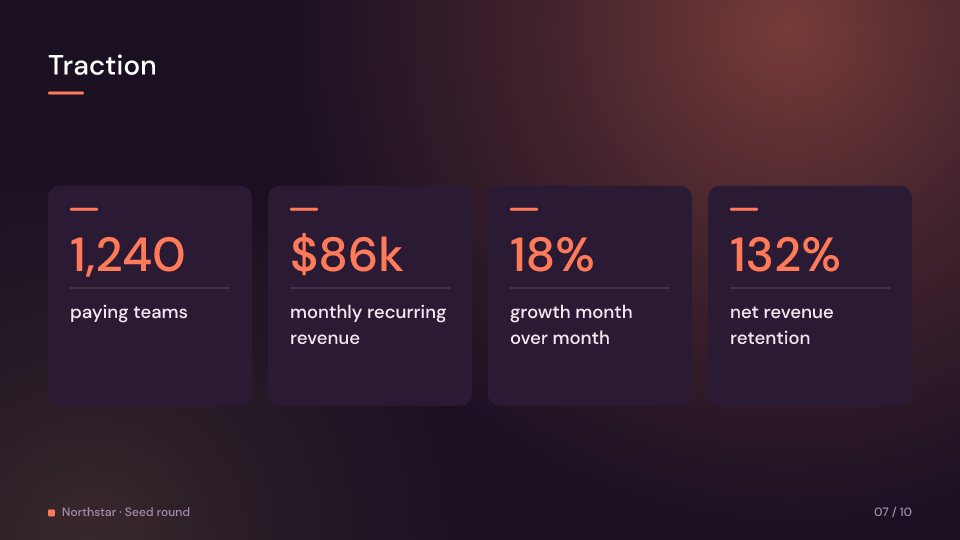
pitch_deck() |
a complete ten-slide startup pitch | pitch- |
quarterly_review() |
a complete quarterly business review | review- |
conference_talk() |
a complete conference talk on video as code | talk- |
marketing() |
a marketing presentation | marketing- |
product_launch() |
a product launch | product- |
research_talk(&engine) |
a walkthrough of the Transformer paper | research- |
attention_lecture(&engine) |
a complete eighteen-slide lecture on the attention mechanism | attention- |
python_lecture() |
a Python lecture | python- |
web_lecture() |
a web development lecture | web- |
The pitch, review and talk are complete: every slide has speaker notes and a hold long
enough to speak to it, and together they use every layout but Image’s photo, which is a
placeholder until the media has one. Their docs name the theme, backdrop and footer they
read best with: sunset() and Glow for the pitch, paper() and Gradient for the
review, midnight() and Grid for the talk. The talk’s code slide is drawn in JetBrains
Mono; ship the font.
Replace the example content with your own before constructing a deck. Change a slide’s
layout, build, hold or notes, or add, remove and reorder slides in the vector. Keep
keys unique within a deck and stable when editing slides; they identify scenes and Studio
clips and stops. For example, customize the opening of a product launch:
use fframes_kit::prelude::*;
let mut slides = slides::templates::product_launch();if let Some(opening) = slides.first_mut() {    opening.layout = SlideLayout::Title {        title: "Introducing Northstar",        subtitle: Some("A simpler way to plan"),    };    opening.hold = 2.0;    opening.notes = Some("Introduce the team and the product.");}let deck = Deck::new(Theme::default(), slides);
With cs enabled, change the lecture source and language in the layout:
use fframes_kit::{prelude::*, kits::cs::Language};
let mut slides = slides::templates::python_lecture();slides[2].layout = SlideLayout::HighlightedCode {    title: "A function",    code: "def square(x):\n    return x * x",    language: Language::Python,};
These are ordinary slides: their layouts, build and hold timing, transitions, presenter
stops and Studio editing follow the rules in Slides and Decks. A
HighlightedCode uses the cs kit’s CodeBlock to colour Python, HTML and JavaScript and
move the focus between lines. Its source is changed in Rust, not in Studio, and is not
executed. Use short examples: only the first 20 lines are drawn, long lines end in an
ellipsis, and more lines shrink the text.
Code remains a plain-text alternative without cs. FeatureCards draws at most three
cards, each with editable heading and description. Flow draws up to four connected steps;
use slides::FlowCaption::Text for an editable text caption or, with latex,
slides::FlowCaption::Formula for a shared, pre-typeset Formula.
The product image slide uses product.png as a placeholder; replace it with a file name
from your video’s media.
The research template presents Attention Is All You Need
by Vaswani et al. It covers the encoder and decoder, positional encoding, attention,
training, inference and limitations. Its results cite Table 2 of the 2017 NeurIPS
paper;
the later arXiv revision reports a different English-to-French score. Speaker notes include
additional detail and references. Replace or expand these slides for your own talk.
attention_lecture(&engine) teaches the mechanism itself in eighteen slides. It starts from
attention as a soft dictionary lookup, then gives queries, keys and values, the projections,
the scores, the scaling by the square root of the key dimension, softmax and the weighted sum
an Equation slide each. A worked example follows the word “it” in “The animal didn’t cross
the street because it was too tired”: one Bars slide shows its illustrative scores, the
next their softmax, with half the weight on “animal”. The lecture closes with the whole
formula as a Flow, causal masking, multi-head attention, the numbers of the base model and
the quadratic cost, a recap and further reading. Its nine formulas are typeset when the deck
is built, and every slide has speaker notes. It reads best with themes::midnight(), the
Grid backdrop and a footer.
Create the research deck with a TexEngine in your video’s constructor, before rendering:
use fframes_kit::{latex::TexEngine, prelude::*};
let engine = TexEngine::new(concat!(env!("CARGO_MANIFEST_DIR"), "/tex-cache"));let slides = slides::templates::research_talk(&engine)?;let deck = Deck::new(Theme::default(), slides);let lecture = Deck::new(slides::themes::midnight(), slides::templates::attention_lecture(&engine)?)    .backdrop(slides::Backdrop::Grid)    .footer("Attention, step by step");assert_eq!(lecture.slides().count(), 18);
MathTex uses Typst by default and caches the result. The formula caption is changed by
typesetting a replacement before rendering, not in Studio. Embed the formula cache for the
web editor as described in LaTeX setup.
Gallery scenes: TemplatePitch, TemplateReview, TemplateTalk, TemplateAttention,
TemplateAttentionMask, TemplateMarketing, TemplateProduct, TemplateResearch, TemplatePython,
TemplateWebHtml, TemplateWeb, TemplateResearchQkv, TemplateResearchAttention,
TemplateResearchTraining.
TemplatePitch 7.4 s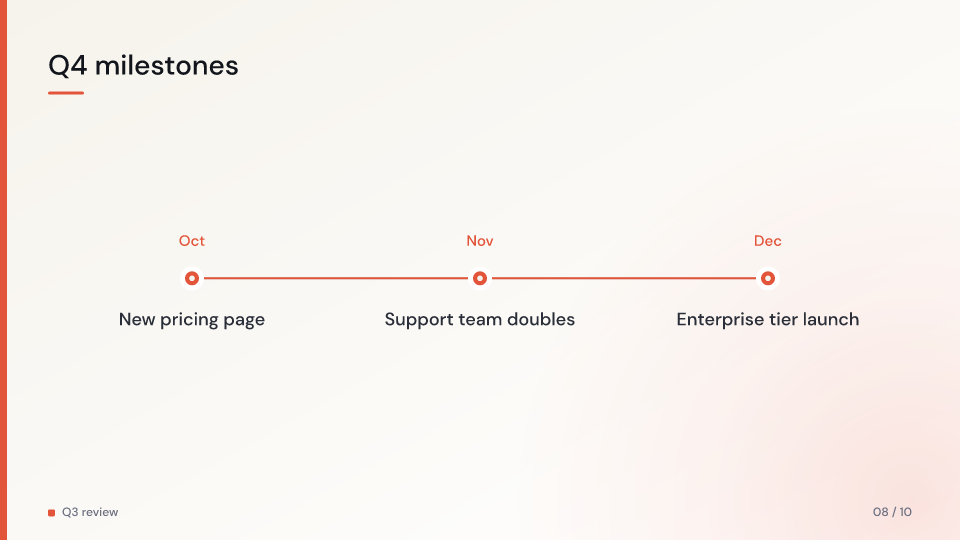
TemplateReview 5.7 s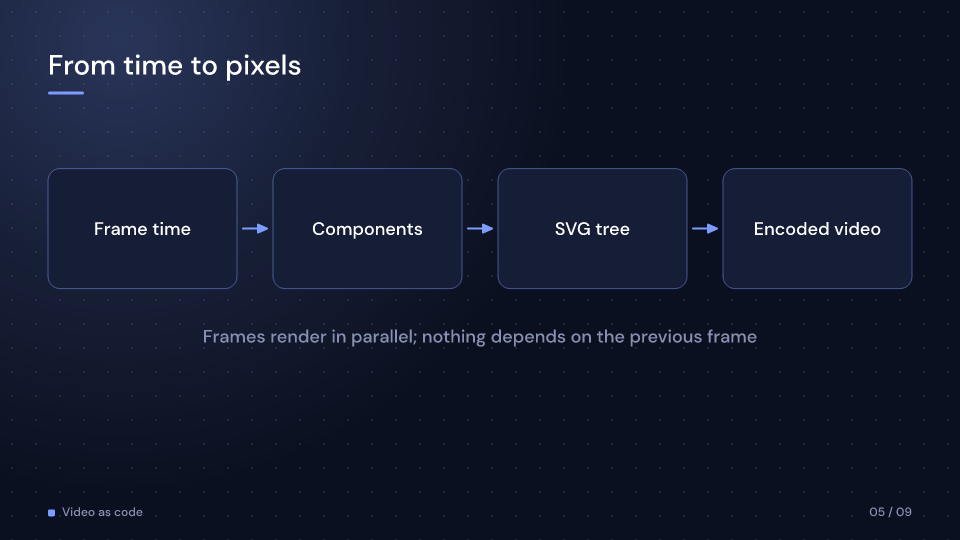
TemplateTalk 6.7 s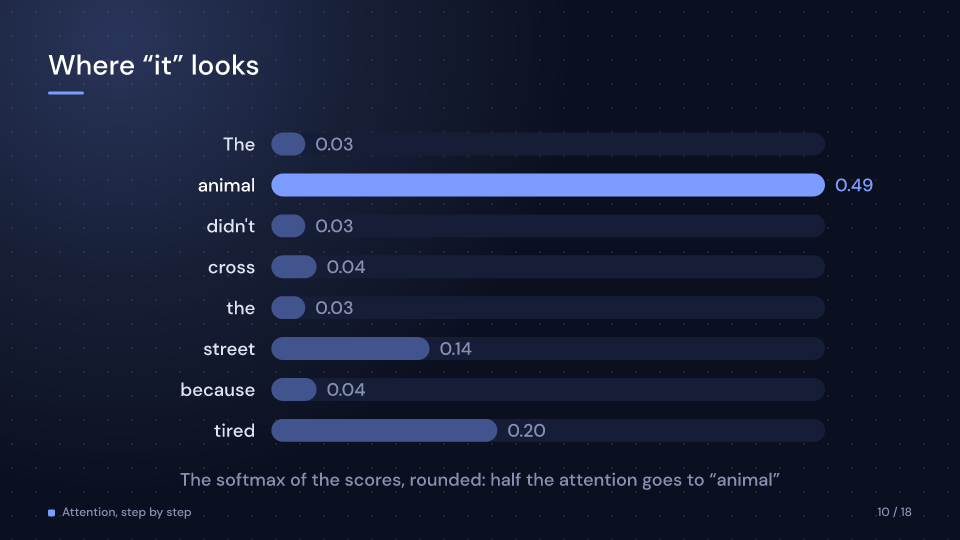
TemplateAttention 6.7 s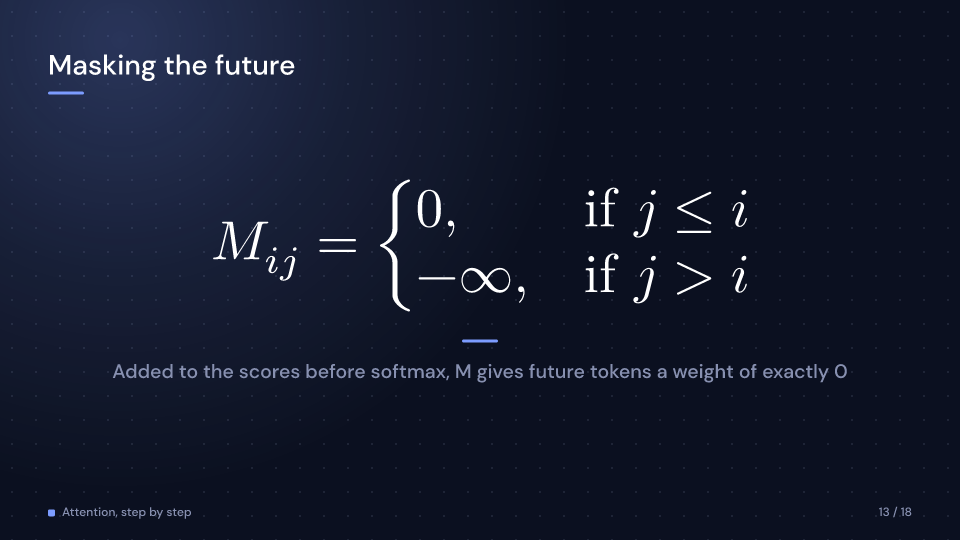
TemplateAttentionMask 6.4 s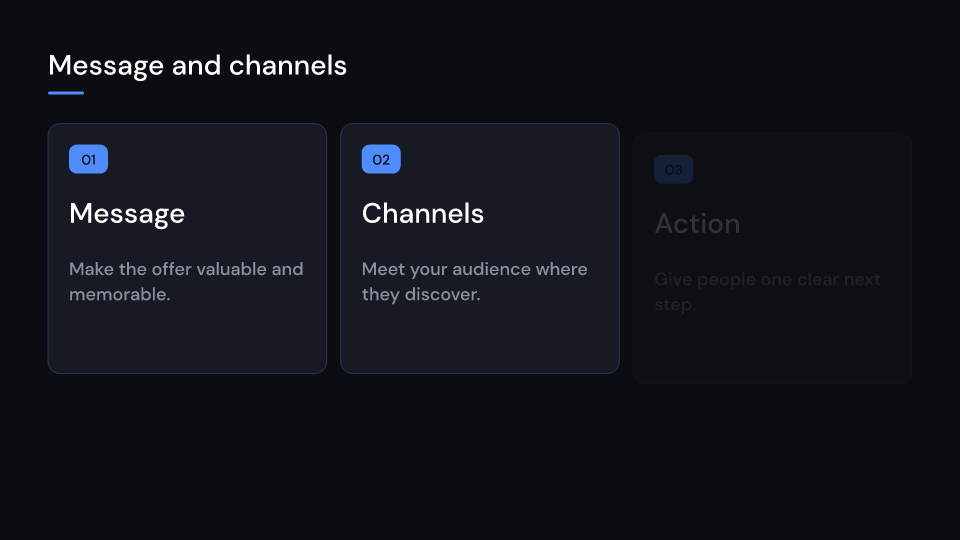
TemplateMarketing 2.8 s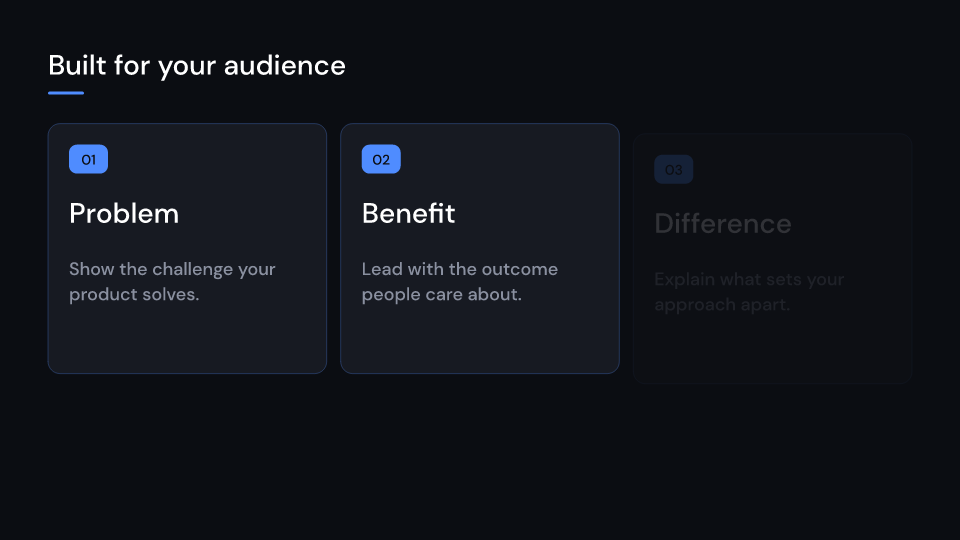
TemplateProduct 2.8 s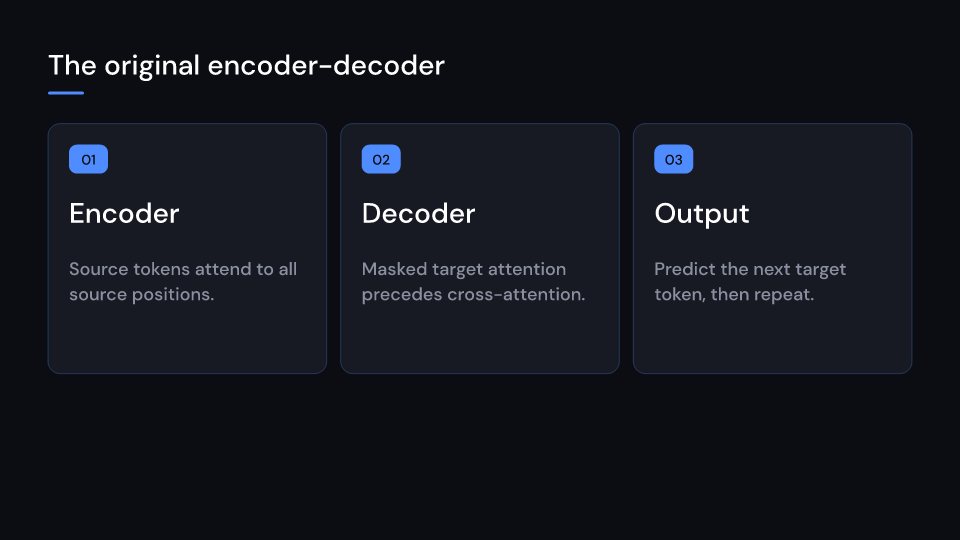
TemplateResearch 9.8 s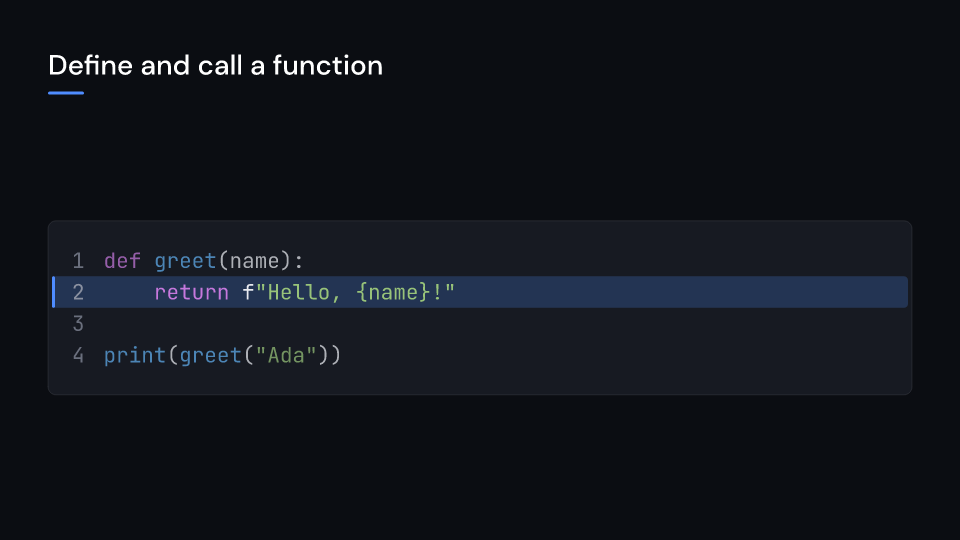
TemplatePython 3.4 s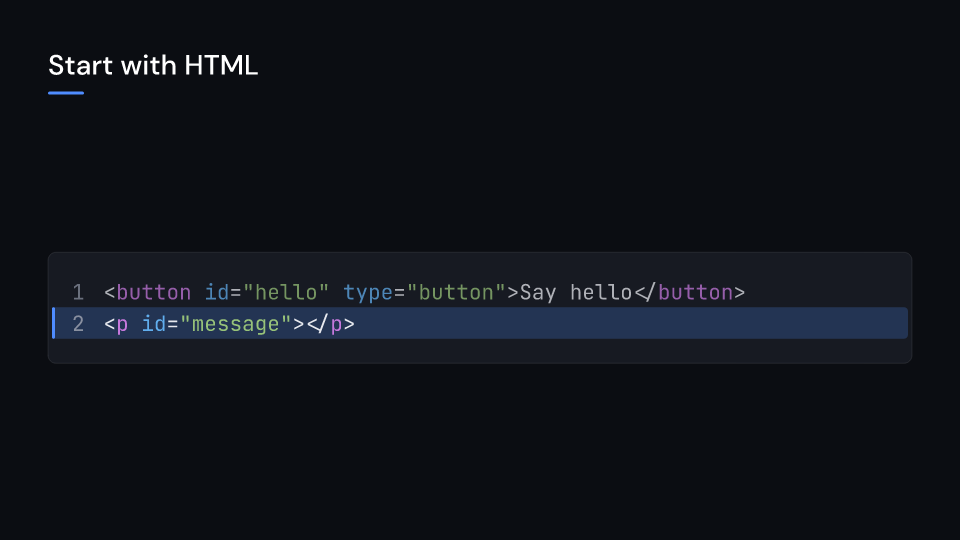
TemplateWebHtml 2.8 s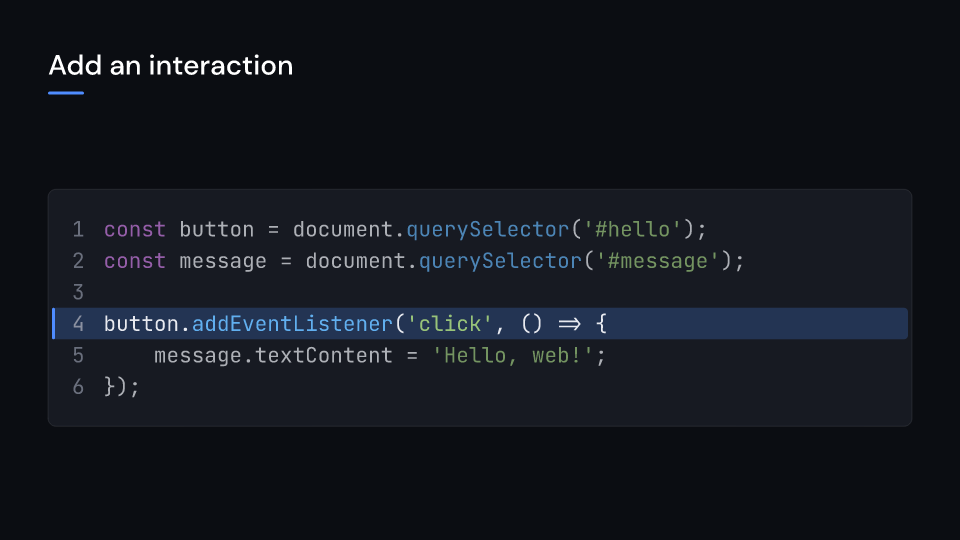
TemplateWeb 4.6 s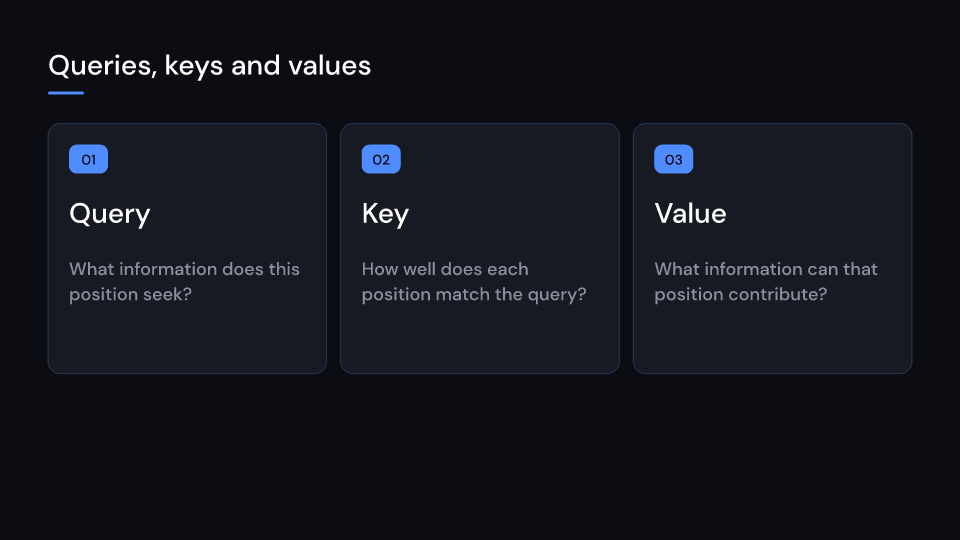
TemplateResearchQkv 9.8 s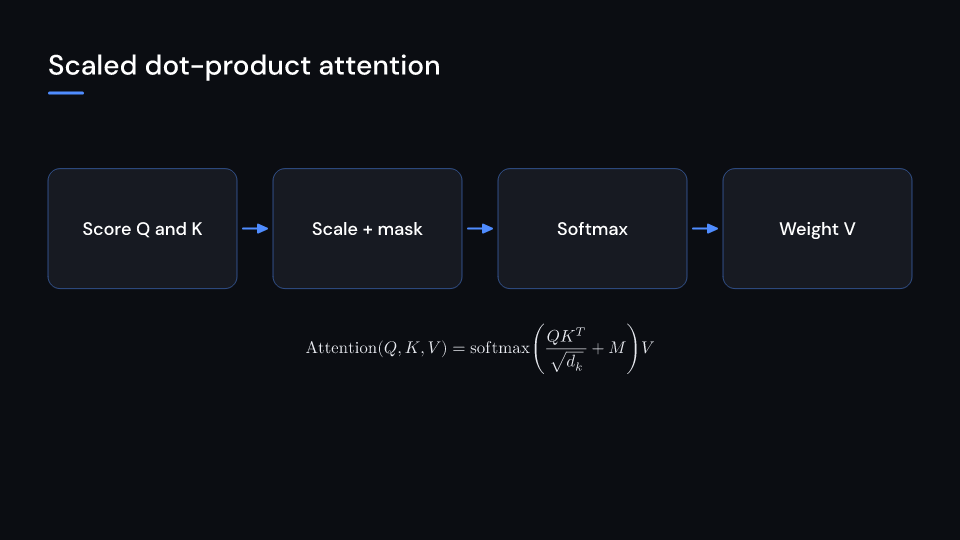
TemplateResearchAttention 10.7 s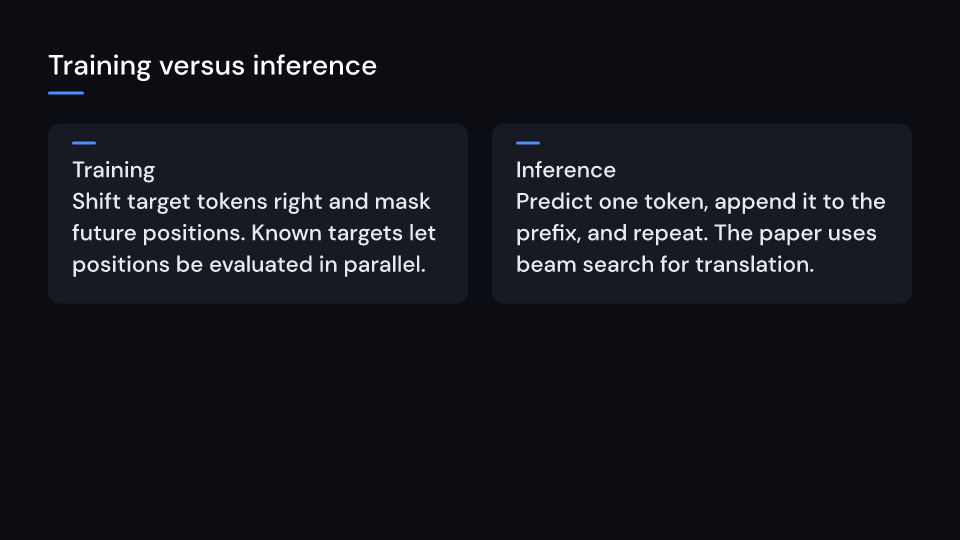
TemplateResearchTraining 9.2 s