
fframes_kit::plot draws data on axes. It needs no feature, and the plots come with the
prelude. Like the overlays above, each plot takes the axes’ mapping and draws only itself.
Gallery scenes: Plots, Heatmap, Histogram, LinePlot, ScatterPlot.
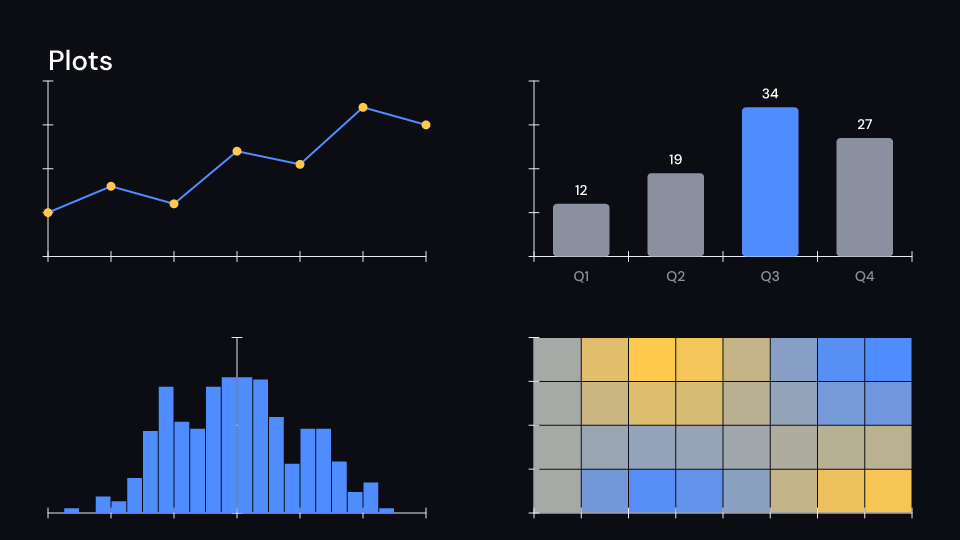
Plots 4 s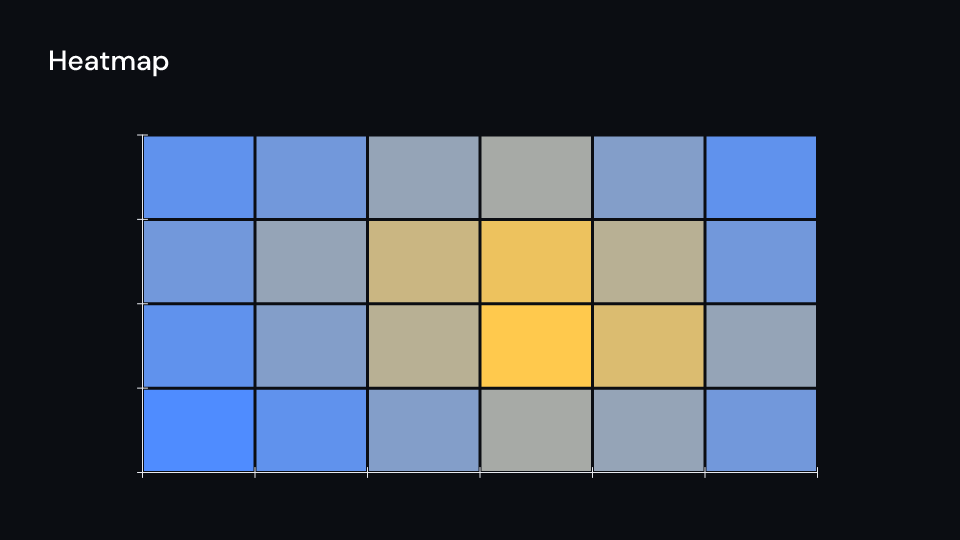
Heatmap 3.5 s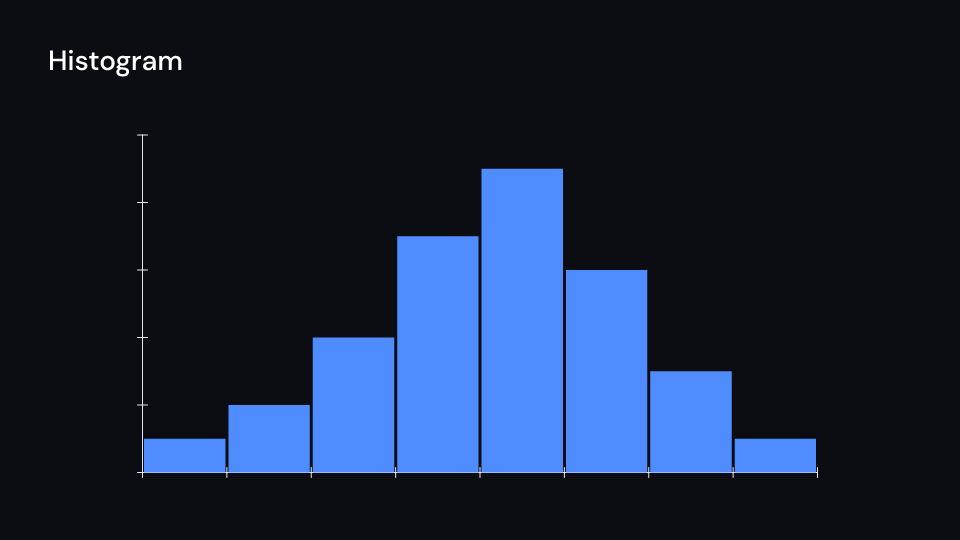
Histogram 3.5 s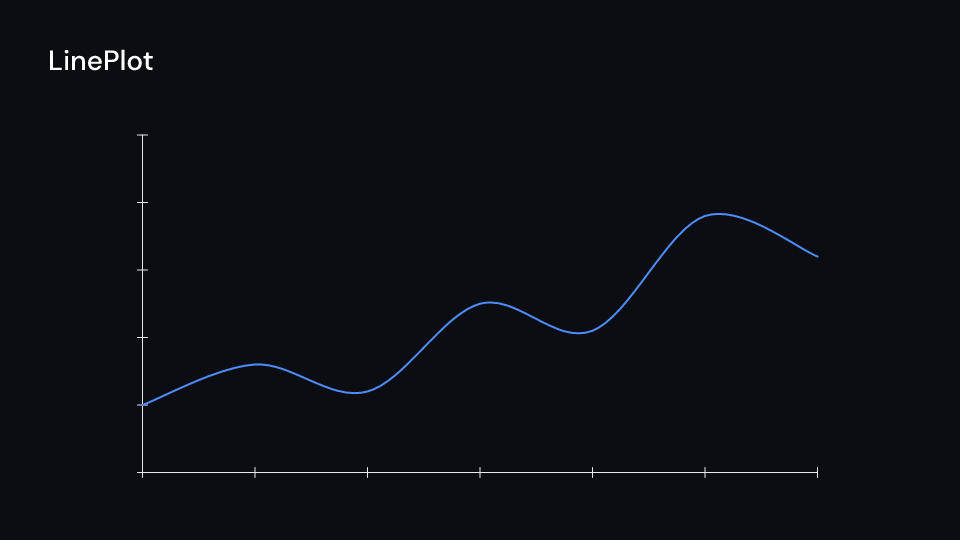
LinePlot 3.5 s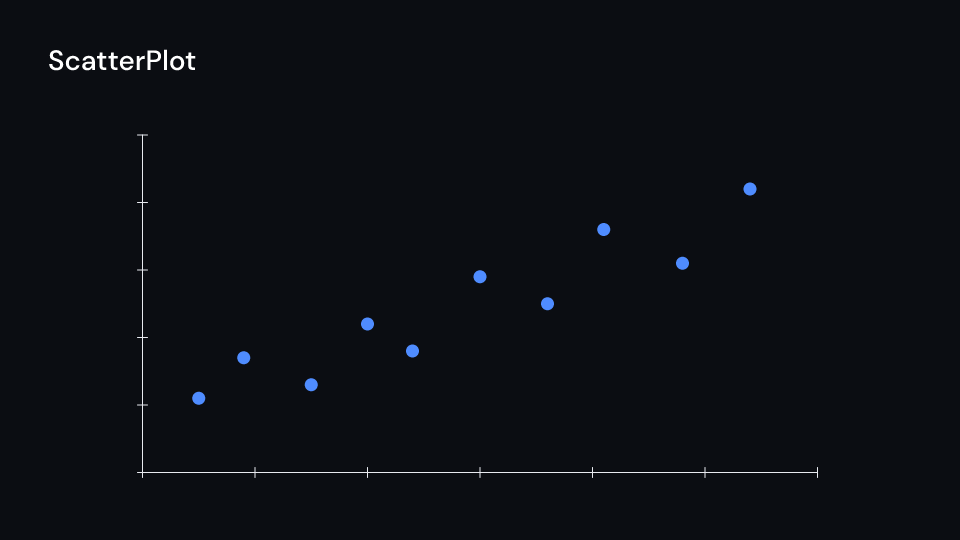
ScatterPlot 3.5 sLinePlot: a line through data points, straight orsmooth. A point that is not finite breaks it.ScatterPlot: dots at data points that grow in one after another.Histogram: bars ofvaluesacrossrange, standing on the x-axis.bin(samples, range, bins, density)counts samples into bins. Withdensitythe bars’ area is 1, so a probability density drawn over them fits.Heatmap: a grid of cells coloured fromlowtohigh, with the first row at the top.plot::bars(ui, &axes, bars, 0.6): theBarChartcomponent placed on axes, the bars sharing the x span evenly.
use fframes_kit::prelude::*;use fframes_kit::plot::{bars, bin};
fn figure<'a>(ui: &mut Ui<'a, '_, '_>, samples: &[f64]) -> Svgr<'a> {    let axes = Axes {        x_range: Range::new(-3.0, 3.0, 1.0),        y_range: Range::new(0.0, 0.5, 0.25),        ..ui.defaults()    };    let map = axes.map(ui);    let histogram = ui.show(Histogram {        values: bin(samples, (-3.0, 3.0), 24, true),        range: (-3.0, 3.0),        axes: map,        ..ui.defaults()    });    let line = ui.show(LinePlot {        points: vec![(-3.0, 0.0), (0.0, 0.4), (3.0, 0.0)],        axes: map,        smooth: true,        ..ui.defaults()    });    let chart = ui.show(bars(ui, &map, vec![("a".into(), 0.2), ("b".into(), 0.4)], 0.6));    let axes = ui.show(axes);    svgr!(<g>{axes}{histogram}{line}{chart}</g>)}
fn points<'a>(ui: &mut Ui<'a, '_, '_>) -> Svgr<'a> {    let axes = Axes::default();    let points = ui.show(ScatterPlot {        points: vec![(-1.0, 0.2), (0.0, 0.4), (1.0, 0.2)],        axes: axes.map(ui), ..ui.defaults()    });    let axes = ui.show(axes);    svgr!(<g>{axes}{points}</g>)}
fn cells<'a>(ui: &mut Ui<'a, '_, '_>) -> Svgr<'a> {    let axes = Axes::default();    let cells = ui.show(Heatmap {        values: vec![vec![0.1, 0.5], vec![0.8, 1.0]],        x_range: (-2.0, 2.0), y_range: (-2.0, 2.0), axes: axes.map(ui), ..ui.defaults()    });    let axes = ui.show(axes);    svgr!(<g>{cells}{axes}</g>)}
assert_eq!(bin(&[0.1, 0.2, 0.9], (0.0, 1.0), 2, false), vec![2.0, 1.0]);Components are plain structs. Set the fields you need and fill the rest with ..ui.defaults(): the defaults below come from the current theme (theme. values are fields of Theme).
Heatmap
Section titled “Heatmap”A grid of coloured cells on axes: values row by row, the first row at the top, covering x_range and y_range in data units. A cell’s colour runs from low at min to high at max (the smallest and largest value when None). From delay the cells fade in as a wave from the top left corner, stagger seconds per step along the diagonal. Values that are not finite leave their cell empty.
| Field | Type | Default | Description |
|---|---|---|---|
values |
Vec<Vec<f64>> |
Vec::new() |
The cell values row by row, the first row at the top; a value that is not finite leaves its cell empty. |
x_range |
(f64, f64) |
(0.0, 1.0) |
Left and right edge of the grid in data units of the x-axis. |
y_range |
(f64, f64) |
(0.0, 1.0) |
Bottom and top edge of the grid in data units of the y-axis. |
axes |
AxesMap |
AxesMap::default() |
The mapping of the axes the grid sits on (axes.map(ui)). |
low |
Color |
theme.colors.surface |
Colour of a cell at min. |
high |
Color |
theme.colors.highlight |
Colour of a cell at max. |
min |
Option<f64> |
None |
Value drawn in low; None takes the smallest value. |
max |
Option<f64> |
None |
Value drawn in high; None takes the largest value. |
gap |
f32 |
2.0 |
Pixels between the cells. |
delay |
f32 |
0.0 |
Seconds after the container’s start before the first cell begins to fade in. |
stagger |
f32 |
0.05 |
Seconds each step along the diagonal waits after the one before it. |
run_time |
f32 |
theme.motion.duration.base |
Seconds each cell takes to fade in. |
rate_func |
RateFunc |
RateFunc::default() |
Easing of each cell’s fade over its run time. |
Methods:
fn color_at(&self, v: f64) -> Color: The colour of valuev.
Histogram
Section titled “Histogram”Bars of values (one per bin, usually from bin) side by side from range.0 to range.1 on axes, standing on the x-axis. From delay they grow one after another, stagger seconds apart; stagger: 0.0 grows them together. gap is the pixels between bars.
| Field | Type | Default | Description |
|---|---|---|---|
values |
Vec<f64> |
Vec::new() |
The height of each bar in data units of the y-axis, one per bin (usually from bin); 0 or not finite draws no bar. |
range |
(f64, f64) |
(0.0, 1.0) |
Left and right edge of the first and last bin in data units of the x-axis. |
axes |
AxesMap |
AxesMap::default() |
The mapping of the axes the bars stand on (axes.map(ui)). |
gap |
f32 |
2.0 |
Pixels between neighbouring bars. |
fill |
Color |
theme.colors.accent |
Colour of the bars. |
stroke |
Option<Color> |
None |
Outline colour of the bars; None draws no outline. |
stroke_width |
f32 |
theme.stroke.thin |
Outline width in pixels. |
delay |
f32 |
0.0 |
Seconds after the container’s start before the first bar begins to grow. |
stagger |
f32 |
0.04 |
Seconds each bar waits after the one before it; 0 grows them together. |
run_time |
f32 |
theme.motion.duration.base |
Seconds each bar takes to grow. |
rate_func |
RateFunc |
theme.motion.easing.enter |
Easing of each bar’s growth over its run time. |
enter |
Option<EnterAnim> |
None |
How the bars appear once grown; None shows them as they are. |
exit |
Option<ExitAnim> |
None |
How the bars leave at the end of their container; None stays. |
Methods:
fn grown(&self, i: usize, t: f32) -> f32: How far barihas grown att, from 0 to 1.
LinePlot
Section titled “LinePlot”A line through data points on axes (Manim axes.plot_line_graph without its dots; add a ScatterPlot for them). Straight segments, or a smooth curve with smooth. A point that is not finite breaks the line.
| Field | Type | Default | Description |
|---|---|---|---|
points |
Vec<(f64, f64)> |
Vec::new() |
The (x, y) data points in data units of the axes; a point that is not finite breaks the line. |
axes |
AxesMap |
AxesMap::default() |
The mapping of the axes the line is drawn on (axes.map(ui)). |
smooth |
bool |
false |
Draws a smooth curve through the points instead of straight segments. |
fill |
Option<Color> |
Paint::outline(theme).fill |
None leaves the inside empty. |
stroke |
Option<Color> |
Paint::outline(theme).stroke |
None draws no outline. |
stroke_width |
f32 |
Paint::outline(theme).stroke_width |
Outline width in pixels. |
dash |
Option<(f32, f32)> |
None |
Dash and gap lengths of the outline. |
opacity |
f32 |
1.0 |
0 transparent to 1 opaque. |
enter |
Option<EnterAnim> |
None |
How it appears; None shows it from the start. |
exit |
Option<ExitAnim> |
None |
How it leaves at the end of its container; None stays. |
emphasis |
Option<Emphasis> |
None |
An emphasis animation (Indicate, Wiggle, ..) played while it is shown. |
Methods:
fn shape(&self) -> Shape: The path and paint as aShape.
ScatterPlot
Section titled “ScatterPlot”Dots at data points on axes. From delay they grow in one after another, stagger seconds apart, each over run_time. Points that are not finite are left out.
| Field | Type | Default | Description |
|---|---|---|---|
points |
Vec<(f64, f64)> |
Vec::new() |
The (x, y) data points in data units of the axes; a point that is not finite is left out. |
axes |
AxesMap |
AxesMap::default() |
The mapping of the axes the dots sit on (axes.map(ui)). |
radius |
f32 |
9.0 |
Radius of a grown dot in pixels. |
color |
Color |
theme.colors.accent |
Fill colour of the dots. |
delay |
f32 |
0.0 |
Seconds after the container’s start before the first dot begins to grow. |
stagger |
f32 |
0.03 |
Seconds each dot waits after the one before it. |
run_time |
f32 |
theme.motion.duration.fast |
Seconds each dot takes to grow. |
rate_func |
RateFunc |
theme.motion.easing.enter |
Easing of each dot’s growth over its run time. |
enter |
Option<EnterAnim> |
None |
Applied to all the dots once they have grown. |
exit |
Option<ExitAnim> |
None |
How the dots leave at the end of their container; None stays. |
Methods:
fn grown(&self, i: usize, t: f32) -> f32: How far dotihas grown att, from 0 to 1.