Slides and decks
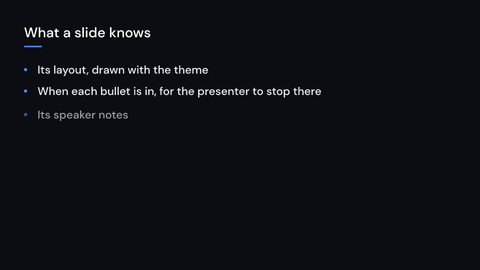
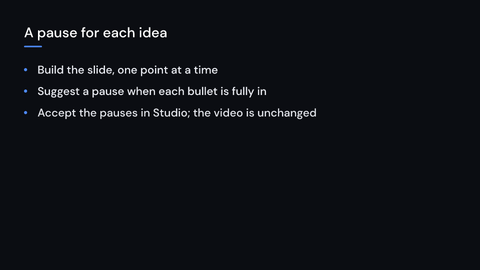
The slides module makes a video that is also a deck. A Slide is a layout (a title page,
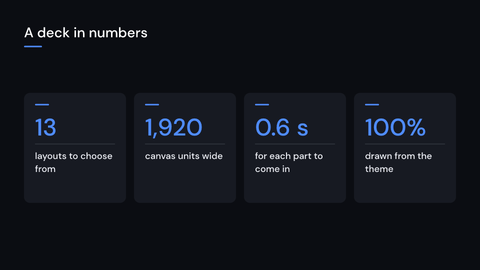
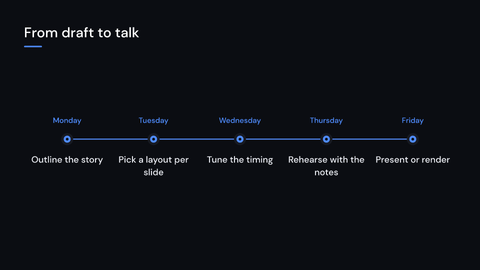
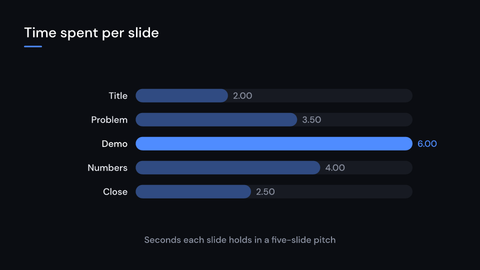
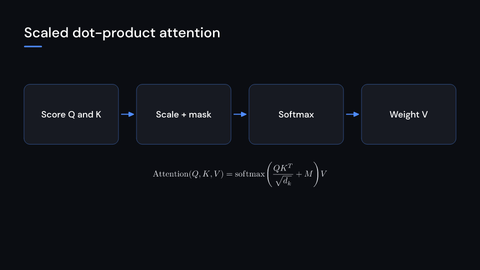
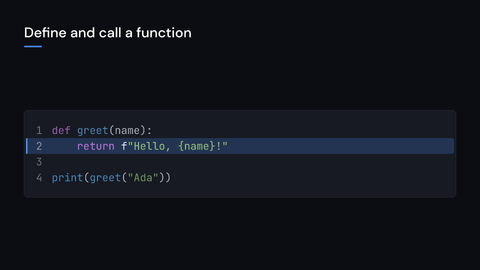
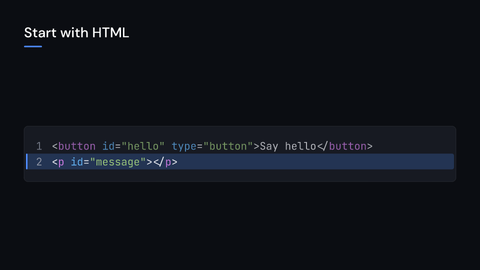
a section divider, bullets, an image, two columns, cards, figures, bars, a timeline, a
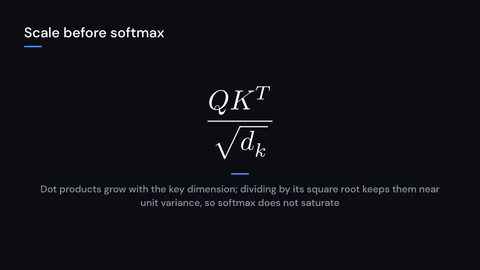
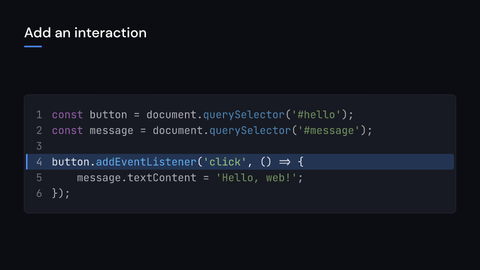
formula, code, a quotation or your own drawing)
whose parts come in one after another and that then holds. A Deck plays slides as the
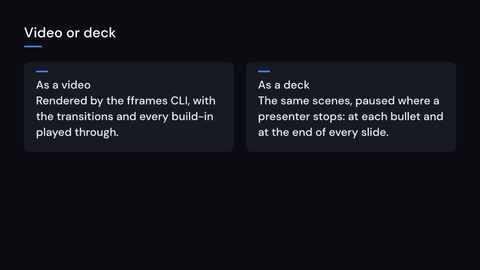
scenes of a video, with a transition between them. The same video renders with the fframes
command line; a presenter can use the slides’ reveal times and notes. No cargo feature is
needed for slides or decks.
The prelude brings the module, Deck and SlideLayout. Write a slide as slides::Slide:
the prelude’s Slide is the transition.
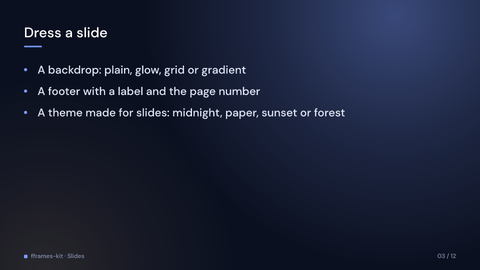
Start with Slides for layouts, build timing and presenter stops, dress them with backdrops, footers and themes, then see Decks for combining slides into a video and editing text in Studio. For a head start, choose a starter template; A complete deck puts it all together.