
Data, audio, decoration and media
| Component | Props | What it does |
|---|---|---|
BarChart |
bars: Vec<(Cow<str>, f64)>, x, y (baseline), bar_width (126), gap (62), max_height (330), max_value, radius, fill, highlight: Option<usize>, highlight_fill, value_style, value_fill, label_style, label_fill, decimals, delay, stagger, run_time, rate_func |
bars grow one after another, each value counting up above its bar and its label below; a bar starts as a hairline |
SpectrumBars |
values, x, y, width, bar_width, gain (60), min_height, max_height (720), radius (None: round ends), fill, align (BarAlign::Center, Bottom) |
one rounded bar per value, value * gain pixels high; NaN draws the shortest bar |
Waveform |
values, x, y (baseline), width, gain (1200), max_height (600), fill, stroke, stroke_width, opacity |
a smooth closed wave through the values, starting and ending on the baseline (audio::wave_path gives the path data) |
DrawOn |
DrawOn::new(ui, shape), then delay, run_time, rate_func |
Create on any Shape you built: an underline, a tick, a hand-drawn arrow draws on from its start |
CornerMarks |
x, y, width, height, arm (24), color, stroke_width, enter: Option<EnterAnim> |
crop-mark corners around a rectangle, static or drawn on with enter |
Glow |
id (kit-glow), shadow (theme.shadow.glow) |
a filter definition; draw it in <defs>, then filter={glow.url()} |
DropShadow |
id (kit-card), shadow (theme.shadow.card) |
the same for the drop shadow under a card |
PhotoFrame |
image, key, x, y, width, height, radius, stroke, stroke_width (12), opacity |
an image of the media clipped to a rounded, stroked frame |
KenBurns |
image, key, x, y, width, height, from, zoom (1.06), zoom_per_second (0.02), drift, fade |
an image slowly pushed in and drifted sideways from from seconds, clipped to its box |
Gallery scenes: BarChart, SpectrumBars, Waveform, DrawOn, CornerMarks, Glow,
DropShadow, PhotoFrame, KenBurns.
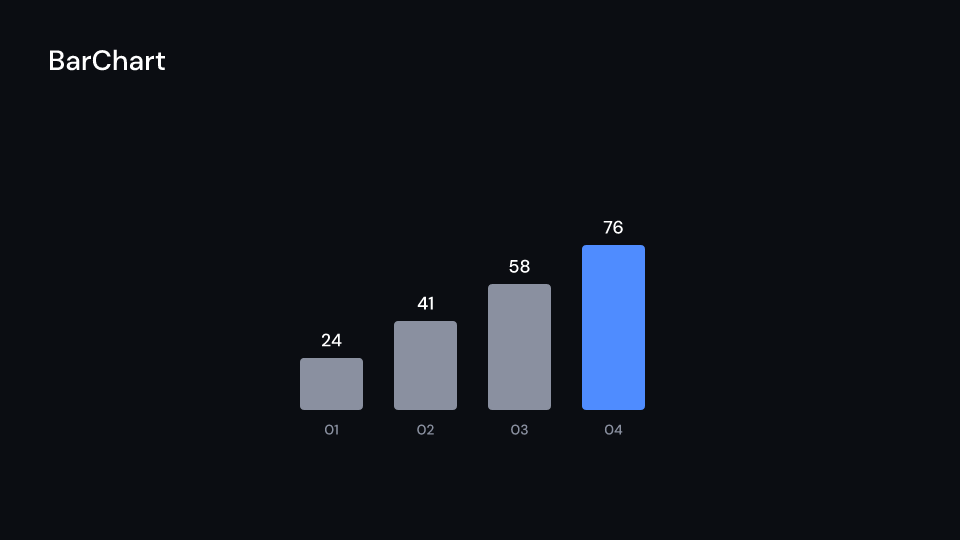
BarChart 2.5 s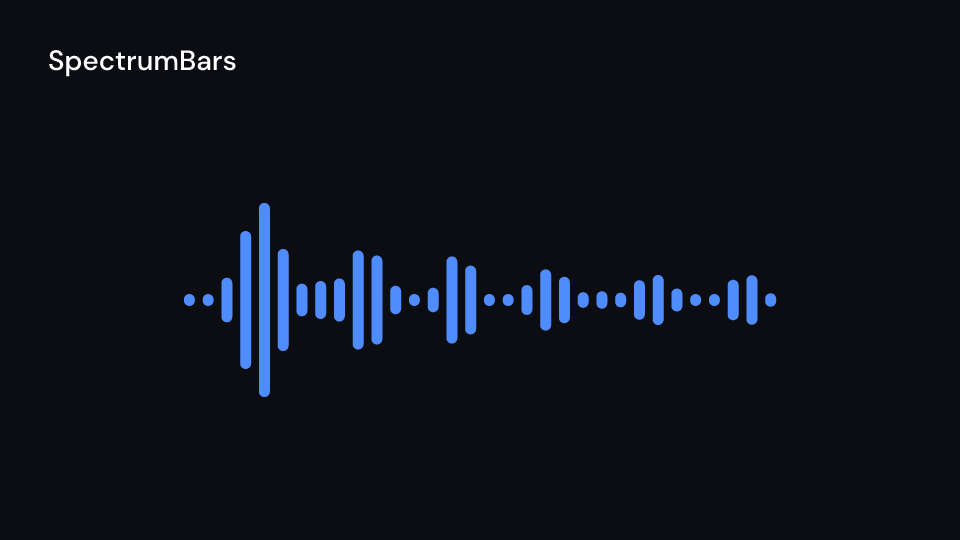
SpectrumBars 3 s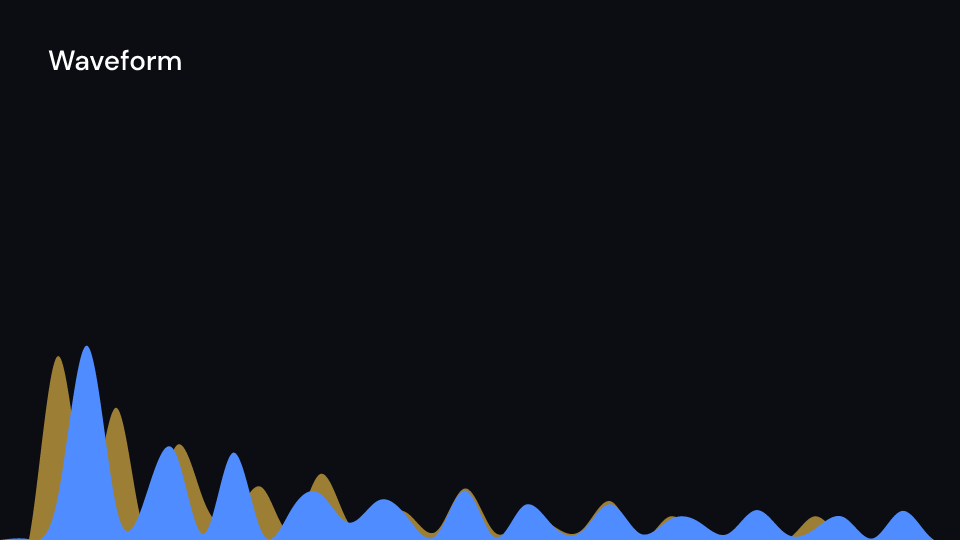
Waveform 3 s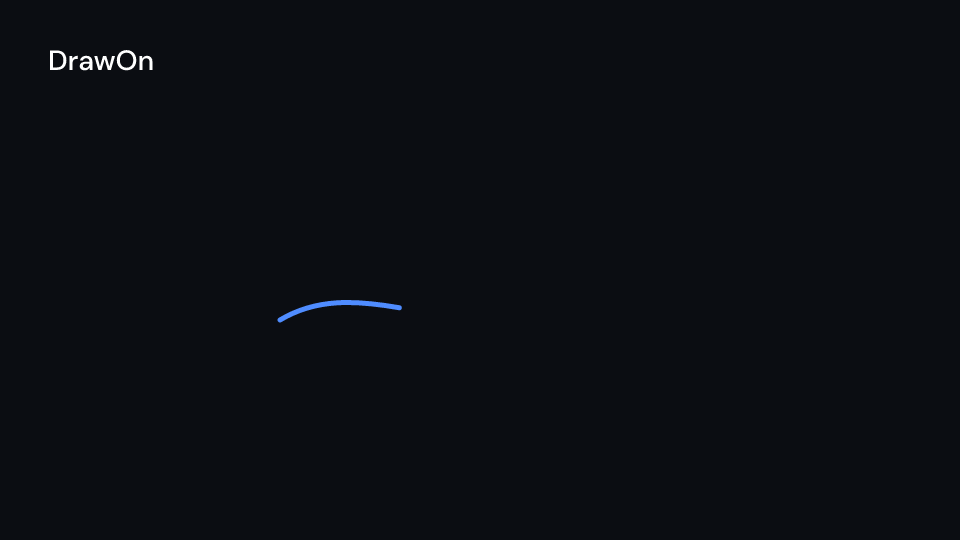
DrawOn 2 s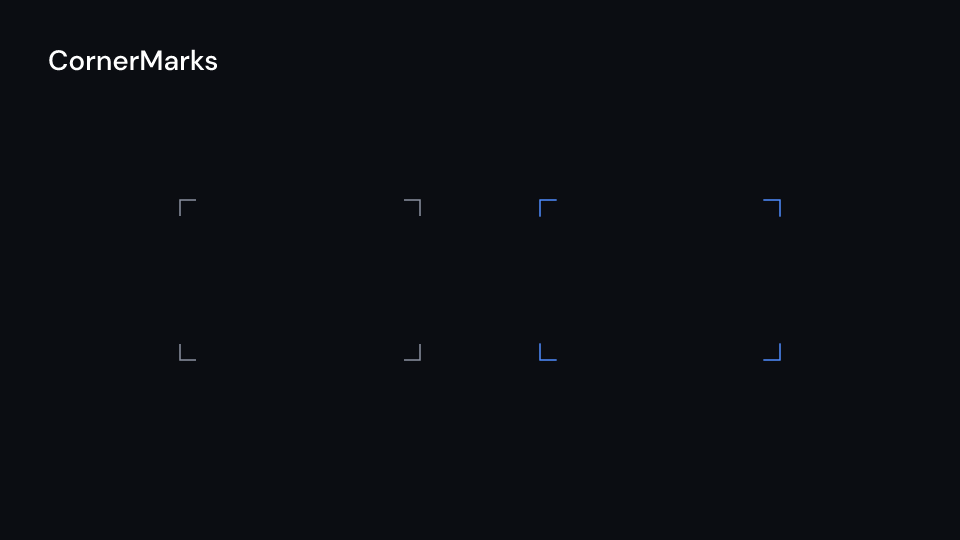
CornerMarks 2 s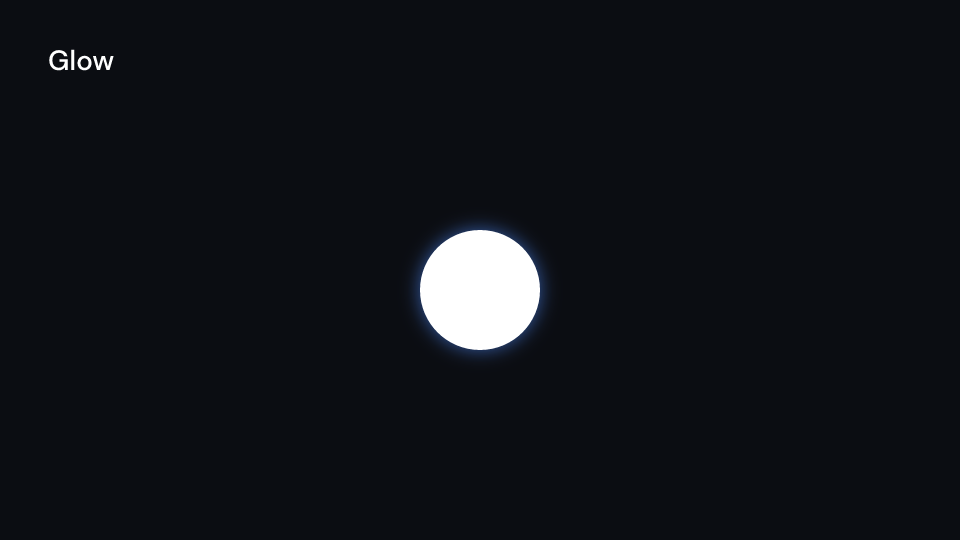
Glow 2 s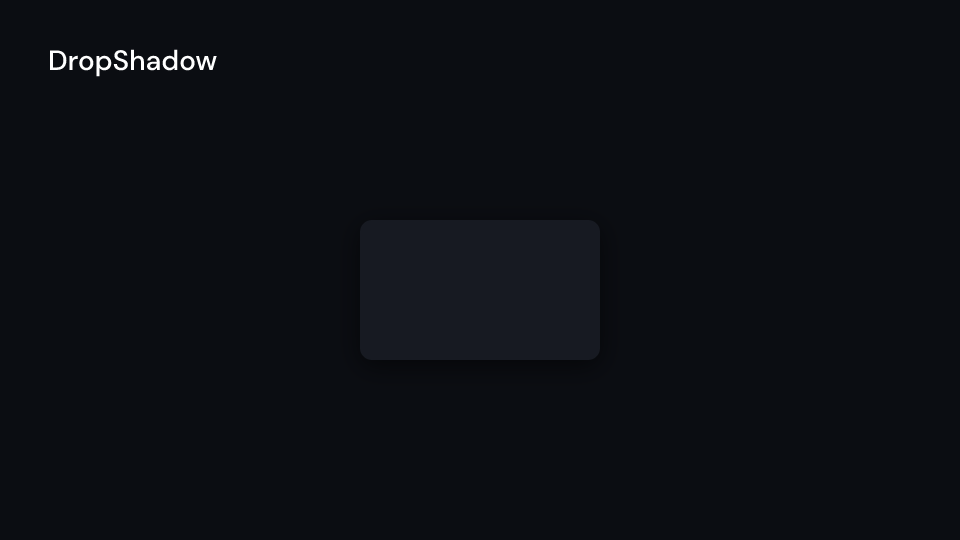
DropShadow 2 s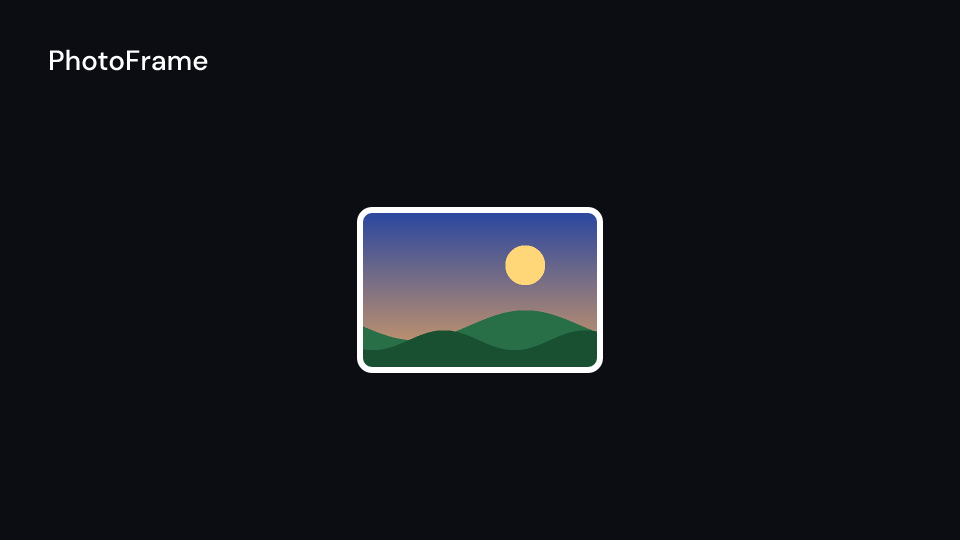
PhotoFrame 2 s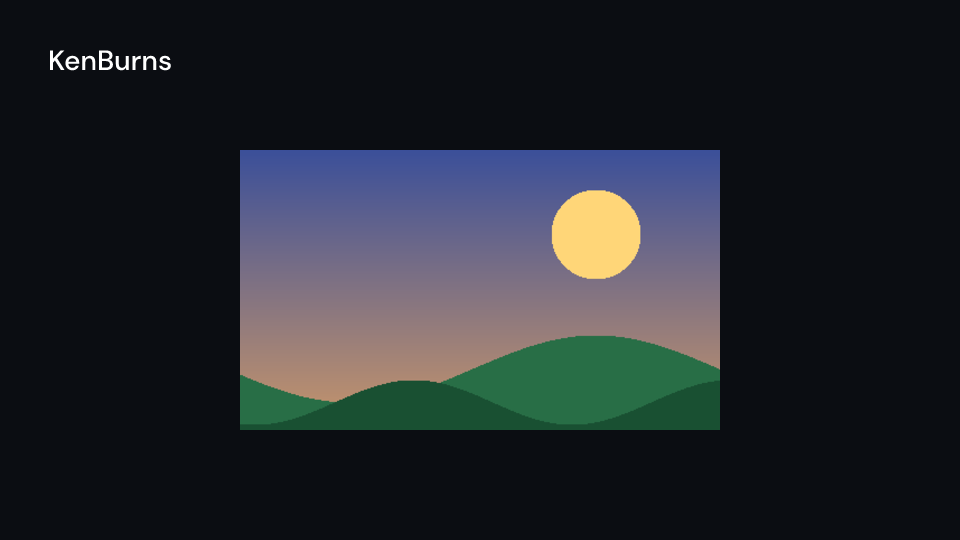
KenBurns 3 saudio::spectrum(ui, file, SampleSize::S256, smooth) gives the values for the audio
components: the spectrum of file at the current frame, or None when the file is not in
the video’s or the scene’s fn audio. The frame is the container’s, so a scene’s file
should start with the scene. PhotoFrame and KenBurns draw nothing for a missing image;
key names their clip path when two are in one frame.
HudLabel::draw(), CornerMarks::draw() (the static marks) and Annotation::draw(progress)
need no Ui, so helpers of a video that only have a Frame can draw them too
(examples/fframes-studio-intro/src/brand.rs does).
A level meter on a podcast cover, a highlighted word that gets underlined, and a glowing title:
use fframes_kit::prelude::*;
fn cover<'a>(ui: &mut Ui<'a, '_, '_>) -> Svgr<'a> {    let values = audio::spectrum(ui, "episode.mp3", fframes::SampleSize::S256, 4)        .map(|s| s.into_iter().take(48).collect())        .unwrap_or_default();    let meter = ui.show(SpectrumBars { values, x: 160.0, y: 820.0, width: 1600.0, ..ui.defaults() });
    let path = BezPath::from_svg("M200 660 H820").unwrap_or_default();    let stroke = Some(ui.theme.colors.accent);    let underline = Shape { path, fill: None, stroke, stroke_width: 8.0, dash: None, opacity: 1.0 };    let underline = ui.show(DrawOn { delay: 0.4, ..DrawOn::new(ui, underline) });
    let glow = Glow::default();    let url = glow.url();    let defs = ui.show(glow);    let title = ui.show(HudLabel { text: "Episode 12".into(), x: 200.0, y: 620.0, ..ui.defaults() });    svgr!(<g><defs>{defs}</defs><g filter={url}>{title}</g>{underline}{meter}</g>)}
let chart = BarChart { bars: vec![("a".into(), 10.0), ("b".into(), 20.0)], ..BarChart::default() };assert_eq!(chart.grown(1, 0.0), 0.0);
An audio wave, crop marks, and two ways to display an image:
use fframes_kit::prelude::*;
fn media_examples<'a>(ui: &mut Ui<'a, '_, '_>) -> Vec<Svgr<'a>> { let shadow = DropShadow::default(); vec![ ui.show(Waveform { values: vec![0.1, 0.8, 0.2], ..ui.defaults() }), ui.show(CornerMarks { x: 360.0, y: 400.0, width: 480.0, height: 320.0, ..ui.defaults() }), ui.show(shadow), ui.show(PhotoFrame { image: "photo.png", ..ui.defaults() }), ui.show(KenBurns { image: "photo.png", drift: 40.0, ..ui.defaults() }), ]}Components are plain structs. Set the fields you need and fill the rest with ..ui.defaults(): the defaults below come from the current theme (theme. values are fields of Theme).
BarChart
Section titled “BarChart”Bars that grow one after another from a baseline, each with its value counting up above it and its label below. (x, y) is the left end of the baseline; the tallest bar is max_height high when max_value is None. A bar is never thinner than half a pixel, so a growing bar starts as a hairline.
| Field | Type | Default | Description |
|---|---|---|---|
bars |
Vec<(Cow<str>, f64)> |
Vec::new() |
(label, value) of each bar, left to right. |
x |
f32 |
0.0 |
Left end of the baseline in pixels of the canvas. |
y |
f32 |
0.0 |
Baseline in pixels of the canvas; bars grow up from it. |
bar_width |
f32 |
126.0 |
Width of one bar in pixels. |
gap |
f32 |
62.0 |
Space between neighbouring bars in pixels. |
max_height |
f32 |
330.0 |
Height in pixels of the bar whose value is max_value. |
max_value |
Option<f64> |
None |
The value drawn max_height high; None uses the largest value. |
radius |
f32 |
8.0 |
Corner radius of the bars in pixels. |
fill |
Color |
theme.colors.muted |
Colour of the bars. |
highlight |
Option<usize> |
None |
The index of a bar drawn in highlight_fill. |
highlight_fill |
Color |
theme.colors.accent |
Colour of the highlighted bar. |
value_style |
TextStyle |
theme.typography.body |
The font of the values above the bars. |
value_fill |
Color |
theme.colors.title |
Colour of the values above the bars. |
label_style |
TextStyle |
theme.typography.caption |
The font of the labels below the bars. |
label_fill |
Color |
theme.colors.muted |
Colour of the labels below the bars. |
decimals |
usize |
0 |
Digits after the decimal point of the counting values. |
delay |
f32 |
0.0 |
Seconds after the container’s start before the first bar begins to grow. |
stagger |
f32 |
theme.motion.stagger.loose |
Seconds between the start of one bar and the start of the next. |
run_time |
f32 |
theme.motion.duration.slow |
Seconds one bar takes to grow. |
rate_func |
RateFunc |
theme.motion.easing.enter |
Easing of each bar’s growth over its run time. |
Methods:
fn grown(&self, i: usize, t: f32) -> f32: How far barihas grown att, from 0 to 1 (past 1 while a spring overshoots).
SpectrumBars
Section titled “SpectrumBars”One rounded bar per value, spread over width from x. A value becomes value * gain pixels, kept between min_height and max_height; NaN draws the shortest bar. Pass the values of spectrum (often .step_by(n) or center_spectrum_low_frequencies).
| Field | Type | Default | Description |
|---|---|---|---|
values |
Vec<f32> |
Vec::new() |
One bar per value, left to right; empty draws nothing. |
x |
f32 |
0.0 |
Left edge of the bars in pixels of the canvas. |
y |
f32 |
0.0 |
Vertical anchor of the bars in pixels of the canvas: their middle with BarAlign::Center, their foot with BarAlign::Bottom. |
width |
f32 |
1920.0 |
Width in pixels the bars are spread over. |
bar_width |
f32 |
24.0 |
Width of one bar in pixels. |
gain |
f32 |
60.0 |
Pixels of bar height per unit of value. |
min_height |
f32 |
24.0 |
Shortest bar in pixels; also used for NaN. |
max_height |
f32 |
720.0 |
Tallest bar in pixels. |
radius |
Option<f32> |
None |
None rounds the ends fully (half the bar width). |
fill |
Color |
theme.colors.accent |
Colour of the bars. |
align |
BarAlign |
BarAlign::Center |
Whether the bars grow up and down from y or only up. |
Methods:
fn height(&self, value: f32) -> f32: The height in pixels a value is drawn at.
Waveform
Section titled “Waveform”The audio spectrum (or any values) as a filled smooth wave over a baseline, like the layered waves of an audio announcement. See wave_path for the geometry.
| Field | Type | Default | Description |
|---|---|---|---|
values |
Vec<f32> |
Vec::new() |
The wave heights, spread evenly between the start and the end of the baseline; empty gives a flat line. |
x |
f32 |
0.0 |
Left end of the baseline in pixels of the canvas. |
y |
f32 |
1080.0 |
The baseline. |
width |
f32 |
1920.0 |
Length of the baseline in pixels. |
gain |
f32 |
1200.0 |
Pixels of wave height per unit of value. |
max_height |
f32 |
600.0 |
Highest the wave rises over the baseline, in pixels. |
fill |
Option<Color> |
Some(theme.colors.accent) |
Colour of the area under the wave; None leaves it empty. |
stroke |
Option<Color> |
None |
Colour of the outline; None draws no outline. |
stroke_width |
f32 |
theme.stroke.thin |
Outline width in pixels. |
opacity |
f32 |
1.0 |
0 transparent to 1 opaque. |
DrawOn
Section titled “DrawOn”Any Shape drawn on from the start of its path, the stroke reveal of an underline, a tick or a hand-drawn arrow. It is Create on a shape you built: give the shape a stroke (and no fill for a line).
| Field | Type | Default | Description |
|---|---|---|---|
shape |
Shape |
— | The shape to draw; give it a stroke (and no fill for a line). |
delay |
f32 |
— | Seconds after the container’s start before it begins. |
run_time |
f32 |
— | Seconds the drawing takes. |
rate_func |
RateFunc |
— | Easing of the drawing over its run time. |
It has no theme defaults: build it with DrawOn::new(..).
Methods:
fn new(ui: &Ui, shape: Shape) -> Self:shapewith the theme’sCreatetiming.
CornerMarks
Section titled “CornerMarks”Crop-mark corners around the rectangle (x, y, width, height): an L of arm pixels at each corner, like the brackets around a viewfinder. With enter (such as Create) the marks draw on; without, they are one static path.
| Field | Type | Default | Description |
|---|---|---|---|
x |
f32 |
0.0 |
Left edge of the rectangle in pixels of the canvas. |
y |
f32 |
0.0 |
Top edge of the rectangle in pixels of the canvas. |
width |
f32 |
0.0 |
Width of the rectangle in pixels. |
height |
f32 |
0.0 |
Height of the rectangle in pixels. |
arm |
f32 |
24.0 |
Length of each leg of a corner mark in pixels. |
color |
Color |
theme.colors.muted |
Colour of the marks. |
stroke_width |
f32 |
theme.stroke.thin |
Line width of the marks in pixels. |
enter |
Option<EnterAnim> |
None |
How the marks draw on (such as Create); None shows them from the start. |
Methods:
fn d(&self) -> String: The four marks as SVG path data, clockwise from the top left.fn draw(&self) -> Svgr: The static marks (enteris ignored), as one<path>; it needs noUi.
The theme’s shadow.glow as a filter definition: a soft halo in the accent colour. Draw it once, then use filter={glow.url()} on what should glow.
| Field | Type | Default | Description |
|---|---|---|---|
id |
Cow<str> |
— | The filter’s id, unique in the frame. |
shadow |
Shadow |
— | The shadow the filter draws: colour (its alpha is the opacity), offset and blur. |
Methods:
fn url(&self) -> String:url(#id), the value of afilterattribute.
DropShadow
Section titled “DropShadow”The theme’s shadow.card as a filter definition: the drop shadow under a card. Draw it once, then use filter={shadow.url()} on the card.
| Field | Type | Default | Description |
|---|---|---|---|
id |
Cow<str> |
— | The filter’s id, unique in the frame. |
shadow |
Shadow |
— | The shadow the filter draws: colour (its alpha is the opacity), offset and blur. |
Methods:
fn url(&self) -> String:url(#id), the value of afilterattribute.
PhotoFrame
Section titled “PhotoFrame”An image of the video’s media in a stroked frame with rounded corners; the image is clipped to the frame and covers it (xMidYMid slice). A missing image draws the frame alone. key names the clip path when two frames are drawn in one frame.
| Field | Type | Default | Description |
|---|---|---|---|
image |
&str |
"" |
Name of the image in the video’s media; empty or missing draws the frame alone. |
key |
Option<&str> |
None |
Names the clip path when two frames share a frame; None for none. |
x |
f32 |
0.0 |
Left edge of the frame in pixels of the canvas. |
y |
f32 |
0.0 |
Top edge of the frame in pixels of the canvas. |
width |
f32 |
480.0 |
Width of the frame in pixels. |
height |
f32 |
320.0 |
Height of the frame in pixels. |
radius |
f32 |
theme.radius.card |
Corner radius of the frame and the image clip in pixels. |
stroke |
Color |
theme.colors.title |
Colour of the frame outline. |
stroke_width |
f32 |
12.0 |
Outline width in pixels. |
opacity |
f32 |
1.0 |
0 transparent to 1 opaque. |
KenBurns
Section titled “KenBurns”An image of the video’s media slowly pushed in from from seconds and drifted sideways, clipped to the box (x, y, width, height), which it covers (xMidYMid slice). It fades in over fade seconds. The scale is zoom + zoom_per_second * t and the center moves drift / 4 pixels a second, t seconds after from. A missing image draws nothing; key names the clip path when two are drawn in one frame.
| Field | Type | Default | Description |
|---|---|---|---|
image |
&str |
"" |
Name of the image in the video’s media; a missing image draws nothing. |
key |
Option<&str> |
None |
Names the clip path when two are drawn in one frame; None for none. |
x |
f32 |
0.0 |
Left edge of the box in pixels of the canvas. |
y |
f32 |
0.0 |
Top edge of the box in pixels of the canvas. |
width |
f32 |
1920.0 |
Width of the box in pixels. |
height |
f32 |
1080.0 |
Height of the box in pixels. |
from |
f32 |
0.0 |
Seconds after the container’s start the image appears and begins to push in. |
zoom |
f32 |
1.06 |
Scale of the image at from; 1 covers the box exactly. |
zoom_per_second |
f32 |
0.02 |
How much the scale grows each second after from. |
drift |
f32 |
0.0 |
Sideways drift: a quarter of it in pixels per second to the right, 0 stays; negative goes left. |
fade |
f32 |
theme.motion.duration.base |
Seconds the image fades in over from from. |
Methods:
fn at(&self, t: f32) -> (f32, f32):(scale, center x)attseconds of the container.