
Every shape is a component with its geometry props, the paint props fill, stroke,
stroke_width, dash, opacity, and the animation props enter, exit, emphasis.
Positions are canvas pixels with y down, angles are radians, counterclockwise on screen as in
Manim. Shapes are placed by their center (cx, cy) unless points give them. Manim shapes are
accent outlines by default, Remotion shapes (and Manim’s Dot, Annulus, Sector) are filled.
| Shape | Props | Source |
|---|---|---|
Circle |
cx, cy, radius |
Manim, Remotion |
Dot |
cx, cy, radius (8) |
Manim |
Ellipse |
cx, cy, width, height |
Manim, Remotion |
Arc |
cx, cy, radius, start_angle, angle |
Manim |
Annulus |
cx, cy, inner_radius, outer_radius |
Manim |
Sector |
cx, cy, radius, start_angle, angle |
Manim |
Line, DashedLine |
x1, y1, x2, y2 (dash is (12, 12) on DashedLine) |
Manim |
Polygon |
points: Vec<(f32, f32)> |
Manim, Remotion |
RegularPolygon |
cx, cy, radius, n, start_angle: Option<f32> |
Manim |
Triangle |
cx, cy, radius (equilateral, pointing up) |
Manim, Remotion |
Rectangle, Square, RoundedRectangle |
cx, cy, width/height or side_length, corner_radius |
Manim |
Star |
cx, cy, n, outer_radius, inner_radius |
Manim, Remotion |
Arrow, DoubleArrow |
x1, y1, x2, y2, tip_length, tip_width, tip_start, tip_end |
Manim |
Vector |
x, y, dx, dy, tip_length, tip_width, tip_start, tip_end |
Manim |
CurvedArrow |
x1, y1, x2, y2, angle, tip_length, tip_width, tip_start, tip_end; the shaft an outline, the tip filled |
Manim |
Brace |
x1, y1, x2, y2, depth; brace.tip() places a label |
Manim |
Rect |
cx, cy, width, height, corner_radius |
Remotion |
BlockArrow |
cx, cy, length, head_width, head_length, shaft_width, angle |
Remotion Arrow |
Callout |
cx, cy, width, height, corner_radius, tail_x, tail_y, tail_width |
Remotion |
Heart |
cx, cy, height |
Remotion |
Pie |
cx, cy, radius, progress, rotation, closed |
Remotion |
Spark |
cx, cy, size, points, inner |
Remotion |
TextPath |
text, x, y (baseline start), style: TextStyle |
Manim Text |
Gallery scenes: Circle, Dot, Ellipse, Arc, Annulus, Sector, Line,
DashedLine, Polygon, RegularPolygon, Triangle, Rectangle, Square,
RoundedRectangle, Star, Arrow, Vector, DoubleArrow, CurvedArrow, Brace,
Rect, BlockArrow, Callout, Heart, Pie, Spark.
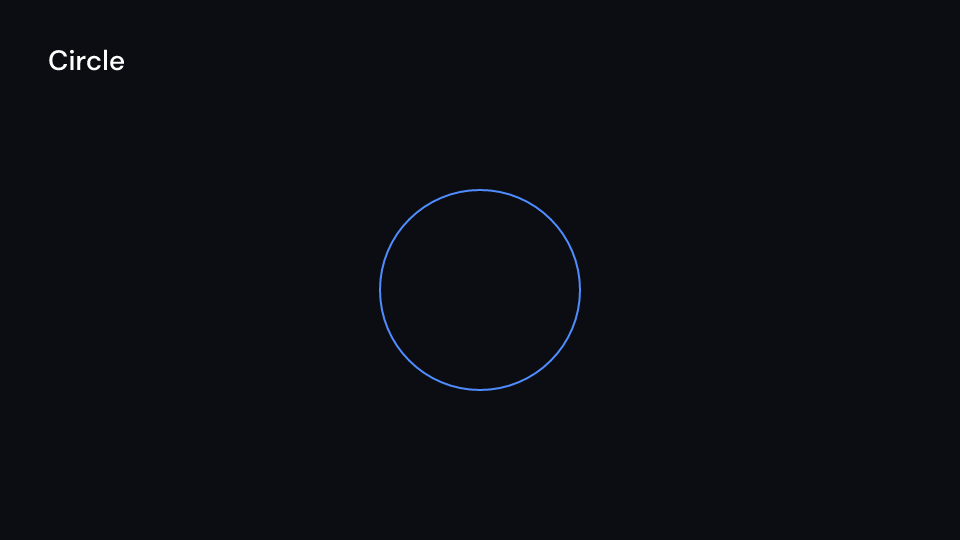
Circle 2 s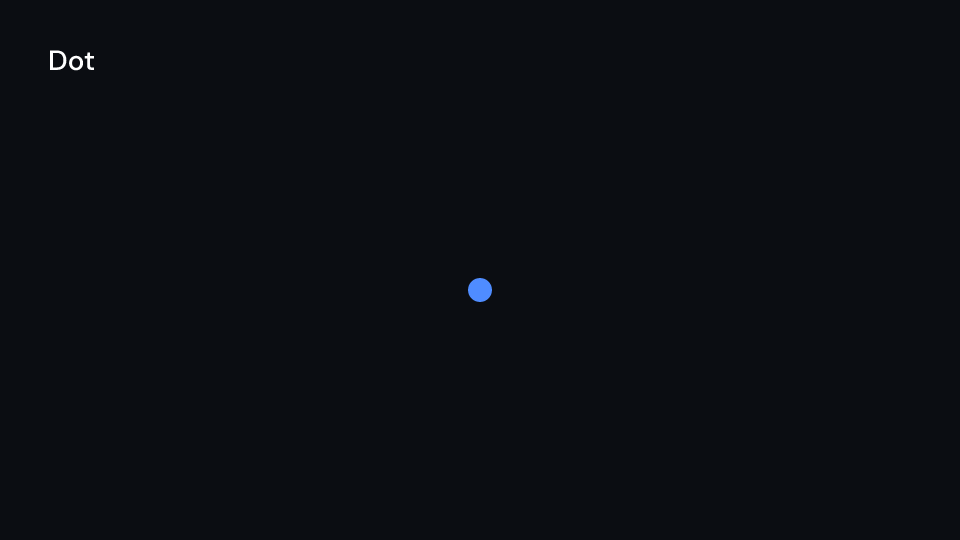
Dot 2 s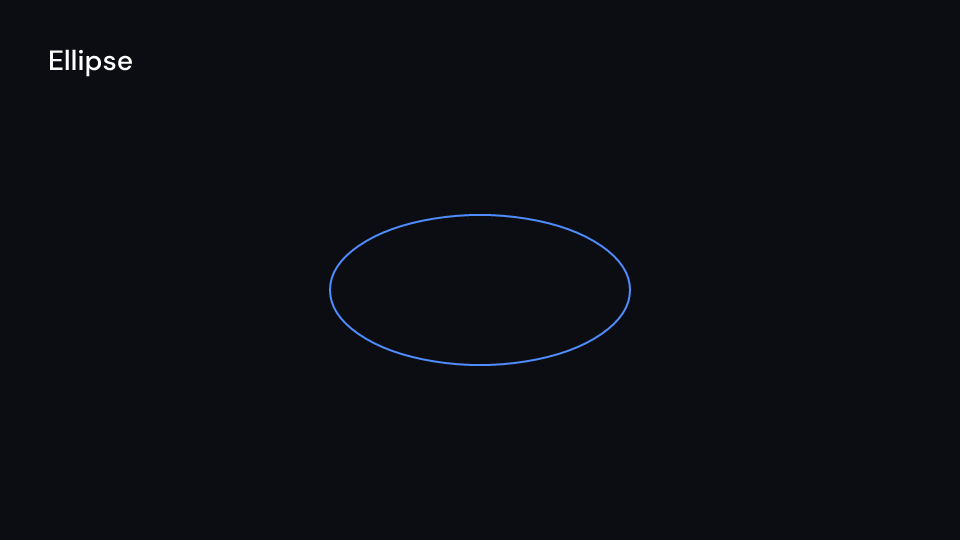
Ellipse 2 s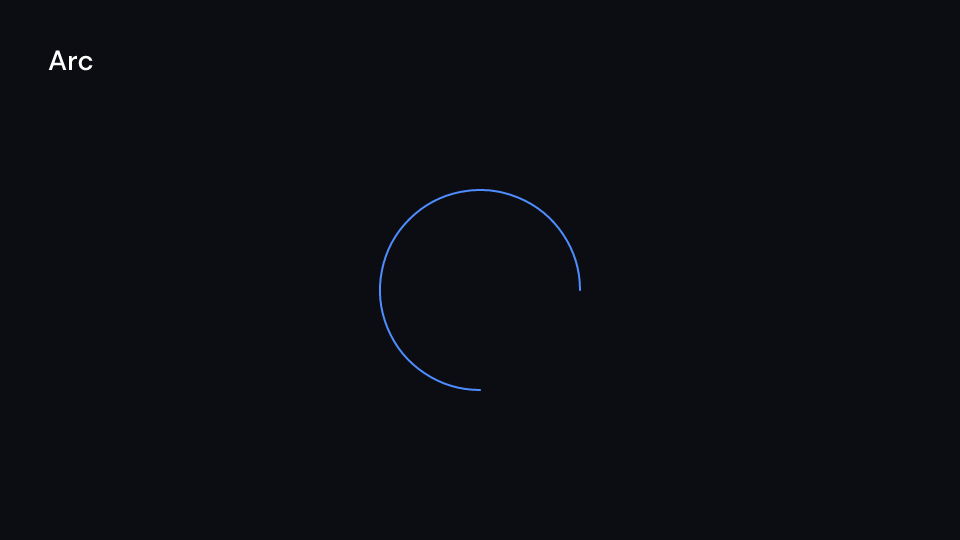
Arc 2 s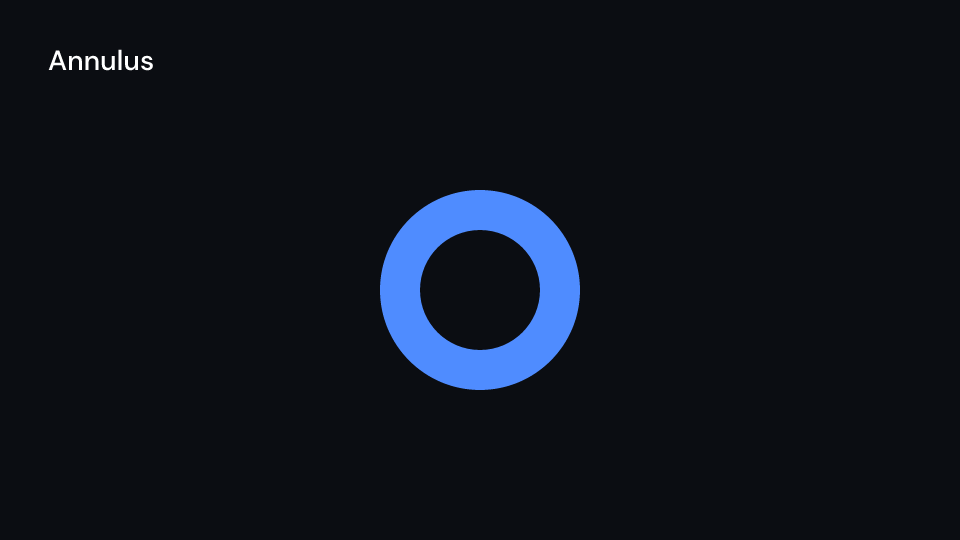
Annulus 2 s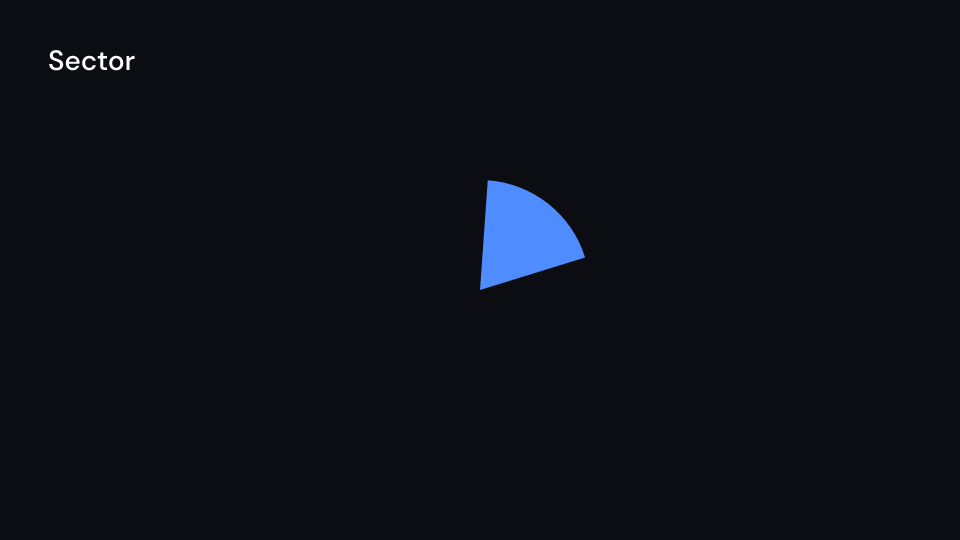
Sector 2 s
Line 2 s
DashedLine 2 s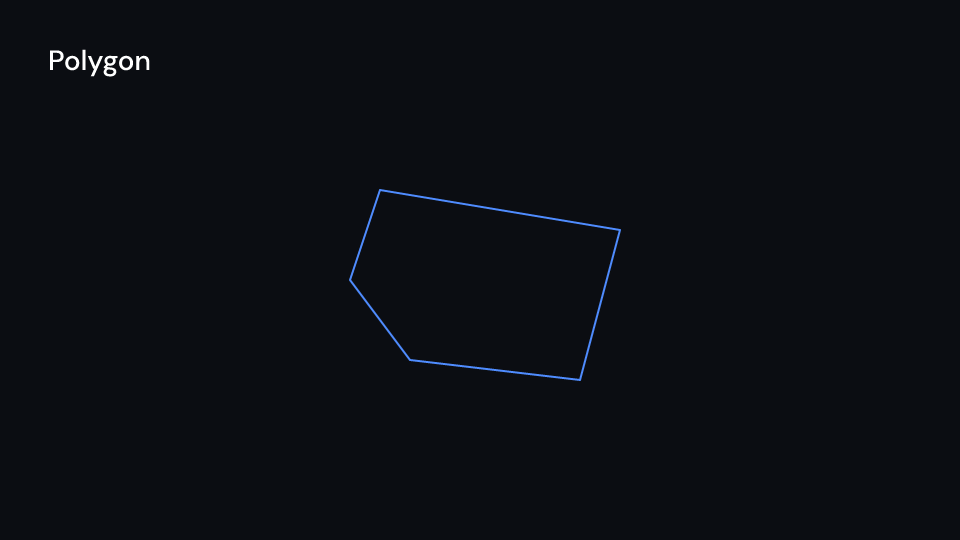
Polygon 2 s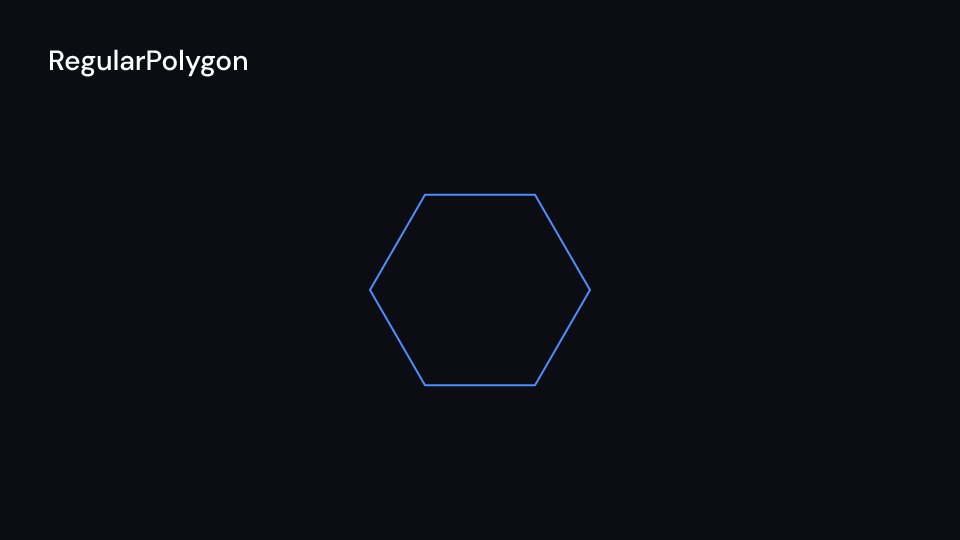
RegularPolygon 2 s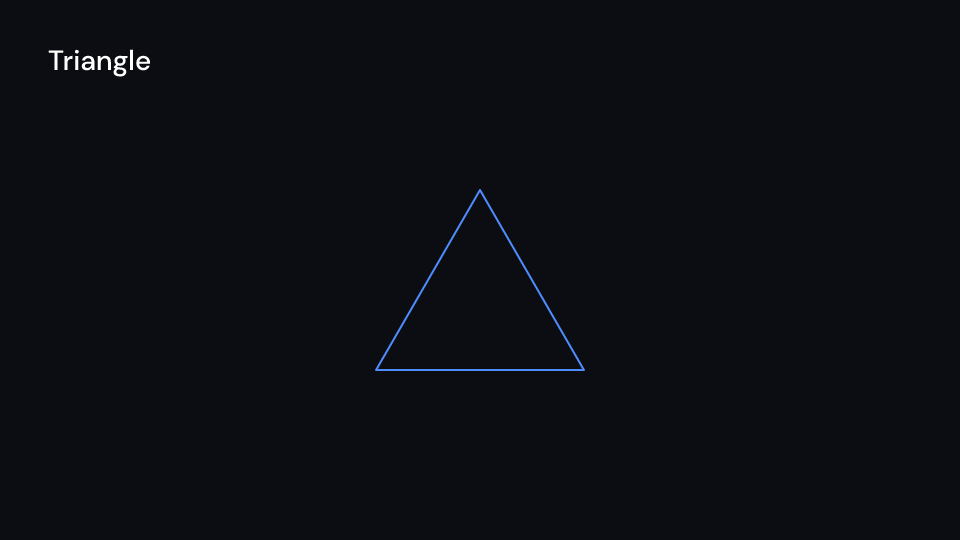
Triangle 2 s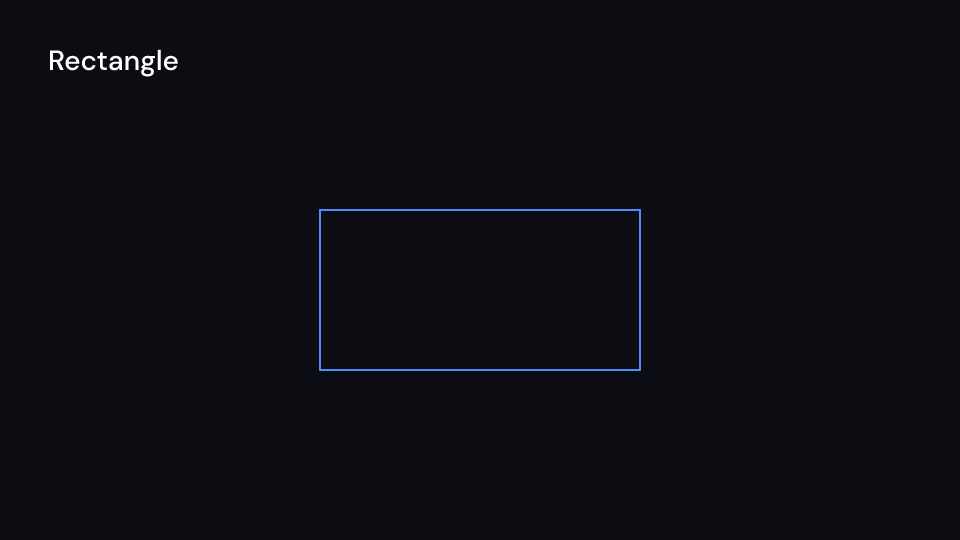
Rectangle 2 s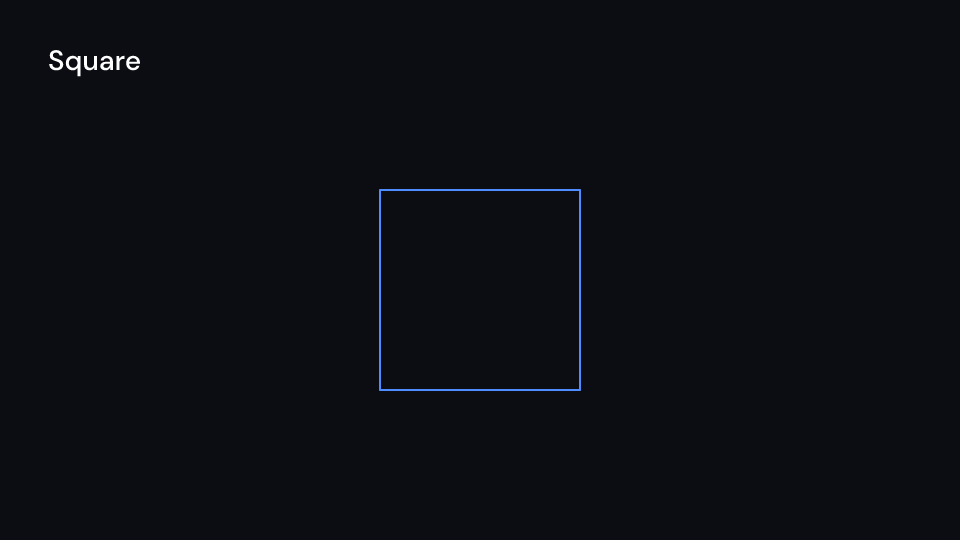
Square 2 s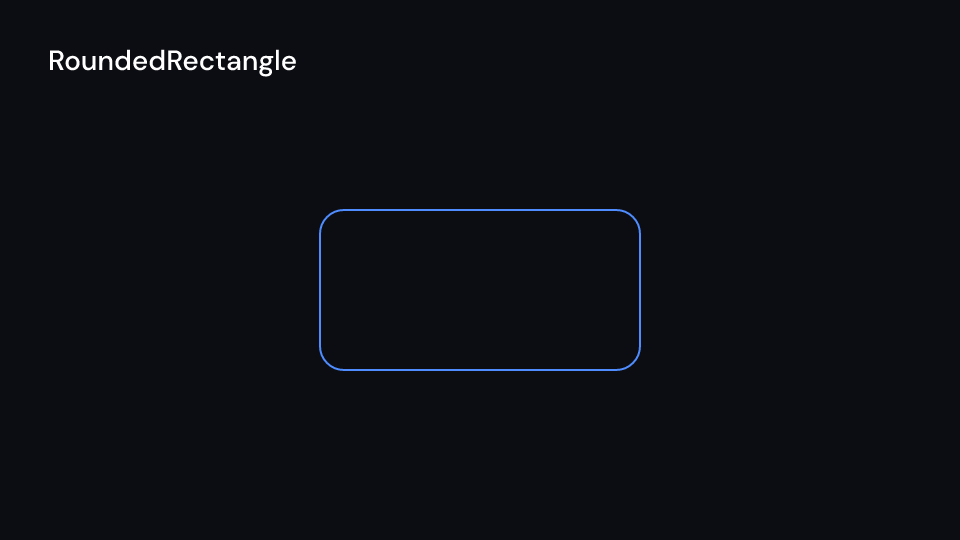
RoundedRectangle 2 s
Star 2 s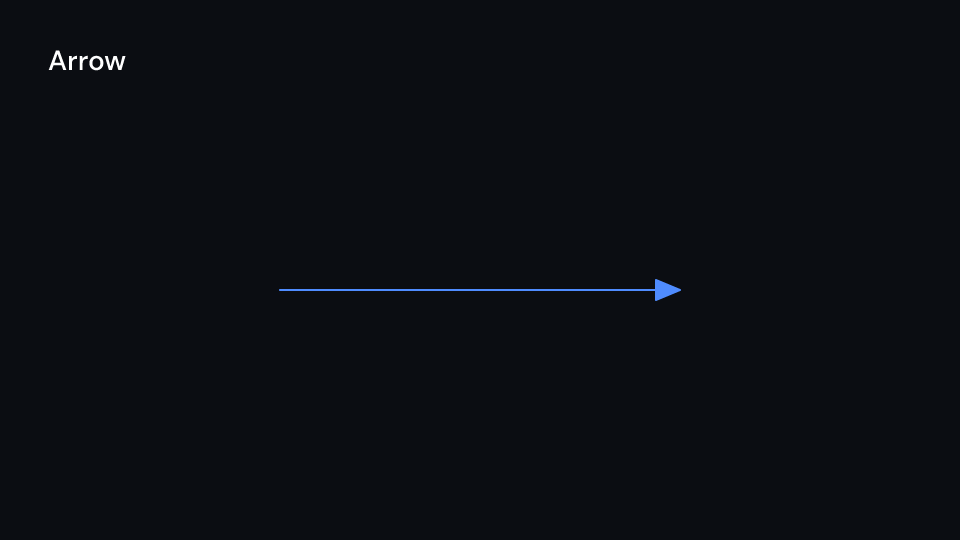
Arrow 2 s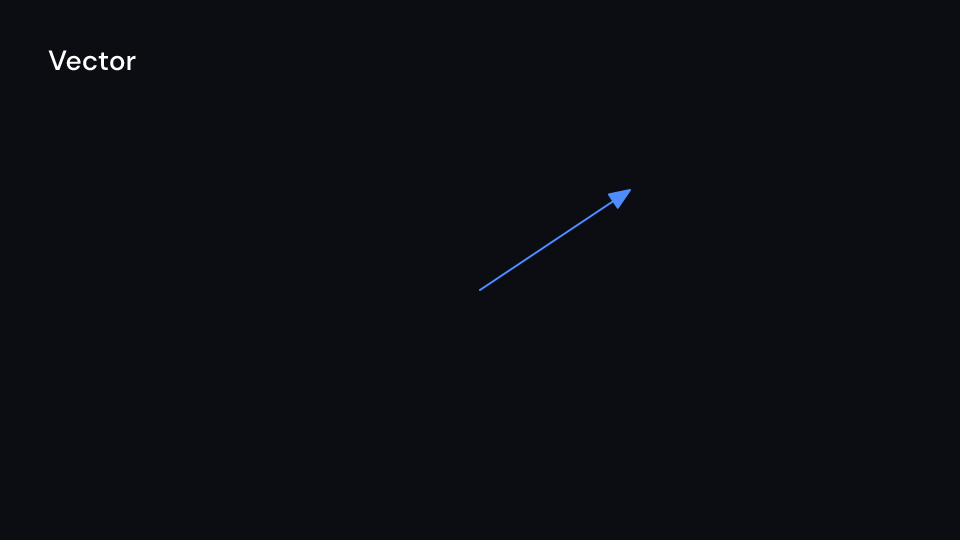
Vector 2 s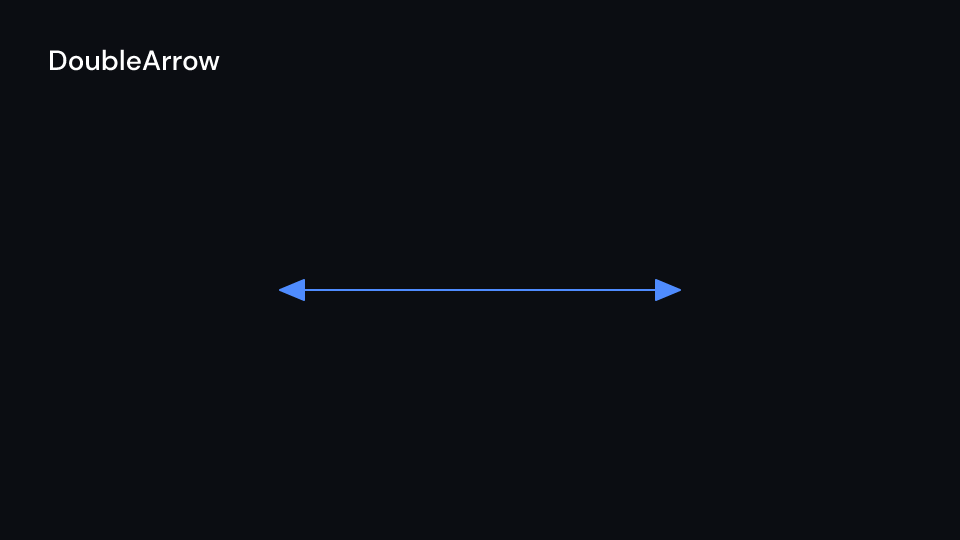
DoubleArrow 2 s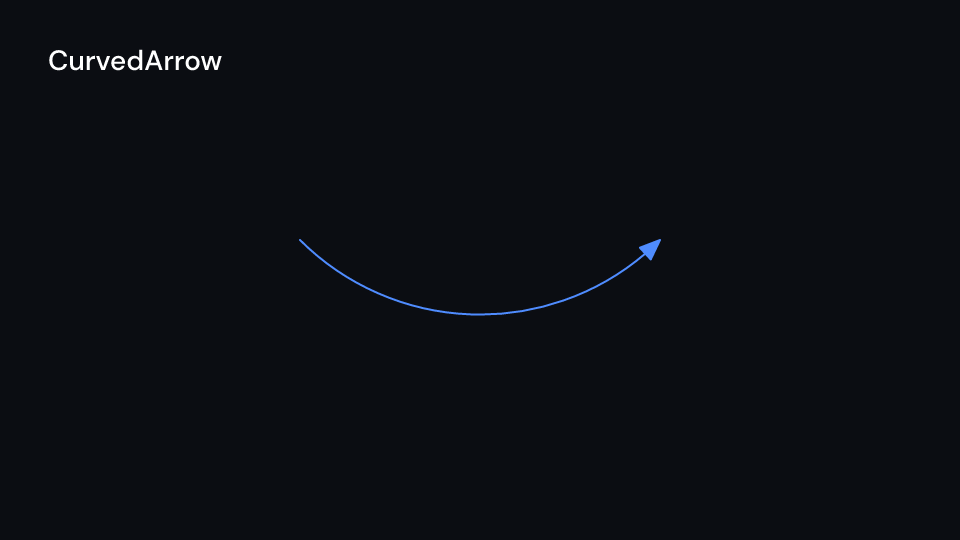
CurvedArrow 2 s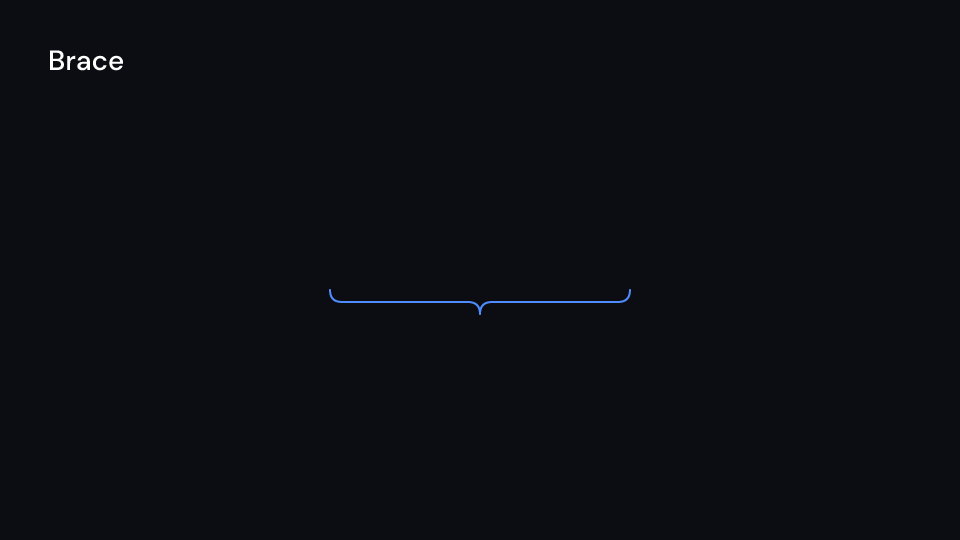
Brace 2 s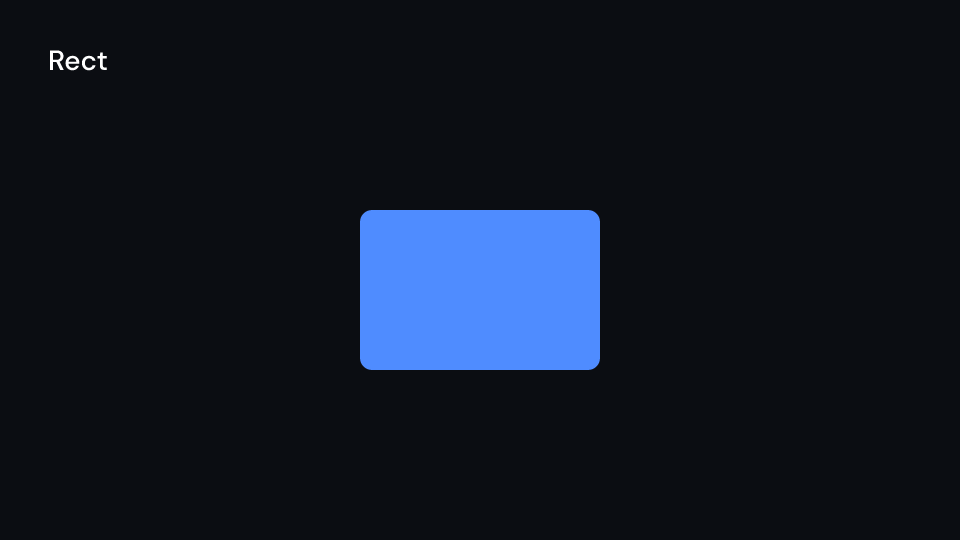
Rect 2 s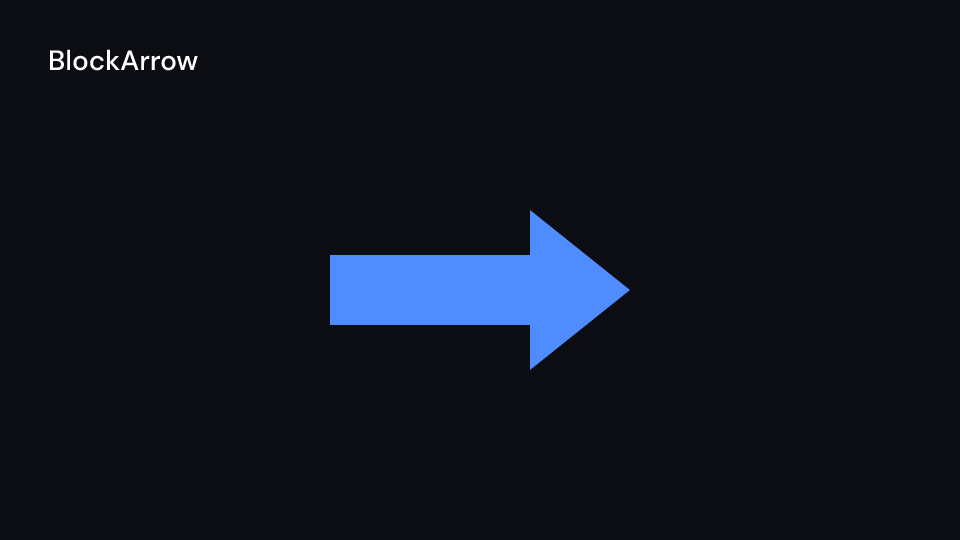
BlockArrow 2 s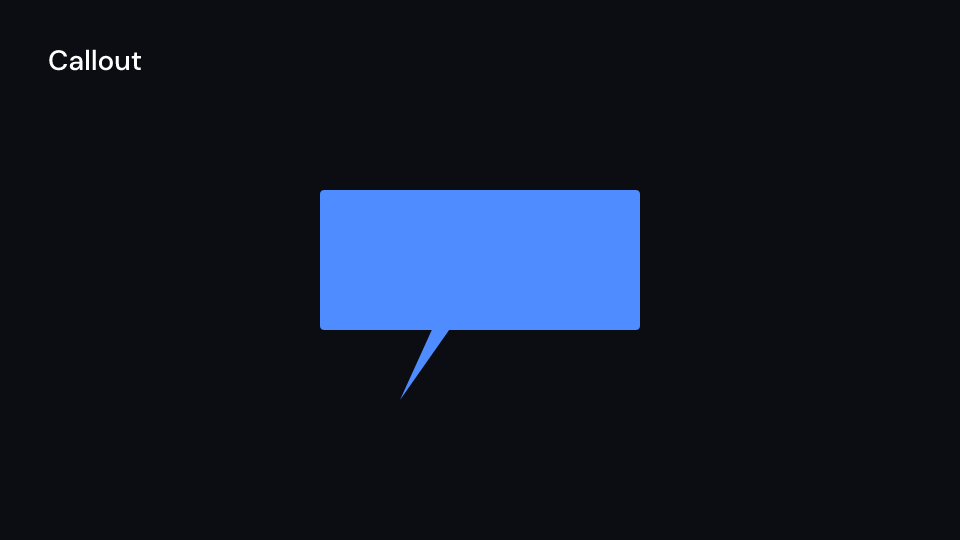
Callout 2 s
Heart 2 s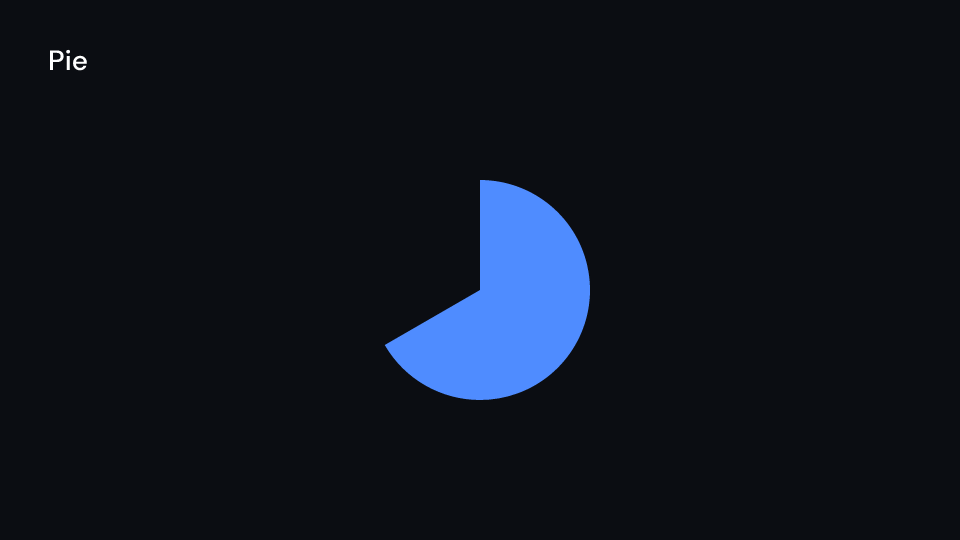
Pie 2 s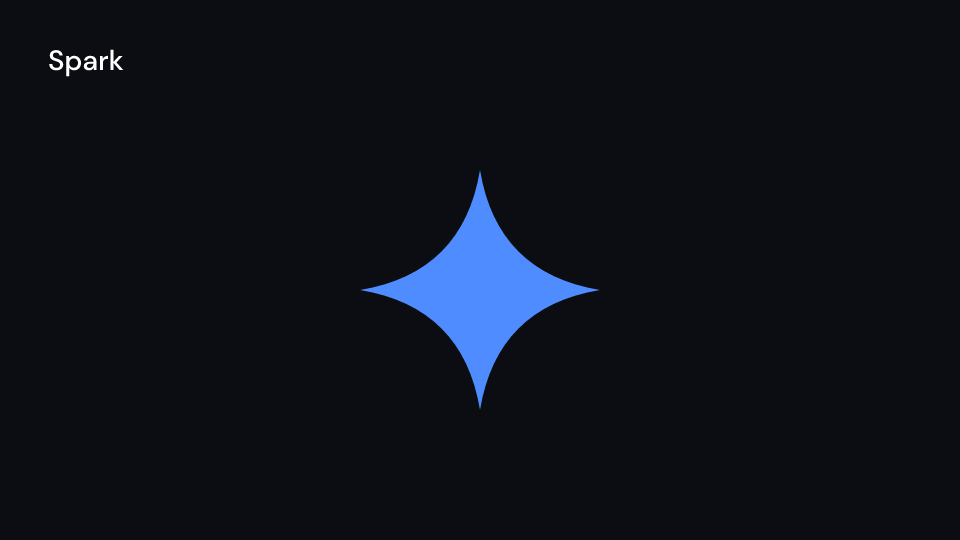
Spark 2 sshape.shape() gives the Shape (path and paint) and every shape implements Geometry
(path(), length(), bbox()). The path is a kurbo::BezPath; fframes_kit::kurbo is
re-exported. TextPath draws glyph outlines from the font files of the video’s media and
falls back to a <text> (faded in word by word by Write) when the family has none.
The basic shapes can share an entrance, as in the gallery:
use fframes_kit::prelude::*;
fn shapes<'a>(ui: &mut Ui<'a, '_, '_>) -> Svgr<'a> {    let enter = Some(Create::default().into());    let dot = ui.show(Dot { cx: 100.0, cy: 300.0, radius: 20.0, ..ui.defaults() });    let arc = ui.show(Arc { cx: 1200.0, cy: 300.0, radius: 100.0, angle: 1.2, ..ui.defaults() });    let ellipse = ui.show(Ellipse { cx: 250.0, cy: 300.0, width: 300.0, height: 150.0, enter, ..ui.defaults() });    let ring = ui.show(Annulus { cx: 600.0, cy: 300.0, inner_radius: 60.0, outer_radius: 100.0, ..ui.defaults() });    let sector = ui.show(Sector { cx: 900.0, cy: 300.0, radius: 100.0, angle: 1.2, ..ui.defaults() });    let line = ui.show(Line { x1: 100.0, y1: 500.0, x2: 400.0, y2: 500.0, enter, ..ui.defaults() });    let dash = ui.show(DashedLine { x1: 500.0, y1: 500.0, x2: 800.0, y2: 500.0, enter, ..ui.defaults() });    let polygon = ui.show(Polygon { points: vec![(1000.0, 400.0), (1200.0, 400.0), (1100.0, 600.0)], enter, ..ui.defaults() });    let regular = ui.show(RegularPolygon { cx: 1400.0, cy: 300.0, radius: 100.0, n: 6, enter, ..ui.defaults() });    let triangle = ui.show(Triangle { cx: 1600.0, cy: 300.0, radius: 100.0, enter, ..ui.defaults() });    svgr!(<g>{dot}{arc}{ellipse}{ring}{sector}{line}{dash}{polygon}{regular}{triangle}</g>)}
fn more_shapes<'a>(ui: &mut Ui<'a, '_, '_>) -> Svgr<'a> {    let rect = ui.show(Rectangle { cx: 250.0, cy: 300.0, width: 250.0, height: 150.0, ..ui.defaults() });    let rounded = ui.show(RoundedRectangle { cx: 600.0, cy: 300.0, width: 250.0, height: 150.0, corner_radius: 30.0, ..ui.defaults() });    let star = ui.show(Star { cx: 950.0, cy: 300.0, outer_radius: 100.0, inner_radius: 40.0, ..ui.defaults() });    let pie = ui.show(Pie { cx: 1250.0, cy: 300.0, radius: 100.0, progress: motion::progress(ui.seconds(), 0.0, 1.5), ..ui.defaults() });    let spark = ui.show(Spark { cx: 1550.0, cy: 300.0, size: 150.0, ..ui.defaults() });    let square = ui.show(Square { cx: 1500.0, cy: 600.0, side_length: 150.0, ..ui.defaults() });    let remotion_rect = ui.show(Rect { cx: 200.0, cy: 600.0, width: 150.0, height: 100.0, ..ui.defaults() });    let heart = ui.show(Heart { cx: 1300.0, cy: 600.0, height: 150.0, ..ui.defaults() });    let arrow = ui.show(BlockArrow { cx: 400.0, cy: 600.0, length: 300.0, head_length: 100.0, head_width: 150.0, shaft_width: 60.0, ..ui.defaults() });    let bubble = ui.show(Callout { cx: 1000.0, cy: 600.0, width: 300.0, height: 150.0, tail_x: 900.0, tail_y: 750.0, ..ui.defaults() });    svgr!(<g>{rect}{rounded}{star}{pie}{spark}{square}{remotion_rect}{heart}{arrow}{bubble}</g>)}
fn arrows<'a>(ui: &mut Ui<'a, '_, '_>) -> Svgr<'a> {    let vector = ui.show(Vector { x: 200.0, y: 300.0, dx: 200.0, dy: -100.0, ..ui.defaults() });    let double = ui.show(DoubleArrow { x1: 500.0, y1: 300.0, x2: 800.0, y2: 300.0, ..ui.defaults() });    let curved = ui.show(CurvedArrow { x1: 900.0, y1: 300.0, x2: 1200.0, y2: 300.0, ..ui.defaults() });    let brace = ui.show(Brace { x1: 500.0, y1: 600.0, x2: 1000.0, y2: 600.0, depth: 40.0, ..ui.defaults() });    svgr!(<g>{vector}{double}{curved}{brace}</g>)}
Matchers and dashes
Section titled “Matchers and dashes”Matchers draw around, behind, across or under a box: a kurbo::Rect in canvas pixels. Take it
from shape.bbox() of any shape, text_path.bounds(ui.ctx) (the inked glyphs, descenders
included, as Manim measures text), label.bounds(ui) (a Label’s cap-height box) or
view.bounds() of a formula.
Gallery scenes: Matchers, BackgroundRectangle, Cross, CurvesAsSubmobjects,
DashedVMobject, SurroundingRectangle, Underline.
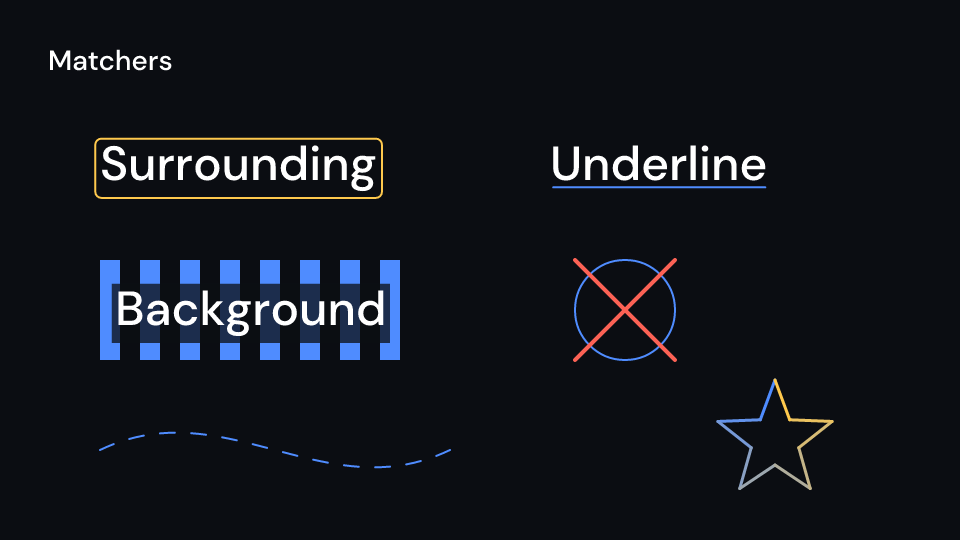
Matchers 2 s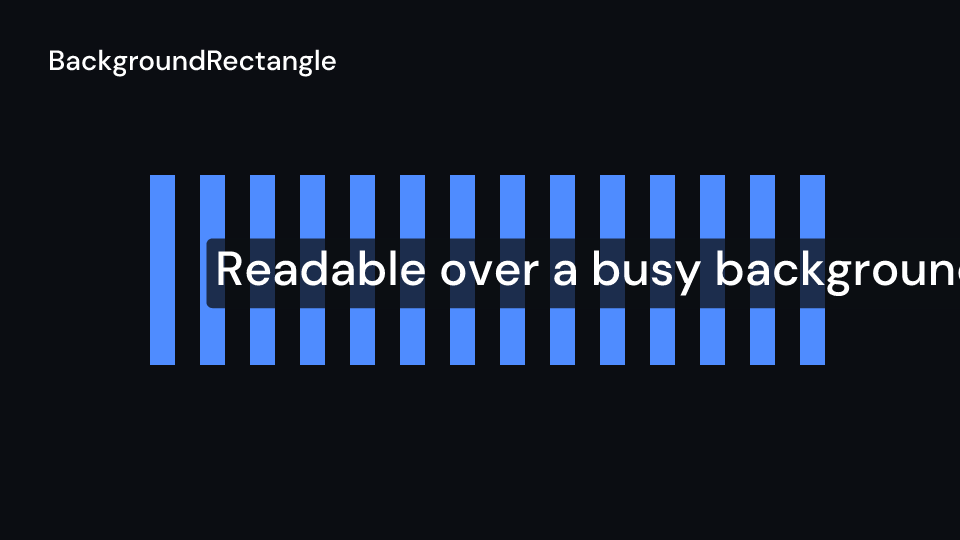
BackgroundRectangle 2 s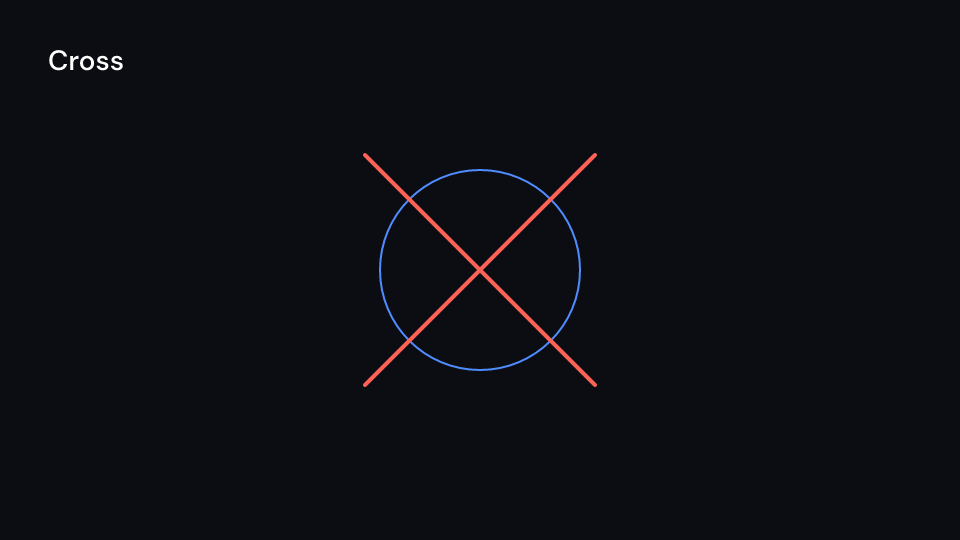
Cross 2 s
CurvesAsSubmobjects 2 s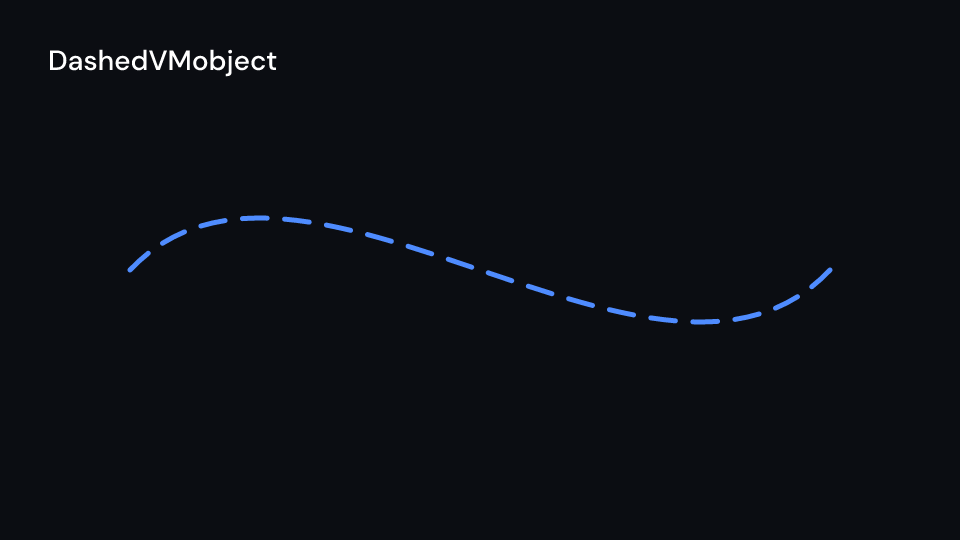
DashedVMobject 2 s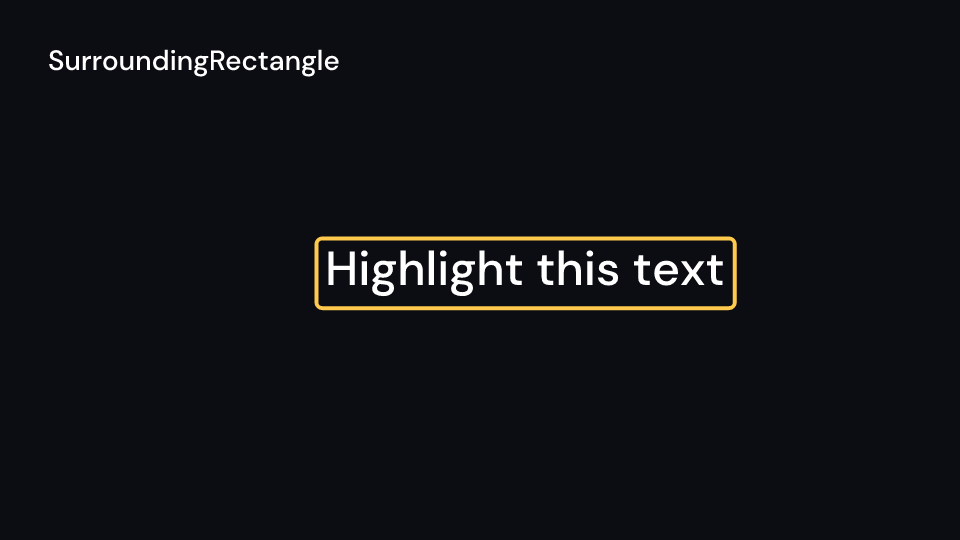
SurroundingRectangle 2 s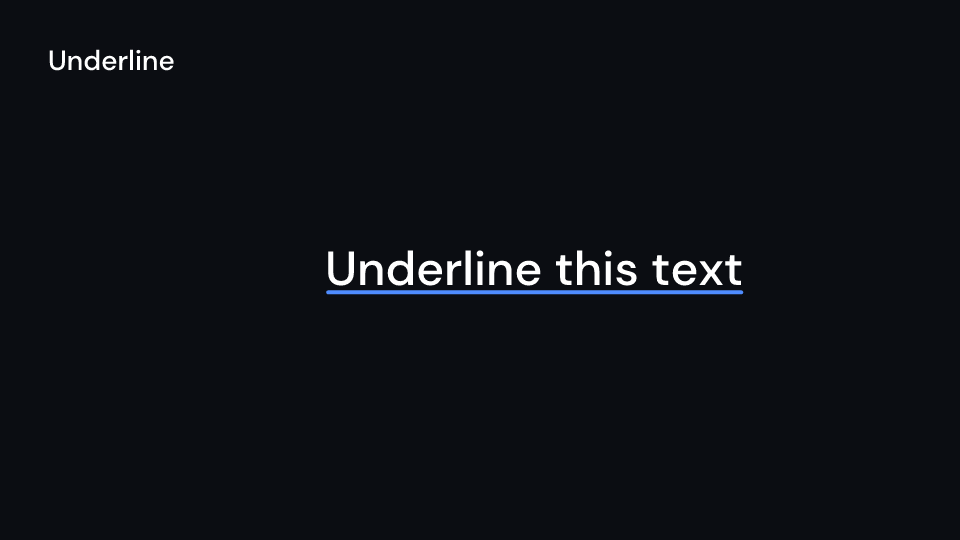
Underline 2 s| Shape | Props (defaults) | Source |
|---|---|---|
SurroundingRectangle |
around, buff (SMALL_BUFF, 13.5), corner_radius (0); highlight outline |
Manim |
BackgroundRectangle |
around, buff (0), corner_radius (0); the background colour at 75% alpha |
Manim |
Cross |
around, scale_factor (1); red, thick |
Manim |
Underline |
around, buff (SMALL_BUFF) |
Manim |
DashedVMobject |
path, num_dashes (15), dashed_ratio (0.5), dash_offset (0) |
Manim |
CurvesAsSubmobjects |
path, colors (a gradient along the curves), stroke_width |
Manim |
SMALL_BUFF is Manim’s 0.1 units on a 1080 px tall canvas. DashedVMobject spaces its dashes
by arc length like Manim: an open path starts and ends with a dash, a closed one has as many
gaps as dashes, and every dash is its own subpath (dash_path builds the path alone).
CurvesAsSubmobjects draws each curve of the path as its own part, so Write draws them one
after another; curves(path) gives the parts.
use fframes_kit::prelude::*;
fn boxed<'a>(ui: &mut Ui<'a, '_, '_>) -> Svgr<'a> {    let word = TextPath { text: "Energy", x: 200.0, y: 300.0, ..ui.defaults() };    let around = word.bounds(ui.ctx);    let word = ui.show(word);    let background = ui.show(BackgroundRectangle { around, buff: 20.0, ..ui.defaults() });    let underline = ui.show(Underline { around, enter: Some(Create::default().into()), ..ui.defaults() });    let frame = ui.show(SurroundingRectangle {        around,        corner_radius: 12.0,        enter: Some(Create::default().into()),        ..ui.defaults()    });    let circle = Circle { cx: 960.0, cy: 540.0, radius: 120.0, ..ui.defaults() };    let cross = ui.show(Cross { around: circle.bbox(), ..ui.defaults() });    let dashed = ui.show(DashedVMobject { path: circle.path(), num_dashes: 24, ..ui.defaults() });    let curves = ui.show(CurvesAsSubmobjects { path: circle.path(), ..ui.defaults() });    svgr!(<g>{background}{word}{underline}{frame}{dashed}{cross}{curves}</g>)}
Arcs, dots and labels
Section titled “Arcs, dots and labels”| Shape | Props (defaults) | Source |
|---|---|---|
ArcBetweenPoints |
x1, y1, x2, y2, angle (a quarter turn), radius: Option<f32> |
Manim |
CurvedDoubleArrow |
as CurvedArrow, a tip at both ends |
Manim |
TangentialArc |
line1, line2 (two points each), radius (50), corner ((1, 1)) |
Manim |
CubicBezier |
start, start_handle, end_handle, end |
Manim |
AnnularSector |
cx, cy, inner_radius, outer_radius, start_angle, angle; filled |
Manim |
ArcPolygon |
points, angle (an eighth turn), radius: Option<f32> |
Manim |
ArcPolygonFromArcs |
arcs: Vec<ArcBetweenPoints> |
Manim |
AnnotationDot |
cx, cy, radius (10.4); accent fill, light outline |
Manim |
LabeledDot |
label, cx, cy, radius: Option<f32> (fits the label), label_style, label_color |
Manim |
LabeledLine, LabeledArrow |
label, x1, y1, x2, y2, label_position (0.5), label_style, label_color, label_box (true) |
Manim |
A positive angle turns counterclockwise on screen, so an arc drawn left to right sags below
its chord. A radius takes the shorter arc of that radius instead, on the other side when it is
negative. TangentialArc rounds the corner where two lines cross: corner picks the side of
each line, 1 along its direction and -1 against it. ArcPolygonFromArcs joins arcs that
do not meet with straight lines.
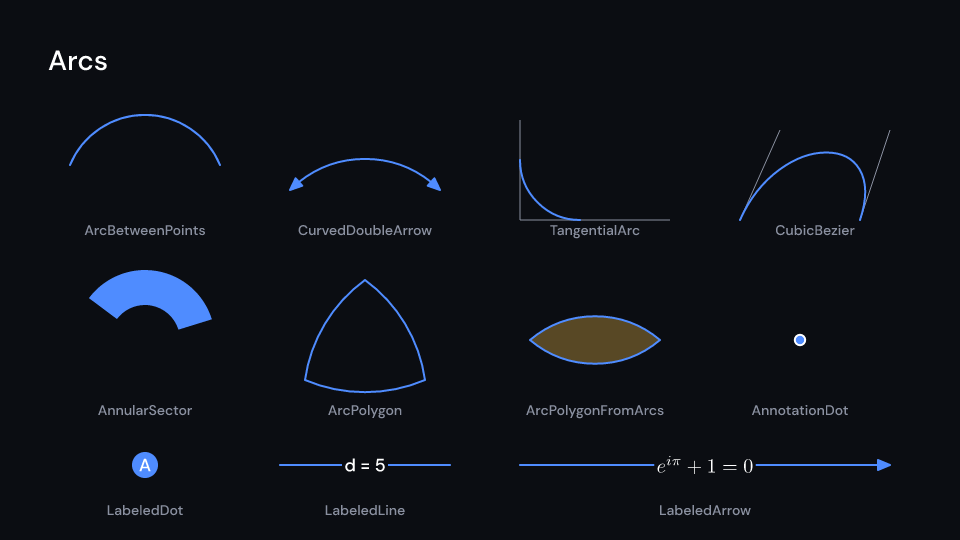
Gallery scenes: Arcs, ArcBetweenPoints, CurvedDoubleArrow, TangentialArc,
CubicBezier, AnnularSector, ArcPolygon, ArcPolygonFromArcs, AnnotationDot,
LabeledDot, LabeledLine, LabeledArrow.
Arcs 2 s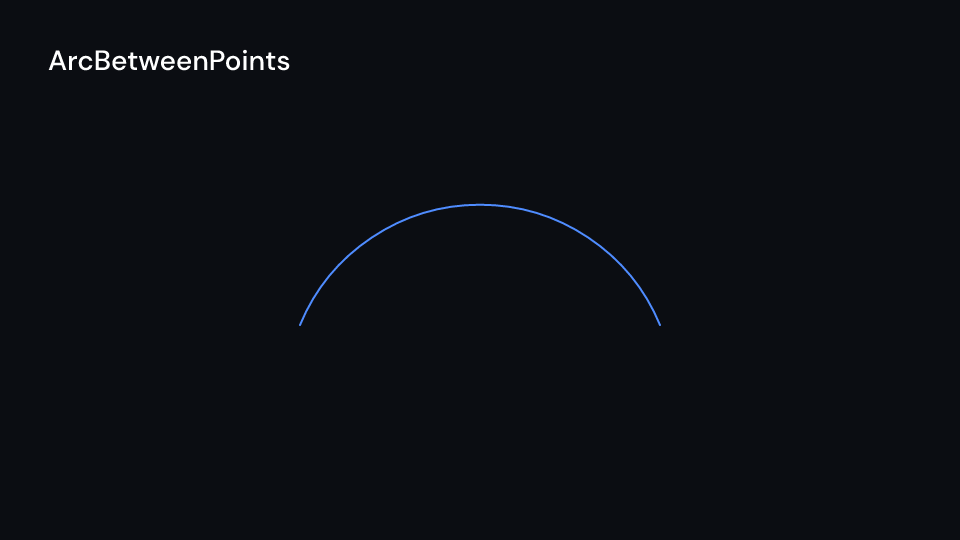
ArcBetweenPoints 2 s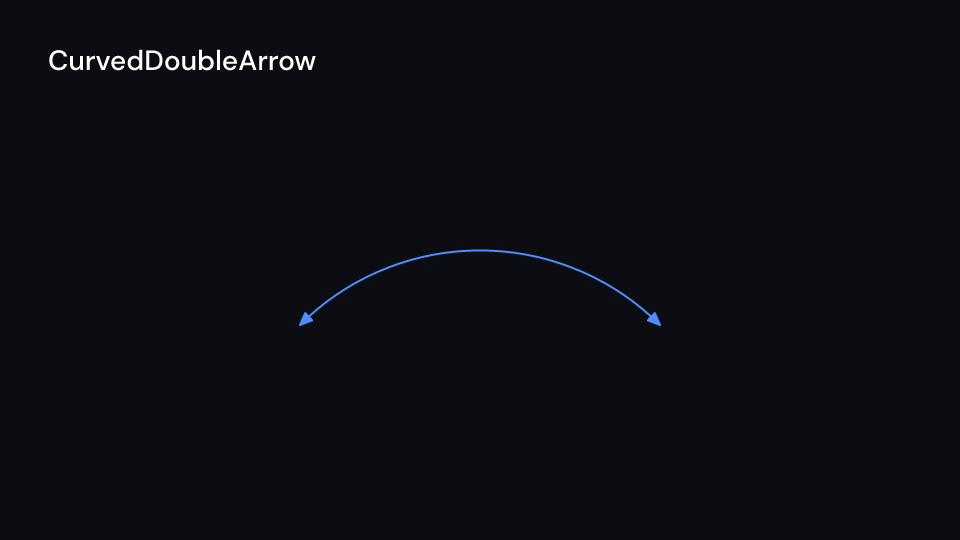
CurvedDoubleArrow 2 s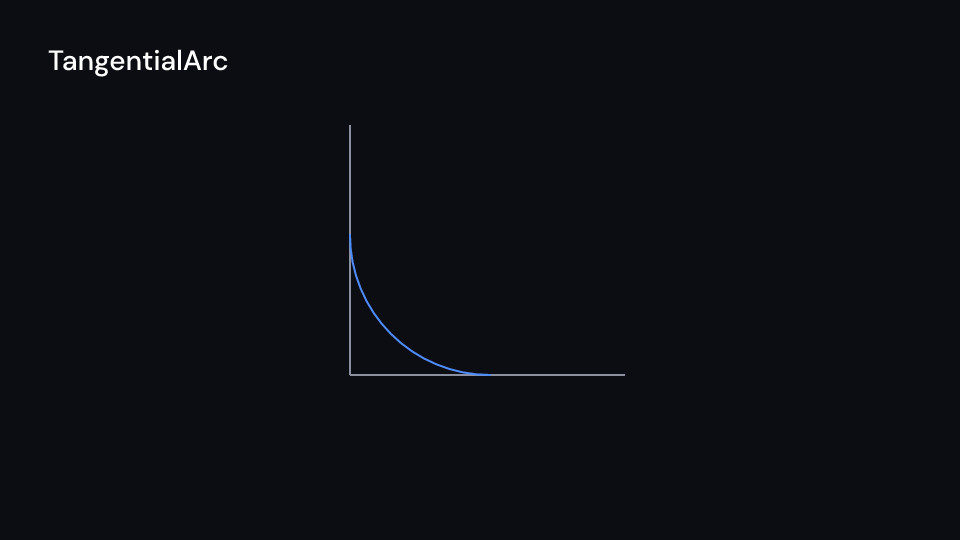
TangentialArc 2 s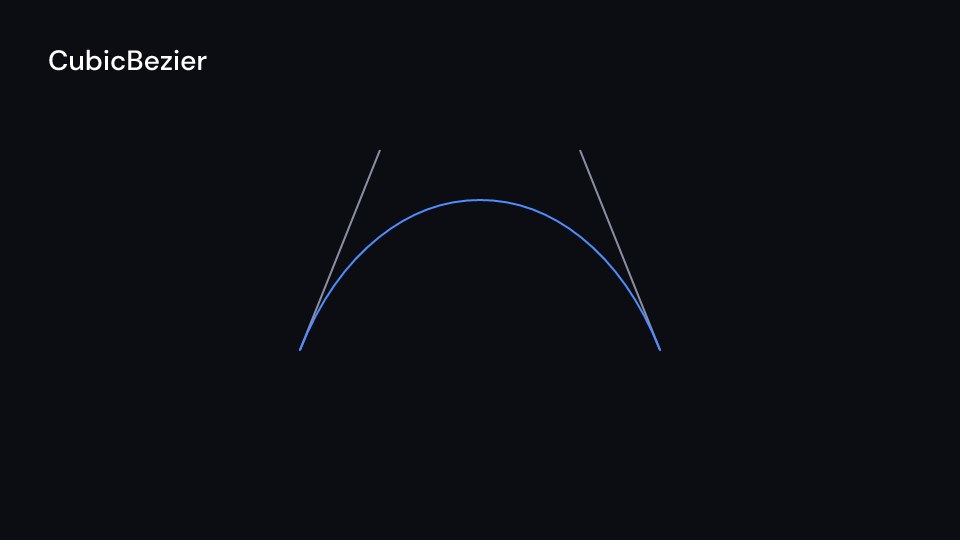
CubicBezier 2 s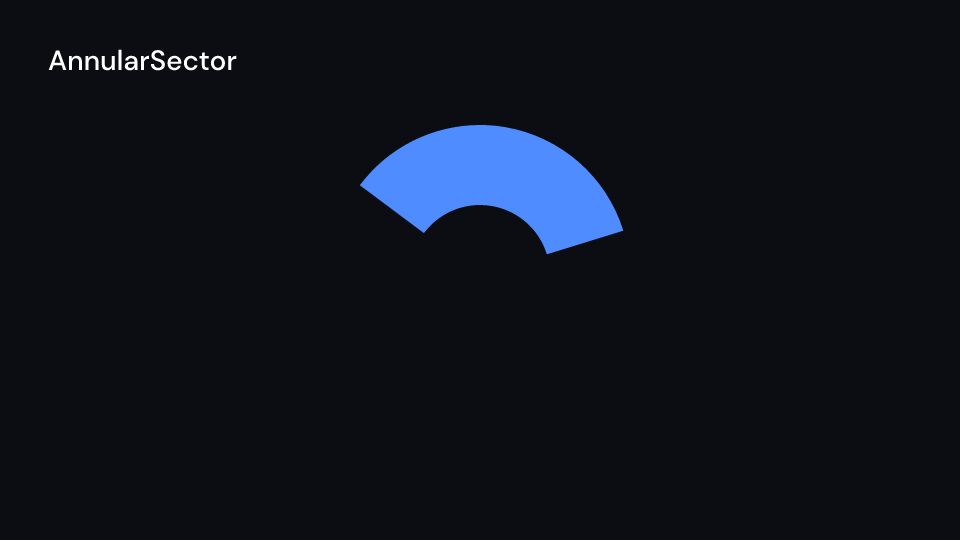
AnnularSector 2 s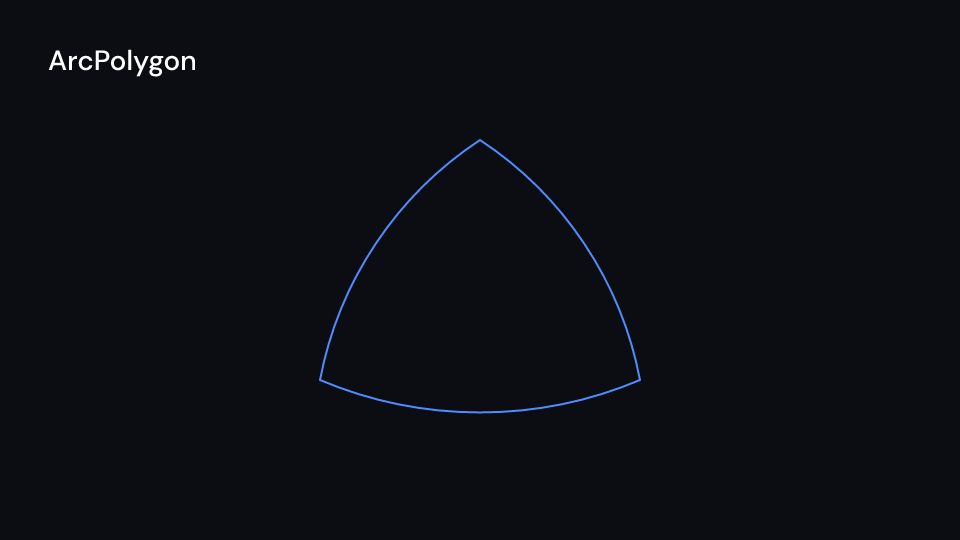
ArcPolygon 2 s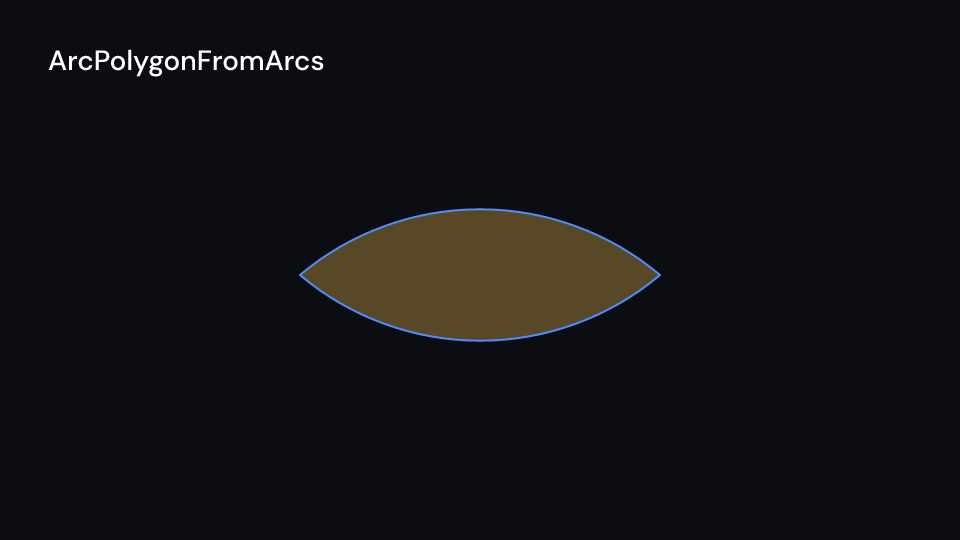
ArcPolygonFromArcs 2 s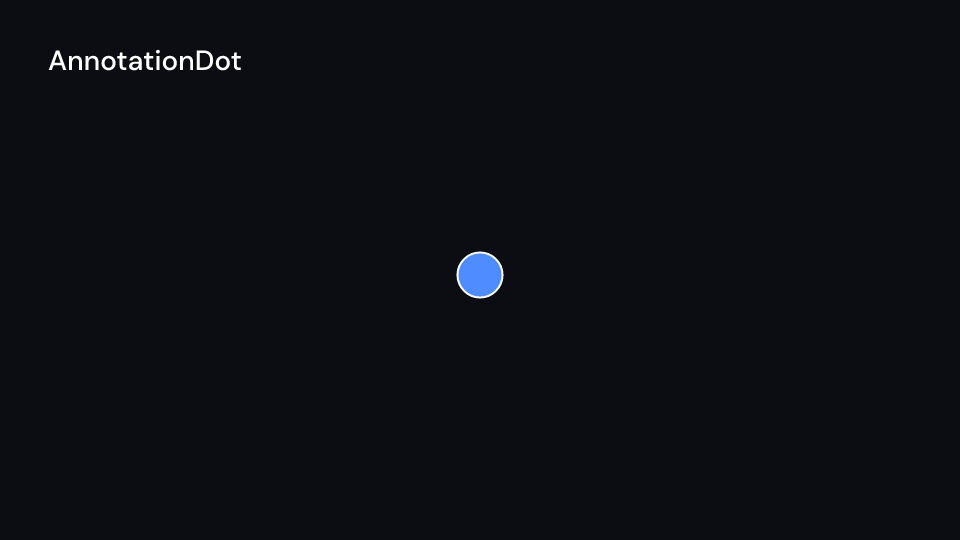
AnnotationDot 2 s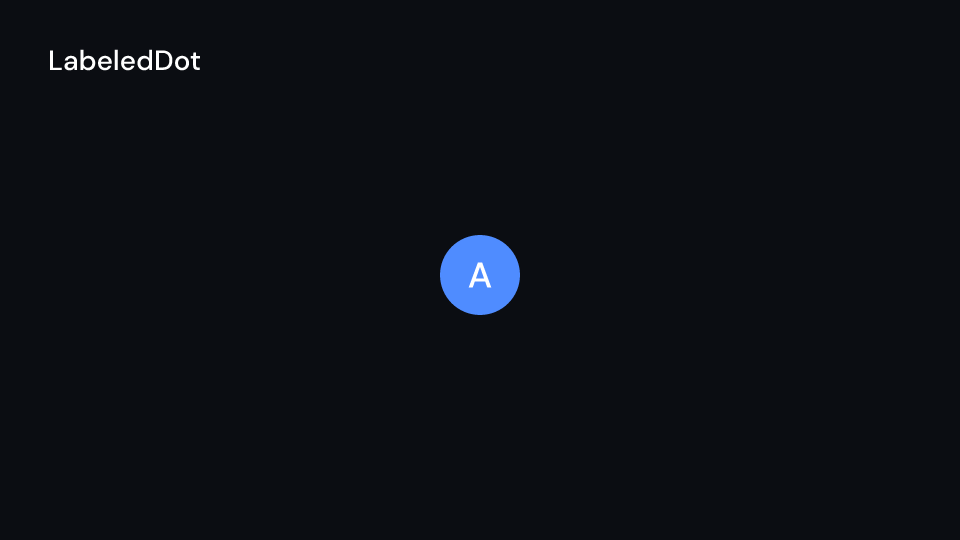
LabeledDot 2 s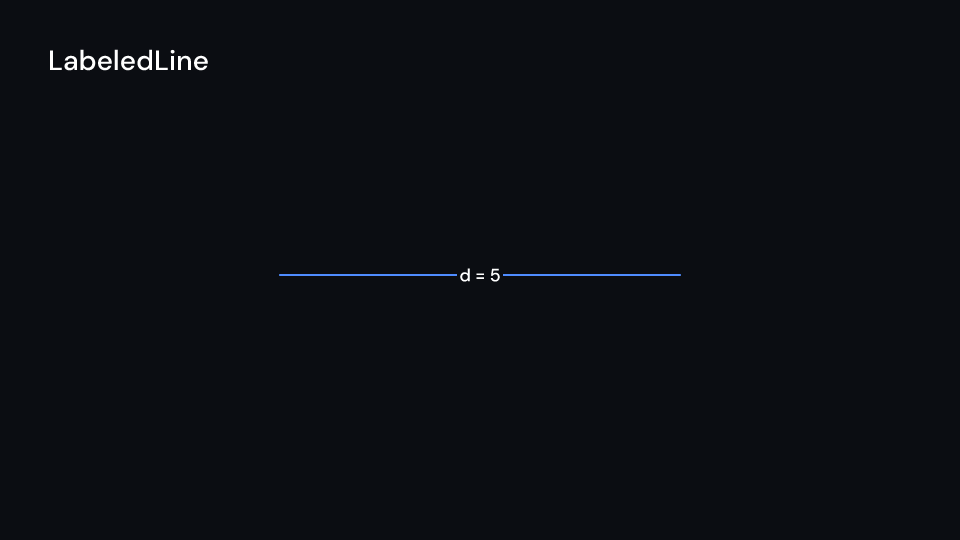
LabeledLine 2 s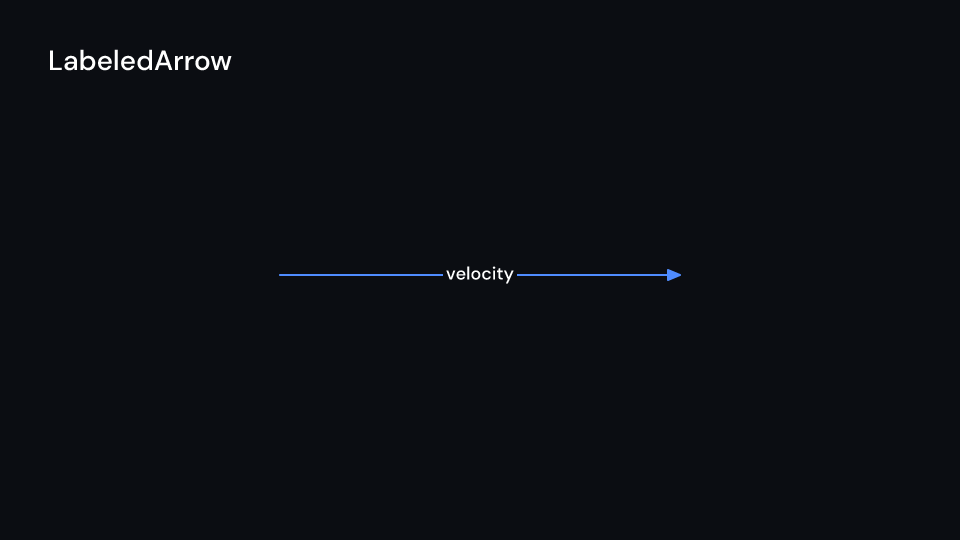
LabeledArrow 2 sA ShapeLabel is "text".into(), drawn in a font from the media, or, with the latex
feature, (&formula).into(). The label is drawn as outlines with the shape, so Create and
Write draw both. Without a font file it falls back to a <text> element. The labelled lines
put a box of the background colour behind the label, so the line stops at it. Curved arrows
draw their shaft as an outline and their tips filled.
use fframes_kit::prelude::*;
fn distance<'a>(ui: &mut Ui<'a, '_, '_>) -> Svgr<'a> {    let a = ui.show(LabeledDot { label: "A".into(), cx: 400.0, cy: 540.0, ..ui.defaults() });    let d = ui.show(LabeledLine {        label: "d = 5".into(),        x1: 440.0,        y1: 540.0,        x2: 1100.0,        y2: 540.0,        enter: Some(Write::default().into()),        ..ui.defaults()    });    let bend = ui.show(ArcBetweenPoints { x1: 400.0, y1: 600.0, x2: 1100.0, y2: 600.0, ..ui.defaults() });    svgr!(<g>{a}{d}{bend}</g>)}
More arc constructions from the gallery:
use fframes_kit::prelude::*;
fn arcs<'a>(ui: &mut Ui<'a, '_, '_>) -> Svgr<'a> {    let double = ui.show(CurvedDoubleArrow { x1: 100.0, y1: 300.0, x2: 400.0, y2: 300.0, angle: -1.0, ..ui.defaults() });    let tangent = ui.show(TangentialArc { line1: ((500.0, 400.0), (800.0, 400.0)), line2: ((500.0, 400.0), (500.0, 200.0)), radius: 120.0, ..ui.defaults() });    let curve = ui.show(CubicBezier { start: (900.0, 400.0), start_handle: (1000.0, 200.0), end_handle: (1200.0, 200.0), end: (1300.0, 400.0), ..ui.defaults() });    let sector = ui.show(AnnularSector { cx: 300.0, cy: 700.0, inner_radius: 70.0, outer_radius: 140.0, angle: 2.2, ..ui.defaults() });    let polygon = ui.show(ArcPolygon { points: vec![(600.0, 560.0), (720.0, 760.0), (480.0, 760.0)], angle: -0.8, ..ui.defaults() });    let arc1 = ArcBetweenPoints { x1: 850.0, y1: 700.0, x2: 1100.0, y2: 700.0, angle: 1.4, ..ui.defaults() };    let arc2 = ArcBetweenPoints { x1: 1100.0, y1: 700.0, x2: 850.0, y2: 700.0, angle: 1.4, ..ui.defaults() };    let lens = ui.show(ArcPolygonFromArcs { arcs: vec![arc1, arc2], ..ui.defaults() });    let dot = ui.show(AnnotationDot { cx: 1300.0, cy: 700.0, ..ui.defaults() });    let arrow = ui.show(LabeledArrow { label: "distance".into(), x1: 1400.0, y1: 700.0, x2: 1750.0, y2: 700.0, ..ui.defaults() });    svgr!(<g>{double}{tangent}{curve}{sector}{polygon}{lens}{dot}{arrow}</g>)}
Angles, polygrams and tips
Section titled “Angles, polygrams and tips”| Shape | Props (defaults) | Source |
|---|---|---|
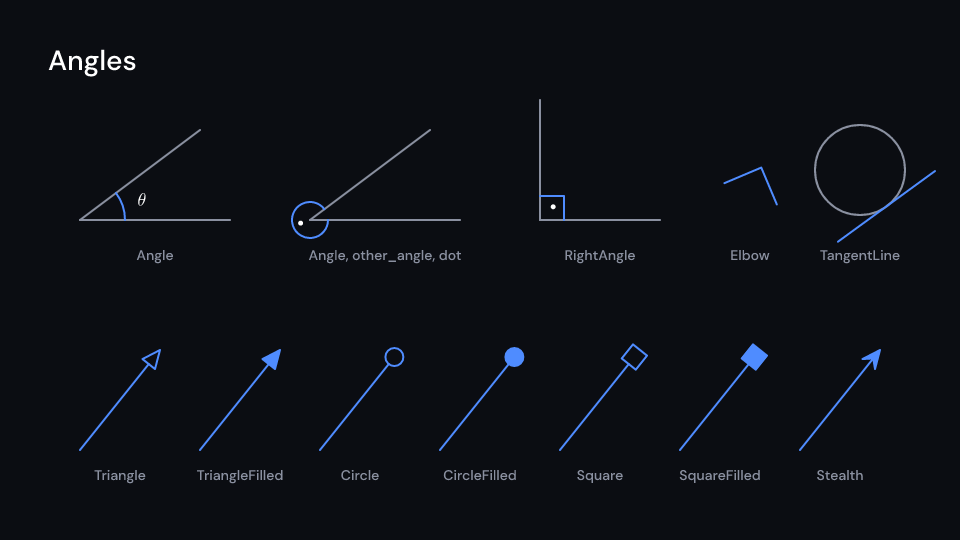
Angle |
line1, line2 (two points each), radius (54), quadrant ((1, 1)), other_angle, dot, dot_radius (5), dot_distance (0.55), label, label_buff (3 * SMALL_BUFF) |
Manim |
RightAngle |
as Angle, drawn as a square corner |
Manim |
Elbow |
x, y, width (27), angle |
Manim |
TangentLine |
path, alpha (0.5, by arc length), length (135) |
Manim |
Polygram |
vertex_groups: Vec<Vec<(f32, f32)>>, each group a closed polygon |
Manim |
RegularPolygram |
cx, cy, radius (100), num_vertices (5), density (2), start_angle: Option<f32> |
Manim |
ConvexHull |
points |
Manim |
Cutout |
outer, holes (paths); filled |
Manim |
ScreenRectangle, FullScreenRectangle |
cx, cy (the canvas centre), height (540, 1080), aspect_ratio (16:9) |
Manim |
LabeledPolygram |
vertex_groups, label, precision (1 px), label_style, label_color |
Manim |
An angle runs counterclockwise on screen from line1 to line2 around the point where they
cross. quadrant picks the half of each line the mark sits on, 1 along its direction and
-1 against it, and other_angle marks the rest of the turn instead. value() gives the
marked angle in radians. TangentLine touches any path at alpha of its length;
kits::math::Tangent is the tangent of a function graph on Axes. RegularPolygram with
density d joins every d-th vertex, {6/2} gives two triangles. Cutout reverses the
holes, so they stay empty under either fill rule. LabeledPolygram puts its label at the
inside point furthest from every edge (polylabel), Manim’s pole of inaccessibility.
Gallery scenes: Angles, Polygrams, RegularPolygram, FullScreenRectangle, Angle,
RightAngle, Elbow, TangentLine, Polygram, ConvexHull, Cutout,
ScreenRectangle, LabeledPolygram.
Angles 2 s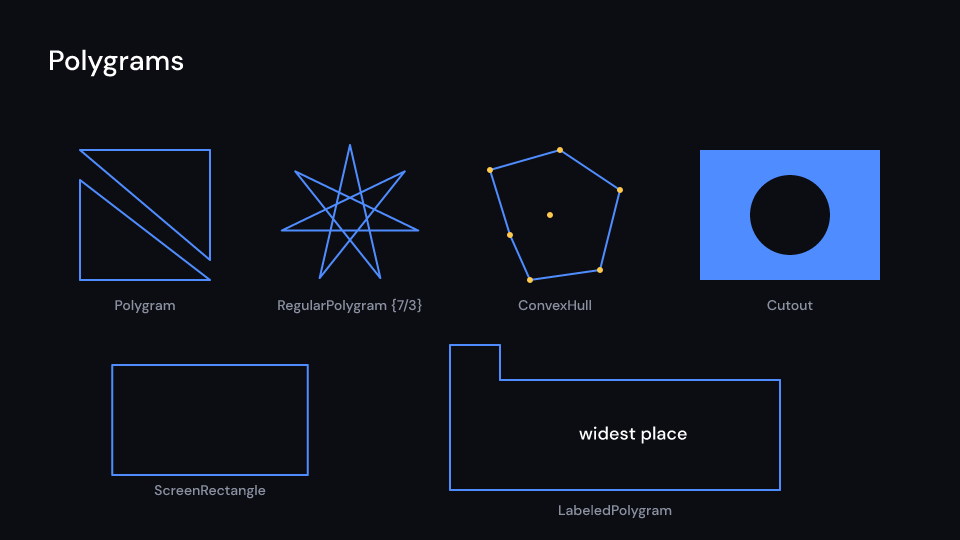
Polygrams 2 s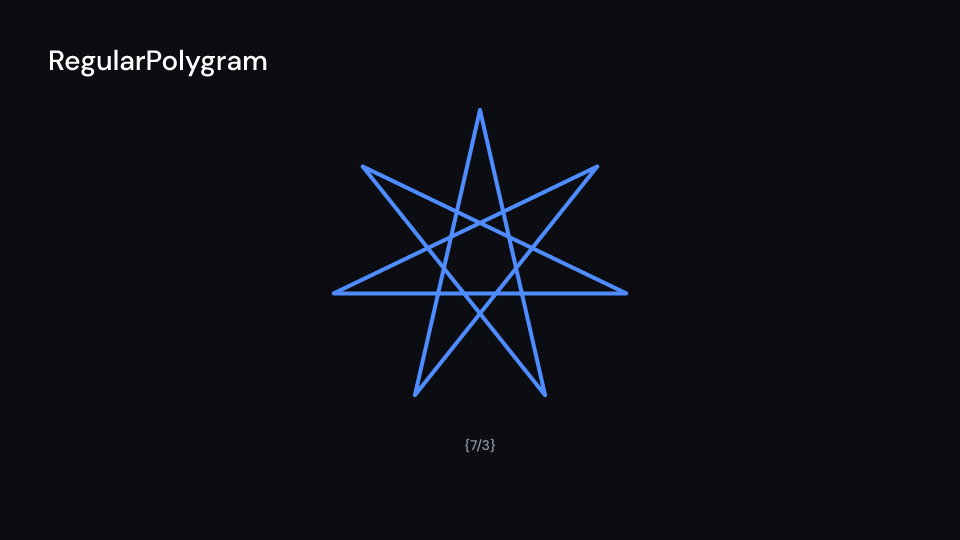
RegularPolygram 2 s
FullScreenRectangle 2 s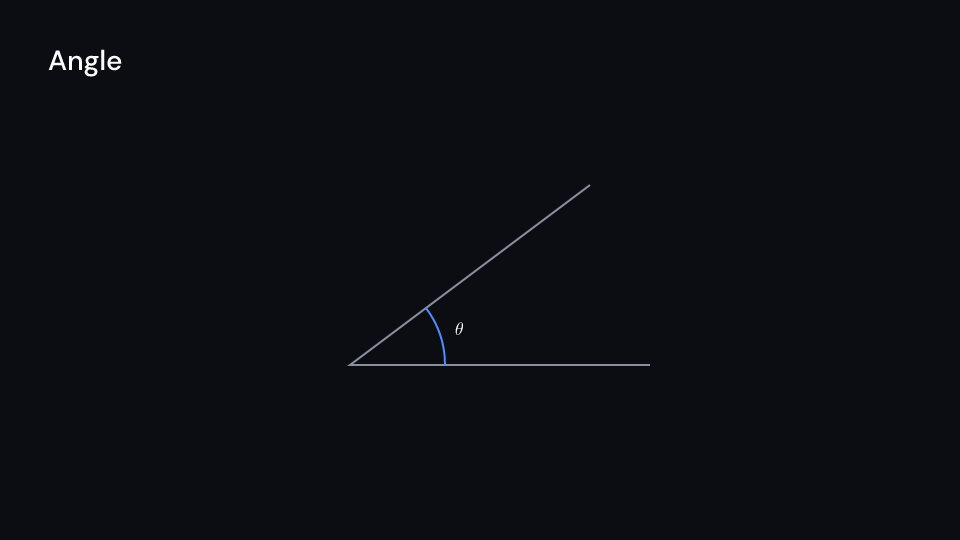
Angle 2 s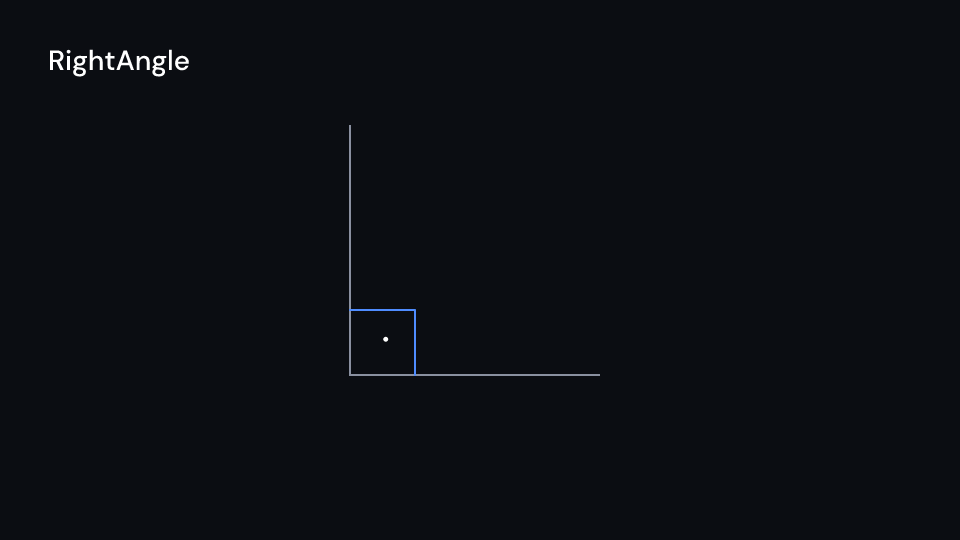
RightAngle 2 s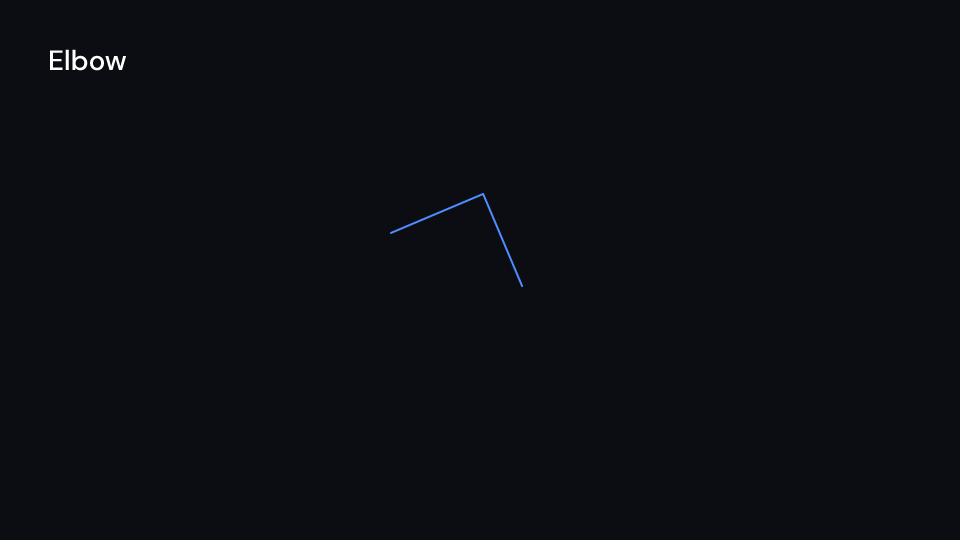
Elbow 2 s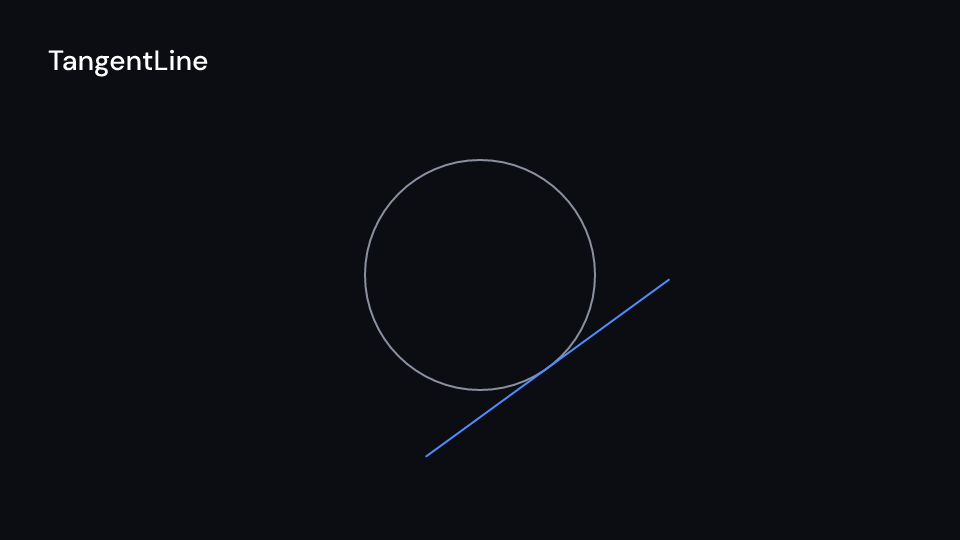
TangentLine 2 s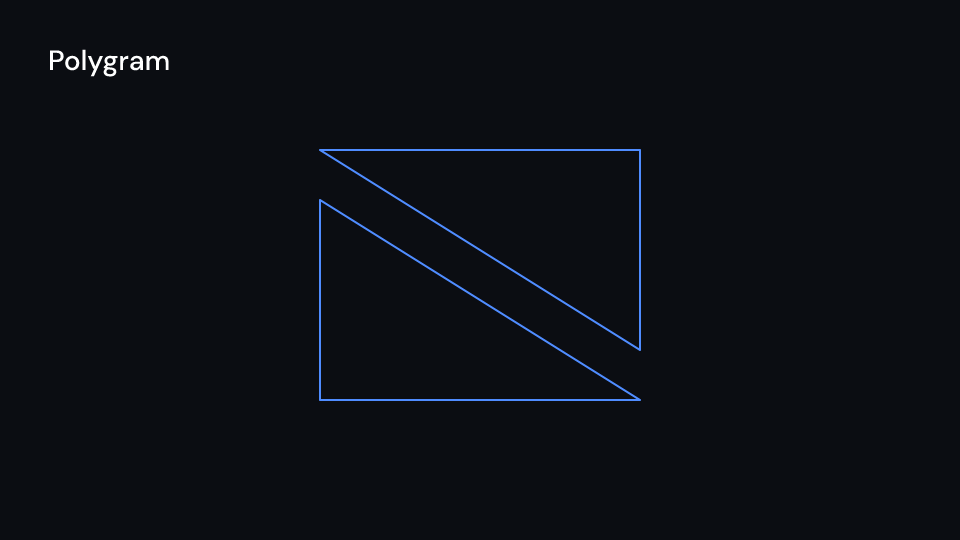
Polygram 2 s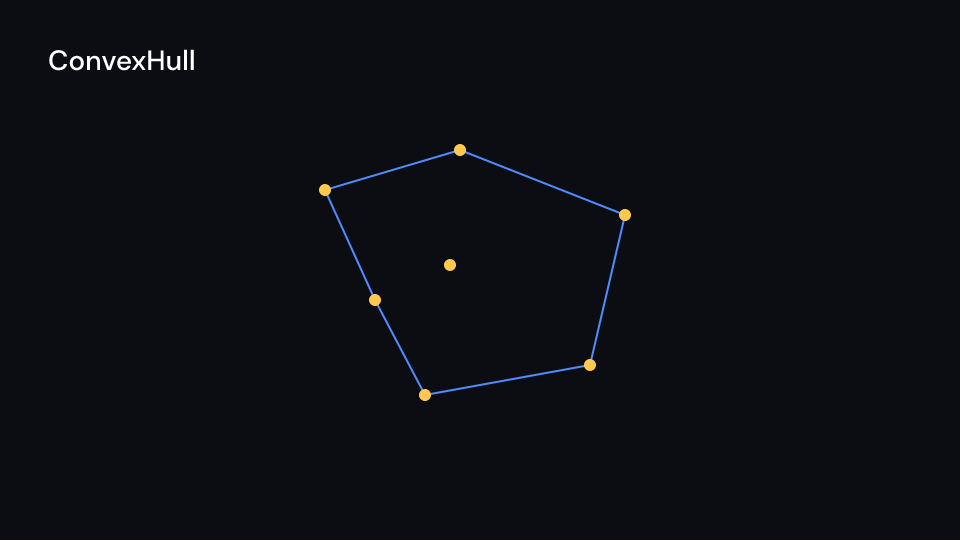
ConvexHull 2 s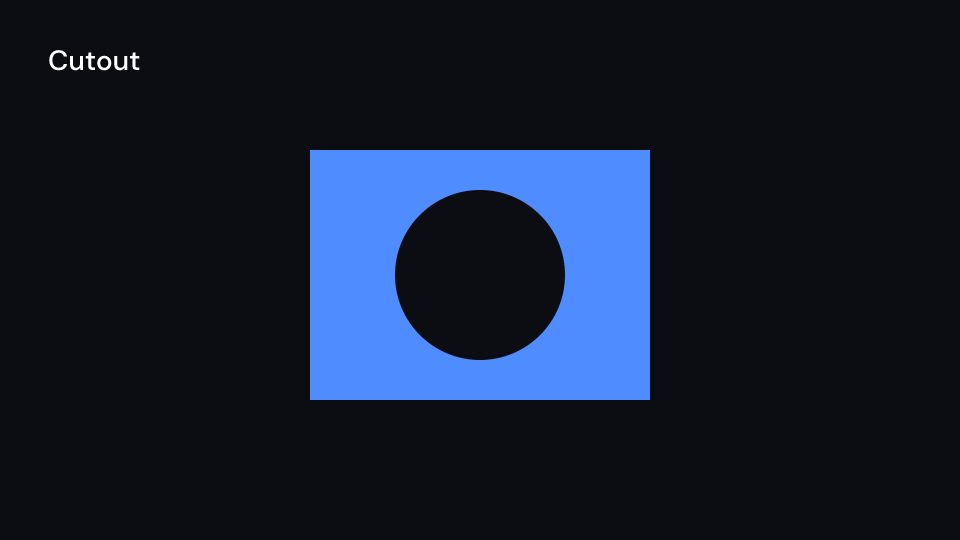
Cutout 2 s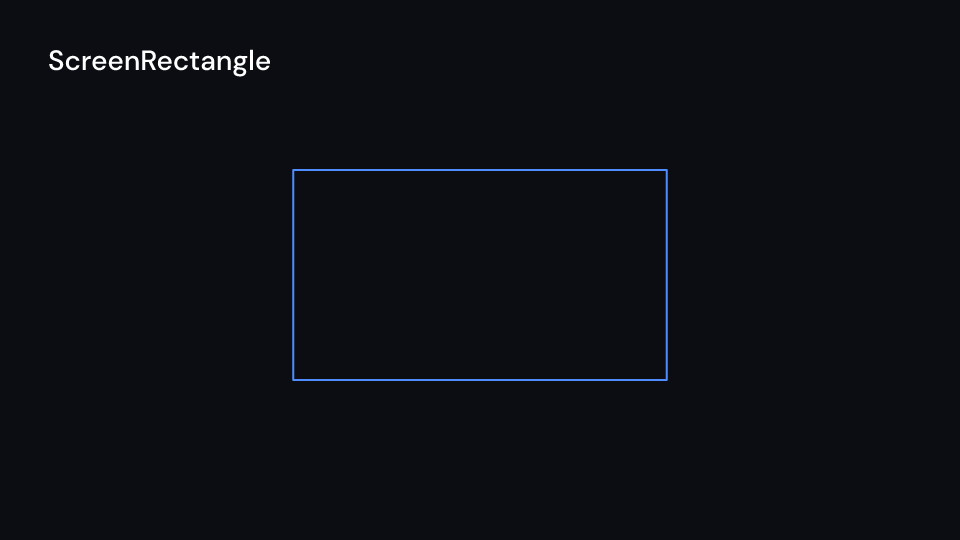
ScreenRectangle 2 s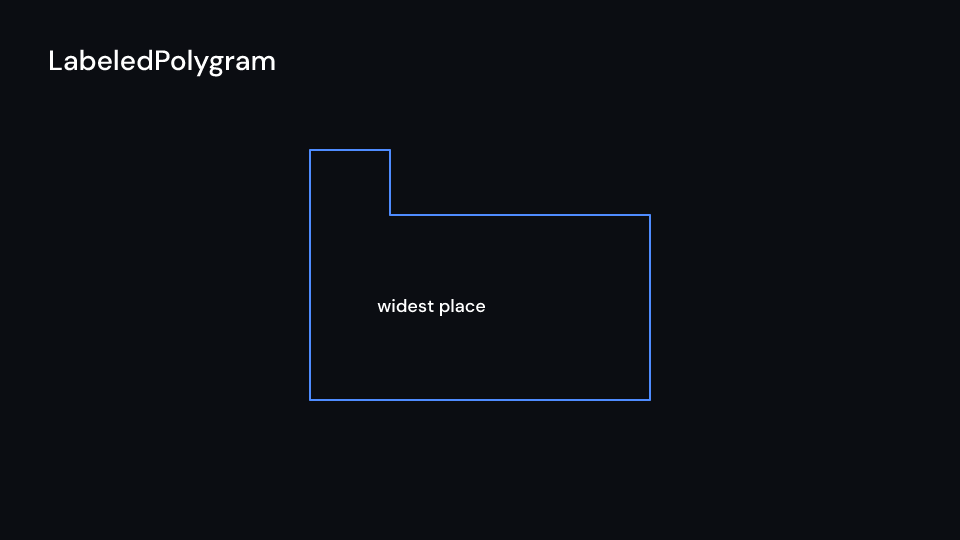
LabeledPolygram 2 sEvery arrow (Arrow, Vector, DoubleArrow, CurvedArrow, CurvedDoubleArrow,
LabeledArrow) has tip_start and tip_end, an Option<ArrowTip>: Triangle,
TriangleFilled (the default), Circle, CircleFilled, Square, SquareFilled and
Stealth, Manim’s ArrowTriangleTip to StealthTip. The tip ends at the arrow’s point, tip_length along the shaft and tip_width
across it. Outline tips are drawn unfilled on their own, and the shaft runs into the notch
of a stealth tip.
use fframes_kit::prelude::*;
fn corner<'a>(ui: &mut Ui<'a, '_, '_>) -> Svgr<'a> {    let (a, b) = (((400.0, 600.0), (800.0, 600.0)), ((400.0, 600.0), (700.0, 380.0)));    let background = ui.show(FullScreenRectangle { fill: Some(ui.theme.colors.background), ..ui.defaults() });    // a Greek letter needs a font that has it, or a formula with the `latex` feature    let theta = ui.show(Angle { line1: a, line2: b, label: "a".into(), ..ui.defaults() });    let arrow = ui.show(Arrow {        x1: 900.0,        y1: 600.0,        x2: 1300.0,        y2: 600.0,        tip_start: Some(ArrowTip::Circle),        tip_end: Some(ArrowTip::Stealth),        enter: Some(GrowArrow::default().into()),        ..ui.defaults()    });    let star = ui.show(RegularPolygram { cx: 1600.0, cy: 600.0, num_vertices: 7, density: 3, ..ui.defaults() });    svgr!(<g>{background}{theta}{arrow}{star}</g>)}
use fframes_kit::prelude::*;
fn geometry<'a>(ui: &mut Ui<'a, '_, '_>) -> Svgr<'a> { let right = ui.show(RightAngle { line1: ((200.0, 400.0), (400.0, 400.0)), line2: ((200.0, 400.0), (200.0, 200.0)), radius: 48.0, ..ui.defaults() }); let elbow = ui.show(Elbow { x: 500.0, y: 400.0, width: 80.0, angle: 0.4, ..ui.defaults() }); let circle = Circle { cx: 850.0, cy: 350.0, radius: 90.0, ..ui.defaults() }; let tangent = ui.show(TangentLine { path: circle.path(), alpha: 0.15, length: 240.0, ..ui.defaults() }); let circle = ui.show(circle); let vertices = vec![(200.0, 650.0), (400.0, 650.0), (300.0, 850.0)]; let polygram = ui.show(Polygram { vertex_groups: vec![vertices.clone()], ..ui.defaults() }); let labeled = ui.show(LabeledPolygram { vertex_groups: vec![vec![(600.0, 650.0), (900.0, 650.0), (750.0, 850.0)]], label: "region".into(), ..ui.defaults() }); let hull = ui.show(ConvexHull { points: vertices, ..ui.defaults() }); let screen = ui.show(ScreenRectangle { cx: 1400.0, cy: 350.0, height: 220.0, ..ui.defaults() }); let outer = Circle { cx: 1300.0, cy: 750.0, radius: 120.0, ..ui.defaults() }.path(); let hole = Circle { cx: 1300.0, cy: 750.0, radius: 50.0, ..ui.defaults() }.path(); let cutout = ui.show(Cutout { outer, holes: vec![hole], ..ui.defaults() }); svgr!(<g>{right}{elbow}{circle}{tangent}{polygram}{labeled}{hull}{screen}{cutout}</g>)}Braces, boolean operations, SVG and images
Section titled “Braces, boolean operations, SVG and images”| Shape | Props (defaults) | Source |
|---|---|---|
ArcBrace |
cx, cy, radius (135), start_angle (-1), angle (2), depth (24), inside |
Manim |
Union, Intersection |
paths: Vec<BezPath>; filled |
Manim |
Difference, Exclusion |
subject, clip; filled |
Manim |
SvgShape |
parts (from SvgShape::parse), cx, cy (the canvas centre), height (270), fill, stroke |
Manim SVGMobject |
SvgPath |
path (from paths::parse_path) |
Manim VMobjectFromSVGPath |
Brace is Manim’s BraceBetweenPoints: its tip points to the right of the direction from
(x1, y1) to (x2, y2), below for a brace drawn left to right; a negative depth or
swapped points put it on the other side. BraceLabel is BraceLabel and BraceText.
ArcBrace bends a brace round an arc, its tip outward, or toward the center when inside;
tip() is where its label goes.
Gallery scenes: Braces, Boolean, SvgShape, BraceLabel, ArcBrace, Union,
Intersection, Difference, Exclusion, SvgPath.
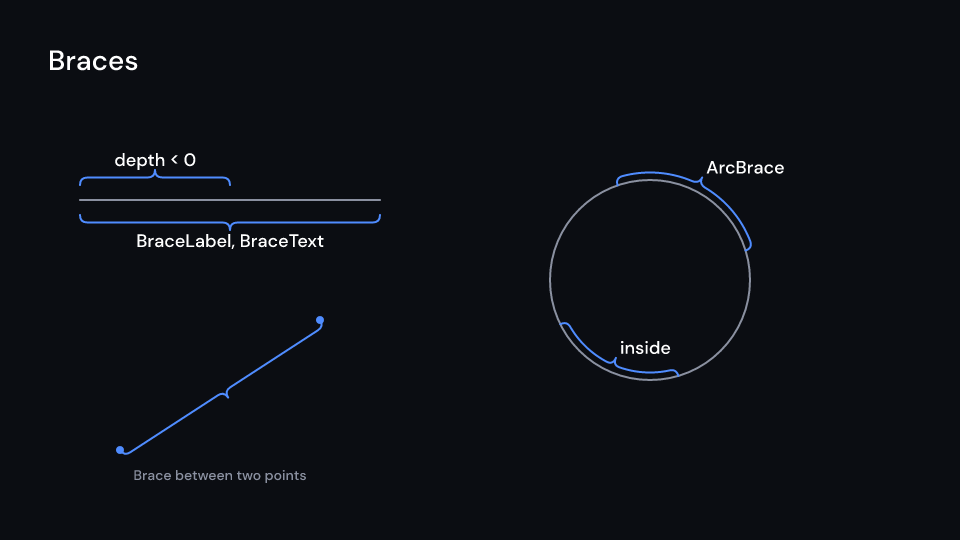
Braces 2 s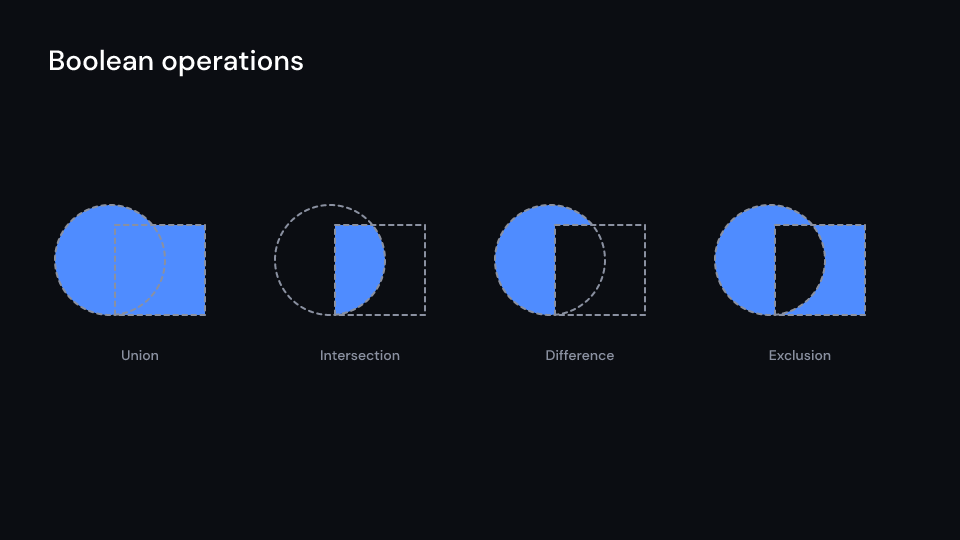
Boolean 2 s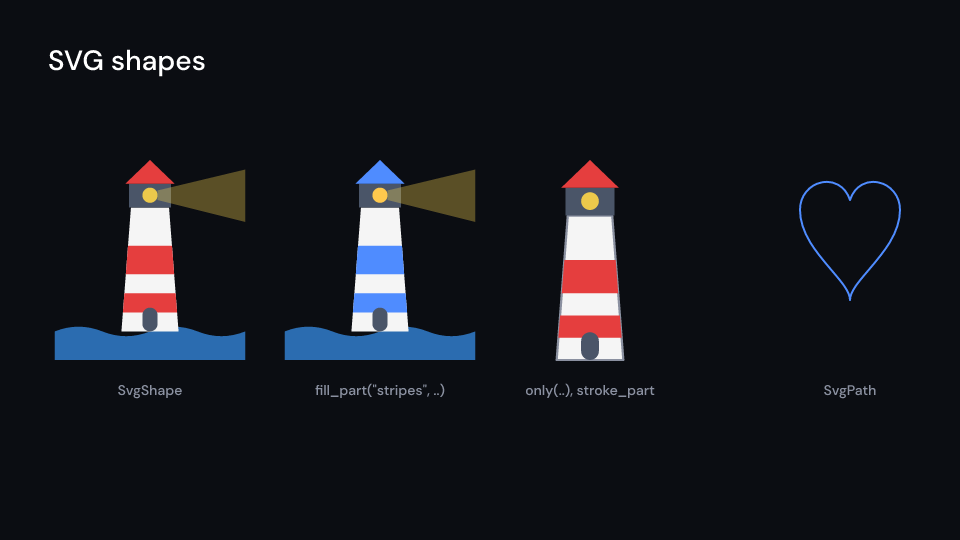
SvgShape 2 s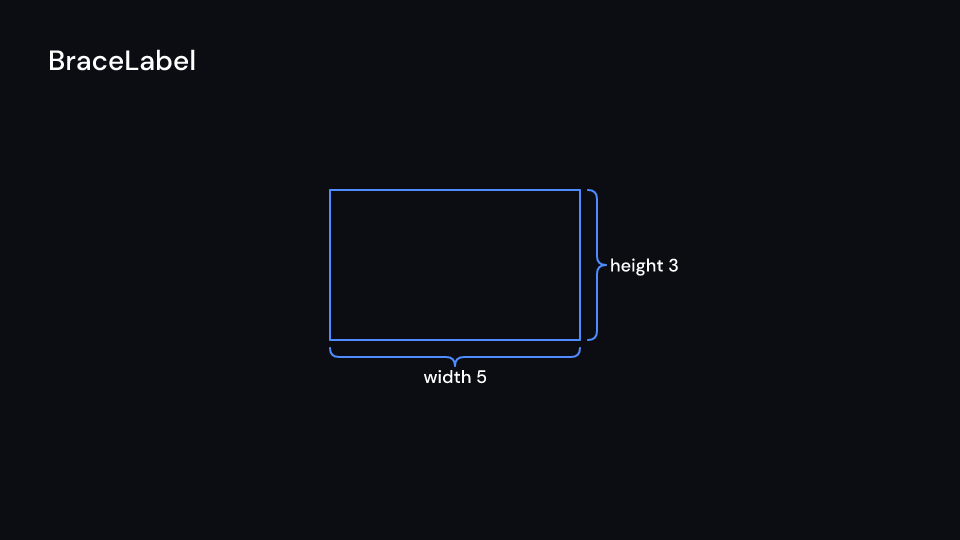
BraceLabel 2.5 s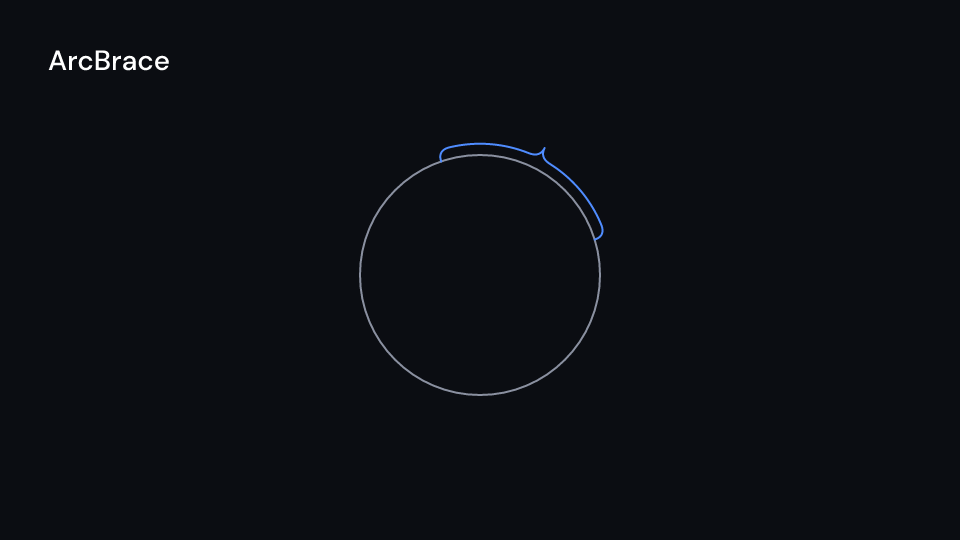
ArcBrace 2 s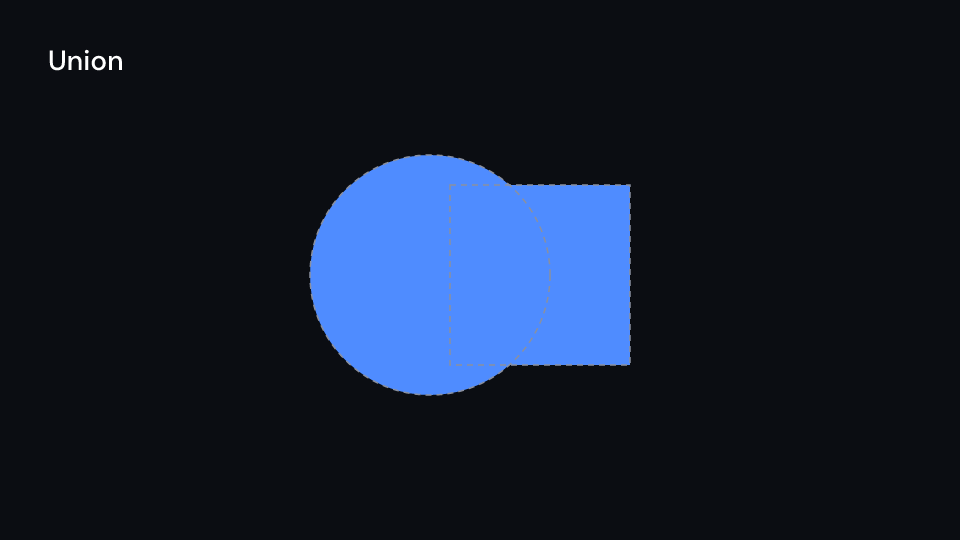
Union 2 s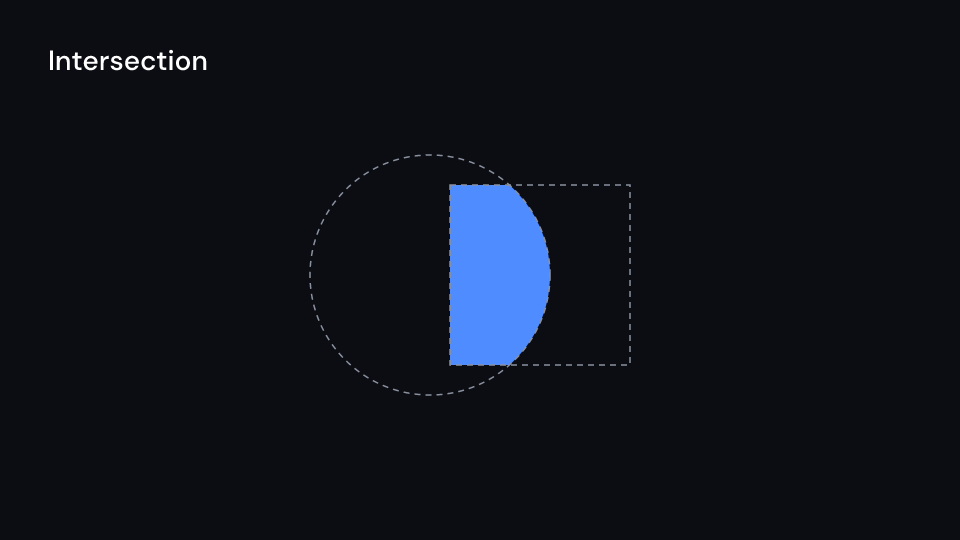
Intersection 2 s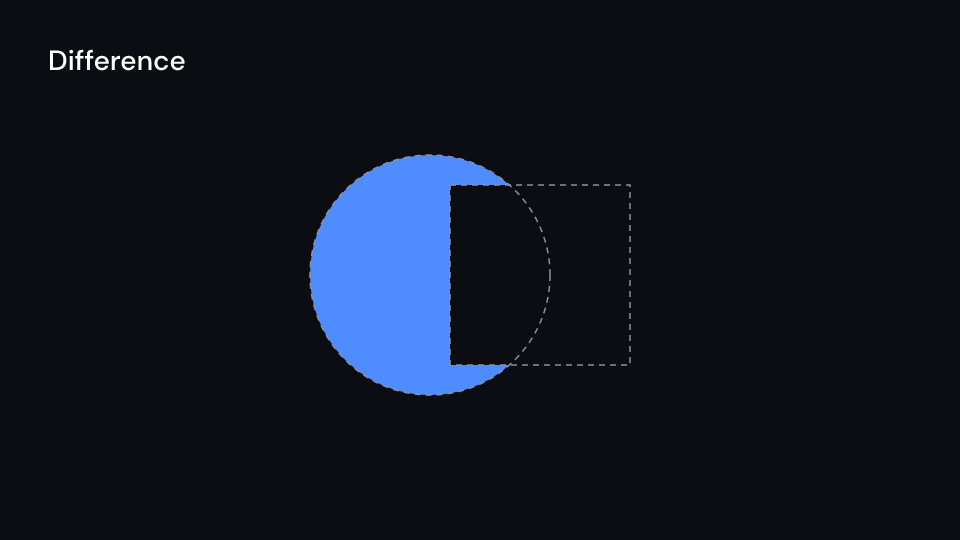
Difference 2 s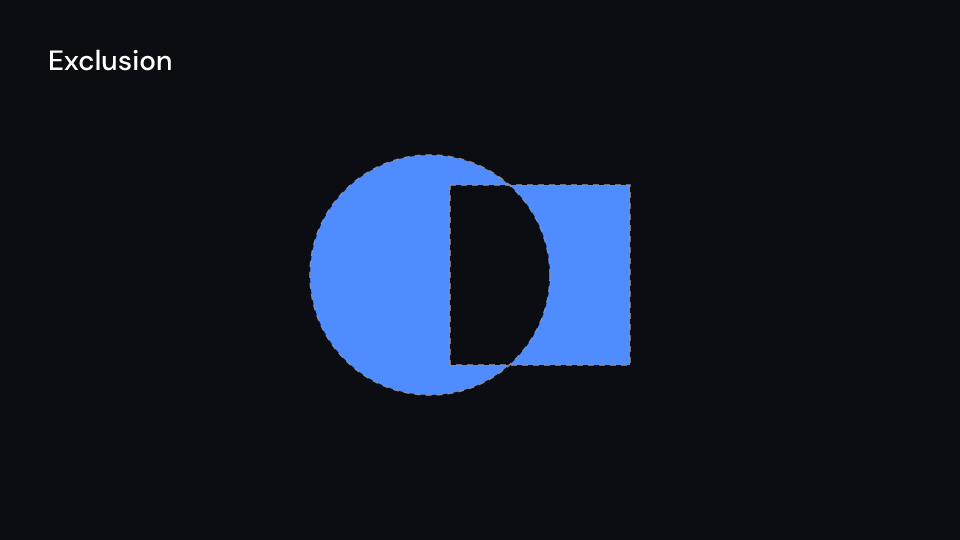
Exclusion 2 s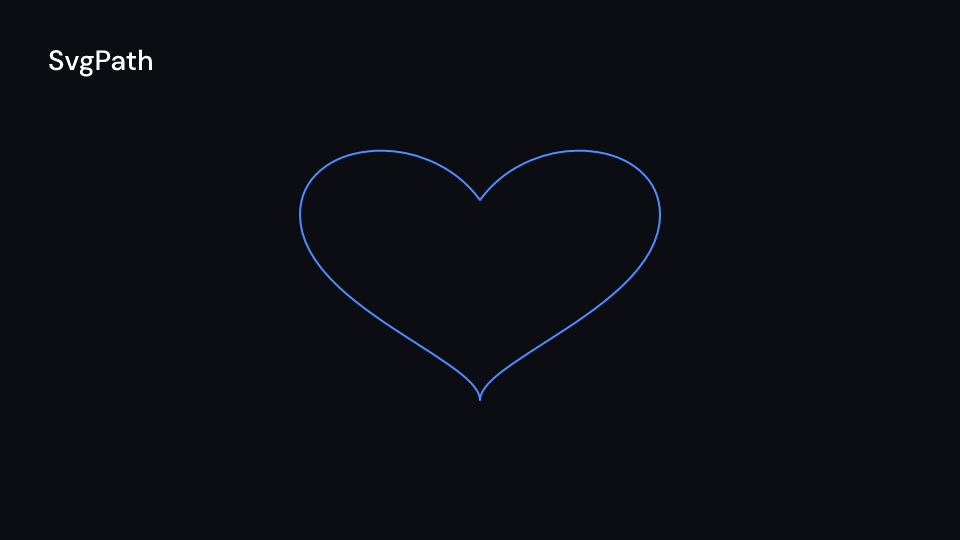
SvgPath 2 sThe boolean operations read their paths with the nonzero fill rule, as SVG and Manim do, so
a self-crossing star keeps its middle. Curves are flattened to BOOLEAN_TOLERANCE (0.25 px)
and the result is straight lines, holes running against their outline. Combining detailed
paths takes time: when the inputs do not change, compute the path once with
boolean(a, b, BooleanOp::..) and keep it in self.
SvgShape::parse reads an SVG file once, keep the result in self; a clone shares the
parts. Every path is a part with the id of the path or of the nearest group around it, its
fill and its outline, and keeps the file’s paint unless fill or stroke replace it.
fill_part(key, color) and stroke_part(key, color) paint the parts with an id or the
one at an index, only(|index, part| ..) keeps some, and part(key) reads one. A gradient
draws in its first stop’s colour and a pattern black. Text and images in the file are not
drawn: convert text to paths before export. inspect warns about all four.
Manim’s ImageMobject is an <image> of a picture from the media; PhotoFrame adds a
border and rounded corners, and KenBurns a slow zoom.
use fframes_kit::{paths, prelude::*};
fn drawings<'a>(ui: &mut Ui<'a, '_, '_>, logo: &SvgShape) -> Svgr<'a> {    let accent = ui.theme.colors.accent;    let logo = ui.show(SvgShape {        cx: 400.0,        height: Some(300.0),        enter: Some(Write::default().into()),        ..logo.clone().fill_part("roof", accent)    });    let a = Circle { cx: 900.0, cy: 540.0, radius: 120.0, ..ui.defaults() }.path();    let b = Circle { cx: 1000.0, cy: 540.0, radius: 120.0, ..ui.defaults() }.path();    let lens = ui.show(Intersection { paths: vec![a, b], ..ui.defaults() });    let wave = paths::parse_path("M1200 540 C1300 440 1400 640 1500 540").unwrap_or_default();    let wave = ui.show(SvgPath { path: wave, ..ui.defaults() });    let Some(photo) = ui.ctx.get_image("photo.png") else {        return svgr!(<g>{logo}{lens}{wave}</g>);    };    let photo = svgr!(<image href={photo.href()} x="1560" y="440" width="320" height="200" />);    svgr!(<g>{logo}{lens}{wave}{photo}</g>)}
use fframes_kit::prelude::*;
fn braces<'a>(ui: &mut Ui<'a, '_, '_>) -> Svgr<'a> { let brace = Brace { x1: 200.0, y1: 400.0, x2: 700.0, y2: 400.0, depth: 30.0, ..ui.defaults() }; let label = ui.show(BraceLabel { brace, text: "length".into(), ..ui.defaults() }); let arc = ui.show(ArcBrace { cx: 1200.0, cy: 500.0, radius: 135.0, angle: 2.0, ..ui.defaults() }); svgr!(<g>{label}{arc}</g>)}
fn booleans<'a>(ui: &mut Ui<'a, '_, '_>, a: &fframes_kit::kurbo::BezPath, b: &fframes_kit::kurbo::BezPath) -> Vec<Svgr<'a>> { vec![ ui.show(Union { paths: vec![a.clone(), b.clone()], ..ui.defaults() }), ui.show(Difference { subject: a.clone(), clip: b.clone(), ..ui.defaults() }), ui.show(Exclusion { subject: a.clone(), clip: b.clone(), ..ui.defaults() }), ]}Components are plain structs. Set the fields you need and fill the rest with ..ui.defaults(): the defaults below come from the current theme (theme. values are fields of Theme).
A small filled circle that marks a point (Manim Dot).
| Field | Type | Default | Description |
|---|---|---|---|
cx |
f32 |
0.0 |
Center x in pixels of the canvas. |
cy |
f32 |
0.0 |
Center y in pixels of the canvas (y down). |
radius |
f32 |
8.0 |
Radius in pixels. |
fill |
Option<Color> |
Paint::solid(theme).fill |
None leaves the inside empty. |
stroke |
Option<Color> |
Paint::solid(theme).stroke |
None draws no outline. |
stroke_width |
f32 |
Paint::solid(theme).stroke_width |
Outline width in pixels. |
dash |
Option<(f32, f32)> |
None |
Dash and gap lengths of the outline. |
opacity |
f32 |
1.0 |
0 transparent to 1 opaque. |
enter |
Option<EnterAnim> |
None |
How it appears; None shows it from the start. |
exit |
Option<ExitAnim> |
None |
How it leaves at the end of its container; None stays. |
emphasis |
Option<Emphasis> |
None |
An emphasis animation (Indicate, Wiggle, ..) played while it is shown. |
Methods:
fn shape(&self) -> Shape: The path and paint as aShape.
Annulus
Section titled “Annulus”A ring between two circles (Manim Annulus).
| Field | Type | Default | Description |
|---|---|---|---|
cx |
f32 |
0.0 |
Center x in pixels of the canvas. |
cy |
f32 |
0.0 |
Center y in pixels of the canvas (y down). |
inner_radius |
f32 |
50.0 |
Radius in pixels of the hole. |
outer_radius |
f32 |
100.0 |
Radius in pixels of the outer edge. |
fill |
Option<Color> |
Paint::solid(theme).fill |
None leaves the inside empty. |
stroke |
Option<Color> |
Paint::solid(theme).stroke |
None draws no outline. |
stroke_width |
f32 |
Paint::solid(theme).stroke_width |
Outline width in pixels. |
dash |
Option<(f32, f32)> |
None |
Dash and gap lengths of the outline. |
opacity |
f32 |
1.0 |
0 transparent to 1 opaque. |
enter |
Option<EnterAnim> |
None |
How it appears; None shows it from the start. |
exit |
Option<ExitAnim> |
None |
How it leaves at the end of its container; None stays. |
emphasis |
Option<Emphasis> |
None |
An emphasis animation (Indicate, Wiggle, ..) played while it is shown. |
Methods:
fn shape(&self) -> Shape: The path and paint as aShape.
Sector
Section titled “Sector”A slice of a disc from start_angle by angle (Manim Sector).
| Field | Type | Default | Description |
|---|---|---|---|
cx |
f32 |
0.0 |
Center x in pixels of the canvas. |
cy |
f32 |
0.0 |
Center y in pixels of the canvas (y down). |
radius |
f32 |
100.0 |
Radius in pixels. |
start_angle |
f32 |
0.0 |
Where the slice starts, in radians counterclockwise on screen from the right (0 is right). |
angle |
f32 |
std::f32::consts::FRAC_PI_2 |
How far the slice turns, in radians; counterclockwise on screen for a positive value. |
fill |
Option<Color> |
Paint::solid(theme).fill |
None leaves the inside empty. |
stroke |
Option<Color> |
Paint::solid(theme).stroke |
None draws no outline. |
stroke_width |
f32 |
Paint::solid(theme).stroke_width |
Outline width in pixels. |
dash |
Option<(f32, f32)> |
None |
Dash and gap lengths of the outline. |
opacity |
f32 |
1.0 |
0 transparent to 1 opaque. |
enter |
Option<EnterAnim> |
None |
How it appears; None shows it from the start. |
exit |
Option<ExitAnim> |
None |
How it leaves at the end of its container; None stays. |
emphasis |
Option<Emphasis> |
None |
An emphasis animation (Indicate, Wiggle, ..) played while it is shown. |
Methods:
fn shape(&self) -> Shape: The path and paint as aShape.
Circle
Section titled “Circle”A circle (Manim Circle, Remotion Circle).
| Field | Type | Default | Description |
|---|---|---|---|
cx |
f32 |
0.0 |
Center x in pixels of the canvas. |
cy |
f32 |
0.0 |
Center y in pixels of the canvas (y down). |
radius |
f32 |
100.0 |
Radius in pixels. |
fill |
Option<Color> |
Paint::outline(theme).fill |
None leaves the inside empty. |
stroke |
Option<Color> |
Paint::outline(theme).stroke |
None draws no outline. |
stroke_width |
f32 |
Paint::outline(theme).stroke_width |
Outline width in pixels. |
dash |
Option<(f32, f32)> |
None |
Dash and gap lengths of the outline. |
opacity |
f32 |
1.0 |
0 transparent to 1 opaque. |
enter |
Option<EnterAnim> |
None |
How it appears; None shows it from the start. |
exit |
Option<ExitAnim> |
None |
How it leaves at the end of its container; None stays. |
emphasis |
Option<Emphasis> |
None |
An emphasis animation (Indicate, Wiggle, ..) played while it is shown. |
Methods:
fn shape(&self) -> Shape: The path and paint as aShape.
Ellipse
Section titled “Ellipse”An ellipse in a width by height box (Manim Ellipse, Remotion Ellipse).
| Field | Type | Default | Description |
|---|---|---|---|
cx |
f32 |
0.0 |
Center x in pixels of the canvas. |
cy |
f32 |
0.0 |
Center y in pixels of the canvas (y down). |
width |
f32 |
200.0 |
Full width in pixels. |
height |
f32 |
100.0 |
Full height in pixels. |
fill |
Option<Color> |
Paint::outline(theme).fill |
None leaves the inside empty. |
stroke |
Option<Color> |
Paint::outline(theme).stroke |
None draws no outline. |
stroke_width |
f32 |
Paint::outline(theme).stroke_width |
Outline width in pixels. |
dash |
Option<(f32, f32)> |
None |
Dash and gap lengths of the outline. |
opacity |
f32 |
1.0 |
0 transparent to 1 opaque. |
enter |
Option<EnterAnim> |
None |
How it appears; None shows it from the start. |
exit |
Option<ExitAnim> |
None |
How it leaves at the end of its container; None stays. |
emphasis |
Option<Emphasis> |
None |
An emphasis animation (Indicate, Wiggle, ..) played while it is shown. |
Methods:
fn shape(&self) -> Shape: The path and paint as aShape.
Part of a circle’s outline from start_angle by angle (Manim Arc).
| Field | Type | Default | Description |
|---|---|---|---|
cx |
f32 |
0.0 |
Center x in pixels of the canvas. |
cy |
f32 |
0.0 |
Center y in pixels of the canvas (y down). |
radius |
f32 |
100.0 |
Radius in pixels. |
start_angle |
f32 |
0.0 |
Where the arc starts, in radians counterclockwise on screen from the right (0 is right). |
angle |
f32 |
std::f32::consts::FRAC_PI_2 |
How far the arc turns, in radians; counterclockwise on screen for a positive value. |
fill |
Option<Color> |
Paint::outline(theme).fill |
None leaves the inside empty. |
stroke |
Option<Color> |
Paint::outline(theme).stroke |
None draws no outline. |
stroke_width |
f32 |
Paint::outline(theme).stroke_width |
Outline width in pixels. |
dash |
Option<(f32, f32)> |
None |
Dash and gap lengths of the outline. |
opacity |
f32 |
1.0 |
0 transparent to 1 opaque. |
enter |
Option<EnterAnim> |
None |
How it appears; None shows it from the start. |
exit |
Option<ExitAnim> |
None |
How it leaves at the end of its container; None stays. |
emphasis |
Option<Emphasis> |
None |
An emphasis animation (Indicate, Wiggle, ..) played while it is shown. |
Methods:
fn shape(&self) -> Shape: The path and paint as aShape.
A straight line from (x1, y1) to (x2, y2) (Manim Line).
| Field | Type | Default | Description |
|---|---|---|---|
x1 |
f32 |
0.0 |
Start x in pixels of the canvas. |
y1 |
f32 |
0.0 |
Start y in pixels of the canvas (y down). |
x2 |
f32 |
200.0 |
End x in pixels of the canvas. |
y2 |
f32 |
0.0 |
End y in pixels of the canvas (y down). |
fill |
Option<Color> |
Paint::outline(theme).fill |
None leaves the inside empty. |
stroke |
Option<Color> |
Paint::outline(theme).stroke |
None draws no outline. |
stroke_width |
f32 |
Paint::outline(theme).stroke_width |
Outline width in pixels. |
dash |
Option<(f32, f32)> |
None |
Dash and gap lengths of the outline. |
opacity |
f32 |
1.0 |
0 transparent to 1 opaque. |
enter |
Option<EnterAnim> |
None |
How it appears; None shows it from the start. |
exit |
Option<ExitAnim> |
None |
How it leaves at the end of its container; None stays. |
emphasis |
Option<Emphasis> |
None |
An emphasis animation (Indicate, Wiggle, ..) played while it is shown. |
Methods:
fn shape(&self) -> Shape: The path and paint as aShape.
DashedLine
Section titled “DashedLine”A dashed straight line (Manim DashedLine); dash is the dash and gap length.
| Field | Type | Default | Description |
|---|---|---|---|
x1 |
f32 |
0.0 |
Start x in pixels of the canvas. |
y1 |
f32 |
0.0 |
Start y in pixels of the canvas (y down). |
x2 |
f32 |
200.0 |
End x in pixels of the canvas. |
y2 |
f32 |
0.0 |
End y in pixels of the canvas (y down). |
fill |
Option<Color> |
Paint::outline(theme).fill |
None leaves the inside empty. |
stroke |
Option<Color> |
Paint::outline(theme).stroke |
None draws no outline. |
stroke_width |
f32 |
Paint::outline(theme).stroke_width |
Outline width in pixels. |
dash |
Option<(f32, f32)> |
Some((12.0, 12.0)) |
Dash and gap lengths of the outline. |
opacity |
f32 |
1.0 |
0 transparent to 1 opaque. |
enter |
Option<EnterAnim> |
None |
How it appears; None shows it from the start. |
exit |
Option<ExitAnim> |
None |
How it leaves at the end of its container; None stays. |
emphasis |
Option<Emphasis> |
None |
An emphasis animation (Indicate, Wiggle, ..) played while it is shown. |
Methods:
fn shape(&self) -> Shape: The path and paint as aShape.
Polygon
Section titled “Polygon”A closed polygon through points (Manim Polygon, Remotion Polygon).
| Field | Type | Default | Description |
|---|---|---|---|
points |
Vec<(f32, f32)> |
vec![(0.0, -100.0), (100.0, 100.0), (-100.0, 100.0)] |
Corner points (x, y) in pixels of the canvas, joined in order and closed. |
fill |
Option<Color> |
Paint::outline(theme).fill |
None leaves the inside empty. |
stroke |
Option<Color> |
Paint::outline(theme).stroke |
None draws no outline. |
stroke_width |
f32 |
Paint::outline(theme).stroke_width |
Outline width in pixels. |
dash |
Option<(f32, f32)> |
None |
Dash and gap lengths of the outline. |
opacity |
f32 |
1.0 |
0 transparent to 1 opaque. |
enter |
Option<EnterAnim> |
None |
How it appears; None shows it from the start. |
exit |
Option<ExitAnim> |
None |
How it leaves at the end of its container; None stays. |
emphasis |
Option<Emphasis> |
None |
An emphasis animation (Indicate, Wiggle, ..) played while it is shown. |
Methods:
fn shape(&self) -> Shape: The path and paint as aShape.
RegularPolygon
Section titled “RegularPolygon”A regular polygon with n corners on a circle of radius (Manim RegularPolygon). start_angle is the first corner; None is Manim’s default (right for an even n, top for an odd one).
| Field | Type | Default | Description |
|---|---|---|---|
cx |
f32 |
0.0 |
Center x in pixels of the canvas. |
cy |
f32 |
0.0 |
Center y in pixels of the canvas (y down). |
radius |
f32 |
100.0 |
Radius in pixels of the circle the corners lie on. |
n |
usize |
6 |
Number of corners (at least 3). |
start_angle |
Option<f32> |
None |
Radians of the first corner, counterclockwise on screen from the right; None puts it on the right for an even n, at the top for an odd one. |
fill |
Option<Color> |
Paint::outline(theme).fill |
None leaves the inside empty. |
stroke |
Option<Color> |
Paint::outline(theme).stroke |
None draws no outline. |
stroke_width |
f32 |
Paint::outline(theme).stroke_width |
Outline width in pixels. |
dash |
Option<(f32, f32)> |
None |
Dash and gap lengths of the outline. |
opacity |
f32 |
1.0 |
0 transparent to 1 opaque. |
enter |
Option<EnterAnim> |
None |
How it appears; None shows it from the start. |
exit |
Option<ExitAnim> |
None |
How it leaves at the end of its container; None stays. |
emphasis |
Option<Emphasis> |
None |
An emphasis animation (Indicate, Wiggle, ..) played while it is shown. |
Methods:
fn shape(&self) -> Shape: The path and paint as aShape.
Triangle
Section titled “Triangle”An equilateral triangle pointing up, its corners on a circle of radius (Manim Triangle, Remotion Triangle).
| Field | Type | Default | Description |
|---|---|---|---|
cx |
f32 |
0.0 |
Center x in pixels of the canvas. |
cy |
f32 |
0.0 |
Center y in pixels of the canvas (y down). |
radius |
f32 |
100.0 |
Radius in pixels of the circle the corners lie on. |
fill |
Option<Color> |
Paint::outline(theme).fill |
None leaves the inside empty. |
stroke |
Option<Color> |
Paint::outline(theme).stroke |
None draws no outline. |
stroke_width |
f32 |
Paint::outline(theme).stroke_width |
Outline width in pixels. |
dash |
Option<(f32, f32)> |
None |
Dash and gap lengths of the outline. |
opacity |
f32 |
1.0 |
0 transparent to 1 opaque. |
enter |
Option<EnterAnim> |
None |
How it appears; None shows it from the start. |
exit |
Option<ExitAnim> |
None |
How it leaves at the end of its container; None stays. |
emphasis |
Option<Emphasis> |
None |
An emphasis animation (Indicate, Wiggle, ..) played while it is shown. |
Methods:
fn shape(&self) -> Shape: The path and paint as aShape.
Rectangle
Section titled “Rectangle”A width by height rectangle (Manim Rectangle).
| Field | Type | Default | Description |
|---|---|---|---|
cx |
f32 |
0.0 |
Center x in pixels of the canvas. |
cy |
f32 |
0.0 |
Center y in pixels of the canvas (y down). |
width |
f32 |
400.0 |
Full width in pixels. |
height |
f32 |
200.0 |
Full height in pixels. |
fill |
Option<Color> |
Paint::outline(theme).fill |
None leaves the inside empty. |
stroke |
Option<Color> |
Paint::outline(theme).stroke |
None draws no outline. |
stroke_width |
f32 |
Paint::outline(theme).stroke_width |
Outline width in pixels. |
dash |
Option<(f32, f32)> |
None |
Dash and gap lengths of the outline. |
opacity |
f32 |
1.0 |
0 transparent to 1 opaque. |
enter |
Option<EnterAnim> |
None |
How it appears; None shows it from the start. |
exit |
Option<ExitAnim> |
None |
How it leaves at the end of its container; None stays. |
emphasis |
Option<Emphasis> |
None |
An emphasis animation (Indicate, Wiggle, ..) played while it is shown. |
Methods:
fn shape(&self) -> Shape: The path and paint as aShape.
Square
Section titled “Square”A square with sides of side_length (Manim Square).
| Field | Type | Default | Description |
|---|---|---|---|
cx |
f32 |
0.0 |
Center x in pixels of the canvas. |
cy |
f32 |
0.0 |
Center y in pixels of the canvas (y down). |
side_length |
f32 |
200.0 |
Length of each side in pixels. |
fill |
Option<Color> |
Paint::outline(theme).fill |
None leaves the inside empty. |
stroke |
Option<Color> |
Paint::outline(theme).stroke |
None draws no outline. |
stroke_width |
f32 |
Paint::outline(theme).stroke_width |
Outline width in pixels. |
dash |
Option<(f32, f32)> |
None |
Dash and gap lengths of the outline. |
opacity |
f32 |
1.0 |
0 transparent to 1 opaque. |
enter |
Option<EnterAnim> |
None |
How it appears; None shows it from the start. |
exit |
Option<ExitAnim> |
None |
How it leaves at the end of its container; None stays. |
emphasis |
Option<Emphasis> |
None |
An emphasis animation (Indicate, Wiggle, ..) played while it is shown. |
Methods:
fn shape(&self) -> Shape: The path and paint as aShape.
RoundedRectangle
Section titled “RoundedRectangle”A rectangle with round corners (Manim RoundedRectangle).
| Field | Type | Default | Description |
|---|---|---|---|
cx |
f32 |
0.0 |
Center x in pixels of the canvas. |
cy |
f32 |
0.0 |
Center y in pixels of the canvas (y down). |
width |
f32 |
400.0 |
Full width in pixels. |
height |
f32 |
200.0 |
Full height in pixels. |
corner_radius |
f32 |
theme.radius.md |
Radius of the rounded corners in pixels; 0 for square corners. |
fill |
Option<Color> |
Paint::outline(theme).fill |
None leaves the inside empty. |
stroke |
Option<Color> |
Paint::outline(theme).stroke |
None draws no outline. |
stroke_width |
f32 |
Paint::outline(theme).stroke_width |
Outline width in pixels. |
dash |
Option<(f32, f32)> |
None |
Dash and gap lengths of the outline. |
opacity |
f32 |
1.0 |
0 transparent to 1 opaque. |
enter |
Option<EnterAnim> |
None |
How it appears; None shows it from the start. |
exit |
Option<ExitAnim> |
None |
How it leaves at the end of its container; None stays. |
emphasis |
Option<Emphasis> |
None |
An emphasis animation (Indicate, Wiggle, ..) played while it is shown. |
Methods:
fn shape(&self) -> Shape: The path and paint as aShape.
A star with n points (Manim Star, Remotion Star). The first point is at the top; inner_radius is where the edges meet between the points.
| Field | Type | Default | Description |
|---|---|---|---|
cx |
f32 |
0.0 |
Center x in pixels of the canvas. |
cy |
f32 |
0.0 |
Center y in pixels of the canvas (y down). |
n |
usize |
5 |
Number of points (at least 2). |
outer_radius |
f32 |
100.0 |
Radius in pixels of the points. |
inner_radius |
f32 |
38.2 |
Radius in pixels of the notches between the points. |
fill |
Option<Color> |
Paint::outline(theme).fill |
None leaves the inside empty. |
stroke |
Option<Color> |
Paint::outline(theme).stroke |
None draws no outline. |
stroke_width |
f32 |
Paint::outline(theme).stroke_width |
Outline width in pixels. |
dash |
Option<(f32, f32)> |
None |
Dash and gap lengths of the outline. |
opacity |
f32 |
1.0 |
0 transparent to 1 opaque. |
enter |
Option<EnterAnim> |
None |
How it appears; None shows it from the start. |
exit |
Option<ExitAnim> |
None |
How it leaves at the end of its container; None stays. |
emphasis |
Option<Emphasis> |
None |
An emphasis animation (Indicate, Wiggle, ..) played while it is shown. |
Methods:
fn shape(&self) -> Shape: The path and paint as aShape.
An arrow from (x1, y1) to (x2, y2) (Manim Arrow).
| Field | Type | Default | Description |
|---|---|---|---|
x1 |
f32 |
0.0 |
Start x in pixels of the canvas. |
y1 |
f32 |
0.0 |
Start y in pixels of the canvas (y down). |
x2 |
f32 |
200.0 |
End x in pixels of the canvas. |
y2 |
f32 |
0.0 |
End y in pixels of the canvas (y down). |
tip_length |
f32 |
24.0 |
Length in pixels of each tip from its point back along the shaft; shortened to fit a short arrow. |
tip_width |
f32 |
20.0 |
Width in pixels of each tip across the shaft. |
tip_start |
Option<ArrowTip> |
None |
The tip at the start; None for none. |
tip_end |
Option<ArrowTip> |
Some(ArrowTip::TriangleFilled) |
The tip at the end; None for none. |
fill |
Option<Color> |
Paint::arrow(theme).fill |
None leaves the inside empty. |
stroke |
Option<Color> |
Paint::arrow(theme).stroke |
None draws no outline. |
stroke_width |
f32 |
Paint::arrow(theme).stroke_width |
Outline width in pixels. |
dash |
Option<(f32, f32)> |
None |
Dash and gap lengths of the outline. |
opacity |
f32 |
1.0 |
0 transparent to 1 opaque. |
enter |
Option<EnterAnim> |
None |
How it appears; None shows it from the start. |
exit |
Option<ExitAnim> |
None |
How it leaves at the end of its container; None stays. |
emphasis |
Option<Emphasis> |
None |
An emphasis animation (Indicate, Wiggle, ..) played while it is shown. |
Methods:
fn shape(&self) -> Shape: The path and paint as aShape.
DoubleArrow
Section titled “DoubleArrow”An arrow with a tip at both ends (Manim DoubleArrow).
| Field | Type | Default | Description |
|---|---|---|---|
x1 |
f32 |
0.0 |
Start x in pixels of the canvas. |
y1 |
f32 |
0.0 |
Start y in pixels of the canvas (y down). |
x2 |
f32 |
200.0 |
End x in pixels of the canvas. |
y2 |
f32 |
0.0 |
End y in pixels of the canvas (y down). |
tip_length |
f32 |
24.0 |
Length in pixels of each tip from its point back along the shaft; shortened to fit a short arrow. |
tip_width |
f32 |
20.0 |
Width in pixels of each tip across the shaft. |
tip_start |
Option<ArrowTip> |
Some(ArrowTip::TriangleFilled) |
The tip at the start; None for none. |
tip_end |
Option<ArrowTip> |
Some(ArrowTip::TriangleFilled) |
The tip at the end; None for none. |
fill |
Option<Color> |
Paint::arrow(theme).fill |
None leaves the inside empty. |
stroke |
Option<Color> |
Paint::arrow(theme).stroke |
None draws no outline. |
stroke_width |
f32 |
Paint::arrow(theme).stroke_width |
Outline width in pixels. |
dash |
Option<(f32, f32)> |
None |
Dash and gap lengths of the outline. |
opacity |
f32 |
1.0 |
0 transparent to 1 opaque. |
enter |
Option<EnterAnim> |
None |
How it appears; None shows it from the start. |
exit |
Option<ExitAnim> |
None |
How it leaves at the end of its container; None stays. |
emphasis |
Option<Emphasis> |
None |
An emphasis animation (Indicate, Wiggle, ..) played while it is shown. |
Methods:
fn shape(&self) -> Shape: The path and paint as aShape.
Vector
Section titled “Vector”An arrow from (x, y) by (dx, dy) (Manim Vector, which starts at the origin).
| Field | Type | Default | Description |
|---|---|---|---|
x |
f32 |
0.0 |
Start x in pixels of the canvas. |
y |
f32 |
0.0 |
Start y in pixels of the canvas (y down). |
dx |
f32 |
200.0 |
Horizontal offset in pixels from the start to the tip; positive is right. |
dy |
f32 |
0.0 |
Vertical offset in pixels from the start to the tip; positive is down. |
tip_length |
f32 |
24.0 |
Length in pixels of each tip from its point back along the shaft; shortened to fit a short arrow. |
tip_width |
f32 |
20.0 |
Width in pixels of each tip across the shaft. |
tip_start |
Option<ArrowTip> |
None |
The tip at the start; None for none. |
tip_end |
Option<ArrowTip> |
Some(ArrowTip::TriangleFilled) |
The tip at the end; None for none. |
fill |
Option<Color> |
Paint::arrow(theme).fill |
None leaves the inside empty. |
stroke |
Option<Color> |
Paint::arrow(theme).stroke |
None draws no outline. |
stroke_width |
f32 |
Paint::arrow(theme).stroke_width |
Outline width in pixels. |
dash |
Option<(f32, f32)> |
None |
Dash and gap lengths of the outline. |
opacity |
f32 |
1.0 |
0 transparent to 1 opaque. |
enter |
Option<EnterAnim> |
None |
How it appears; None shows it from the start. |
exit |
Option<ExitAnim> |
None |
How it leaves at the end of its container; None stays. |
emphasis |
Option<Emphasis> |
None |
An emphasis animation (Indicate, Wiggle, ..) played while it is shown. |
Methods:
fn shape(&self) -> Shape: The path and paint as aShape.
CurvedArrow
Section titled “CurvedArrow”An arrow along a circular arc that turns by angle from (x1, y1) to (x2, y2), counterclockwise on screen for a positive angle (Manim CurvedArrow).
| Field | Type | Default | Description |
|---|---|---|---|
x1 |
f32 |
0.0 |
Start x in pixels of the canvas. |
y1 |
f32 |
0.0 |
Start y in pixels of the canvas (y down). |
x2 |
f32 |
200.0 |
End x in pixels of the canvas. |
y2 |
f32 |
0.0 |
End y in pixels of the canvas (y down). |
angle |
f32 |
std::f32::consts::FRAC_PI_2 |
Turn in radians of the arc from the start to the end, counterclockwise on screen for a positive value. |
tip_length |
f32 |
24.0 |
Length in pixels of each tip from its point back along the shaft; shortened to fit a short arrow. |
tip_width |
f32 |
20.0 |
Width in pixels of each tip across the shaft. |
tip_start |
Option<ArrowTip> |
None |
The tip at the start; None for none. |
tip_end |
Option<ArrowTip> |
Some(ArrowTip::TriangleFilled) |
The tip at the end; None for none. |
fill |
Option<Color> |
Paint::arrow(theme).fill |
None leaves the inside empty. |
stroke |
Option<Color> |
Paint::arrow(theme).stroke |
None draws no outline. |
stroke_width |
f32 |
Paint::arrow(theme).stroke_width |
Outline width in pixels. |
dash |
Option<(f32, f32)> |
None |
Dash and gap lengths of the outline. |
opacity |
f32 |
1.0 |
0 transparent to 1 opaque. |
enter |
Option<EnterAnim> |
None |
How it appears; None shows it from the start. |
exit |
Option<ExitAnim> |
None |
How it leaves at the end of its container; None stays. |
emphasis |
Option<Emphasis> |
None |
An emphasis animation (Indicate, Wiggle, ..) played while it is shown. |
Methods:
fn shape(&self) -> Shape: The path and paint as aShape.
A curly brace along (x1, y1) to (x2, y2) whose tip points depth pixels to the right of that direction on screen: below for a brace drawn left to right (Manim Brace under a mobject). Brace::tip is where a label goes.
| Field | Type | Default | Description |
|---|---|---|---|
x1 |
f32 |
0.0 |
Start x in pixels of the span the brace runs along. |
y1 |
f32 |
0.0 |
Start y in pixels of the span the brace runs along (y down). |
x2 |
f32 |
200.0 |
End x in pixels of the span the brace runs along. |
y2 |
f32 |
0.0 |
End y in pixels of the span the brace runs along (y down). |
depth |
f32 |
24.0 |
How far in pixels the tip sticks out, to the right of the direction from start to end on screen; negative turns the brace over. |
fill |
Option<Color> |
Paint::outline(theme).fill |
None leaves the inside empty. |
stroke |
Option<Color> |
Paint::outline(theme).stroke |
None draws no outline. |
stroke_width |
f32 |
Paint::outline(theme).stroke_width |
Outline width in pixels. |
dash |
Option<(f32, f32)> |
None |
Dash and gap lengths of the outline. |
opacity |
f32 |
1.0 |
0 transparent to 1 opaque. |
enter |
Option<EnterAnim> |
None |
How it appears; None shows it from the start. |
exit |
Option<ExitAnim> |
None |
How it leaves at the end of its container; None stays. |
emphasis |
Option<Emphasis> |
None |
An emphasis animation (Indicate, Wiggle, ..) played while it is shown. |
Methods:
fn shape(&self) -> Shape: The path and paint as aShape.fn tip(&self) -> (f32, f32): The point of the tip.
A rectangle, square corners unless corner_radius is set (Remotion Rect).
| Field | Type | Default | Description |
|---|---|---|---|
cx |
f32 |
0.0 |
Center x in pixels of the canvas. |
cy |
f32 |
0.0 |
Center y in pixels of the canvas (y down). |
width |
f32 |
200.0 |
Width in pixels. |
height |
f32 |
200.0 |
Height in pixels. |
corner_radius |
f32 |
0.0 |
Radius of the rounded corners in pixels; 0 for square corners. |
fill |
Option<Color> |
Paint::solid(theme).fill |
None leaves the inside empty. |
stroke |
Option<Color> |
Paint::solid(theme).stroke |
None draws no outline. |
stroke_width |
f32 |
Paint::solid(theme).stroke_width |
Outline width in pixels. |
dash |
Option<(f32, f32)> |
None |
Dash and gap lengths of the outline. |
opacity |
f32 |
1.0 |
0 transparent to 1 opaque. |
enter |
Option<EnterAnim> |
None |
How it appears; None shows it from the start. |
exit |
Option<ExitAnim> |
None |
How it leaves at the end of its container; None stays. |
emphasis |
Option<Emphasis> |
None |
An emphasis animation (Indicate, Wiggle, ..) played while it is shown. |
Methods:
fn shape(&self) -> Shape: The path and paint as aShape.
BlockArrow
Section titled “BlockArrow”A block arrow length long pointing in angle (counterclockwise on screen, 0 is right), centered on (cx, cy) (Remotion Arrow).
| Field | Type | Default | Description |
|---|---|---|---|
cx |
f32 |
0.0 |
Center x in pixels of the canvas. |
cy |
f32 |
0.0 |
Center y in pixels of the canvas (y down). |
length |
f32 |
300.0 |
Total length in pixels, tail to point. |
head_width |
f32 |
185.0 |
Width in pixels of the arrowhead across the shaft. |
head_length |
f32 |
120.0 |
Length in pixels of the arrowhead (at most length). |
shaft_width |
f32 |
80.0 |
Width in pixels of the shaft. |
angle |
f32 |
0.0 |
Direction it points, in radians counterclockwise on screen from the right (0 is right). |
fill |
Option<Color> |
Paint::solid(theme).fill |
None leaves the inside empty. |
stroke |
Option<Color> |
Paint::solid(theme).stroke |
None draws no outline. |
stroke_width |
f32 |
Paint::solid(theme).stroke_width |
Outline width in pixels. |
dash |
Option<(f32, f32)> |
None |
Dash and gap lengths of the outline. |
opacity |
f32 |
1.0 |
0 transparent to 1 opaque. |
enter |
Option<EnterAnim> |
None |
How it appears; None shows it from the start. |
exit |
Option<ExitAnim> |
None |
How it leaves at the end of its container; None stays. |
emphasis |
Option<Emphasis> |
None |
An emphasis animation (Indicate, Wiggle, ..) played while it is shown. |
Methods:
fn shape(&self) -> Shape: The path and paint as aShape.
Callout
Section titled “Callout”A speech bubble: a rounded box with a tail that points at (tail_x, tail_y). The tail overlaps the box, so give it a fill and no outline.
| Field | Type | Default | Description |
|---|---|---|---|
cx |
f32 |
0.0 |
Center x in pixels of the canvas. |
cy |
f32 |
0.0 |
Center y in pixels of the canvas (y down). |
width |
f32 |
400.0 |
Width in pixels of the box. |
height |
f32 |
200.0 |
Height in pixels of the box. |
corner_radius |
f32 |
theme.radius.md |
Radius of the rounded corners in pixels; 0 for square corners. |
tail_x |
f32 |
-100.0 |
X in pixels of the canvas the tail points at. |
tail_y |
f32 |
200.0 |
Y in pixels of the canvas the tail points at. |
tail_width |
f32 |
60.0 |
Width in pixels of the tail where it meets the box. |
fill |
Option<Color> |
Paint::solid(theme).fill |
None leaves the inside empty. |
stroke |
Option<Color> |
Paint::solid(theme).stroke |
None draws no outline. |
stroke_width |
f32 |
Paint::solid(theme).stroke_width |
Outline width in pixels. |
dash |
Option<(f32, f32)> |
None |
Dash and gap lengths of the outline. |
opacity |
f32 |
1.0 |
0 transparent to 1 opaque. |
enter |
Option<EnterAnim> |
None |
How it appears; None shows it from the start. |
exit |
Option<ExitAnim> |
None |
How it leaves at the end of its container; None stays. |
emphasis |
Option<Emphasis> |
None |
An emphasis animation (Indicate, Wiggle, ..) played while it is shown. |
Methods:
fn shape(&self) -> Shape: The path and paint as aShape.
A heart height tall and 1.1 times as wide (Remotion Heart).
| Field | Type | Default | Description |
|---|---|---|---|
cx |
f32 |
0.0 |
Center x in pixels of the canvas. |
cy |
f32 |
0.0 |
Center y in pixels of the canvas (y down). |
height |
f32 |
200.0 |
Height in pixels; the width is 1.1 times it. |
fill |
Option<Color> |
Paint::solid(theme).fill |
None leaves the inside empty. |
stroke |
Option<Color> |
Paint::solid(theme).stroke |
None draws no outline. |
stroke_width |
f32 |
Paint::solid(theme).stroke_width |
Outline width in pixels. |
dash |
Option<(f32, f32)> |
None |
Dash and gap lengths of the outline. |
opacity |
f32 |
1.0 |
0 transparent to 1 opaque. |
enter |
Option<EnterAnim> |
None |
How it appears; None shows it from the start. |
exit |
Option<ExitAnim> |
None |
How it leaves at the end of its container; None stays. |
emphasis |
Option<Emphasis> |
None |
An emphasis animation (Indicate, Wiggle, ..) played while it is shown. |
Methods:
fn shape(&self) -> Shape: The path and paint as aShape.
The progress (0 to 1) part of a disc, clockwise from the top turned by rotation radians clockwise (Remotion Pie). With closed false only the arc is drawn.
| Field | Type | Default | Description |
|---|---|---|---|
cx |
f32 |
0.0 |
Center x in pixels of the canvas. |
cy |
f32 |
0.0 |
Center y in pixels of the canvas (y down). |
radius |
f32 |
100.0 |
Radius in pixels. |
progress |
f32 |
0.5 |
Share of the disc drawn, 0 to 1 (clamped); 1 is the full circle. |
rotation |
f32 |
0.0 |
Radians the start turns clockwise from the top. |
closed |
bool |
true |
Joins the arc to the center with straight edges; false draws only the arc. |
fill |
Option<Color> |
Paint::solid(theme).fill |
None leaves the inside empty. |
stroke |
Option<Color> |
Paint::solid(theme).stroke |
None draws no outline. |
stroke_width |
f32 |
Paint::solid(theme).stroke_width |
Outline width in pixels. |
dash |
Option<(f32, f32)> |
None |
Dash and gap lengths of the outline. |
opacity |
f32 |
1.0 |
0 transparent to 1 opaque. |
enter |
Option<EnterAnim> |
None |
How it appears; None shows it from the start. |
exit |
Option<ExitAnim> |
None |
How it leaves at the end of its container; None stays. |
emphasis |
Option<Emphasis> |
None |
An emphasis animation (Indicate, Wiggle, ..) played while it is shown. |
Methods:
fn shape(&self) -> Shape: The path and paint as aShape.
A sparkle: points sharp points joined by curves that pass inner times the size from the center (Remotion’s star with rounded inner corners).
| Field | Type | Default | Description |
|---|---|---|---|
cx |
f32 |
0.0 |
Center x in pixels of the canvas. |
cy |
f32 |
0.0 |
Center y in pixels of the canvas (y down). |
size |
f32 |
100.0 |
Distance in pixels from the center to each point. |
points |
usize |
4 |
Number of points (at least 2). |
inner |
f32 |
0.2 |
Distance of the curves’ control point from the center as a fraction of size; smaller gives thinner points. |
fill |
Option<Color> |
Paint::solid(theme).fill |
None leaves the inside empty. |
stroke |
Option<Color> |
Paint::solid(theme).stroke |
None draws no outline. |
stroke_width |
f32 |
Paint::solid(theme).stroke_width |
Outline width in pixels. |
dash |
Option<(f32, f32)> |
None |
Dash and gap lengths of the outline. |
opacity |
f32 |
1.0 |
0 transparent to 1 opaque. |
enter |
Option<EnterAnim> |
None |
How it appears; None shows it from the start. |
exit |
Option<ExitAnim> |
None |
How it leaves at the end of its container; None stays. |
emphasis |
Option<Emphasis> |
None |
An emphasis animation (Indicate, Wiggle, ..) played while it is shown. |
Methods:
fn shape(&self) -> Shape: The path and paint as aShape.
BackgroundRectangle
Section titled “BackgroundRectangle”A filled rectangle behind a box, so it reads over a busy picture (Manim BackgroundRectangle): the background colour at Manim’s 75% opacity, no outline.
| Field | Type | Default | Description |
|---|---|---|---|
around |
Rect |
Rect::ZERO |
The box it is drawn around, in pixels of the canvas. |
buff |
f32 |
0.0 |
Pixels the rectangle extends beyond the box on every side. |
corner_radius |
f32 |
0.0 |
Radius of the rounded corners in pixels; 0 for square corners. |
fill |
Option<Color> |
paint.fill |
None leaves the inside empty. |
stroke |
Option<Color> |
paint.stroke |
None draws no outline. |
stroke_width |
f32 |
paint.stroke_width |
Outline width in pixels. |
dash |
Option<(f32, f32)> |
None |
Dash and gap lengths of the outline. |
opacity |
f32 |
1.0 |
0 transparent to 1 opaque. |
enter |
Option<EnterAnim> |
None |
How it appears; None shows it from the start. |
exit |
Option<ExitAnim> |
None |
How it leaves at the end of its container; None stays. |
emphasis |
Option<Emphasis> |
None |
An emphasis animation (Indicate, Wiggle, ..) played while it is shown. |
Methods:
fn shape(&self) -> Shape: The path and paint as aShape.
Two lines from corner to corner of a box, scaled by scale_factor about its center (Manim Cross): red and thick.
| Field | Type | Default | Description |
|---|---|---|---|
around |
Rect |
Rect::ZERO |
The box the lines run across, in pixels of the canvas. |
scale_factor |
f32 |
1.0 |
Scales the lines about the box’s center; 1 reaches the corners. |
fill |
Option<Color> |
— | None leaves the inside empty. |
stroke |
Option<Color> |
— | None draws no outline. |
stroke_width |
f32 |
— | Outline width in pixels. |
dash |
Option<(f32, f32)> |
None |
Dash and gap lengths of the outline. |
opacity |
f32 |
1.0 |
0 transparent to 1 opaque. |
enter |
Option<EnterAnim> |
None |
How it appears; None shows it from the start. |
exit |
Option<ExitAnim> |
None |
How it leaves at the end of its container; None stays. |
emphasis |
Option<Emphasis> |
None |
An emphasis animation (Indicate, Wiggle, ..) played while it is shown. |
Methods:
fn shape(&self) -> Shape: The path and paint as aShape.
CurvesAsSubmobjects
Section titled “CurvesAsSubmobjects”A path split into its curves (Manim CurvesAsSubmobjects), each drawn on its own so Write draws them one after another. The stroke runs from the first to the last of colors along the curves, like Manim’s set_color_by_gradient.
| Field | Type | Default | Description |
|---|---|---|---|
path |
BezPath |
BezPath::new() |
The path to split into its curves, in pixels of the canvas. |
colors |
Vec<Color> |
vec![theme.colors.accent] |
The gradient along the curves; one colour paints them all. |
stroke_width |
f32 |
theme.stroke.regular |
Outline width in pixels. |
opacity |
f32 |
1.0 |
0 transparent to 1 opaque. |
enter |
Option<EnterAnim> |
None |
How it appears; None shows it from the start. |
exit |
Option<ExitAnim> |
None |
How it leaves at the end of its container; None stays. |
emphasis |
Option<Emphasis> |
None |
An emphasis animation (Indicate, Wiggle, ..) played while it is shown. |
Methods:
fn shapes(&self) -> Vec<Shape>: One shape per curve, in path order.
DashedVMobject
Section titled “DashedVMobject”Dashes along any path, spaced by arc length (Manim DashedVMobject). See dash_path.
| Field | Type | Default | Description |
|---|---|---|---|
path |
BezPath |
BezPath::new() |
The path to dash, in pixels of the canvas. |
num_dashes |
usize |
15 |
Number of dashes along the path. |
dashed_ratio |
f32 |
0.5 |
Share of the path’s length (0 to 1) that is dashes; the rest is gaps. |
dash_offset |
f32 |
0.0 |
Moves the pattern along the path, in dash-plus-gap lengths (0 to 1 wraps around). |
fill |
Option<Color> |
Paint::outline(theme).fill |
None leaves the inside empty. |
stroke |
Option<Color> |
Paint::outline(theme).stroke |
None draws no outline. |
stroke_width |
f32 |
Paint::outline(theme).stroke_width |
Outline width in pixels. |
dash |
Option<(f32, f32)> |
None |
Dash and gap lengths of the outline. |
opacity |
f32 |
1.0 |
0 transparent to 1 opaque. |
enter |
Option<EnterAnim> |
None |
How it appears; None shows it from the start. |
exit |
Option<ExitAnim> |
None |
How it leaves at the end of its container; None stays. |
emphasis |
Option<Emphasis> |
None |
An emphasis animation (Indicate, Wiggle, ..) played while it is shown. |
Methods:
fn shape(&self) -> Shape: The path and paint as aShape.
SurroundingRectangle
Section titled “SurroundingRectangle”A rectangle buff outside a box (Manim SurroundingRectangle), in the highlight colour.
| Field | Type | Default | Description |
|---|---|---|---|
around |
Rect |
Rect::ZERO |
The box it is drawn around, in pixels of the canvas. |
buff |
f32 |
SMALL_BUFF |
Gap in pixels between the box and the rectangle. |
corner_radius |
f32 |
0.0 |
Radius of the rounded corners in pixels; 0 for square corners. |
fill |
Option<Color> |
— | None leaves the inside empty. |
stroke |
Option<Color> |
— | None draws no outline. |
stroke_width |
f32 |
— | Outline width in pixels. |
dash |
Option<(f32, f32)> |
None |
Dash and gap lengths of the outline. |
opacity |
f32 |
1.0 |
0 transparent to 1 opaque. |
enter |
Option<EnterAnim> |
None |
How it appears; None shows it from the start. |
exit |
Option<ExitAnim> |
None |
How it leaves at the end of its container; None stays. |
emphasis |
Option<Emphasis> |
None |
An emphasis animation (Indicate, Wiggle, ..) played while it is shown. |
Methods:
fn shape(&self) -> Shape: The path and paint as aShape.
Underline
Section titled “Underline”A line buff below a box, as wide as it (Manim Underline).
| Field | Type | Default | Description |
|---|---|---|---|
around |
Rect |
Rect::ZERO |
The box it is drawn around, in pixels of the canvas. |
buff |
f32 |
SMALL_BUFF |
Gap in pixels between the bottom of the box and the line. |
fill |
Option<Color> |
Paint::outline(theme).fill |
None leaves the inside empty. |
stroke |
Option<Color> |
Paint::outline(theme).stroke |
None draws no outline. |
stroke_width |
f32 |
Paint::outline(theme).stroke_width |
Outline width in pixels. |
dash |
Option<(f32, f32)> |
None |
Dash and gap lengths of the outline. |
opacity |
f32 |
1.0 |
0 transparent to 1 opaque. |
enter |
Option<EnterAnim> |
None |
How it appears; None shows it from the start. |
exit |
Option<ExitAnim> |
None |
How it leaves at the end of its container; None stays. |
emphasis |
Option<Emphasis> |
None |
An emphasis animation (Indicate, Wiggle, ..) played while it is shown. |
Methods:
fn shape(&self) -> Shape: The path and paint as aShape.
ArcBetweenPoints
Section titled “ArcBetweenPoints”The arc from (x1, y1) to (x2, y2) that turns by angle, counterclockwise on screen for a positive angle (Manim ArcBetweenPoints). A radius replaces the angle with the shorter arc of that radius (negative for the other side).
| Field | Type | Default | Description |
|---|---|---|---|
x1 |
f32 |
0.0 |
Start x in pixels of the canvas. |
y1 |
f32 |
0.0 |
Start y in pixels of the canvas (y down). |
x2 |
f32 |
200.0 |
End x in pixels of the canvas. |
y2 |
f32 |
0.0 |
End y in pixels of the canvas (y down). |
angle |
f32 |
std::f32::consts::FRAC_PI_2 |
Turn in radians, counterclockwise on screen for a positive value. |
radius |
Option<f32> |
None |
Some replaces angle with the shorter arc of this radius in pixels (negative for the other side); None uses angle. |
fill |
Option<Color> |
Paint::outline(theme).fill |
None leaves the inside empty. |
stroke |
Option<Color> |
Paint::outline(theme).stroke |
None draws no outline. |
stroke_width |
f32 |
Paint::outline(theme).stroke_width |
Outline width in pixels. |
dash |
Option<(f32, f32)> |
None |
Dash and gap lengths of the outline. |
opacity |
f32 |
1.0 |
0 transparent to 1 opaque. |
enter |
Option<EnterAnim> |
None |
How it appears; None shows it from the start. |
exit |
Option<ExitAnim> |
None |
How it leaves at the end of its container; None stays. |
emphasis |
Option<Emphasis> |
None |
An emphasis animation (Indicate, Wiggle, ..) played while it is shown. |
Methods:
fn shape(&self) -> Shape: The path and paint as aShape.fn turn(&self) -> f64: The turn of the arc:angle, or the oneradiusgives.
CurvedDoubleArrow
Section titled “CurvedDoubleArrow”An arrow along an arc with a tip at both ends (Manim CurvedDoubleArrow).
| Field | Type | Default | Description |
|---|---|---|---|
x1 |
f32 |
0.0 |
Start x in pixels of the canvas. |
y1 |
f32 |
0.0 |
Start y in pixels of the canvas (y down). |
x2 |
f32 |
200.0 |
End x in pixels of the canvas. |
y2 |
f32 |
0.0 |
End y in pixels of the canvas (y down). |
angle |
f32 |
std::f32::consts::FRAC_PI_2 |
Turn in radians of the arc from the start to the end, counterclockwise on screen for a positive value. |
tip_length |
f32 |
24.0 |
Length in pixels of each tip from its point back along the shaft; shortened to fit a short arrow. |
tip_width |
f32 |
20.0 |
Width in pixels of each tip across the shaft. |
tip_start |
Option<ArrowTip> |
Some(ArrowTip::TriangleFilled) |
The tip at the start; None for none. |
tip_end |
Option<ArrowTip> |
Some(ArrowTip::TriangleFilled) |
The tip at the end; None for none. |
fill |
Option<Color> |
Paint::arrow(theme).fill |
None leaves the inside empty. |
stroke |
Option<Color> |
Paint::arrow(theme).stroke |
None draws no outline. |
stroke_width |
f32 |
Paint::arrow(theme).stroke_width |
Outline width in pixels. |
dash |
Option<(f32, f32)> |
None |
Dash and gap lengths of the outline. |
opacity |
f32 |
1.0 |
0 transparent to 1 opaque. |
enter |
Option<EnterAnim> |
None |
How it appears; None shows it from the start. |
exit |
Option<ExitAnim> |
None |
How it leaves at the end of its container; None stays. |
emphasis |
Option<Emphasis> |
None |
An emphasis animation (Indicate, Wiggle, ..) played while it is shown. |
Methods:
fn shape(&self) -> Shape: The path and paint as aShape.
TangentialArc
Section titled “TangentialArc”The arc of radius that touches two lines (Manim TangentialArc): the first from line1.0 to line1.1, the second likewise. Of the four corners where the lines cross, corner picks the one on the side of each line’s direction (1) or against it (-1).
| Field | Type | Default | Description |
|---|---|---|---|
line1 |
((f32, f32), (f32, f32)) |
((0.0, 0.0), (200.0, 0.0)) |
The first line as two points ((x1, y1), (x2, y2)) in pixels of the canvas. |
line2 |
((f32, f32), (f32, f32)) |
((0.0, 0.0), (0.0, 200.0)) |
The second line, in the same form. |
radius |
f32 |
50.0 |
Radius of the arc in pixels. |
corner |
(f32, f32) |
(1.0, 1.0) |
Which of the four corners where the lines cross the arc fills: for each line 1 is the side of its direction, -1 against it. |
fill |
Option<Color> |
Paint::outline(theme).fill |
None leaves the inside empty. |
stroke |
Option<Color> |
Paint::outline(theme).stroke |
None draws no outline. |
stroke_width |
f32 |
Paint::outline(theme).stroke_width |
Outline width in pixels. |
dash |
Option<(f32, f32)> |
None |
Dash and gap lengths of the outline. |
opacity |
f32 |
1.0 |
0 transparent to 1 opaque. |
enter |
Option<EnterAnim> |
None |
How it appears; None shows it from the start. |
exit |
Option<ExitAnim> |
None |
How it leaves at the end of its container; None stays. |
emphasis |
Option<Emphasis> |
None |
An emphasis animation (Indicate, Wiggle, ..) played while it is shown. |
Methods:
fn shape(&self) -> Shape: The path and paint as aShape.
CubicBezier
Section titled “CubicBezier”A cubic Bézier curve from start to end pulled by two handles (Manim CubicBezier).
| Field | Type | Default | Description |
|---|---|---|---|
start |
(f32, f32) |
(0.0, 0.0) |
Where the curve starts, (x, y) in pixels of the canvas. |
start_handle |
(f32, f32) |
(60.0, -100.0) |
Control point pulling the curve away from start, in pixels. |
end_handle |
(f32, f32) |
(140.0, -100.0) |
Control point pulling the curve toward end, in pixels. |
end |
(f32, f32) |
(200.0, 0.0) |
Where the curve ends, (x, y) in pixels of the canvas. |
fill |
Option<Color> |
Paint::outline(theme).fill |
None leaves the inside empty. |
stroke |
Option<Color> |
Paint::outline(theme).stroke |
None draws no outline. |
stroke_width |
f32 |
Paint::outline(theme).stroke_width |
Outline width in pixels. |
dash |
Option<(f32, f32)> |
None |
Dash and gap lengths of the outline. |
opacity |
f32 |
1.0 |
0 transparent to 1 opaque. |
enter |
Option<EnterAnim> |
None |
How it appears; None shows it from the start. |
exit |
Option<ExitAnim> |
None |
How it leaves at the end of its container; None stays. |
emphasis |
Option<Emphasis> |
None |
An emphasis animation (Indicate, Wiggle, ..) played while it is shown. |
Methods:
fn shape(&self) -> Shape: The path and paint as aShape.
AnnularSector
Section titled “AnnularSector”The part of a ring from start_angle by angle (Manim AnnularSector).
| Field | Type | Default | Description |
|---|---|---|---|
cx |
f32 |
0.0 |
Center x in pixels of the canvas. |
cy |
f32 |
0.0 |
Center y in pixels of the canvas (y down). |
inner_radius |
f32 |
50.0 |
Radius in pixels of the inner edge. |
outer_radius |
f32 |
100.0 |
Radius in pixels of the outer edge. |
start_angle |
f32 |
0.0 |
Where it starts, in radians counterclockwise on screen from the right (0 is right). |
angle |
f32 |
std::f32::consts::FRAC_PI_2 |
Turn in radians, counterclockwise on screen for a positive value. |
fill |
Option<Color> |
Paint::solid(theme).fill |
None leaves the inside empty. |
stroke |
Option<Color> |
Paint::solid(theme).stroke |
None draws no outline. |
stroke_width |
f32 |
Paint::solid(theme).stroke_width |
Outline width in pixels. |
dash |
Option<(f32, f32)> |
None |
Dash and gap lengths of the outline. |
opacity |
f32 |
1.0 |
0 transparent to 1 opaque. |
enter |
Option<EnterAnim> |
None |
How it appears; None shows it from the start. |
exit |
Option<ExitAnim> |
None |
How it leaves at the end of its container; None stays. |
emphasis |
Option<Emphasis> |
None |
An emphasis animation (Indicate, Wiggle, ..) played while it is shown. |
Methods:
fn shape(&self) -> Shape: The path and paint as aShape.
ArcPolygon
Section titled “ArcPolygon”A closed shape of arcs between consecutive points, each turning by angle (Manim ArcPolygon); a radius replaces the angle as on ArcBetweenPoints.
| Field | Type | Default | Description |
|---|---|---|---|
points |
Vec<(f32, f32)> |
vec![(0.0, -100.0), (100.0, 100.0), (-100.0, 100.0)] |
Corner points (x, y) in pixels of the canvas; arcs join them in order and back to the first. |
angle |
f32 |
std::f32::consts::FRAC_PI_4 |
Turn in radians of each arc between consecutive points. |
radius |
Option<f32> |
None |
Some replaces angle with the shorter arc of this radius in pixels on each side; None uses angle. |
fill |
Option<Color> |
Paint::outline(theme).fill |
None leaves the inside empty. |
stroke |
Option<Color> |
Paint::outline(theme).stroke |
None draws no outline. |
stroke_width |
f32 |
Paint::outline(theme).stroke_width |
Outline width in pixels. |
dash |
Option<(f32, f32)> |
None |
Dash and gap lengths of the outline. |
opacity |
f32 |
1.0 |
0 transparent to 1 opaque. |
enter |
Option<EnterAnim> |
None |
How it appears; None shows it from the start. |
exit |
Option<ExitAnim> |
None |
How it leaves at the end of its container; None stays. |
emphasis |
Option<Emphasis> |
None |
An emphasis animation (Indicate, Wiggle, ..) played while it is shown. |
Methods:
fn shape(&self) -> Shape: The path and paint as aShape.
ArcPolygonFromArcs
Section titled “ArcPolygonFromArcs”A closed shape of the given arcs (Manim ArcPolygonFromArcs): each one after the other, joined by straight lines where one does not end where the next starts.
| Field | Type | Default | Description |
|---|---|---|---|
arcs |
Vec<ArcBetweenPoints> |
Vec::new() |
The arcs, drawn in order; a straight line joins one that ends away from where the next starts. |
fill |
Option<Color> |
Paint::outline(theme).fill |
None leaves the inside empty. |
stroke |
Option<Color> |
Paint::outline(theme).stroke |
None draws no outline. |
stroke_width |
f32 |
Paint::outline(theme).stroke_width |
Outline width in pixels. |
dash |
Option<(f32, f32)> |
None |
Dash and gap lengths of the outline. |
opacity |
f32 |
1.0 |
0 transparent to 1 opaque. |
enter |
Option<EnterAnim> |
None |
How it appears; None shows it from the start. |
exit |
Option<ExitAnim> |
None |
How it leaves at the end of its container; None stays. |
emphasis |
Option<Emphasis> |
None |
An emphasis animation (Indicate, Wiggle, ..) played while it is shown. |
Methods:
fn shape(&self) -> Shape: The path and paint as aShape.
AnnotationDot
Section titled “AnnotationDot”A dot that marks a point for an annotation (Manim AnnotationDot): a third larger than a Dot, filled in the accent colour with a light outline.
| Field | Type | Default | Description |
|---|---|---|---|
cx |
f32 |
0.0 |
Center x in pixels of the canvas. |
cy |
f32 |
0.0 |
Center y in pixels of the canvas (y down). |
radius |
f32 |
10.4 |
Radius in pixels. |
fill |
Option<Color> |
— | None leaves the inside empty. |
stroke |
Option<Color> |
— | None draws no outline. |
stroke_width |
f32 |
— | Outline width in pixels. |
dash |
Option<(f32, f32)> |
None |
Dash and gap lengths of the outline. |
opacity |
f32 |
1.0 |
0 transparent to 1 opaque. |
enter |
Option<EnterAnim> |
None |
How it appears; None shows it from the start. |
exit |
Option<ExitAnim> |
None |
How it leaves at the end of its container; None stays. |
emphasis |
Option<Emphasis> |
None |
An emphasis animation (Indicate, Wiggle, ..) played while it is shown. |
Methods:
fn shape(&self) -> Shape: The path and paint as aShape.
LabeledDot
Section titled “LabeledDot”A dot with a label inside (Manim LabeledDot). Without a radius it is SMALL_BUFF larger than half the label’s longer side, as in Manim.
| Field | Type | Default | Description |
|---|---|---|---|
label |
ShapeLabel |
ShapeLabel::None |
The text or formula inside the dot; ShapeLabel::None for none. |
cx |
f32 |
0.0 |
Center x in pixels of the canvas. |
cy |
f32 |
0.0 |
Center y in pixels of the canvas (y down). |
radius |
Option<f32> |
None |
Radius in pixels; None fits the label (half its longer side plus SMALL_BUFF). |
label_style |
TextStyle |
theme.typography.body |
The label’s font: family, size in pixels and weight. |
label_color |
Color |
theme.colors.title |
Colour of the label text. |
fill |
Option<Color> |
Some(theme.colors.accent) |
None leaves the inside empty. |
stroke |
Option<Color> |
None |
None draws no outline. |
stroke_width |
f32 |
theme.stroke.regular |
Outline width in pixels. |
opacity |
f32 |
1.0 |
0 transparent to 1 opaque. |
enter |
Option<EnterAnim> |
None |
How it appears; None shows it from the start. |
exit |
Option<ExitAnim> |
None |
How it leaves at the end of its container; None stays. |
emphasis |
Option<Emphasis> |
None |
An emphasis animation (Indicate, Wiggle, ..) played while it is shown. |
LabeledLine
Section titled “LabeledLine”A line with a label on it (Manim LabeledLine).
| Field | Type | Default | Description |
|---|---|---|---|
label |
ShapeLabel |
ShapeLabel::None |
Text or formula written with it; ShapeLabel::None for none. |
x1 |
f32 |
0.0 |
Start x in pixels of the canvas. |
y1 |
f32 |
0.0 |
Start y in pixels of the canvas (y down). |
x2 |
f32 |
200.0 |
End x in pixels of the canvas. |
y2 |
f32 |
0.0 |
End y in pixels of the canvas (y down). |
label_position |
f32 |
0.5 |
Where along the line the label sits, 0 at the start to 1 at the end. |
label_style |
TextStyle |
— | The label’s font: family, size in pixels and weight. |
label_color |
Color |
— | Colour of the label text. |
label_box |
bool |
true |
A box in the background colour behind the label, so the line does not cross it. |
fill |
Option<Color> |
Paint::outline(theme).fill |
None leaves the inside empty. |
stroke |
Option<Color> |
Paint::outline(theme).stroke |
None draws no outline. |
stroke_width |
f32 |
Paint::outline(theme).stroke_width |
Outline width in pixels. |
opacity |
f32 |
1.0 |
0 transparent to 1 opaque. |
enter |
Option<EnterAnim> |
None |
How it appears; None shows it from the start. |
exit |
Option<ExitAnim> |
None |
How it leaves at the end of its container; None stays. |
emphasis |
Option<Emphasis> |
None |
An emphasis animation (Indicate, Wiggle, ..) played while it is shown. |
Methods:
fn path(&self) -> BezPath: The line or arrow without its label.
LabeledArrow
Section titled “LabeledArrow”An arrow with a label on it (Manim LabeledArrow).
| Field | Type | Default | Description |
|---|---|---|---|
label |
ShapeLabel |
ShapeLabel::None |
Text or formula written with it; ShapeLabel::None for none. |
x1 |
f32 |
0.0 |
Start x in pixels of the canvas. |
y1 |
f32 |
0.0 |
Start y in pixels of the canvas (y down). |
x2 |
f32 |
200.0 |
End x in pixels of the canvas. |
y2 |
f32 |
0.0 |
End y in pixels of the canvas (y down). |
tip_length |
f32 |
24.0 |
Length in pixels of each tip from its point back along the shaft; shortened to fit a short arrow. |
tip_width |
f32 |
20.0 |
Width in pixels of each tip across the shaft. |
tip_start |
Option<ArrowTip> |
None |
The tip at the start; None for none. |
tip_end |
Option<ArrowTip> |
Some(ArrowTip::TriangleFilled) |
The tip at the end; None for none. |
label_position |
f32 |
0.5 |
Where along the line the label sits, 0 at the start to 1 at the end. |
label_style |
TextStyle |
— | The label’s font: family, size in pixels and weight. |
label_color |
Color |
— | Colour of the label text. |
label_box |
bool |
true |
A box in the background colour behind the label, so the line does not cross it. |
fill |
Option<Color> |
Paint::arrow(theme).fill |
None leaves the inside empty. |
stroke |
Option<Color> |
Paint::arrow(theme).stroke |
None draws no outline. |
stroke_width |
f32 |
Paint::arrow(theme).stroke_width |
Outline width in pixels. |
opacity |
f32 |
1.0 |
0 transparent to 1 opaque. |
enter |
Option<EnterAnim> |
None |
How it appears; None shows it from the start. |
exit |
Option<ExitAnim> |
None |
How it leaves at the end of its container; None stays. |
emphasis |
Option<Emphasis> |
None |
An emphasis animation (Indicate, Wiggle, ..) played while it is shown. |
Methods:
fn path(&self) -> BezPath: The line or arrow without its label.
The mark of the angle between two lines (Manim Angle): an arc of radius about where they cross, counterclockwise on screen from the first line to the second.
| Field | Type | Default | Description |
|---|---|---|---|
line1 |
Segment |
((0.0, 0.0), (200.0, 0.0)) |
The first line as two points ((x1, y1), (x2, y2)) in pixels of the canvas; the mark starts from it. |
line2 |
Segment |
((0.0, 0.0), (0.0, -200.0)) |
The second line, in the same form; the mark turns to it. |
radius |
f32 |
ANGLE_RADIUS |
Radius of the mark in pixels, about where the lines cross. |
quadrant |
(f32, f32) |
(1.0, 1.0) |
Which half of each line the mark sits on: 1 along its direction, -1 against. |
other_angle |
bool |
false |
Marks the other angle, clockwise from the first line to the second. |
elbow |
bool |
— | A square corner instead of an arc. |
dot |
bool |
false |
A dot inside the mark, dot_distance of the way out from the corner. |
dot_radius |
f32 |
5.0 |
Radius of the dot in pixels. |
dot_distance |
f32 |
0.55 |
How far out the dot sits, as a fraction of the mark’s radius (0 at the corner, 1 on the mark). |
dot_color |
Color |
theme.colors.title |
Colour of the dot. |
label |
ShapeLabel |
ShapeLabel::None |
A label beside the mark, label_buff beyond its radius. |
label_buff |
f32 |
3.0 * SMALL_BUFF |
Pixels between the mark’s radius and the label. |
label_style |
TextStyle |
theme.typography.body |
The label’s font: family, size in pixels and weight. |
label_color |
Color |
theme.colors.title |
Colour of the label text. |
stroke |
Option<Color> |
Some(theme.colors.accent) |
None draws no outline. |
stroke_width |
f32 |
theme.stroke.regular |
Outline width in pixels. |
opacity |
f32 |
1.0 |
0 transparent to 1 opaque. |
enter |
Option<EnterAnim> |
None |
How it appears; None shows it from the start. |
exit |
Option<ExitAnim> |
None |
How it leaves at the end of its container; None stays. |
emphasis |
Option<Emphasis> |
None |
An emphasis animation (Indicate, Wiggle, ..) played while it is shown. |
Methods:
fn value(&self) -> f32: The angle the mark spans in radians, always positive (Manimget_value).fn path(&self) -> BezPath: The mark alone: an arc, or a square corner.
RightAngle
Section titled “RightAngle”The square mark of a right angle between two lines (Manim RightAngle).
| Field | Type | Default | Description |
|---|---|---|---|
line1 |
Segment |
((0.0, 0.0), (200.0, 0.0)) |
The first line as two points ((x1, y1), (x2, y2)) in pixels of the canvas; the mark starts from it. |
line2 |
Segment |
((0.0, 0.0), (0.0, -200.0)) |
The second line, in the same form; the mark turns to it. |
radius |
f32 |
ANGLE_RADIUS |
Radius of the mark in pixels, about where the lines cross. |
quadrant |
(f32, f32) |
(1.0, 1.0) |
Which half of each line the mark sits on: 1 along its direction, -1 against. |
other_angle |
bool |
false |
Marks the other angle, clockwise from the first line to the second. |
elbow |
bool |
— | A square corner instead of an arc. |
dot |
bool |
false |
A dot inside the mark, dot_distance of the way out from the corner. |
dot_radius |
f32 |
5.0 |
Radius of the dot in pixels. |
dot_distance |
f32 |
0.55 |
How far out the dot sits, as a fraction of the mark’s radius (0 at the corner, 1 on the mark). |
dot_color |
Color |
theme.colors.title |
Colour of the dot. |
label |
ShapeLabel |
ShapeLabel::None |
A label beside the mark, label_buff beyond its radius. |
label_buff |
f32 |
3.0 * SMALL_BUFF |
Pixels between the mark’s radius and the label. |
label_style |
TextStyle |
theme.typography.body |
The label’s font: family, size in pixels and weight. |
label_color |
Color |
theme.colors.title |
Colour of the label text. |
stroke |
Option<Color> |
Some(theme.colors.accent) |
None draws no outline. |
stroke_width |
f32 |
theme.stroke.regular |
Outline width in pixels. |
opacity |
f32 |
1.0 |
0 transparent to 1 opaque. |
enter |
Option<EnterAnim> |
None |
How it appears; None shows it from the start. |
exit |
Option<ExitAnim> |
None |
How it leaves at the end of its container; None stays. |
emphasis |
Option<Emphasis> |
None |
An emphasis animation (Indicate, Wiggle, ..) played while it is shown. |
Methods:
fn value(&self) -> f32: The angle the mark spans in radians, always positive (Manimget_value).fn path(&self) -> BezPath: The mark alone: an arc, or a square corner.
Two lines that meet at a right angle, an L of width with its corner up and to the right of (x, y), turned by angle about it (Manim Elbow).
| Field | Type | Default | Description |
|---|---|---|---|
x |
f32 |
0.0 |
X in pixels of the point the elbow is drawn from; its corner lies width up and to the right of it. |
y |
f32 |
0.0 |
Y in pixels of the point the elbow is drawn from. |
width |
f32 |
27.0 |
Length in pixels of each of the two lines. |
angle |
f32 |
0.0 |
Rotation in radians about (x, y), counterclockwise on screen. |
fill |
Option<Color> |
Paint::outline(theme).fill |
None leaves the inside empty. |
stroke |
Option<Color> |
Paint::outline(theme).stroke |
None draws no outline. |
stroke_width |
f32 |
Paint::outline(theme).stroke_width |
Outline width in pixels. |
dash |
Option<(f32, f32)> |
None |
Dash and gap lengths of the outline. |
opacity |
f32 |
1.0 |
0 transparent to 1 opaque. |
enter |
Option<EnterAnim> |
None |
How it appears; None shows it from the start. |
exit |
Option<ExitAnim> |
None |
How it leaves at the end of its container; None stays. |
emphasis |
Option<Emphasis> |
None |
An emphasis animation (Indicate, Wiggle, ..) played while it is shown. |
Methods:
fn shape(&self) -> Shape: The path and paint as aShape.
TangentLine
Section titled “TangentLine”A line of length touching path at alpha of its length (Manim TangentLine). On axes, kits::math::Tangent draws the tangent of a function.
| Field | Type | Default | Description |
|---|---|---|---|
path |
BezPath |
BezPath::new() |
The path to touch, in pixels of the canvas. |
alpha |
f32 |
0.5 |
Where along the path’s length the line touches it, 0 (start) to 1 (end). |
length |
f32 |
135.0 |
Length of the line in pixels, centered on the point where it touches. |
fill |
Option<Color> |
Paint::outline(theme).fill |
None leaves the inside empty. |
stroke |
Option<Color> |
Paint::outline(theme).stroke |
None draws no outline. |
stroke_width |
f32 |
Paint::outline(theme).stroke_width |
Outline width in pixels. |
dash |
Option<(f32, f32)> |
None |
Dash and gap lengths of the outline. |
opacity |
f32 |
1.0 |
0 transparent to 1 opaque. |
enter |
Option<EnterAnim> |
None |
How it appears; None shows it from the start. |
exit |
Option<ExitAnim> |
None |
How it leaves at the end of its container; None stays. |
emphasis |
Option<Emphasis> |
None |
An emphasis animation (Indicate, Wiggle, ..) played while it is shown. |
Methods:
fn shape(&self) -> Shape: The path and paint as aShape.
Polygram
Section titled “Polygram”Several closed polygons in one shape (Manim Polygram), one per group of vertices.
| Field | Type | Default | Description |
|---|---|---|---|
vertex_groups |
Vec<Vec<(f32, f32)>> |
— | One list of corner points (x, y) in pixels of the canvas per closed polygon. |
fill |
Option<Color> |
Paint::outline(theme).fill |
None leaves the inside empty. |
stroke |
Option<Color> |
Paint::outline(theme).stroke |
None draws no outline. |
stroke_width |
f32 |
Paint::outline(theme).stroke_width |
Outline width in pixels. |
dash |
Option<(f32, f32)> |
None |
Dash and gap lengths of the outline. |
opacity |
f32 |
1.0 |
0 transparent to 1 opaque. |
enter |
Option<EnterAnim> |
None |
How it appears; None shows it from the start. |
exit |
Option<ExitAnim> |
None |
How it leaves at the end of its container; None stays. |
emphasis |
Option<Emphasis> |
None |
An emphasis animation (Indicate, Wiggle, ..) played while it is shown. |
Methods:
fn shape(&self) -> Shape: The path and paint as aShape.
RegularPolygram
Section titled “RegularPolygram”A regular star polygon (Manim RegularPolygram): num_vertices corners on a circle of radius, each joined to the one density steps on. start_angle is the first corner; None is Manim’s default (right for an even count, top for an odd one).
| Field | Type | Default | Description |
|---|---|---|---|
cx |
f32 |
0.0 |
Center x in pixels of the canvas. |
cy |
f32 |
0.0 |
Center y in pixels of the canvas (y down). |
radius |
f32 |
100.0 |
Radius in pixels. |
num_vertices |
usize |
5 |
Number of corners on the circle (at least 3). |
density |
usize |
2 |
How many corners on each corner joins to; 2 on 5 corners draws a pentagram. |
start_angle |
Option<f32> |
None |
Radians of the first corner, counterclockwise on screen from the right; None puts it on the right for an even count, at the top for an odd one. |
fill |
Option<Color> |
Paint::outline(theme).fill |
None leaves the inside empty. |
stroke |
Option<Color> |
Paint::outline(theme).stroke |
None draws no outline. |
stroke_width |
f32 |
Paint::outline(theme).stroke_width |
Outline width in pixels. |
dash |
Option<(f32, f32)> |
None |
Dash and gap lengths of the outline. |
opacity |
f32 |
1.0 |
0 transparent to 1 opaque. |
enter |
Option<EnterAnim> |
None |
How it appears; None shows it from the start. |
exit |
Option<ExitAnim> |
None |
How it leaves at the end of its container; None stays. |
emphasis |
Option<Emphasis> |
None |
An emphasis animation (Indicate, Wiggle, ..) played while it is shown. |
Methods:
fn shape(&self) -> Shape: The path and paint as aShape.
ConvexHull
Section titled “ConvexHull”The smallest convex polygon around points (Manim ConvexHull).
| Field | Type | Default | Description |
|---|---|---|---|
points |
Vec<(f32, f32)> |
vec![(0.0, 0.0), (100.0, 20.0), (60.0, 90.0), (20.0, 40.0)] |
The points to wrap, (x, y) in pixels of the canvas. |
fill |
Option<Color> |
Paint::outline(theme).fill |
None leaves the inside empty. |
stroke |
Option<Color> |
Paint::outline(theme).stroke |
None draws no outline. |
stroke_width |
f32 |
Paint::outline(theme).stroke_width |
Outline width in pixels. |
dash |
Option<(f32, f32)> |
None |
Dash and gap lengths of the outline. |
opacity |
f32 |
1.0 |
0 transparent to 1 opaque. |
enter |
Option<EnterAnim> |
None |
How it appears; None shows it from the start. |
exit |
Option<ExitAnim> |
None |
How it leaves at the end of its container; None stays. |
emphasis |
Option<Emphasis> |
None |
An emphasis animation (Indicate, Wiggle, ..) played while it is shown. |
Methods:
fn shape(&self) -> Shape: The path and paint as aShape.
Cutout
Section titled “Cutout”A filled shape with holes (Manim Cutout): outer with every path of holes cut out. The holes are turned against the outline, so they stay empty however they were drawn.
| Field | Type | Default | Description |
|---|---|---|---|
outer |
BezPath |
kurbo::Rect::new(-100.0, -100.0, 100.0, 100.0).to_path(TOLERANCE) |
The outline of the filled shape, in pixels of the canvas. |
holes |
Vec<BezPath> |
Vec::new() |
Paths cut out of outer; they stay empty however they were drawn. |
fill |
Option<Color> |
Paint::solid(theme).fill |
None leaves the inside empty. |
stroke |
Option<Color> |
Paint::solid(theme).stroke |
None draws no outline. |
stroke_width |
f32 |
Paint::solid(theme).stroke_width |
Outline width in pixels. |
dash |
Option<(f32, f32)> |
None |
Dash and gap lengths of the outline. |
opacity |
f32 |
1.0 |
0 transparent to 1 opaque. |
enter |
Option<EnterAnim> |
None |
How it appears; None shows it from the start. |
exit |
Option<ExitAnim> |
None |
How it leaves at the end of its container; None stays. |
emphasis |
Option<Emphasis> |
None |
An emphasis animation (Indicate, Wiggle, ..) played while it is shown. |
Methods:
fn shape(&self) -> Shape: The path and paint as aShape.
ScreenRectangle
Section titled “ScreenRectangle”A rectangle in a screen’s proportions (Manim ScreenRectangle): 16:9, half the canvas tall, in its middle.
| Field | Type | Default | Description |
|---|---|---|---|
cx |
f32 |
960.0 |
Center x in pixels of the canvas. |
cy |
f32 |
540.0 |
Center y in pixels of the canvas (y down). |
height |
f32 |
540.0 |
Height in pixels; the width is height * aspect_ratio. |
aspect_ratio |
f32 |
16.0 / 9.0 |
Width divided by height. |
fill |
Option<Color> |
Paint::outline(theme).fill |
None leaves the inside empty. |
stroke |
Option<Color> |
Paint::outline(theme).stroke |
None draws no outline. |
stroke_width |
f32 |
Paint::outline(theme).stroke_width |
Outline width in pixels. |
dash |
Option<(f32, f32)> |
None |
Dash and gap lengths of the outline. |
opacity |
f32 |
1.0 |
0 transparent to 1 opaque. |
enter |
Option<EnterAnim> |
None |
How it appears; None shows it from the start. |
exit |
Option<ExitAnim> |
None |
How it leaves at the end of its container; None stays. |
emphasis |
Option<Emphasis> |
None |
An emphasis animation (Indicate, Wiggle, ..) played while it is shown. |
Methods:
fn shape(&self) -> Shape: The path and paint as aShape.
FullScreenRectangle
Section titled “FullScreenRectangle”A rectangle over the whole 1920 x 1080 canvas (Manim FullScreenRectangle).
| Field | Type | Default | Description |
|---|---|---|---|
cx |
f32 |
960.0 |
Center x in pixels of the canvas. |
cy |
f32 |
540.0 |
Center y in pixels of the canvas (y down). |
height |
f32 |
1080.0 |
Height in pixels; the width is height * aspect_ratio. |
aspect_ratio |
f32 |
16.0 / 9.0 |
Width divided by height. |
fill |
Option<Color> |
Paint::outline(theme).fill |
None leaves the inside empty. |
stroke |
Option<Color> |
Paint::outline(theme).stroke |
None draws no outline. |
stroke_width |
f32 |
Paint::outline(theme).stroke_width |
Outline width in pixels. |
dash |
Option<(f32, f32)> |
None |
Dash and gap lengths of the outline. |
opacity |
f32 |
1.0 |
0 transparent to 1 opaque. |
enter |
Option<EnterAnim> |
None |
How it appears; None shows it from the start. |
exit |
Option<ExitAnim> |
None |
How it leaves at the end of its container; None stays. |
emphasis |
Option<Emphasis> |
None |
An emphasis animation (Indicate, Wiggle, ..) played while it is shown. |
Methods:
fn shape(&self) -> Shape: The path and paint as aShape.
LabeledPolygram
Section titled “LabeledPolygram”Closed polygons with a label where it fits best (Manim LabeledPolygram): at the point inside furthest from every edge, found to within precision pixels.
| Field | Type | Default | Description |
|---|---|---|---|
vertex_groups |
Vec<Vec<(f32, f32)>> |
Vec::new() |
One list of corner points (x, y) in pixels of the canvas per closed polygon. |
label |
ShapeLabel |
ShapeLabel::None |
The text or formula placed inside; ShapeLabel::None for none. |
precision |
f32 |
1.0 |
How closely in pixels the label point is found; smaller is exact but slower. |
label_style |
TextStyle |
theme.typography.body |
The label’s font: family, size in pixels and weight. |
label_color |
Color |
theme.colors.title |
Colour of the label text. |
fill |
Option<Color> |
paint.fill |
None leaves the inside empty. |
stroke |
Option<Color> |
paint.stroke |
None draws no outline. |
stroke_width |
f32 |
paint.stroke_width |
Outline width in pixels. |
opacity |
f32 |
1.0 |
0 transparent to 1 opaque. |
enter |
Option<EnterAnim> |
None |
How it appears; None shows it from the start. |
exit |
Option<ExitAnim> |
None |
How it leaves at the end of its container; None stays. |
emphasis |
Option<Emphasis> |
None |
An emphasis animation (Indicate, Wiggle, ..) played while it is shown. |
Methods:
fn label_point(&self) -> Option<(f32, f32)>: Where the label goes: the inside point furthest from the edges.
ArcBrace
Section titled “ArcBrace”A brace bent along an arc (Manim ArcBrace): round the circle of radius about (cx, cy) from start_angle turning angle (radians, counterclockwise on screen), its tip depth pixels outward, or toward the center when inside. ArcBrace::tip is where a label goes.
| Field | Type | Default | Description |
|---|---|---|---|
cx |
f32 |
0.0 |
Center x in pixels of the canvas. |
cy |
f32 |
0.0 |
Center y in pixels of the canvas (y down). |
radius |
f32 |
135.0 |
Radius in pixels of the circle the brace follows. |
start_angle |
f32 |
-1.0 |
Where the brace starts, in radians counterclockwise on screen from the right. |
angle |
f32 |
2.0 |
How far the brace turns, in radians; counterclockwise on screen for a positive value, clockwise for a negative one. |
depth |
f32 |
24.0 |
How far in pixels the tip sticks out of the arc; negative turns the brace over. |
inside |
bool |
false |
Puts the tip toward the center instead of outward. |
fill |
Option<Color> |
Paint::outline(theme).fill |
None leaves the inside empty. |
stroke |
Option<Color> |
Paint::outline(theme).stroke |
None draws no outline. |
stroke_width |
f32 |
Paint::outline(theme).stroke_width |
Outline width in pixels. |
dash |
Option<(f32, f32)> |
None |
Dash and gap lengths of the outline. |
opacity |
f32 |
1.0 |
0 transparent to 1 opaque. |
enter |
Option<EnterAnim> |
None |
How it appears; None shows it from the start. |
exit |
Option<ExitAnim> |
None |
How it leaves at the end of its container; None stays. |
emphasis |
Option<Emphasis> |
None |
An emphasis animation (Indicate, Wiggle, ..) played while it is shown. |
Methods:
fn shape(&self) -> Shape: The path and paint as aShape.fn tip(&self) -> (f32, f32): The point of the tip.
The area inside any of paths (Manim Union).
| Field | Type | Default | Description |
|---|---|---|---|
paths |
Vec<BezPath> |
Vec::new() |
The paths to combine, in pixels of the canvas. |
fill |
Option<Color> |
Paint::solid(theme).fill |
None leaves the inside empty. |
stroke |
Option<Color> |
Paint::solid(theme).stroke |
None draws no outline. |
stroke_width |
f32 |
Paint::solid(theme).stroke_width |
Outline width in pixels. |
dash |
Option<(f32, f32)> |
None |
Dash and gap lengths of the outline. |
opacity |
f32 |
1.0 |
0 transparent to 1 opaque. |
enter |
Option<EnterAnim> |
None |
How it appears; None shows it from the start. |
exit |
Option<ExitAnim> |
None |
How it leaves at the end of its container; None stays. |
emphasis |
Option<Emphasis> |
None |
An emphasis animation (Indicate, Wiggle, ..) played while it is shown. |
Methods:
fn shape(&self) -> Shape: The path and paint as aShape.
Intersection
Section titled “Intersection”The area inside all of paths (Manim Intersection).
| Field | Type | Default | Description |
|---|---|---|---|
paths |
Vec<BezPath> |
Vec::new() |
The paths to intersect, in pixels of the canvas. |
fill |
Option<Color> |
Paint::solid(theme).fill |
None leaves the inside empty. |
stroke |
Option<Color> |
Paint::solid(theme).stroke |
None draws no outline. |
stroke_width |
f32 |
Paint::solid(theme).stroke_width |
Outline width in pixels. |
dash |
Option<(f32, f32)> |
None |
Dash and gap lengths of the outline. |
opacity |
f32 |
1.0 |
0 transparent to 1 opaque. |
enter |
Option<EnterAnim> |
None |
How it appears; None shows it from the start. |
exit |
Option<ExitAnim> |
None |
How it leaves at the end of its container; None stays. |
emphasis |
Option<Emphasis> |
None |
An emphasis animation (Indicate, Wiggle, ..) played while it is shown. |
Methods:
fn shape(&self) -> Shape: The path and paint as aShape.
Difference
Section titled “Difference”The area of subject outside clip (Manim Difference).
| Field | Type | Default | Description |
|---|---|---|---|
subject |
BezPath |
BezPath::new() |
The path to cut from, in pixels of the canvas. |
clip |
BezPath |
BezPath::new() |
The path cut out of subject. |
fill |
Option<Color> |
Paint::solid(theme).fill |
None leaves the inside empty. |
stroke |
Option<Color> |
Paint::solid(theme).stroke |
None draws no outline. |
stroke_width |
f32 |
Paint::solid(theme).stroke_width |
Outline width in pixels. |
dash |
Option<(f32, f32)> |
None |
Dash and gap lengths of the outline. |
opacity |
f32 |
1.0 |
0 transparent to 1 opaque. |
enter |
Option<EnterAnim> |
None |
How it appears; None shows it from the start. |
exit |
Option<ExitAnim> |
None |
How it leaves at the end of its container; None stays. |
emphasis |
Option<Emphasis> |
None |
An emphasis animation (Indicate, Wiggle, ..) played while it is shown. |
Methods:
fn shape(&self) -> Shape: The path and paint as aShape.
Exclusion
Section titled “Exclusion”The area inside exactly one of subject and clip (Manim Exclusion).
| Field | Type | Default | Description |
|---|---|---|---|
subject |
BezPath |
BezPath::new() |
The first path, in pixels of the canvas. |
clip |
BezPath |
BezPath::new() |
The second path; the overlap with subject is left empty. |
fill |
Option<Color> |
Paint::solid(theme).fill |
None leaves the inside empty. |
stroke |
Option<Color> |
Paint::solid(theme).stroke |
None draws no outline. |
stroke_width |
f32 |
Paint::solid(theme).stroke_width |
Outline width in pixels. |
dash |
Option<(f32, f32)> |
None |
Dash and gap lengths of the outline. |
opacity |
f32 |
1.0 |
0 transparent to 1 opaque. |
enter |
Option<EnterAnim> |
None |
How it appears; None shows it from the start. |
exit |
Option<ExitAnim> |
None |
How it leaves at the end of its container; None stays. |
emphasis |
Option<Emphasis> |
None |
An emphasis animation (Indicate, Wiggle, ..) played while it is shown. |
Methods:
fn shape(&self) -> Shape: The path and paint as aShape.
SvgShape
Section titled “SvgShape”An SVG drawing as a shape (Manim SVGMobject). Parse the file once with SvgShape::parse and keep it; a clone shares the parts. The drawing is centered on (cx, cy) and scaled to height. Every path keeps the file’s paint unless fill or stroke replace it; fill_part, stroke_part and only change single parts. Text and images in the file are not drawn (convert text to paths before export) and a gradient is drawn in its first stop’s colour; inspect warns about them.
| Field | Type | Default | Description |
|---|---|---|---|
parts |
Arc<Vec<SvgPart>> |
Arc::default() |
The paths of the file with their paint, from SvgShape::parse; clones share them. |
cx |
f32 |
960.0 |
Center x in pixels of the canvas the drawing is placed on. |
cy |
f32 |
540.0 |
Center y in pixels of the canvas the drawing is placed on (y down). |
height |
Option<f32> |
Some(270.0) |
The drawn height; None keeps the file’s size and position. |
fill |
Option<Color> |
None |
Replaces the fill of every filled part. |
stroke |
Option<Color> |
None |
Replaces the outline color of every outlined part. |
opacity |
f32 |
1.0 |
0 transparent to 1 opaque. |
enter |
Option<EnterAnim> |
None |
How it appears; None shows it from the start. |
exit |
Option<ExitAnim> |
None |
How it leaves at the end of its container; None stays. |
emphasis |
Option<Emphasis> |
None |
An emphasis animation (Indicate, Wiggle, ..) played while it is shown. |
unsupported |
Arc<Vec<String>> |
Arc::default() |
What the file holds that is not drawn as it is; inspect lists it. |
Methods:
fn parse(svg: &str) -> Result<Self, SvgError>: The paths ofsvgwith the default placement: 270 px tall in the middle of the canvas.fn part(&self, key: impl Into<PartKey>) -> Option<&SvgPart>: The first part thatkeynames.fn fill_part(self, key: impl Into<PartKey>, color: Color) -> Self: Fills the parts thatkeynames withcolor.fn stroke_part(self, key: impl Into<PartKey>, color: Color) -> Self: Outlines the parts thatkeynames incolor, keeping their width (2 px when they had no outline).fn only(self, keep: impl Fn(usize, &SvgPart) -> bool) -> Self: Keeps the parts for whichkeep(index, part)is true. Indexes stay those of the file for the closure, not for later calls.fn shapes(&self) -> Vec<Shape>: Every part placed on the canvas with its paint.
SvgPath
Section titled “SvgPath”One path given as SVG path data (Manim VMobjectFromSVGPath), in canvas pixels as written: SvgPath { path: paths::parse_path("M0 0 L100 0")?, ..ui.defaults() }.
| Field | Type | Default | Description |
|---|---|---|---|
path |
BezPath |
BezPath::new() |
The path as SVG path data, in pixels of the canvas as written. |
fill |
Option<Color> |
Paint::outline(theme).fill |
None leaves the inside empty. |
stroke |
Option<Color> |
Paint::outline(theme).stroke |
None draws no outline. |
stroke_width |
f32 |
Paint::outline(theme).stroke_width |
Outline width in pixels. |
dash |
Option<(f32, f32)> |
None |
Dash and gap lengths of the outline. |
opacity |
f32 |
1.0 |
0 transparent to 1 opaque. |
enter |
Option<EnterAnim> |
None |
How it appears; None shows it from the start. |
exit |
Option<ExitAnim> |
None |
How it leaves at the end of its container; None stays. |
emphasis |
Option<Emphasis> |
None |
An emphasis animation (Indicate, Wiggle, ..) played while it is shown. |
Methods:
fn shape(&self) -> Shape: The path and paint as aShape.
BraceLabel
Section titled “BraceLabel”A Brace with text at its tip (Manim BraceLabel, brace.get_text). The label sits on the side the tip points to; the brace draws with its own enter, the text fades with label_enter.
| Field | Type | Default | Description |
|---|---|---|---|
brace |
Brace |
Brace::themed(theme) |
The brace to label; it draws with its own enter and exit. |
text |
Cow<str> |
Cow::Borrowed("") |
The text at the brace’s tip. |
style |
TextStyle |
theme.typography.body |
The font: family, size in pixels and weight. |
fill |
Color |
theme.colors.title |
Colour of the text. |
buff |
f32 |
theme.spacing.sm |
Pixels between the tip and the text’s box. |
label_enter |
Option<FadeIn> |
None |
How the text fades in; None shows it from the start. |
label_exit |
Option<FadeOut> |
None |
How the text fades out before the end; None for none. |
Methods:
fn label(&self) -> Label: The label at the tip, on the side the tip points to; centered on it for a brace of zero length.